Router Behind the TV? Bad Idea
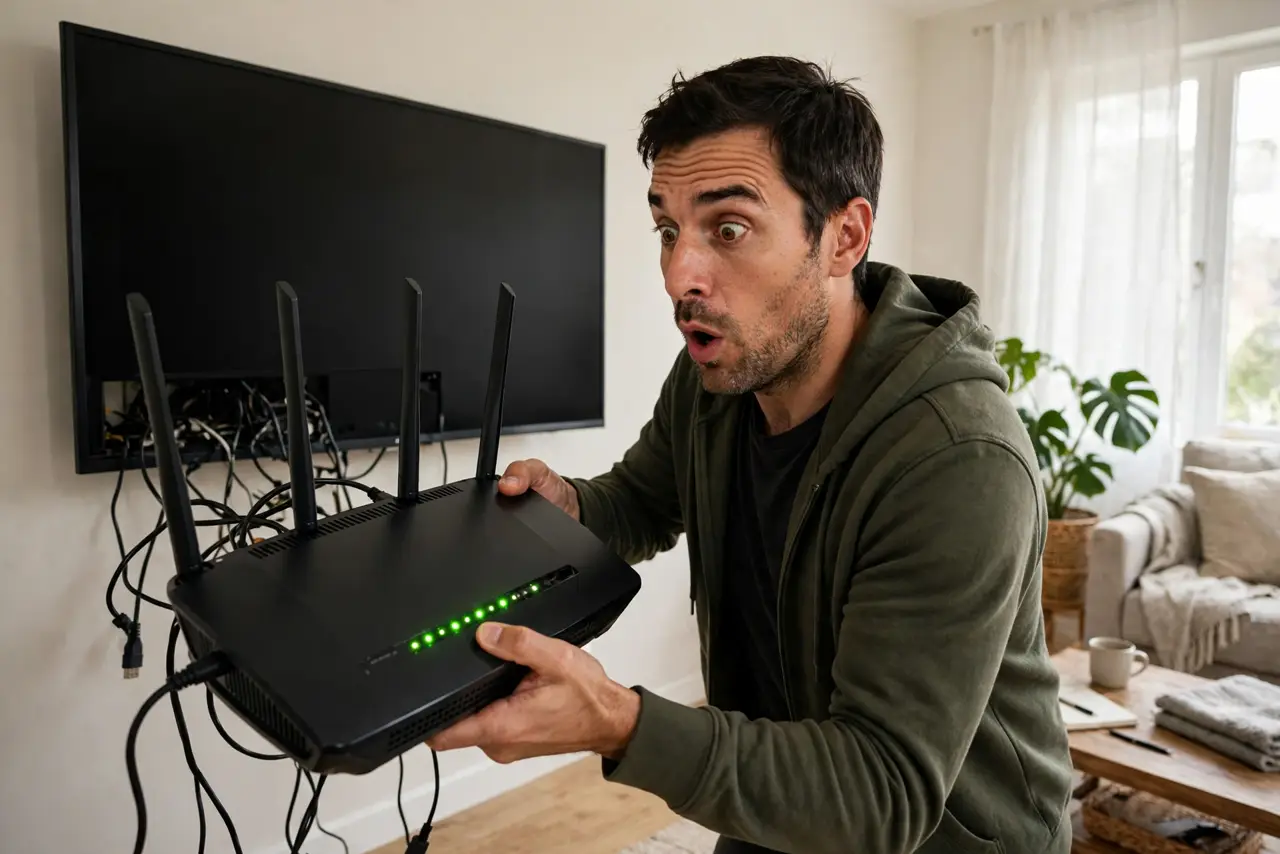
It looks tidy: router tucked behind the big flat TV, cables hidden, shelf clean. It is also one of the worst spots in the house — a large metal-and-glass slab that blocks, reflects, and absorbs Wi-Fi, usually in a corner, usually low. If your speeds are mysteriously bad, check behind the TV first.
TL;DR / Quick Fix
Quick fix: move the router out from behind the TV — the screen's metal backing blocks and reflects Wi-Fi, and the corner-low position wastes coverage. Place it elevated, central, and in the open instead. If the TV area is the only option, use the top of the media console.
Follow these steps
- Understand what the TV does to signal. A modern TV is a big sheet of metal, glass, and electronics. Wi-Fi hitting it gets absorbed and reflected — the router might as well be in a partial Faraday cage.
- Notice the corner trap. TVs live in corners and against walls — exactly where routers should not be. Behind-the-TV placement combines the two worst location mistakes.
- Move it to the console top. If the living room is the only home for the router, the top of the media console — in the open, elevated — is dramatically better than behind the screen.
- Separate it from other electronics. Game consoles, soundbars, and streaming boxes crowd the TV stand. Give the router a foot of clearance from the stack.
- Check the before/after. Run a speed test with the router behind the TV, then moved. The gap is usually embarrassing — and motivating.
- Rethink the whole room layout. If Wi-Fi matters more than cable tidiness, the router earns the good shelf. Aesthetics should serve the network, not strangle it.
What NOT to do
- Do not prioritize hidden cables over signal. A tidy dead zone is still a dead zone.
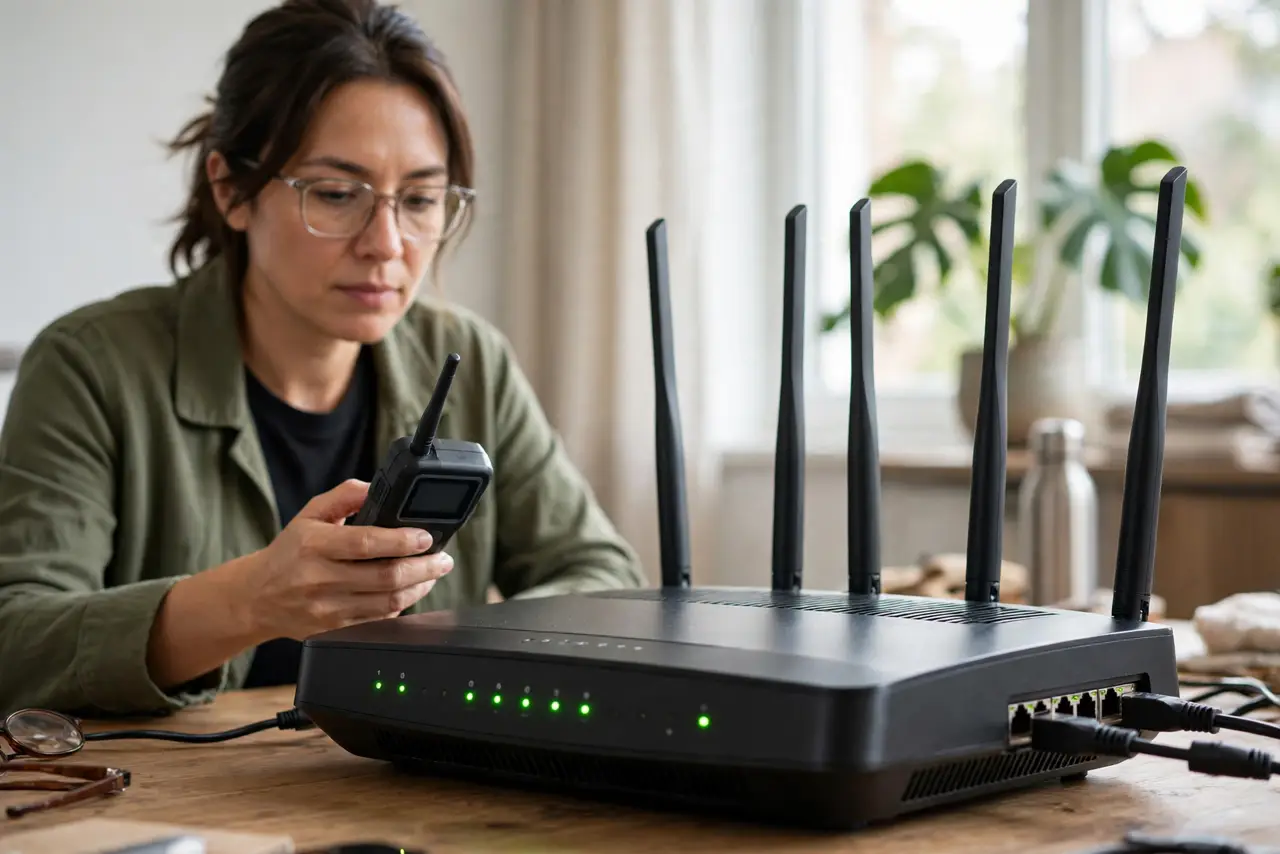
- Do not stack the router on top of the cable box either. Heat plus interference — the console-top spot should still be the router's own space.
- Do not assume the TV's 'game mode' affects this. The problem is physics (metal blocking radio), not settings.
- Do not buy a stronger router to overcome the TV. Moving the existing router six feet beats buying a flagship to shout through a screen.
Frequently asked questions
Is it really that bad?
Yes — it combines blockage (the TV), bad position (corner, low), and heat (crowded stand). It is the trifecta of placement mistakes.
What if there's nowhere else?
Console top, in the open, is the minimum fix. If even that is impossible, consider a mesh node elsewhere to carry coverage.
Does the TV interfere even when off?
Yes — the metal and glass block signal whether powered or not. Electronics add interference when on; the slab blocks always.