Satellite Internet? Basics
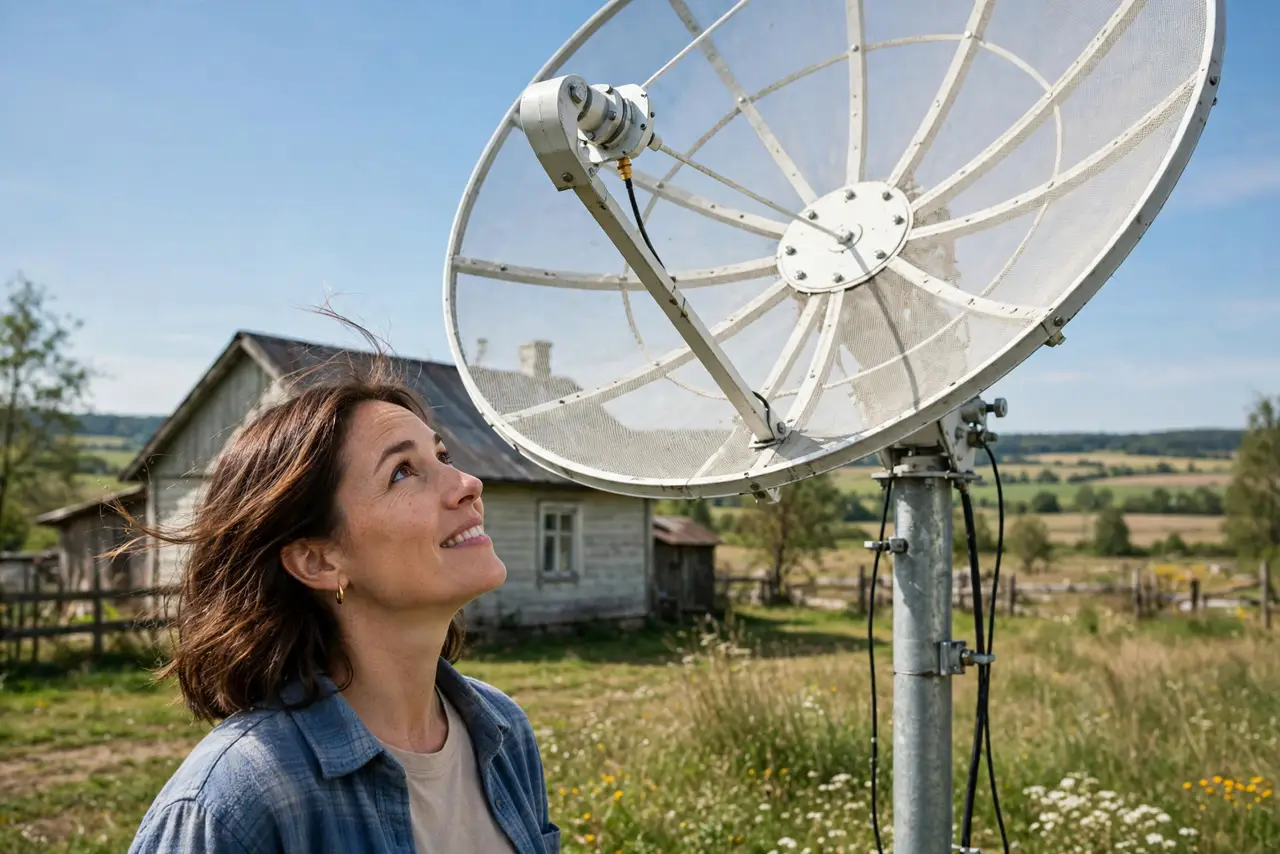
Satellite internet beams your connection from space — the option of last resort that became genuinely good. Modern low-orbit services deliver speeds and latency that old satellite could never touch, making rural internet finally usable for video calls. It still costs more than wired options and hates heavy rain. Here is the plain picture.
TL;DR / Quick Fix
Quick fix: satellite internet suits rural areas with no cable or fiber — modern low-orbit services offer 50 to 200+ Mbps with usable latency for video calls. You need a clear view of the sky. Expect higher prices than wired plans. Heavy storms can briefly interrupt service.
Follow these steps
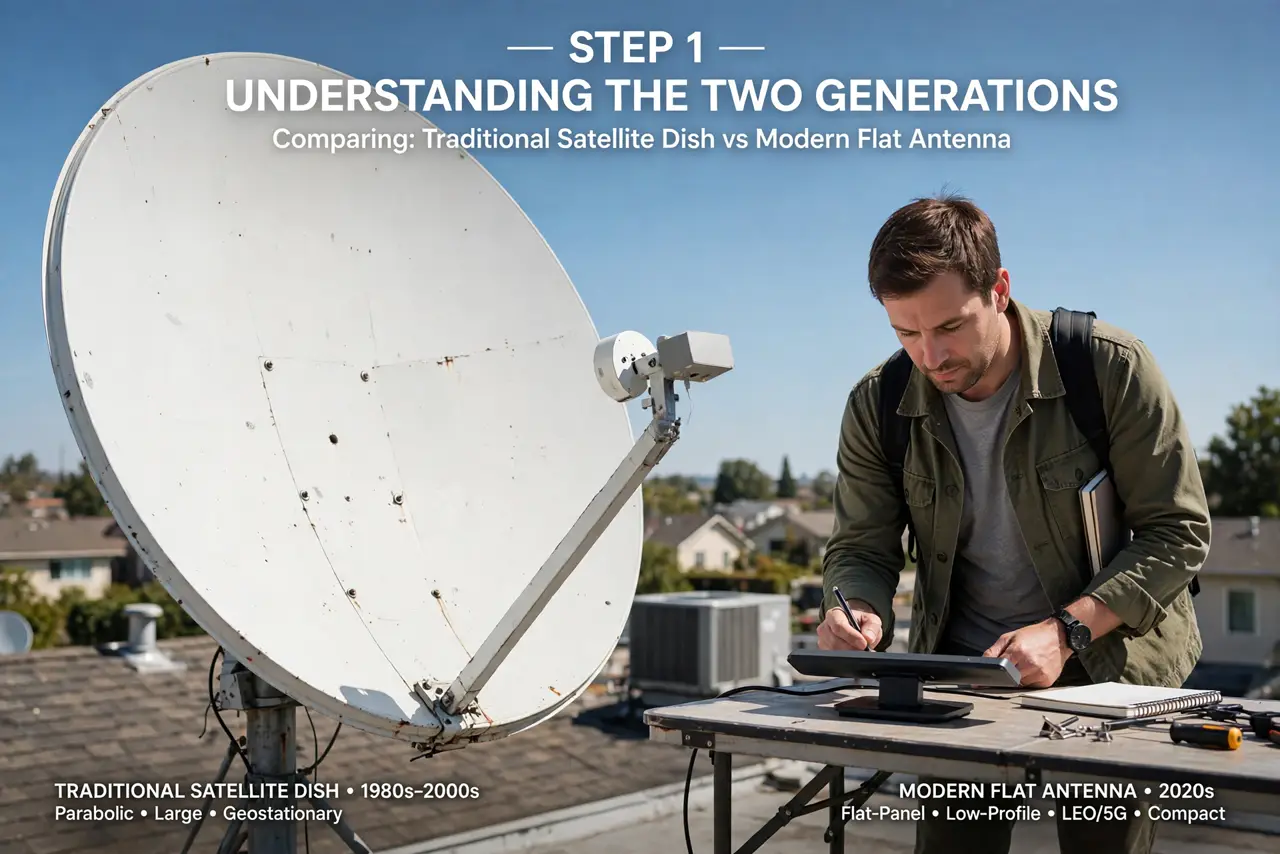
- Understand the two generations. Old geostationary satellite: slow, with half-second latency that ruins calls. New low-orbit constellations: far faster with latency like decent DSL. The generation decides everything — never judge satellite by the old reputation.
- Check your sky view. The dish needs a wide, clear view of the sky. Trees, buildings, and even heavy roof overhangs block the signal. Use the provider's app to scan your sky before ordering — a blocked view means constant dropouts.
- Know the real speeds. Low-orbit services typically deliver 50 to 200+ Mbps down — enough for 4K streaming and video calls. Uploads are modest. It beats DSL and rivals rural cable, but will not match city fiber.
- Expect weather effects. Heavy rain and snow degrade the signal temporarily. Mount the dish where you can reach it to clear snow, and know that severe storms may briefly interrupt service — plan a phone hotspot as backup.
- Weigh the cost. Hardware plus a monthly fee higher than wired plans is normal. Compare against your real alternatives: if the choice is satellite or nothing, the math is easy. If cable exists, cable usually wins on price.
- Note the messaging bonus. Modern phones add satellite messaging for emergencies — separate from home satellite internet, but part of the same skyward trend. And iPhones have their own emergency SOS.
What NOT to do
- Do not order before scanning your sky. A tree-blocked view means dropouts no support call can fix — check first with the provider's app.
- Do not expect fiber latency. Low-orbit is good, not perfect — competitive gaming still prefers wired.
- Do not mount the dish where snow buries it. Roof edges you cannot reach turn winter into outage season.
- Do not sign a long contract without a trial. Real-world speeds at your location are what matter — test during the return window.
Frequently asked questions
Is satellite internet good for gaming?
Casual gaming yes, competitive no. Low-orbit latency is playable but higher and less stable than wired — fiber or cable wins for serious play.
Does satellite work in bad weather?
Light rain is fine; heavy storms degrade or drop the signal temporarily. It is the main reliability caveat versus wired.
How much does satellite internet cost?
More than wired: expect a hardware purchase plus a monthly fee above typical cable plans. Prices fall over time, so check current offers.