Starlink? Plain Basics
You live where cable and fiber will never reach, and someone mentioned internet from space. Starlink is SpaceX's satellite internet: thousands of low-orbit satellites beam broadband to a dish on your roof, no phone lines or cables needed. It has real strengths and real quirks. Here is the plain-English picture before you spend a dime.

TL;DR / Quick Fix
Quick fix: Starlink delivers 50–200 Mbps internet via a dish that needs a clear view of the sky — great where cable does not reach. It costs more than city broadband and slows in rain. Check the coverage map for your address and compare with 5G home internet before ordering.
Follow these steps
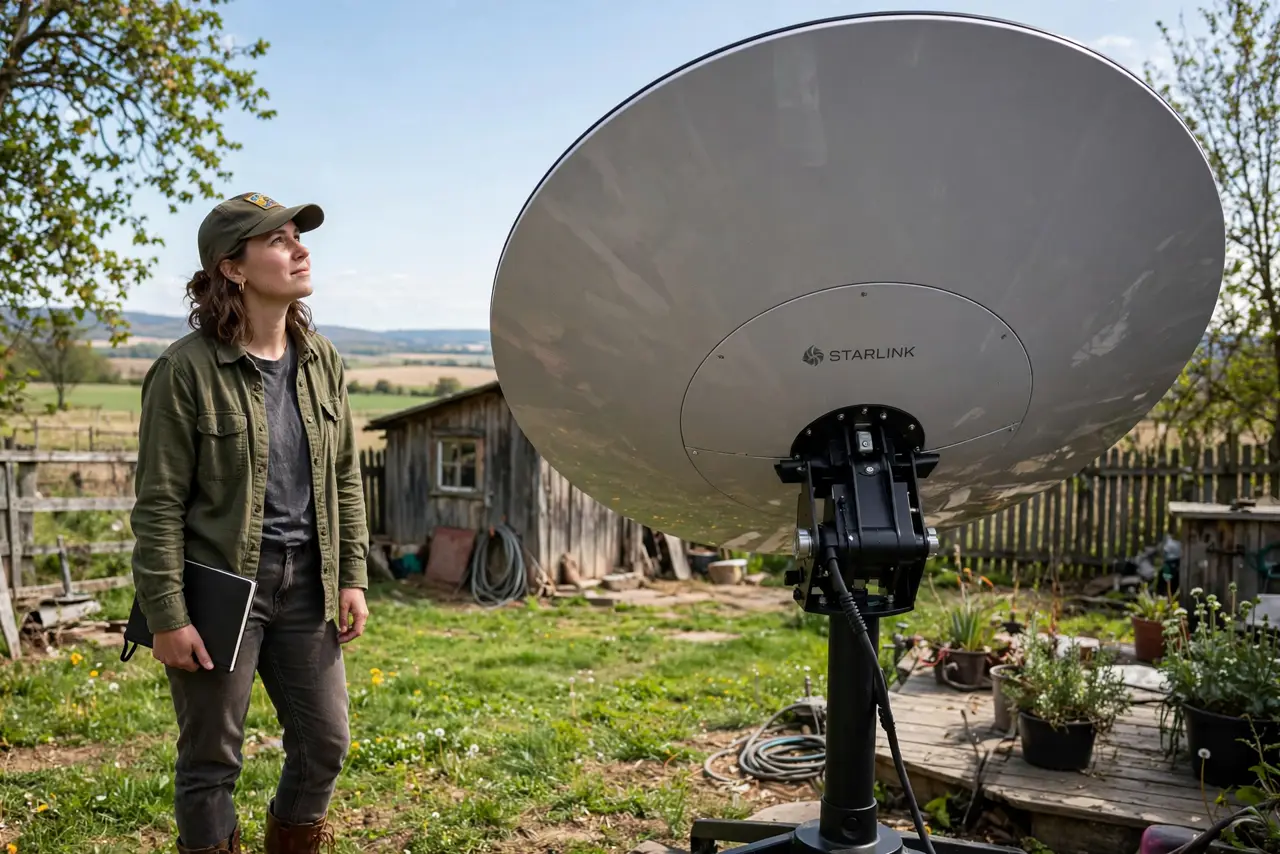
- Understand what Starlink is. A constellation of low-Earth-orbit satellites plus a motorized dish at your home. The dish tracks satellites automatically; you get broadband without any ground cables. It is real internet — browsing, streaming, video calls all work.
- Check the view of the sky. The dish needs a wide, clear view of the sky — trees and buildings block the signal and cause dropouts. Use the Starlink app's obstruction checker, pointing your phone camera at the sky from the planned mount spot.
- Know the real speeds and latency. Expect roughly 50–200 Mbps down with 25–50 ms latency — fine for streaming and calls, not chart-topping. Speeds vary by congestion and weather; heavy rain and snow can degrade the signal.
- Understand the costs. There is an upfront hardware cost for the dish plus a monthly subscription higher than typical city broadband. Factor both before comparing with alternatives — the hardware is the sticker shock.
- Set it up in the right order. Mount the dish with clear sky view, plug in the router, and let the dish align itself (it moves on its own — do not force it). The app walks through the rest; alignment takes several minutes.
- Know when Starlink is the answer. Rural homes, cabins, RVs, and boats with no cable option: Starlink shines. City apartments with fiber or cable available: it is overkill and overpriced — stick with ground internet.
What NOT to do
- Do not mount the dish where trees will grow into the view. What is clear sky today becomes obstruction in two summers — plan for growth.
- Do not expect fiber latency for competitive gaming. 25–50 ms is good for satellite but double or triple fiber — fine for casual play, not for esports.
- Do not force the dish to move. It aligns itself with motors; grabbing it can damage the mechanism.
- Do not order without checking alternatives first. If 5G home internet reaches you, it may be cheaper with no dish — compare before committing.
Frequently asked questions
Does Starlink work in bad weather?
Light rain is fine; heavy downpours and wet snow on the dish degrade or drop the signal. The dish has a heater for snow, but severe storms still interrupt service.
Can I take my Starlink dish traveling?
Roam plans allow it for RVs and boats, with some performance tradeoffs. The standard residential plan is tied to your service address.
Is Starlink affected by data caps?
Standard plans are effectively unlimited for typical use, though heavy users can be deprioritized during congestion. Check current plan terms — they change.