Static vs Dynamic IP?
Your home's public IP address usually changes every few days — that is a dynamic IP, and it is fine for nearly everyone. A static IP never changes, which matters only if you host servers, run a business VPN, or need reliable remote access. ISPs charge extra for static, and most homes should not pay. Here is the plain breakdown.
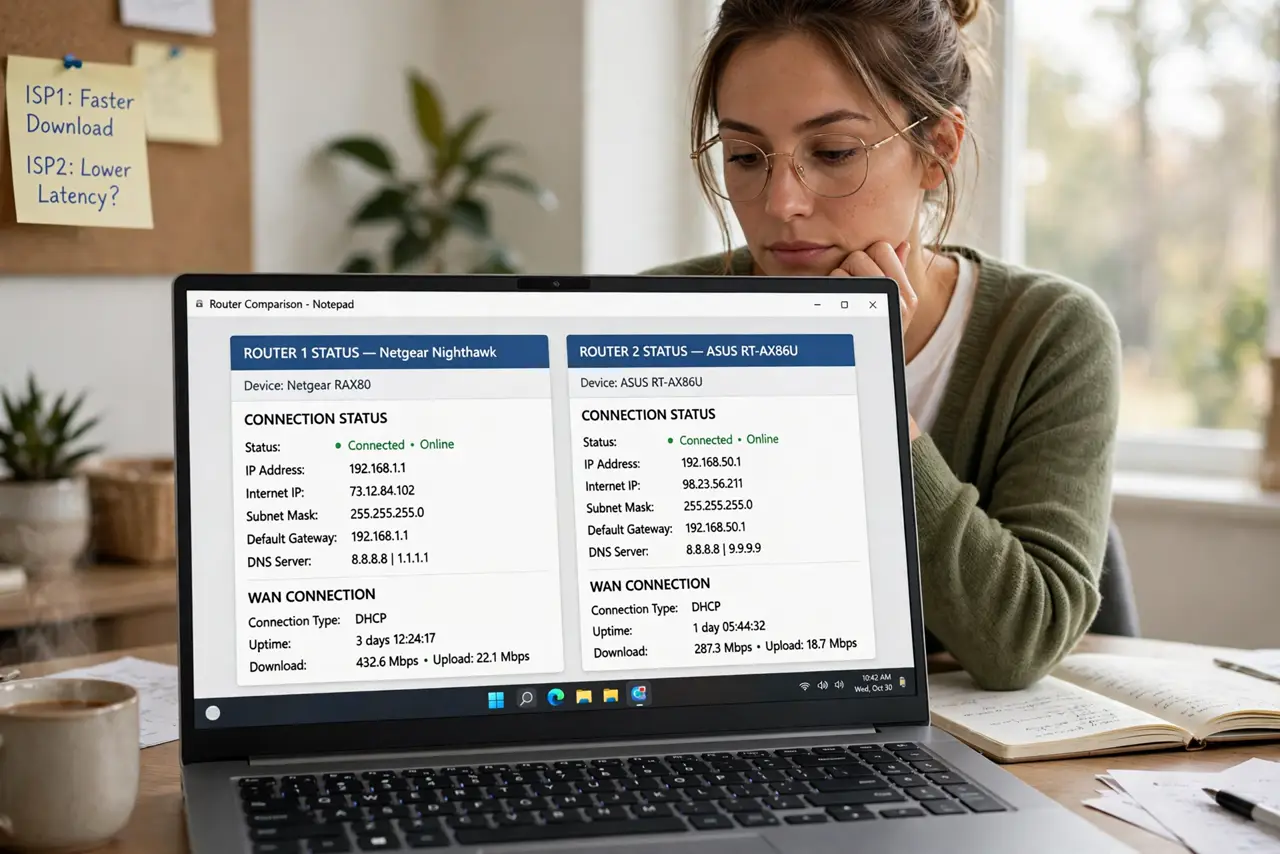
TL;DR / Quick Fix
Quick fix: a dynamic IP changes periodically — free, automatic, and fine for browsing, streaming, and gaming. A static IP stays fixed — needed only for hosting servers or remote access to home devices. Most ISPs charge monthly for static. Do not pay unless you host something.
Follow these steps
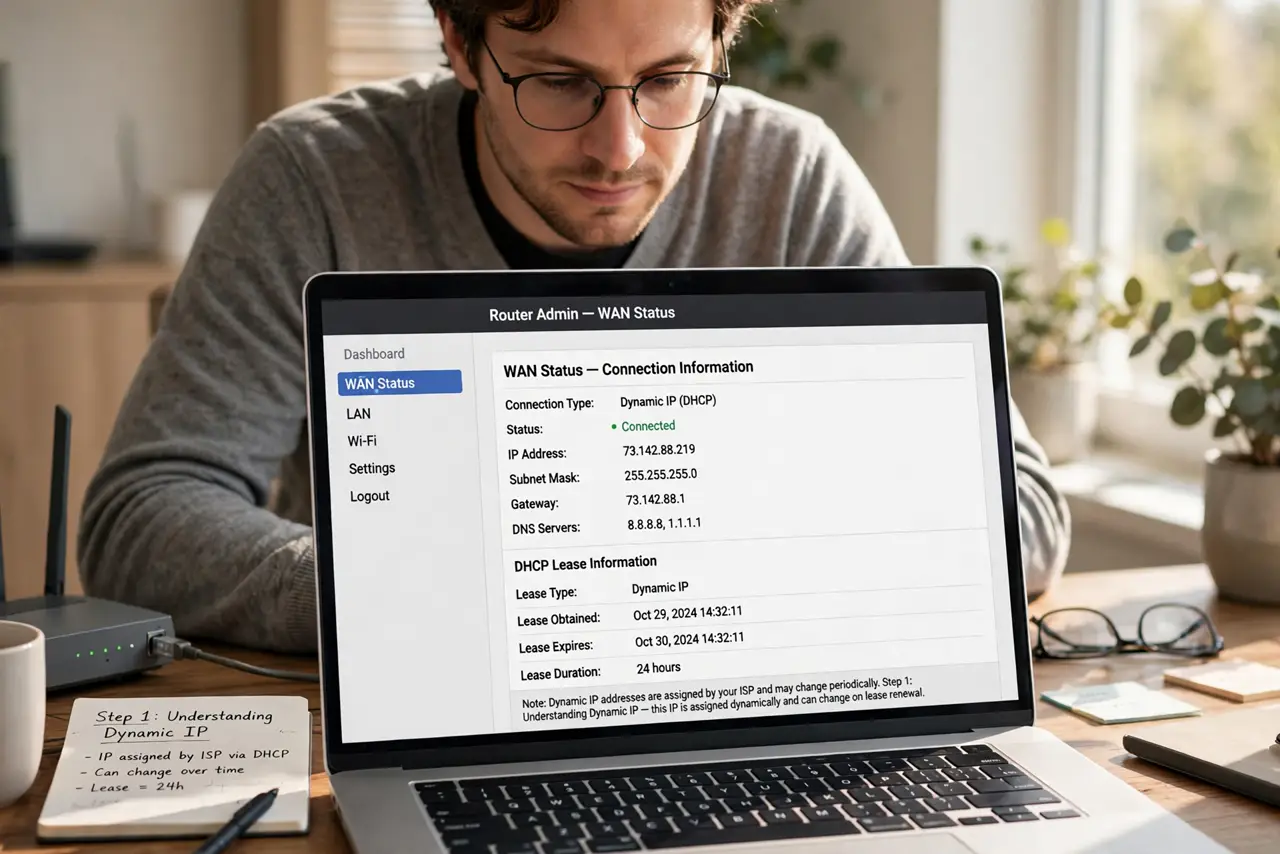
- Understand dynamic IP. Your ISP assigns an address from a pool, and it changes every few days or on router reboot. Everything you do — browsing, streaming, calls — works identically. Dynamic is the default and suits 95 percent of homes.
- Understand static IP. The address never changes. That stability lets the outside world reliably find you: self-hosted servers, security cameras you check remotely, a business VPN endpoint. Without a hosting need, it buys you nothing.
- Check which you have. Note your public IP on a 'what is my IP' site today and again in a few days. Changed? Dynamic. Same after weeks? Possibly static — or just a long lease. Either way, normal use is unaffected.
- Know the costs. Residential static IPs typically cost a monthly add-on fee; some ISPs only offer them on business plans. Do not pay it 'just in case' — buy it when a concrete need appears.
- Beware the CGNAT catch. Some 'static' offers are still behind CGNAT — a fixed address that is not truly public. Confirm with the ISP that the static IP is a real, public, non-CGNAT address before paying.
- Use dynamic DNS instead. Need remote access without static? A dynamic DNS service gives your changing IP a fixed hostname, updated automatically. Free tiers cover most home uses — the smart alternative to paying monthly.
What NOT to do
- Do not pay for a static IP 'just in case.' Without servers or remote access needs, it is pure surcharge.
- Do not assume static means public. Behind CGNAT, a static address may still be unreachable — verify it is truly public.
- Do not expose services carelessly. A static IP makes you findable — firewall everything you host.
- Do not confuse public and private IPs. Your router's 192.168.x.x is private and unrelated — this guide is about the public one.
Frequently asked questions
Do I need a static IP for gaming?
No. Players connect outbound, which works fine on dynamic IPs. Only hosting a public server needs an inbound-reachable address.
Will a static IP make my internet faster?
No. Speed is your plan; the IP type only affects addressability. Anyone selling speed via static IP is misleading you.
What is dynamic DNS?
A service that maps a fixed hostname to your changing IP, updating automatically. It gives you static-like reachability without the monthly fee.