Technician Visit? How to Prepare
A technician is coming Tuesday between 8 and 12 — and the difference between a 20-minute fix and a wasted visit is preparation. Techs can only fix what they can reach and what you can describe. A little prep — clear access, a symptom log, your account details — turns the visit from a shrug into a solution.
TL;DR / Quick Fix
Quick fix: before the visit, clear access to the modem, router, and wall outlets; write down exactly when the problem happens and what you already tried; and have your account number handy. Be home for the full window — missed visits mean rebooking weeks out.
Follow these steps
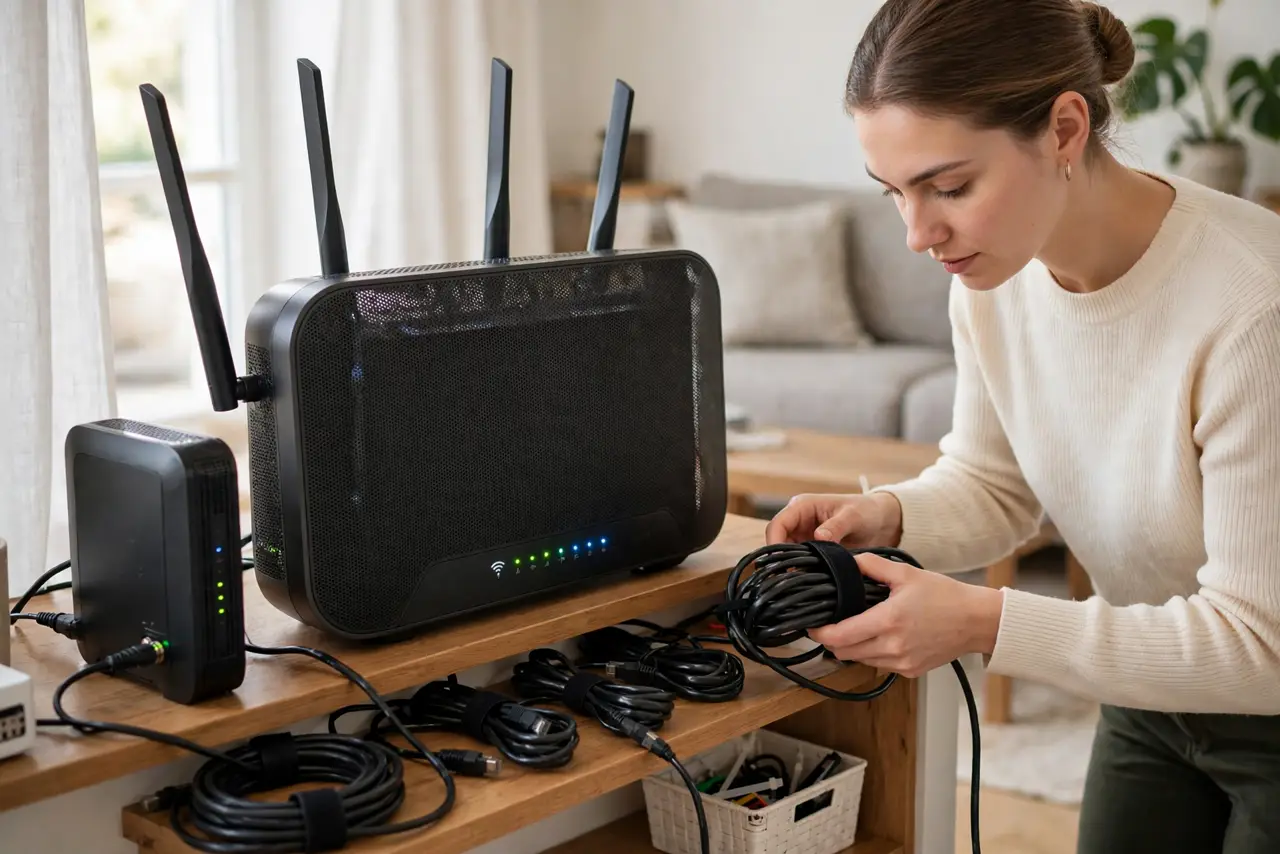
- Clear access to every relevant spot. Move furniture from the modem, the wall outlet, and the outside box if reachable. Techs on a schedule will not wait while you excavate a closet.
- Write down the symptoms precisely. 'Internet drops every evening around 7 for ten minutes' beats 'it's slow sometimes.' Note times, duration, which devices are affected, and whether wired connections drop too.
- List what you already tried. Reboots, cable swaps, different outlets — tell them upfront. It stops them repeating your steps and points them at deeper causes faster.
- Have your account number and ID ready. The tech verifies the account before touching anything. Having it ready saves the first ten minutes of the visit.
- Be home for the whole window. 'Between 8 and 12' means exactly that. A missed visit usually rebooks days out — and some providers charge a no-show fee.
- Ask what they changed before they leave. Get the plain-English version: what was wrong, what they fixed. It helps if the problem returns — and tells you whether to expect a follow-up.
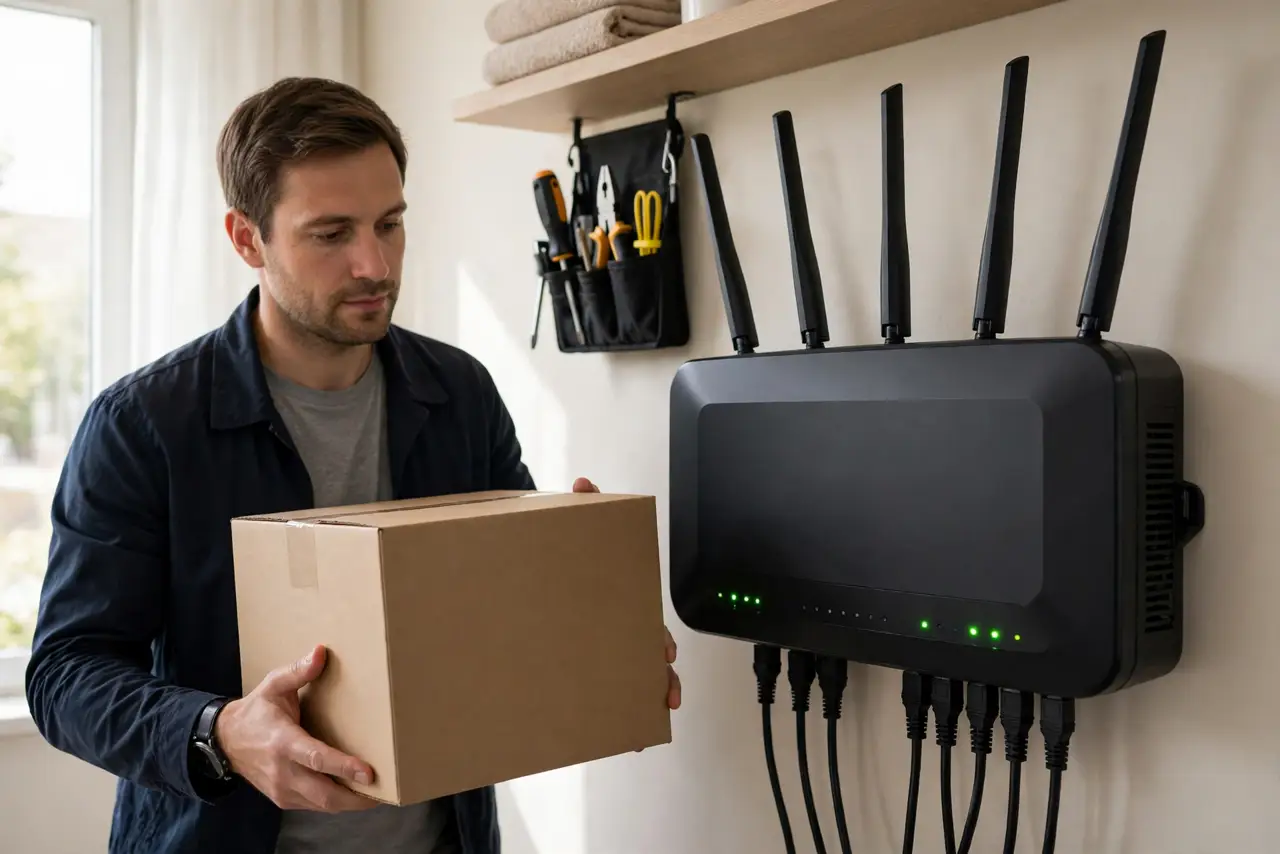
What NOT to do
- Do not say 'it's just slow' and nothing else. Vague complaints get vague fixes — specifics get solutions.
- Do not hide the messy wiring. The tech needs to see the real setup, embarrassing cables and all — that mess might be the problem.
- Do not schedule the visit when nobody tech-savvy is home. The tech may need passwords and decisions only you can give.
- Do not let them leave without a test. Run a speed test and confirm the original symptom is gone while they are still there.
Frequently asked questions
Should I tip the technician?
Not expected, but a glass of water and clear access are always appreciated. A good review for the tech costs nothing.
What if the problem doesn't happen while they're there?
Show them your symptom log with times. Intermittent issues get escalated to line monitoring — your notes make that possible.
Can they fix Wi-Fi dead spots?
They fix the line to your home and the modem. In-home Wi-Fi coverage is usually your equipment's job — see dead zone mapping.