Self-Install Kit? What to Expect
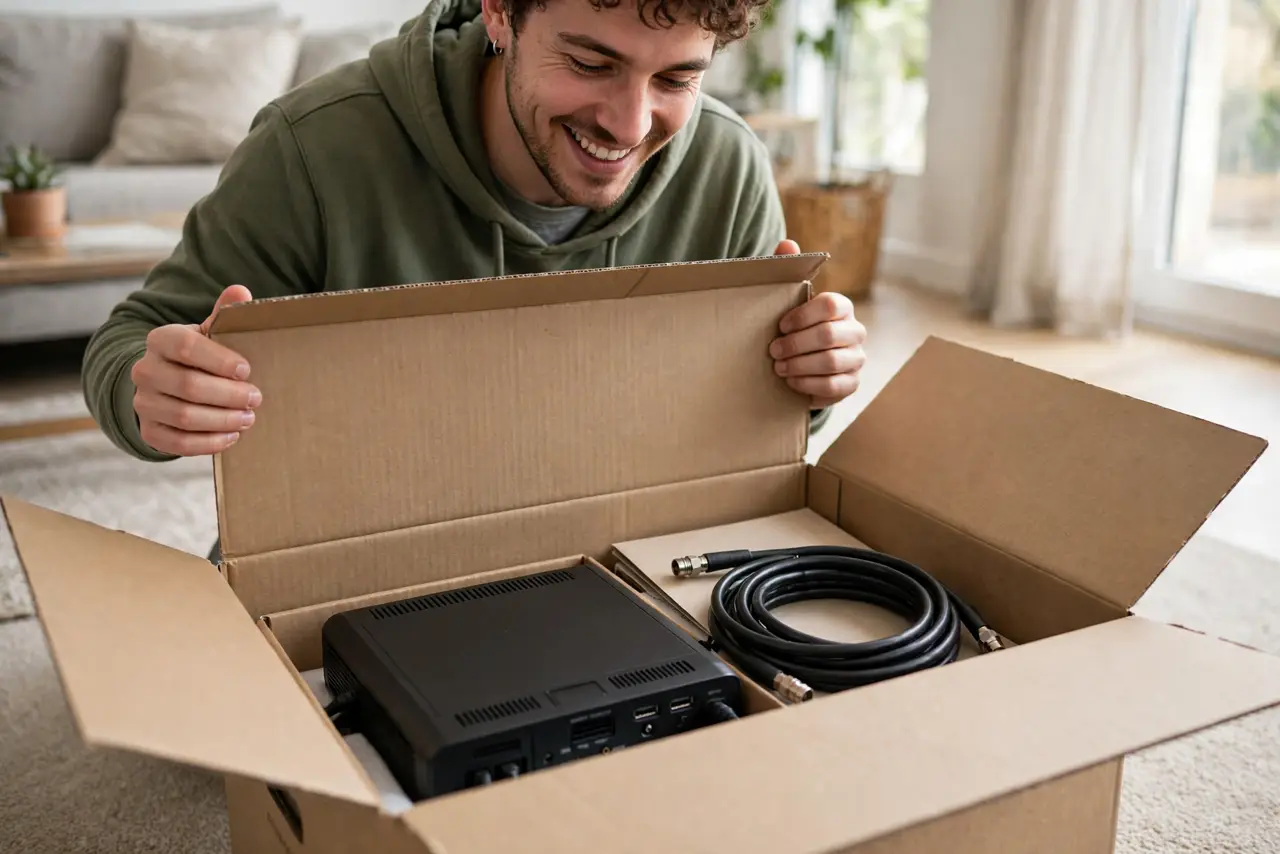
The ISP is mailing you a box instead of sending a technician — cheaper for them, and honestly easier for you if the wiring already exists. A self-install kit is just a modem, cables, and an activation process. Here is what arrives, what to do in what order, and when to admit defeat and request the technician.
TL;DR / Quick Fix
Quick fix: a self-install kit works when your home already has active wiring to the street. Connect the modem to the outlet, power it up, wait for solid lights, then activate via the ISP's app. If the outlet was never live, no kit will work — that needs a technician.
Follow these steps
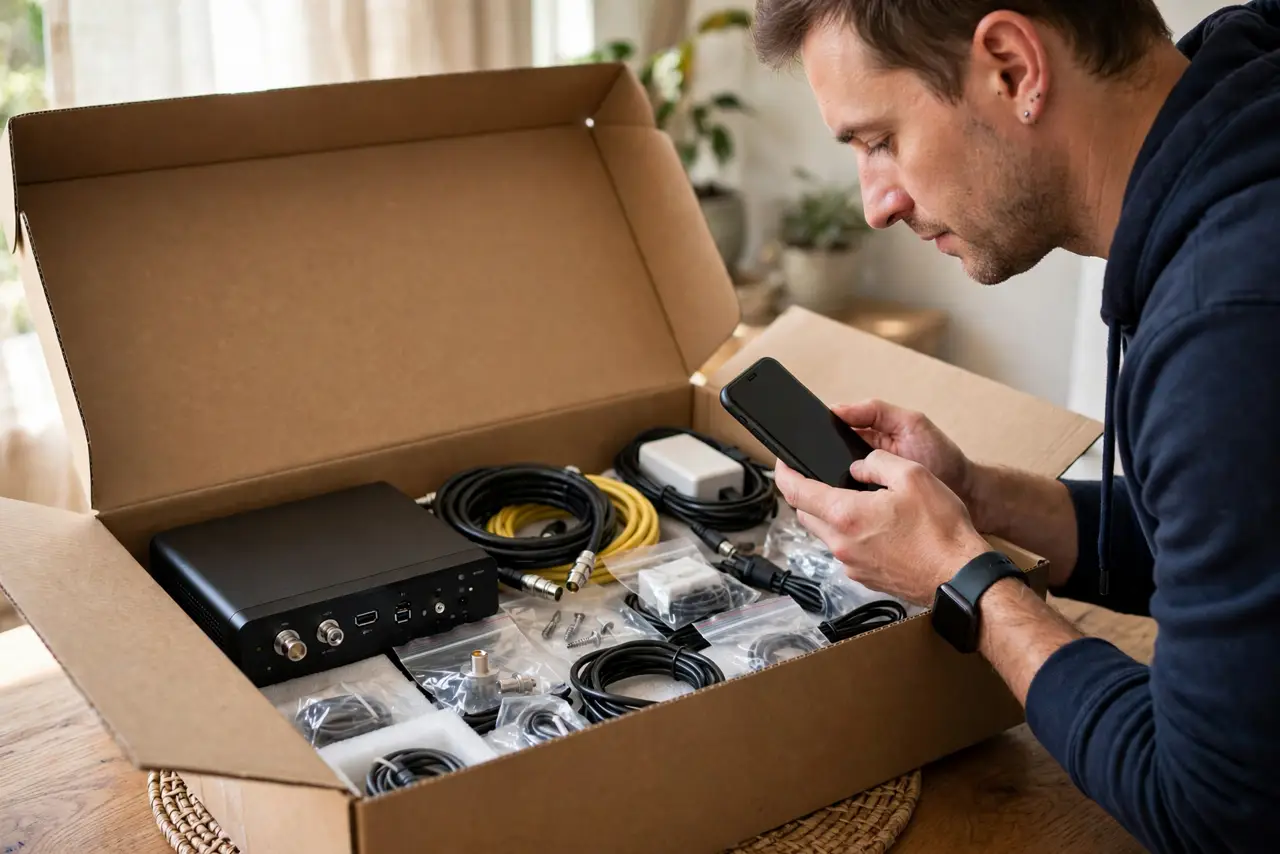
- Check the box contents first. Modem or gateway, coaxial or phone cable, ethernet cable, power adapter, and a quick-start guide. Missing pieces are common — inventory before you start.
- Find the right wall outlet. Cable internet needs the coaxial outlet; DSL needs the phone jack; fiber needs the ONT box. The kit only works on the outlet type matching your service.
- Connect modem, then power, then patience. Hook up the cable, plug in power, and wait — first boot can take 10–15 minutes as the modem talks to the network. Blinking lights are normal during this.
- Activate through the ISP's app or site. Most providers activate online now — enter the modem's serial or MAC when prompted. Keep the quick-start guide handy for the exact steps.
- Test with a wired device first. Plug a laptop into the modem with ethernet before setting up Wi-Fi. If wired works, the line is good and any remaining issue is Wi-Fi setup.
- Know when to call for a technician. No signal after an hour, no matching wall outlet, or visibly damaged wiring — these need a truck roll. Do not force it; failed self-installs are free to escalate.
What NOT to do
- Do not plug the modem into a random outlet and hope. Only the outlet wired to the street works — others are dead ends.
- Do not skip the waiting period. Power-cycling a modem mid-provisioning restarts the whole handshake — let it finish.
- Do not throw away the quick-start guide. The activation steps and support number on it are exactly what you need mid-install.
- Do not assume Wi-Fi problems mean the install failed. If wired works, the service is live — Wi-Fi is a separate setup step.
Frequently asked questions
How long does self-install take?
About 30–45 minutes including the modem's first boot. Most of that is waiting on lights, not doing things.
What if my apartment has no matching outlet?
Then self-install cannot work — request a technician. Some buildings need new wiring run, which only the ISP can do.
Is self-install cheaper?
Usually yes — providers often waive the install fee for self-install. It is also faster than waiting a week for an appointment.