Traceroute? Plain Basics
Your connection to one site is slow while everything else flies, and support asks you to 'run a traceroute' like that means something. Traceroute maps every hop your data takes to reach a server, showing exactly where the delay appears. It is the follow-up to a ping test when ping says something is wrong but not where. Here is the plain version.
TL;DR / Quick Fix
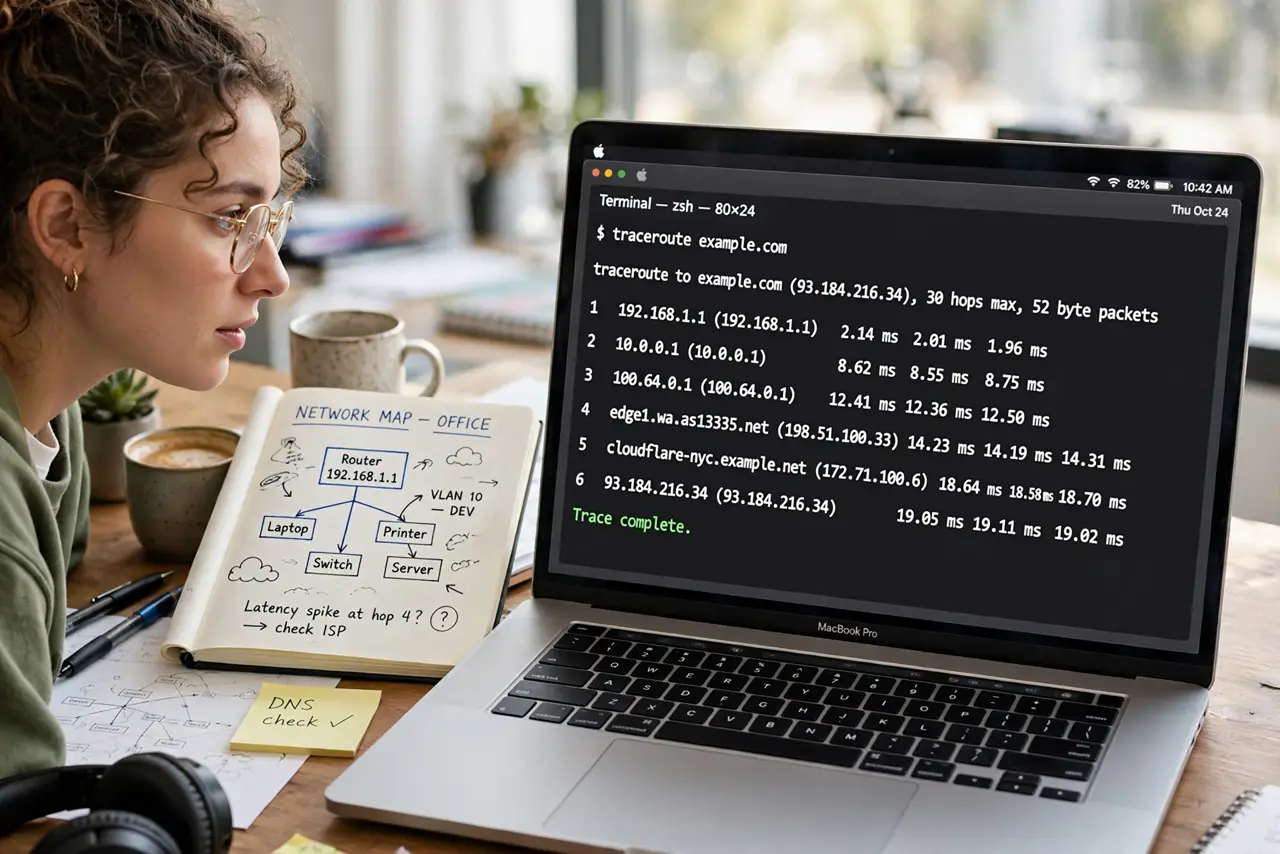
Quick fix: on Windows open Command Prompt and type tracert example.com; on Mac open Terminal and type traceroute example.com. Each line is one hop with its delay. The hop where times suddenly jump is where your problem lives. Send the full output to support.
Follow these steps
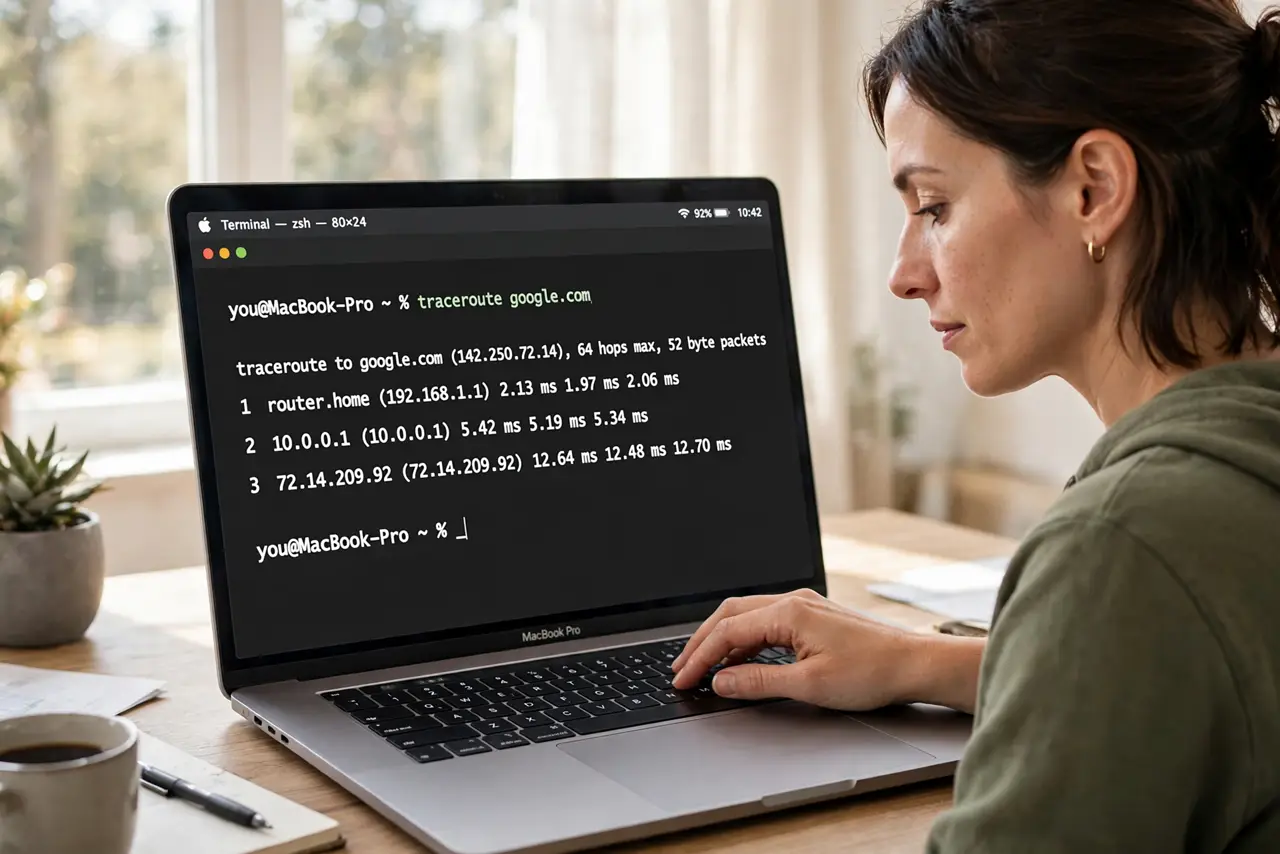
- Run it from the command line. Windows: Command Prompt, then tracert followed by the site address. Mac: Terminal, then traceroute followed by the address. No installs needed — it is built in, like the ping test.
- Read it hop by hop. Each numbered line is a router your data passes through, with three time measurements. Early hops are your home network; middle hops are your ISP and the internet backbone; the last hop is the destination.
- Find where times jump. If hops 1 to 5 show 20 ms and hop 6 shows 200 ms, the problem sits between hops 5 and 6. That boundary is the useful fact — everything before it is innocent.
- Ignore the asterisks calmly. Some routers refuse to answer and show * * * instead of times. That is normal firewall behavior, not a failure — only worry if every hop after that point also fails.
- Run it a few times. Routes change minute to minute on the internet. One traceroute is a snapshot; three runs show whether the slow hop is consistent or a one-off blip.
- Send the whole output to support. Copy the full text, not a summary. Support reads hop patterns the way mechanics read engine sounds — the raw output beats 'it is slow' every time.
What NOT to do
- Do not panic at high times on middle hops. Backbone routers deprioritize traceroute replies; only the final hop's time truly matters for your experience.
- Do not traceroute once and conclude. Internet routes flap constantly — a single slow run can be a momentary reroute.
- Do not assume the slow hop is your ISP's fault. The delay can sit anywhere along the path, including the destination's own network.
- Do not run traceroutes in a loop as a monitor. It is a diagnostic snapshot, not a monitoring tool — constant probing can look like abuse.
Frequently asked questions
What is the difference between ping and traceroute?
Ping tells you the total delay to a server. Traceroute shows each stop along the way, so you can see where the delay appears.
Why do some hops show no times at all?
Those routers are configured not to answer traceroute probes. It is deliberate and normal, not a broken connection.
Can traceroute fix my connection?
No — it only diagnoses. But it tells you (and your ISP) exactly where to look, which is half the fix.