Wi-Fi 6 vs 6E vs 7? Plainly
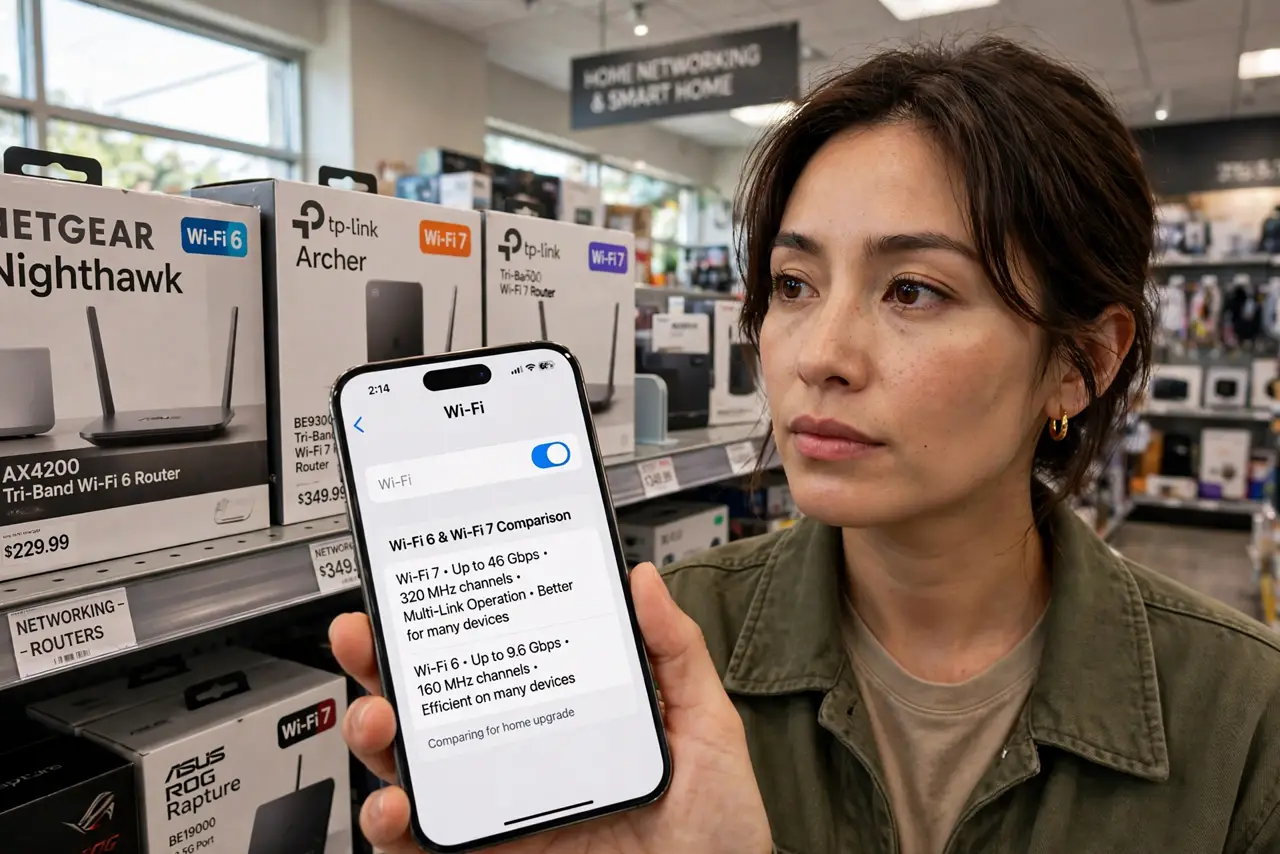
Router boxes shout Wi-Fi 6, 6E, and 7 like each one obsoletes the last, and the price jumps suggest you need the newest. The real differences are narrower — and whether you benefit depends entirely on your devices, not the box. Here is each generation in plain terms and who should actually pay for it.
TL;DR / Quick Fix
Quick fix: Wi-Fi 6 is the sensible baseline today — faster and better with crowded device counts than Wi-Fi 5. Wi-Fi 6E adds the clean 6 GHz band for congestion-free speed at close range. Wi-Fi 7 is the premium future option — only worth it if your devices support it.
Follow these steps
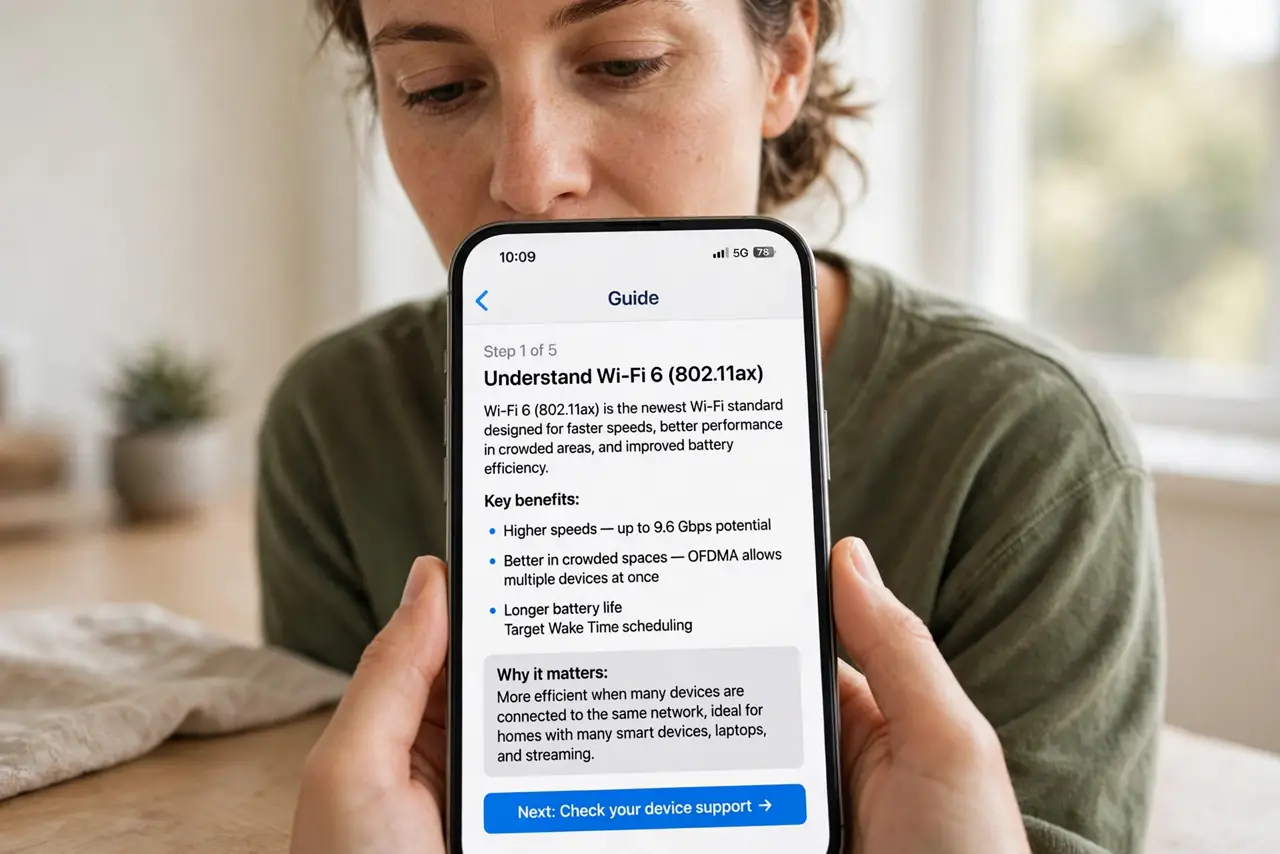
- Understand Wi-Fi 6 (802.11ax). The mainstream standard: better efficiency with many devices, solid speed gains over Wi-Fi 5. If your router predates it, this is the upgrade that matters most.
- Understand Wi-Fi 6E. Wi-Fi 6 plus access to the 6 GHz band — a fresh, empty highway. Needs 6E-capable devices to use it; older gadgets cannot see 6 GHz at all.
- Understand Wi-Fi 7 (802.11be). Even wider channels and lower latency — genuinely impressive, genuinely premium-priced, and only useful with Wi-Fi 7 devices you probably do not own yet.
- Check your devices before the router. A Wi-Fi 7 router serving Wi-Fi 5 phones delivers Wi-Fi 5 speeds. List your newest phone and laptop's Wi-Fi standard — buy the router that matches them.
- Do not upgrade for a single number. If your internet plan is 300 Mbps, even Wi-Fi 5 handles it. Router generations matter most when the plan is fast and the device count is high.
- Consider timing. Buying Wi-Fi 6 today is safe and cheap; waiting for Wi-Fi 7 prices to fall is reasonable if nothing you own supports it yet.
What NOT to do
- Do not buy Wi-Fi 7 'for the future' at launch prices. By the time your devices support it, the routers will be far cheaper.
- Do not assume a new router fixes a slow plan. The router cannot deliver speed the provider does not send — check the plan first.
- Do not mix up the standard with the band. Wi-Fi 6 works on 2.4 and 5 GHz; the 6 GHz band needs 6E or 7 specifically.
- Do not toss a working Wi-Fi 5 router that meets your needs. If speeds are fine, the badge is just marketing.
Frequently asked questions
Will Wi-Fi 6 make my 100 Mbps plan faster?
No. The plan is the ceiling — Wi-Fi 6 only helps when the plan and the old router were the limits.
Do all my devices need to be Wi-Fi 6?
No — new routers serve old devices fine. But only Wi-Fi 6 devices get the new efficiency benefits.
Is Wi-Fi 6E worth it in an apartment?
Often yes — the 6 GHz band dodges the neighbor congestion that chokes 2.4 and 5 GHz in dense buildings, at close range.