Wi-Fi Dead Zones? Map Them
Video calls freeze in the bedroom, the doorbell drops at the front door, and the backyard is a connectivity desert. Those are Wi-Fi dead zones — and guessing at fixes wastes money. Ten minutes with your phone as a signal meter maps exactly where coverage dies, so every fix lands where it matters.
TL;DR / Quick Fix
Quick fix: walk your home with a Wi-Fi signal app open and note where the signal drops — that's your dead-zone map. Most dead zones are fixed by moving the router to a central, elevated, open spot. For stubborn far corners, add an extender halfway or a wired access point.
Follow these steps
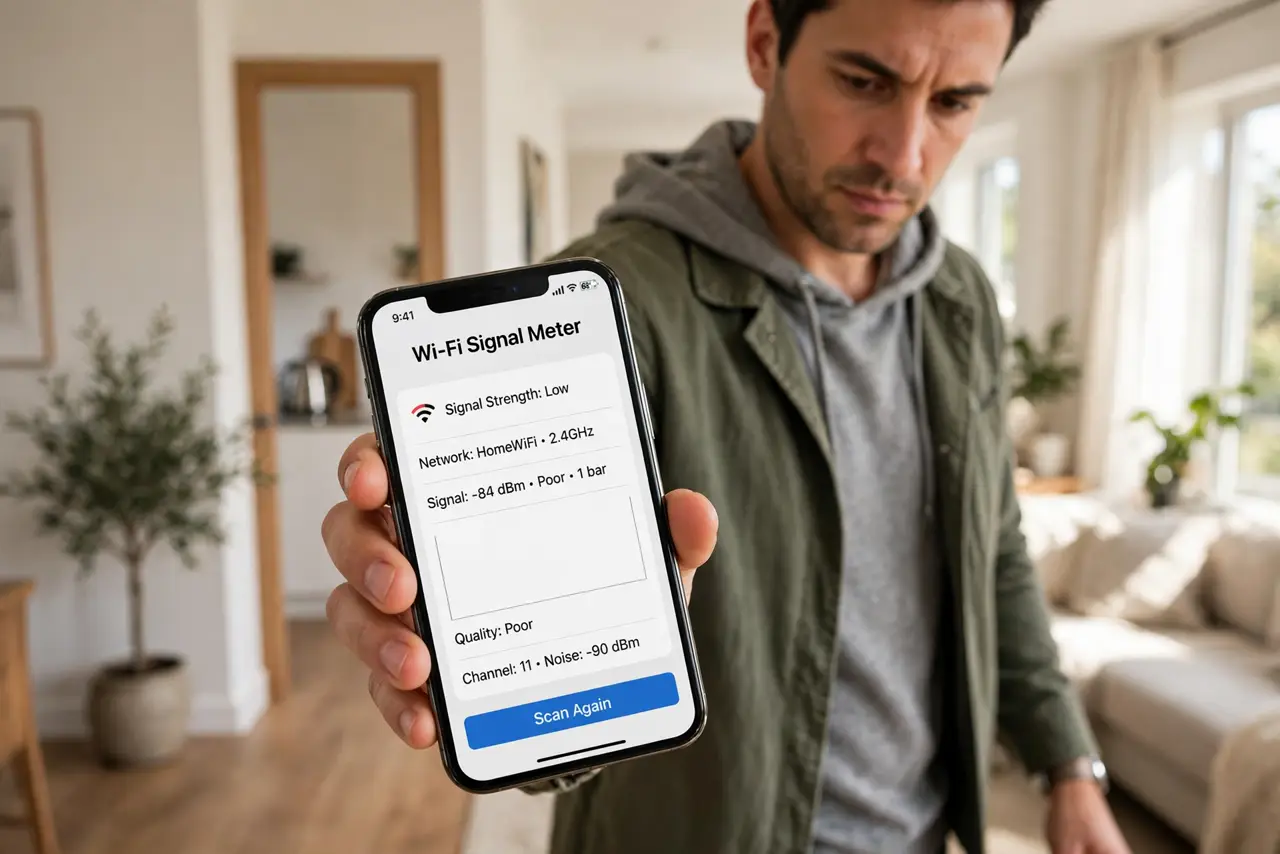
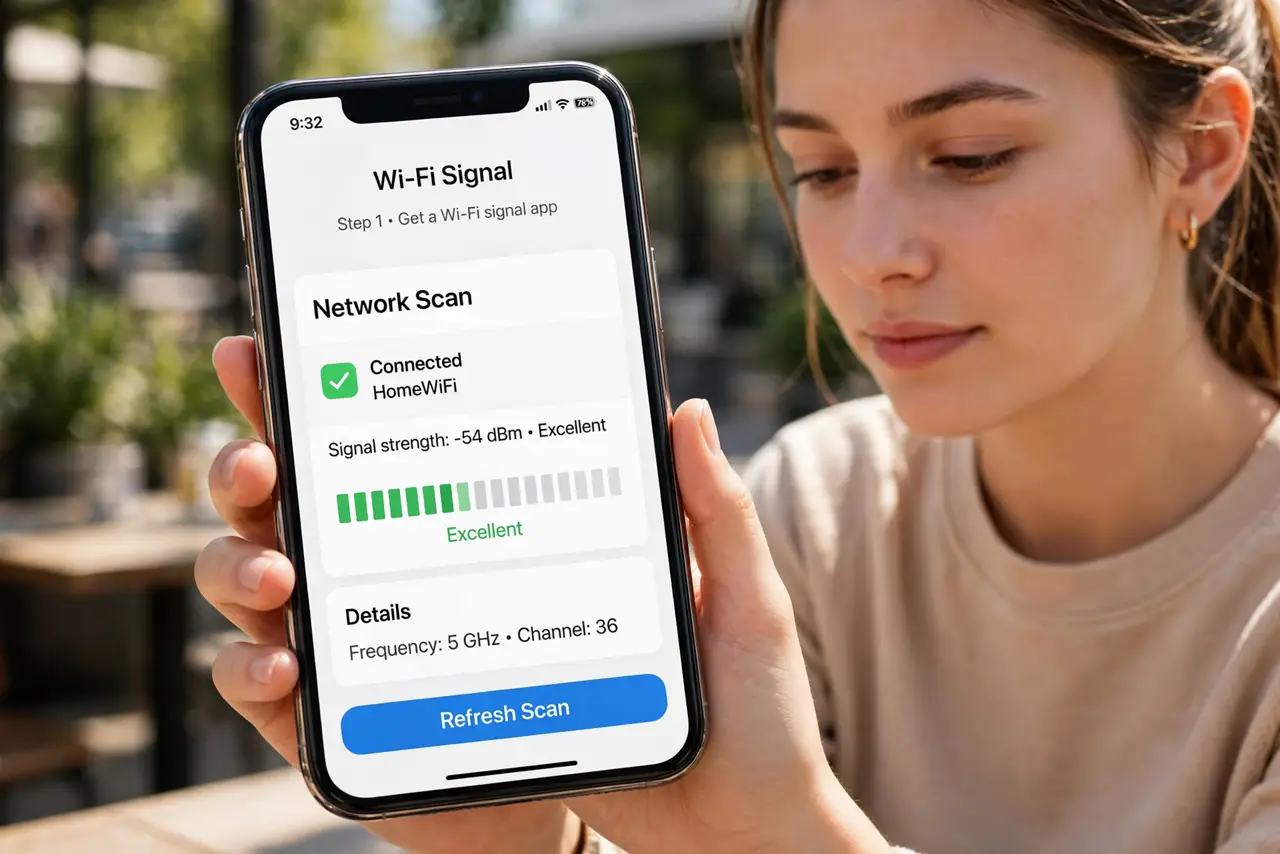
- Get a Wi-Fi signal app. Free signal-meter apps show exact strength numbers as you walk. Bars lie; the dBm number does not — note where it tanks.
- Walk every room and note the weak spots. Move slowly, phone in hand, and mark where the signal drops. Doorways, far bedrooms, and the yard are the usual suspects.
- Check what's between the router and the dead zone. Brick, concrete, mirrors, aquariums, and metal appliances all murder Wi-Fi. The map plus the obstacle list usually explains every dead zone.
- Move the router central, high, and open. The single highest-impact fix: routers belong in the middle of the home, chest-high or higher, out in the open — not in a cabinet or behind the TV.
- Fill remaining gaps deliberately. A mapped weak corner gets a well-placed extender; a dead far room gets a wired access point. Targeted fixes beat blanket gear.
- Re-map after each change. One walk with the meter confirms the fix worked. Do not stack a second gadget on an untested first one.
What NOT to do
- Do not buy gear before mapping. Half of all 'dead zones' vanish when the router moves six feet to a better spot.
- Do not trust the router's own 'coverage' claims. Marketing circles on the box assume open air — your walls disagree.
- Do not place the router on the floor. Wi-Fi spreads outward and slightly downward — floor placement wastes half the signal into the ground.
- Do not ignore the 2.4 vs 5 GHz split. A 'dead zone' on 5 GHz may have perfectly usable 2.4 GHz — check both bands while mapping.
Frequently asked questions
What signal strength is actually bad?
As a rule of thumb, weaker than about -70 dBm means flaky; -80 is nearly dead. Your app shows the number — trust it over bars.
Can neighbors' Wi-Fi create dead zones?
Not dead zones exactly, but interference that mimics them. In apartments, switching to a less crowded channel helps — see change the channel.
Why is the yard always a dead zone?
Exterior walls are the thickest signal killers in the house, and distance finishes the job. Outdoor coverage usually needs an outdoor access point.