Wi-Fi Slow but Wired Fine? Fix It
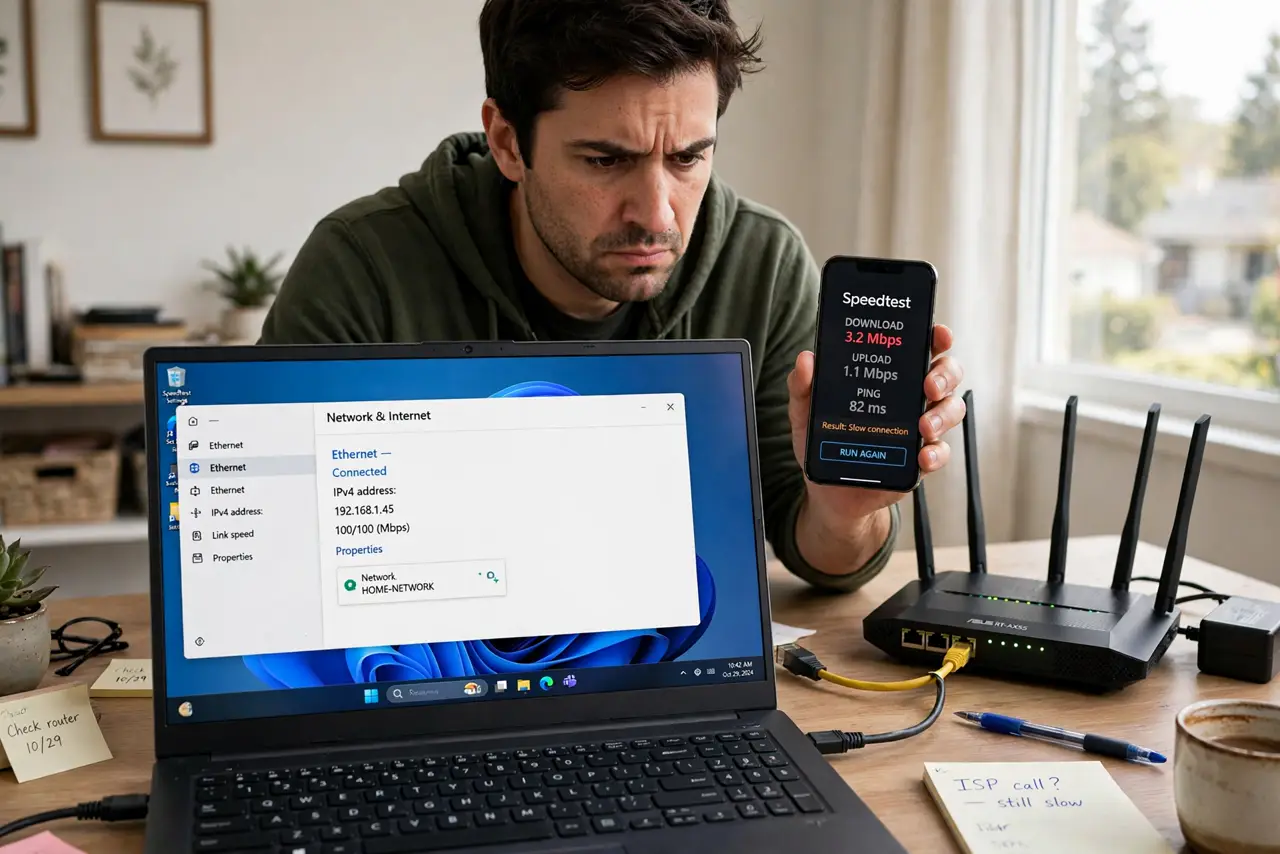
Plug a laptop into the router with a cable and pages fly; unplug it and everything crawls. That split verdict is actually great news — your internet plan and the line to your house are fine. The problem lives entirely in the wireless hop between your router and your devices. This guide hunts it down step by step.
TL;DR / Quick Fix
Quick fix: if wired is fast but Wi-Fi is slow, the internet itself is fine — wireless hop is the bottleneck. Run a speed test on both to confirm the gap. Move closer to the router: if speed recovers, it is range or interference; if not, suspect the router's Wi-Fi.
Follow these steps
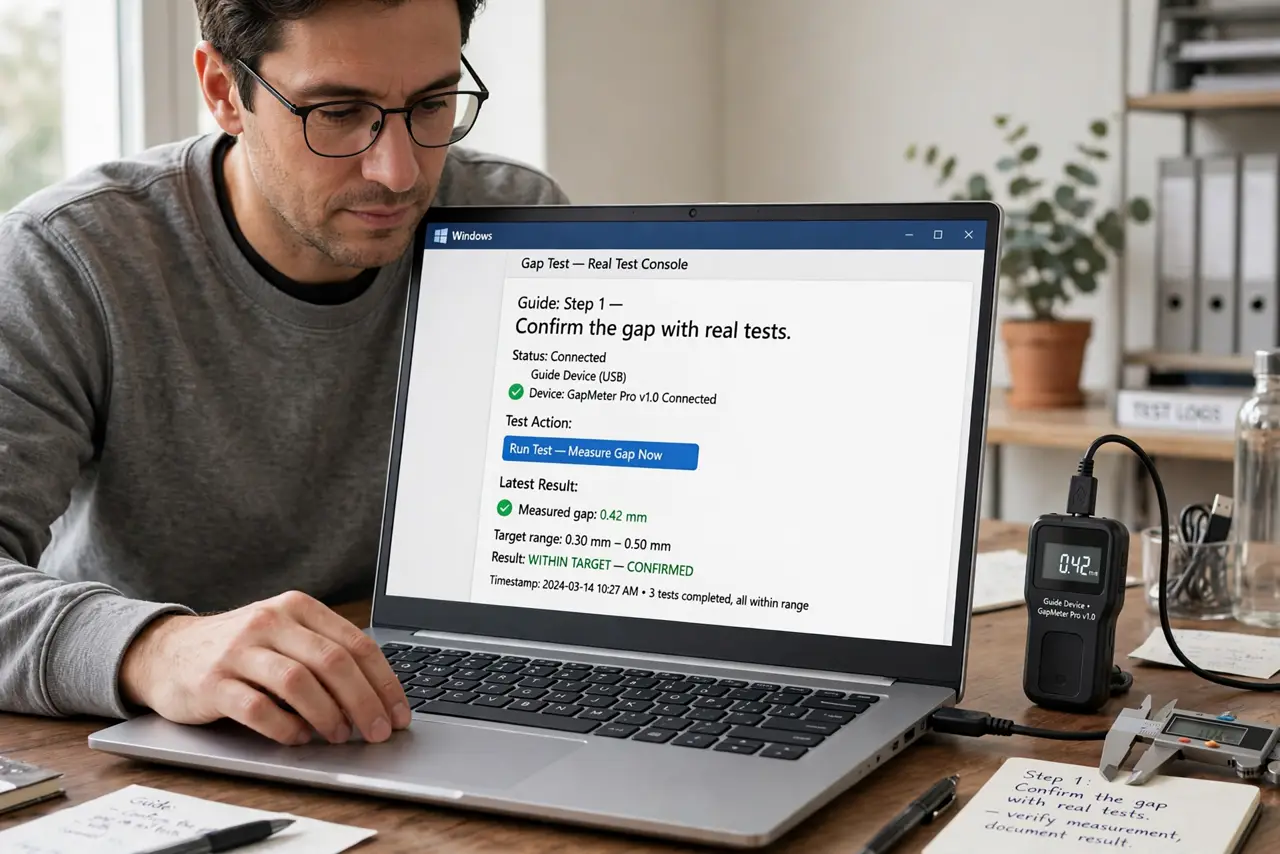
- Confirm the gap with real tests. Run a proper speed test on the wired laptop, then on Wi-Fi in the same room. A big, consistent gap proves the wireless hop is the problem — not your plan.
- Test right next to the router. Stand three feet away and retest on Wi-Fi. Full speed here means range or interference; still slow means the router's Wi-Fi itself is struggling.
- Switch to the 5 GHz band. If your devices sit on 2.4 GHz, move them to 5 GHz — it is dramatically faster at close range. See 2.4 vs 5 GHz for the full comparison.
- Change the Wi-Fi channel. Neighbors' routers on the same channel slow everyone down. Log into the router and try channels 1, 6, or 11 on 2.4 GHz, or let 5 GHz auto-select — see change the channel.
- Count your connected devices. Twenty gadgets sharing one old router's Wi-Fi is a traffic jam. Disconnect what you are not using and see if the rest speed up.
- Consider the router's age. A decade-old router cannot do what modern Wi-Fi does. If it predates Wi-Fi 5, an upgrade is the fix — see old router bottlenecks.
What NOT to do
- Do not upgrade your internet plan to fix this. Wired already proves the plan delivers — paying for more speed changes nothing about the wireless hop.
- Do not factory-reset the router first. Try placement, band, and channel changes before wiping every setting.
- Do not test speed over a VPN or during a big download. Both skew results — test clean, then judge.
- Do not assume one slow device means broken Wi-Fi. If only one gadget crawls, see one device slow — the problem is that device, not the network.
Frequently asked questions
Why is wired so much faster than Wi-Fi?
Cables get a private, interference-free lane. Wi-Fi shares airspace with neighbors, walls, and gadgets — physics, not a fault.
My phone is slow but my laptop is fine — why?
Different Wi-Fi radios. An old phone with an old Wi-Fi chip caps out lower than a modern laptop on the same network.
Will a Wi-Fi extender fix it?
Rarely well — extenders halve speed. A mesh system or a better-placed router usually beats an extender.