Video Calls Keep Dropping?
Your video call freezes mid-sentence, the audio robot-voices, then everything drops — while the person next to you streams fine. Video calls are the most demanding thing most homes do: they need steady, low-latency bandwidth in both directions, not just fast downloads. Here's how to stabilize them.

TL;DR / Quick Fix
Quick fix: plug in with Ethernet or move closer to the router, close bandwidth hogs (cloud backups, streams), and turn off your camera briefly if audio matters most. Video calls need stable upload speed — test yours, and call your ISP if uploads are far below your plan.
Follow these steps
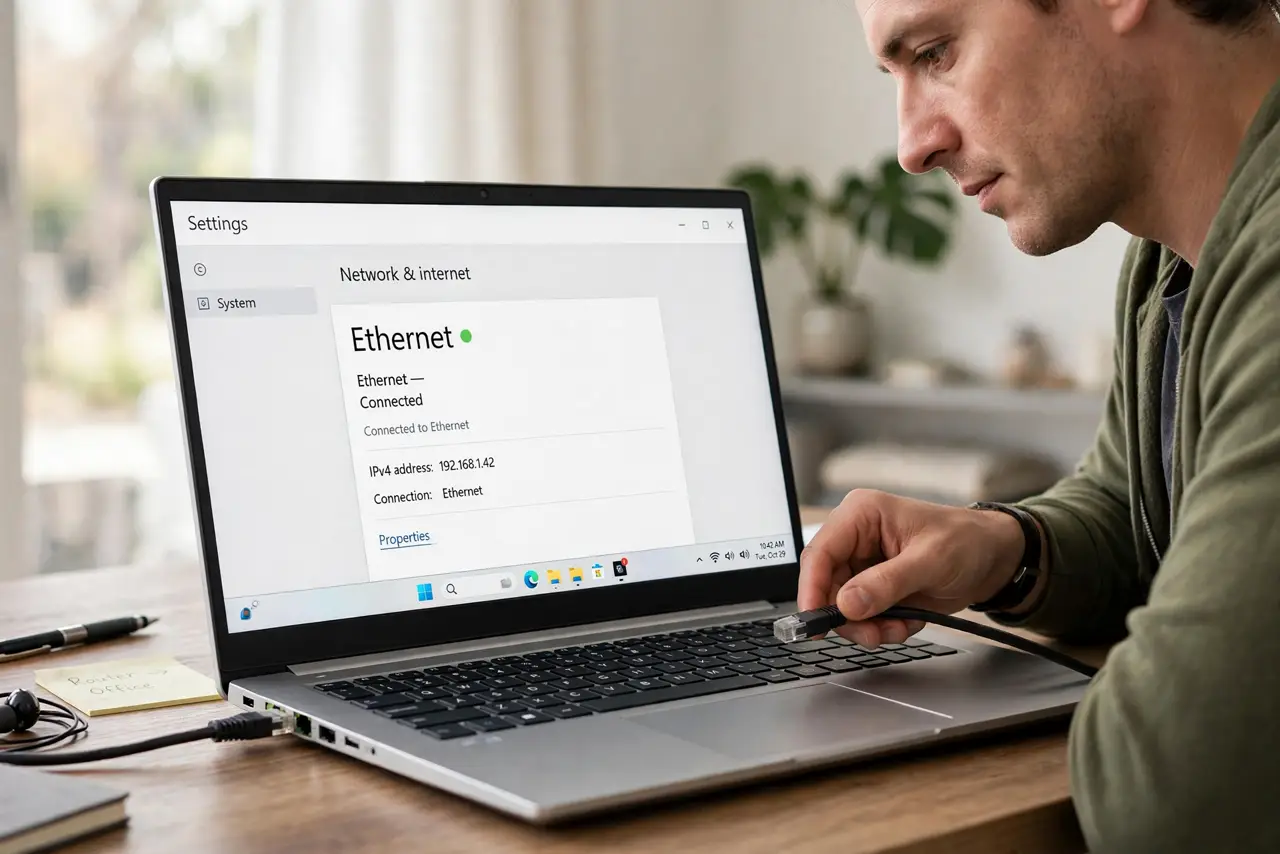
- Wire up if you can. Ethernet kills the most common cause — Wi-Fi jitter. One cable to the laptop stabilizes calls dramatically; see the Ethernet vs Wi-Fi breakdown for why calls care more than streaming does.
- Close the bandwidth hogs. Cloud backups, photo syncs, and someone streaming 4K in the next room all fight your call for upload bandwidth. Pause them during important calls — your call needs the upload lane clear.
- Test your upload speed. Run a speed test and look at upload, not download. Video calls need 3–5 Mbps up for HD; if you're getting a fraction of your plan's upload, that's the smoking gun.
- Drop to audio when it matters. If the conversation matters more than faces, turn off video — audio needs a tenth of the bandwidth. A stable voice call beats a frozen video call every time.
- Check for the double-call problem. Two video calls on the same Wi-Fi can starve each other — the classic two calls, one router issue. Stagger calls or wire one device.
- Rule out the app. If Zoom drops but Meet doesn't (or vice versa), the app or its servers are the issue, not your network. See Zoom freezing fixes before blaming your router.
What NOT to do
- Do not buy a faster plan before testing upload. Most plans are download-heavy; if your upload is the bottleneck, a bigger download number changes nothing.
- Do not run video calls on public or hotel Wi-Fi for anything important. Shared networks deprioritize real-time traffic — tether from your phone instead.
- Do not ignore the audio-drops-but-video-stays pattern. That points to upload or mic issues specifically — see audio-drop diagnosis rather than rebooting everything.
- Do not sit at the far edge of Wi-Fi range. One room closer to the router can be the entire fix — distance is the simplest variable.
Frequently asked questions
Why do calls drop but streaming works?
Streaming buffers ahead; calls can't — they need real-time, steady bandwidth both ways. A connection that's fast enough for Netflix can still be too jittery for Zoom.
Does a VPN cause call drops?
Often, yes — VPNs add latency and jitter that real-time calls hate. Turn the VPN off for calls unless work requires it.
Wired and still dropping — now what?
Then it's likely the ISP, the plan's upload speed, or the call service itself. Test at different times of day; evening congestion points to the ISP overselling your neighborhood.