Ethernet vs Wi-Fi? Plain Answer
When your connection stutters, the oldest advice in networking is to plug in a cable — but is Ethernet really always better than Wi-Fi? For raw speed and stability it usually wins, yet modern Wi-Fi is good enough that the cable only matters in specific situations. The honest answer depends on what you do online and what your Wi-Fi can actually deliver. This guide lays out the real tradeoffs so you stop guessing.
TL;DR / Quick Fix
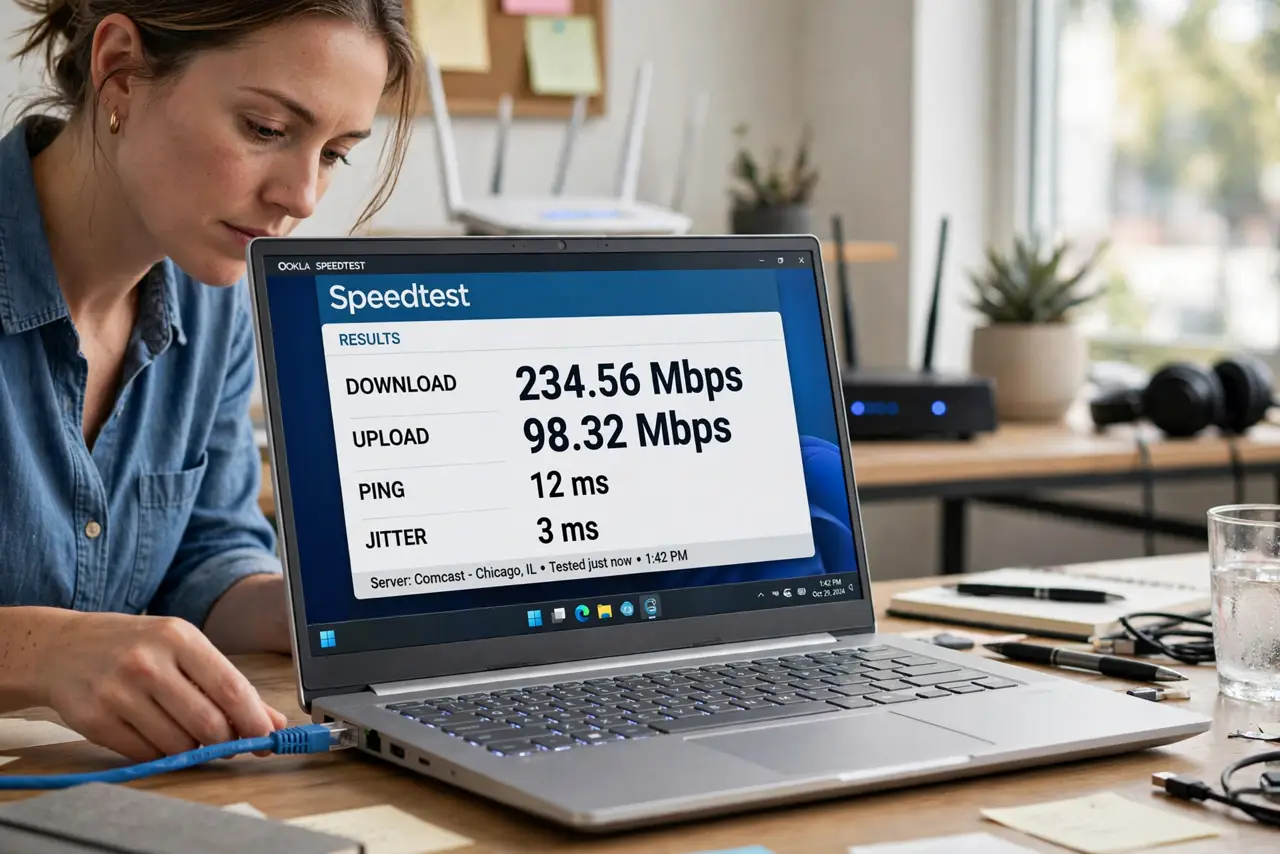
Quick fix: Ethernet wins on speed, latency, and stability — plug in for gaming, video calls, and big uploads. Modern Wi-Fi is fine for browsing, streaming, and phones. If your Wi-Fi is slower than your internet plan, a cable (or better router placement) closes the gap instantly.
Follow these steps
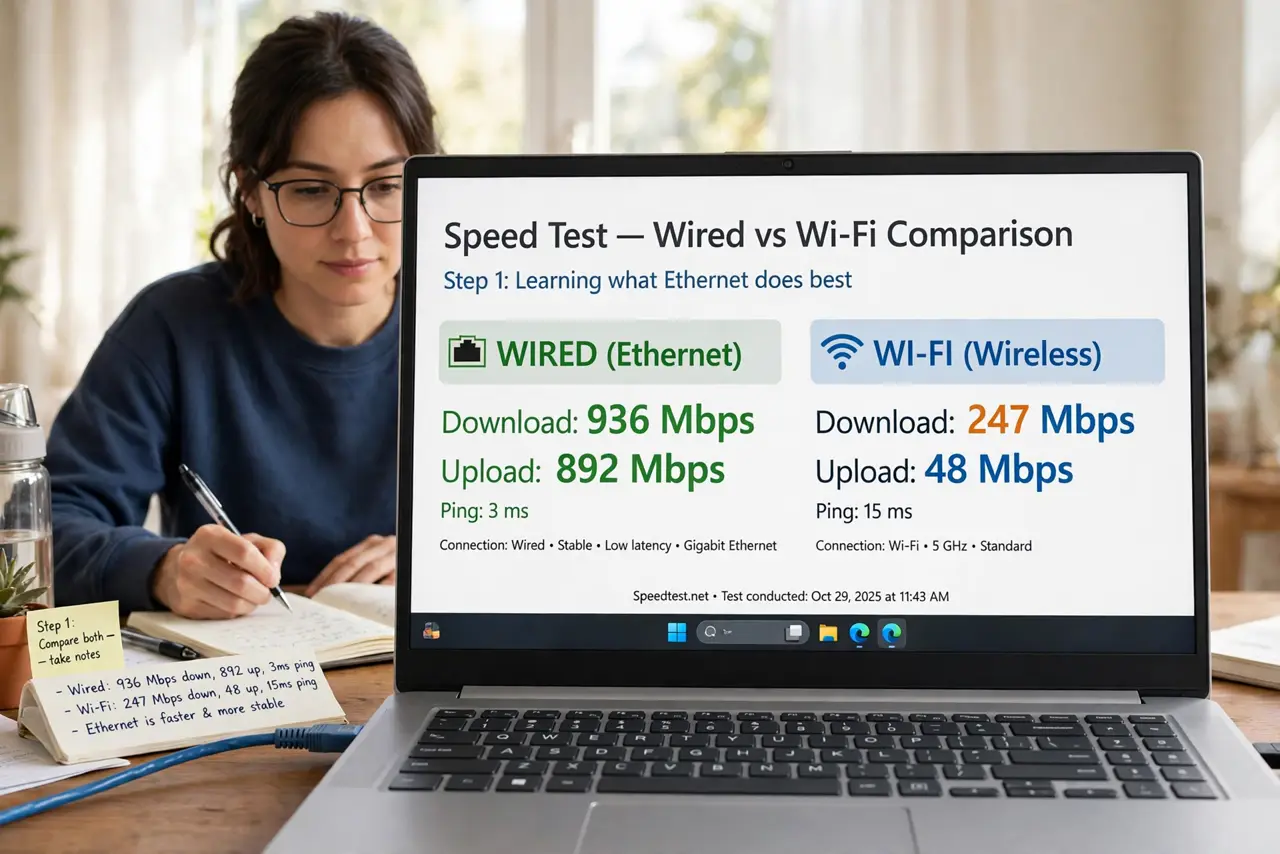
- Know what Ethernet does best. A cable gives you the full speed of your plan with almost no latency jitter — nothing interferes with a wire. Gaming, video calls, and live streaming benefit most, where even brief hiccups ruin the experience.
- Know what Wi-Fi does best. Wi-Fi gives you freedom — phones, tablets, and laptops move around the house. Modern Wi-Fi 6 routers deliver hundreds of megabits, which covers 4K streaming and most work easily.
- Test both, don't assume. Run a speed test on Wi-Fi, then plug in and test again. If the numbers match, your Wi-Fi is fine and the cable buys nothing. If Ethernet is dramatically faster, your wireless setup — not your plan — is the bottleneck.
- Use the right cable. Any Cat5e or Cat6 cable handles gigabit speeds for home runs — the cable categories matter only for very long runs or 10-gigabit gear. Avoid ancient Cat5, which caps at 100 Mbps.
- Plug in the devices that matter. You don't need to wire everything — wire the stationary heavy users: the gaming PC, the work computer, the TV. Leave phones and tablets on Wi-Fi where the cable would be a nuisance.
- Fix Wi-Fi instead of cabling everything. If running cable is impractical, better Wi-Fi often closes the gap: move the router to a central spot, or add a mesh system for dead zones.
What NOT to do
- Do not buy expensive 'audiophile' Ethernet cables. A standard Cat5e or Cat6 cable performs identically — premium cables are marketing, not physics.
- Do not run Ethernet through power strips' data ports expecting magic. True powerline adapters exist, but they're a different product with their own tradeoffs — see powerline basics.
- Do not disable Wi-Fi entirely when you plug in. Laptops still need Wi-Fi for phone tethering and some peripherals — let both stay on.
- Do not judge Wi-Fi by one bad spot. A weak corner doesn't mean Wi-Fi is bad everywhere — test near the router before declaring it broken.
Frequently asked questions
Is Ethernet always faster than Wi-Fi?
Usually, but not always — a gigabit Ethernet port caps at 1 Gbps while top-end Wi-Fi 6 can exceed that in ideal conditions. In real homes, though, Ethernet's consistency beats Wi-Fi's theoretical peak almost every time.
Will Ethernet lower my gaming ping?
Yes — wired connections cut latency and eliminate the jitter spikes Wi-Fi gets from interference. For competitive gaming, the cable is the single cheapest upgrade you can make.
My Ethernet is slower than Wi-Fi — why?
That usually means a bad cable, a 100 Mbps port, or a damaged connector — a good wired link should never lose to Wi-Fi. Try another cable and port; see the slower-than-Wi-Fi checks for the full diagnosis.