Video Calls Freeze? Fix It
Your face freezes mid-sentence while everyone else keeps talking — or their video turns into a slideshow of still images. Video calls are the pickiest thing your connection does: they need steady upload and low delay, and they fall apart long before a speed test looks bad. These fixes target what calls actually need.

TL;DR / Quick Fix
Quick fix: frozen calls are usually a shaky Wi-Fi signal or a maxed-out upload, not download speed. Plug in ethernet or move closer to the router, pause cloud backups during calls, and turn off HD video. If audio breaks up too, reboot the router — that fixes most call issues.
Follow these steps
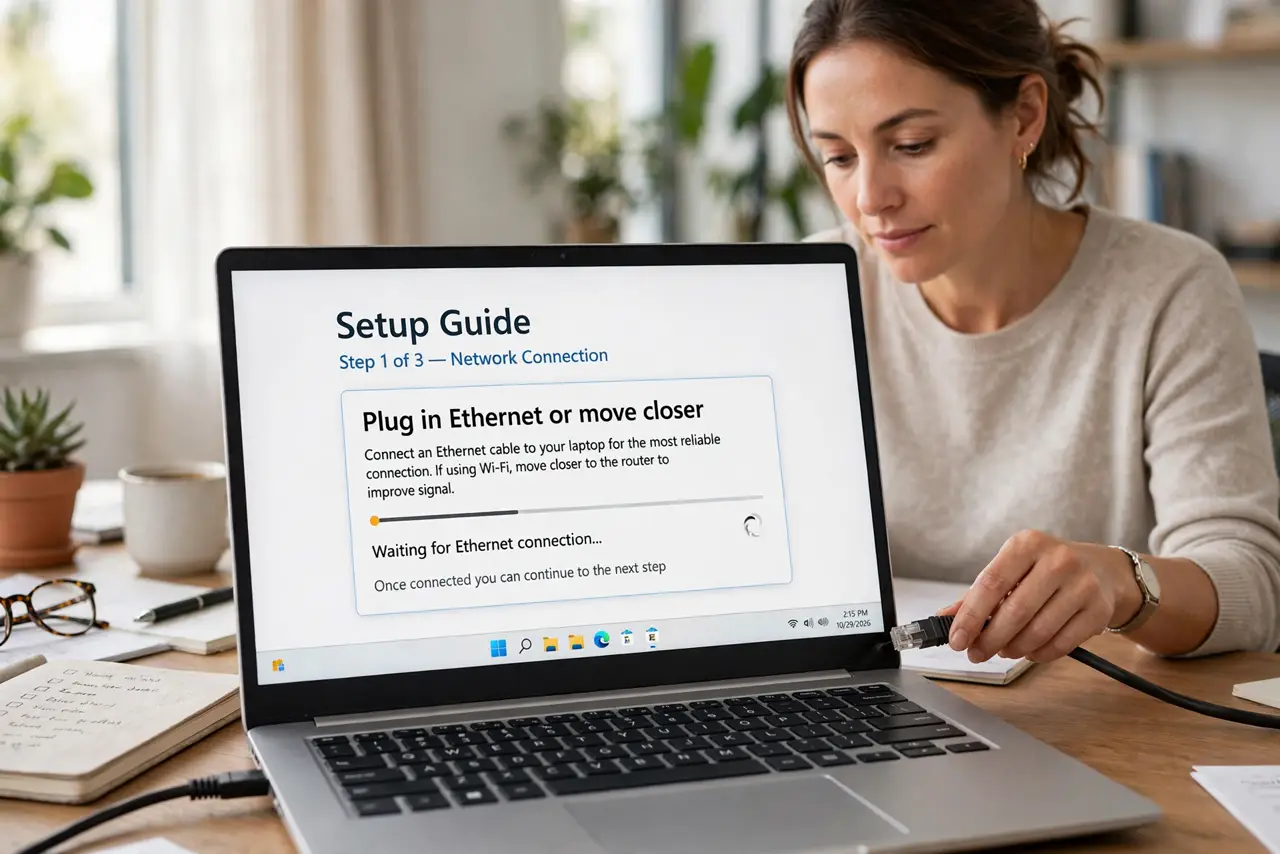
- Plug in ethernet or move closer. A wired connection removes Wi-Fi jitter — the main freeze-maker. If wiring is impossible, sit in the same room as the router with a clear line of sight.
- Pause uploads during calls. Cloud photo backups and file syncs saturate your upload, and calls need that upload lane clear. Pause them for the meeting's duration.
- Turn off HD video. HD doubles the bandwidth your call needs for little visible gain on a laptop window. Standard definition looks fine and freezes far less.
- Close the bandwidth competition. Streaming, gaming, and big downloads on the same network fight your call for steady throughput. Ask the household for a pause during important meetings.
- Reboot the router if audio breaks up too. Audio stuttering alongside frozen video points at the connection itself, not the app. A fresh router restart clears most of it.
- Switch to phone audio as a fallback. Most meeting apps let you dial in by phone for audio while video runs on the computer. Splitting the load often saves an important call.
What NOT to do
- Do not blame the meeting app first. Nine times out of ten the app is fine and the connection is flaky — test the network before reinstalling.
- Do not present over Wi-Fi from the far bedroom. The worst seat in the house for signal is the worst seat for an important call.
- Do not leave cloud backups running 'in the background.' They are the number-one silent upload hog during work hours.
- Do not max out video quality to 'look professional.' A smooth standard-definition call looks far more professional than frozen HD.
Frequently asked questions
Why do calls freeze when my speed test is fast?
Calls need steady upload and low jitter; speed tests measure download bursts. A connection can ace the test and still stutter a call.
Should I use 5 GHz Wi-Fi for calls?
Yes if you are near the router — 5 GHz is faster and less crowded. Farther away, 2.4 GHz's longer range wins.
Does a VPN hurt video calls?
Often, yes — it adds delay and jitter. For important calls, try disconnecting the VPN; some are fine, many are not.