Find Lost AirPods
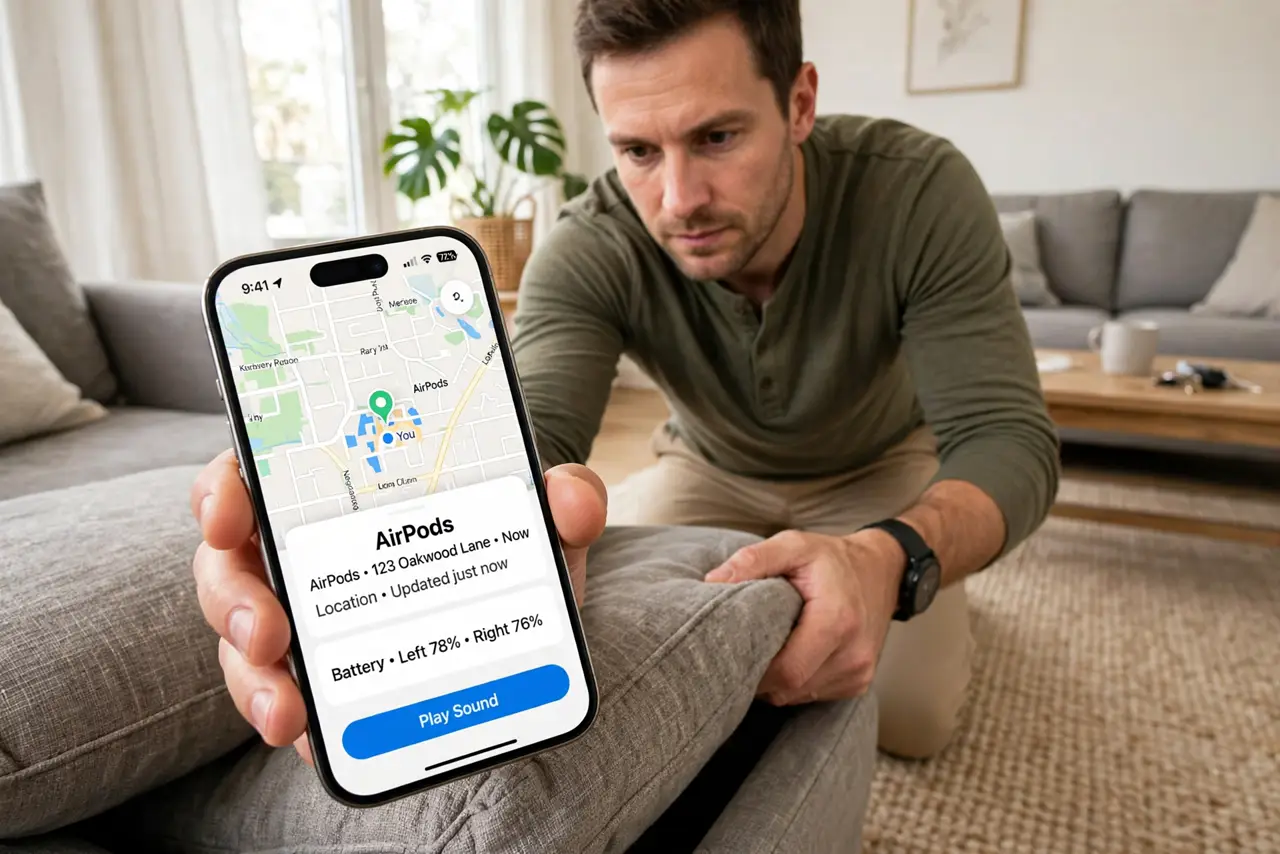
One AirPod is in the couch, the other is... also somewhere. The Find My app can play a sound on each bud and show their last known location — but only if they still have battery and were recently near your iPhone. Speed matters: here is the fastest recovery routine.
TL;DR / Quick Fix
Quick fix: open Find My, tap Devices, choose your AirPods, and play a sound on the bud. Check the last-known location first to narrow the search. Search quietly — the chirp is faint. If the case is closed or the battery is dead, the map shows where they last connected.
Follow these steps
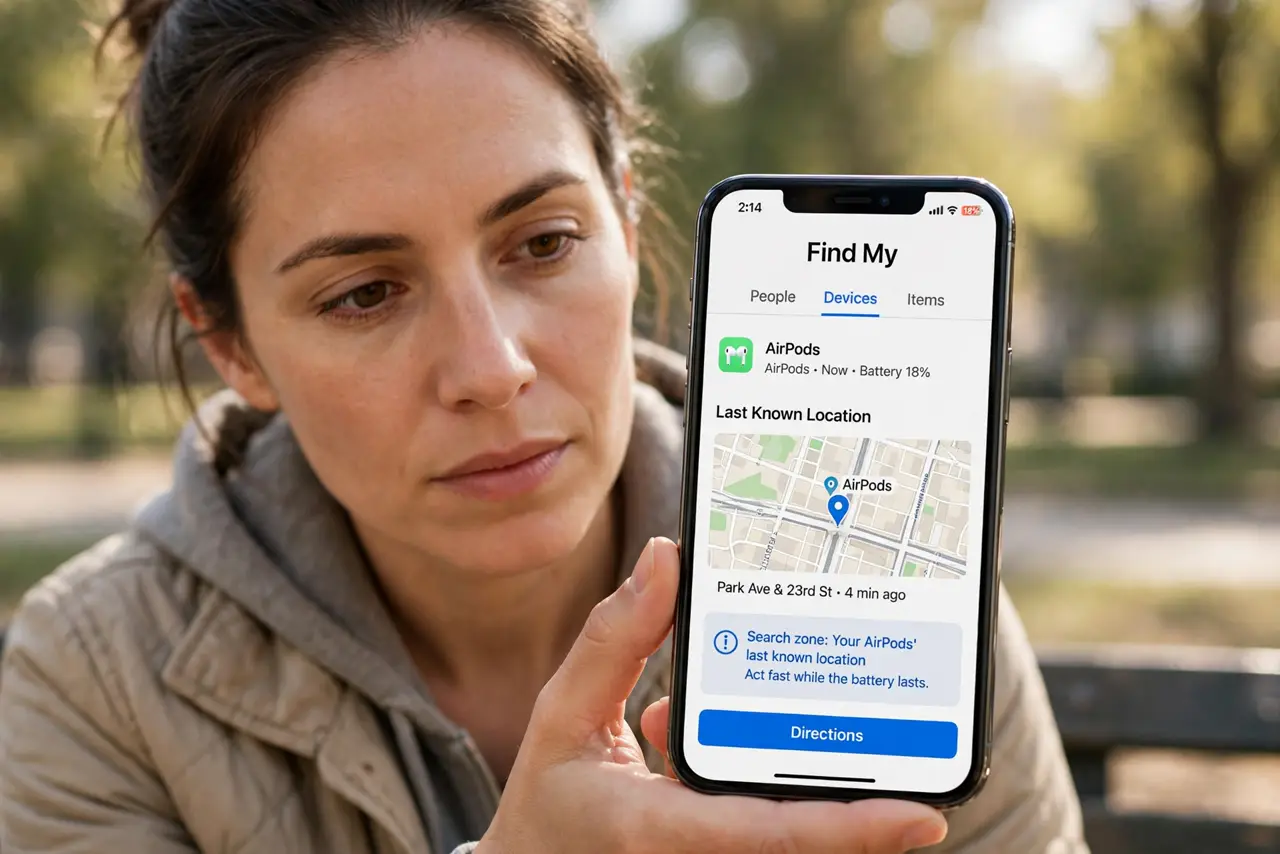
- Open Find My immediately. Go to Find My, Devices, and tap your AirPods. The map shows their last known location — that is your search zone. Act fast while the battery lasts.
- Play a sound on the missing bud. Tap Play Sound and choose the left or right bud. The chirp starts quiet and gets louder — listen in a silent room.
- Search the last-known spot first. The map pin is where they last connected to your iPhone. Check cushions, pockets, bags, and laundry near that spot before expanding.
- Use Precision Finding if available. Newer AirPods Pro and iPhones with ultra-wideband show an arrow and distance. Follow the arrow — it leads within inches.
- Mark as Lost for the long game. If they are truly gone, enable Mark as Lost. You will get notified if they connect to anyone's iPhone, and the finder sees your message.
- Protect the survivors. Found one? Keep the case charged and consider a case with a loop or tracker. Also check the battery guide — dead buds cannot chirp.
What NOT to do
- Do not wait hours to start searching. The battery drains in the wild — every hour shrinks the chirp window.
- Do not play the sound at full blast next to your ear. It ramps up loud; hold the found bud away when testing.
- Do not assume the map is live. Closed case or dead battery means the pin is history, not current position — search, do not stare.
- Do not buy a single replacement from strangers. Apple sells single-bud replacements; random sellers sell fakes.
Frequently asked questions
Can I find AirPods with an Android phone?
Only if they were paired to the Android and you use a Bluetooth scanner app. Find My is Apple-only — the pairing guide covers cross-platform basics.
Why does Find My show them at home when they are not?
That is the last-connected location. If the case closed or the battery died, the pin freezes there.
Does the case itself make a sound?
Newer cases with a speaker do. Older cases stay silent — you are hunting the buds, not the case.