Check AirPods Battery
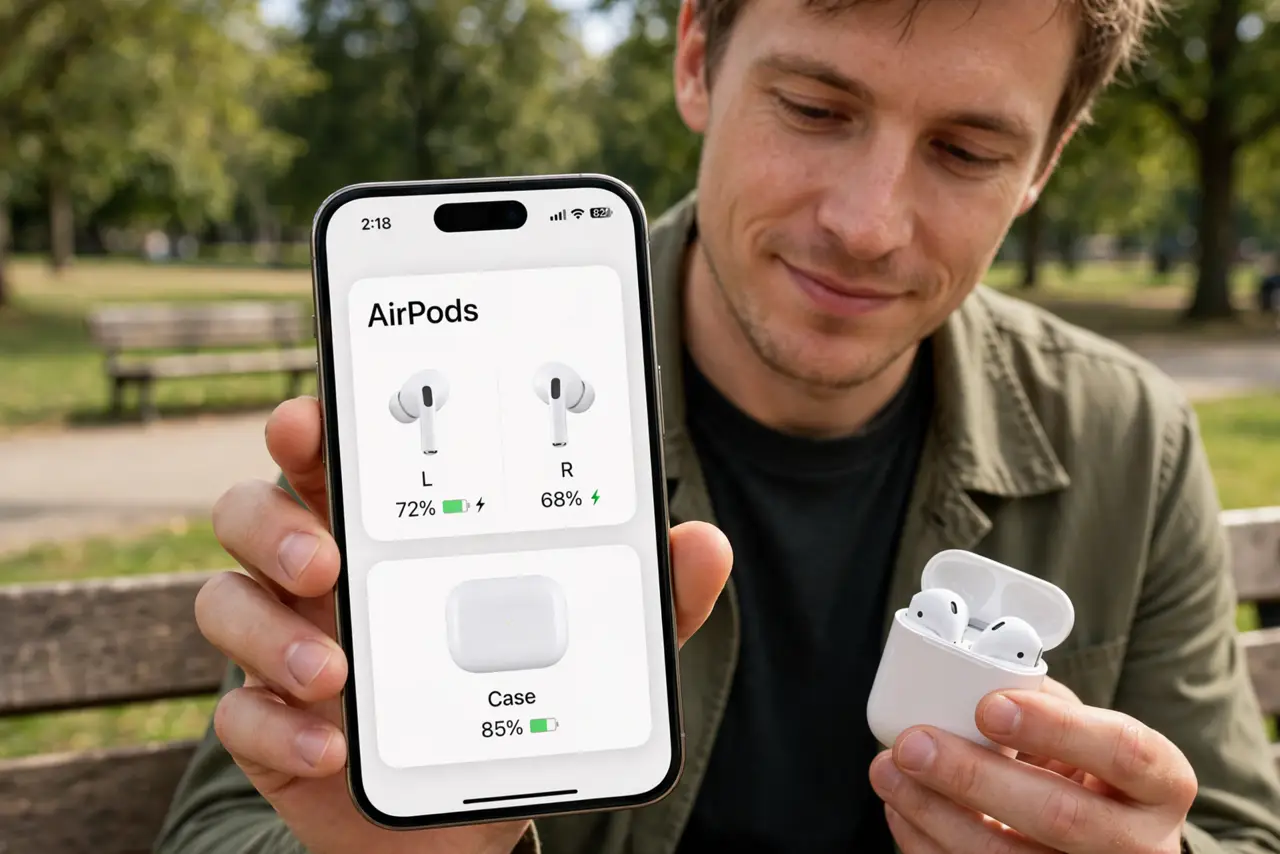
One bud dies mid-call and you had no warning. AirPods hide their battery in three places — the case, the left bud, the right bud — and each drains at its own pace. Knowing where to look takes five seconds and ends the surprise-dead-bud era.
TL;DR / Quick Fix
Quick fix: open the AirPods case near your iPhone for a battery popup, or add the Batteries widget for a readout. Charge the case before it hits empty — dead case means dead buds. If one bud drains faster than the other, its battery is aging and may need service.
Follow these steps
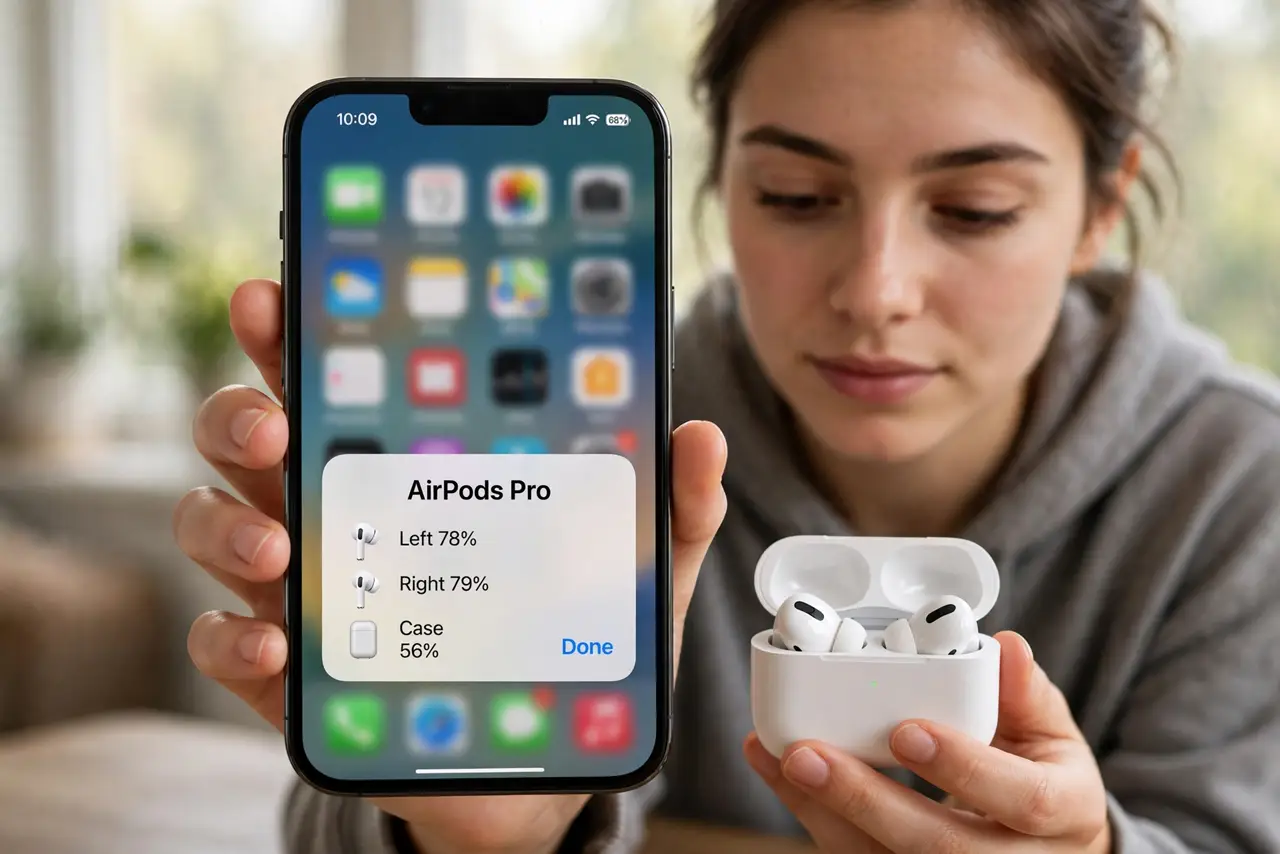
- Use the popup. Open the case lid near your unlocked iPhone. A card shows case and bud percentages instantly — the fastest check there is.
- Add the Batteries widget. Long-press the home screen, add the Batteries widget. Bud and case levels stay visible without opening anything.
- Ask Siri. Say Hey Siri, what is my AirPods battery. Hands-free and instant when the phone is across the room.
- Charge the case proactively. Do not wait for the red light. Fifteen minutes in the case gives hours of listening — top up while you work.
- Watch for uneven drain. If the left bud dies at 40% while the right lasts, that bud's battery is aging. The pairing guide reset sometimes recalibrates the gauge; persistent gaps mean service.
- Mind the device-hopping drain. Constant switching between iPhone and Mac costs extra power. If battery life collapsed, tame automatic switching.
What NOT to do
- Do not let the case sit empty for weeks. A fully drained case battery degrades faster — store it charged.
- Do not trust the percentage blindly. The gauge estimates; a bud that dies at 20% has a worn battery, not a software bug.
- Do not charge with sketchy cables. Bad chargers and dirty contacts cause the slow-charge mystery — clean the contacts first.
- Do not ignore a bud that will not charge. Reseat it, clean the contacts, and if it persists, that bud likely needs replacement.
Frequently asked questions
How long should AirPods batteries last?
New buds give around 5-6 hours of listening; the case adds several full charges. Noticeably less means aging batteries.
Can I replace just the battery?
Apple replaces the bud, not the battery — single-bud replacement is the official path for a dead one.
Why does the case drain overnight?
Usually the buds were not seated properly and stayed connected. Reseat them until the light confirms charging.