iPhone Alarm Doesn't Vibrate? Fix It
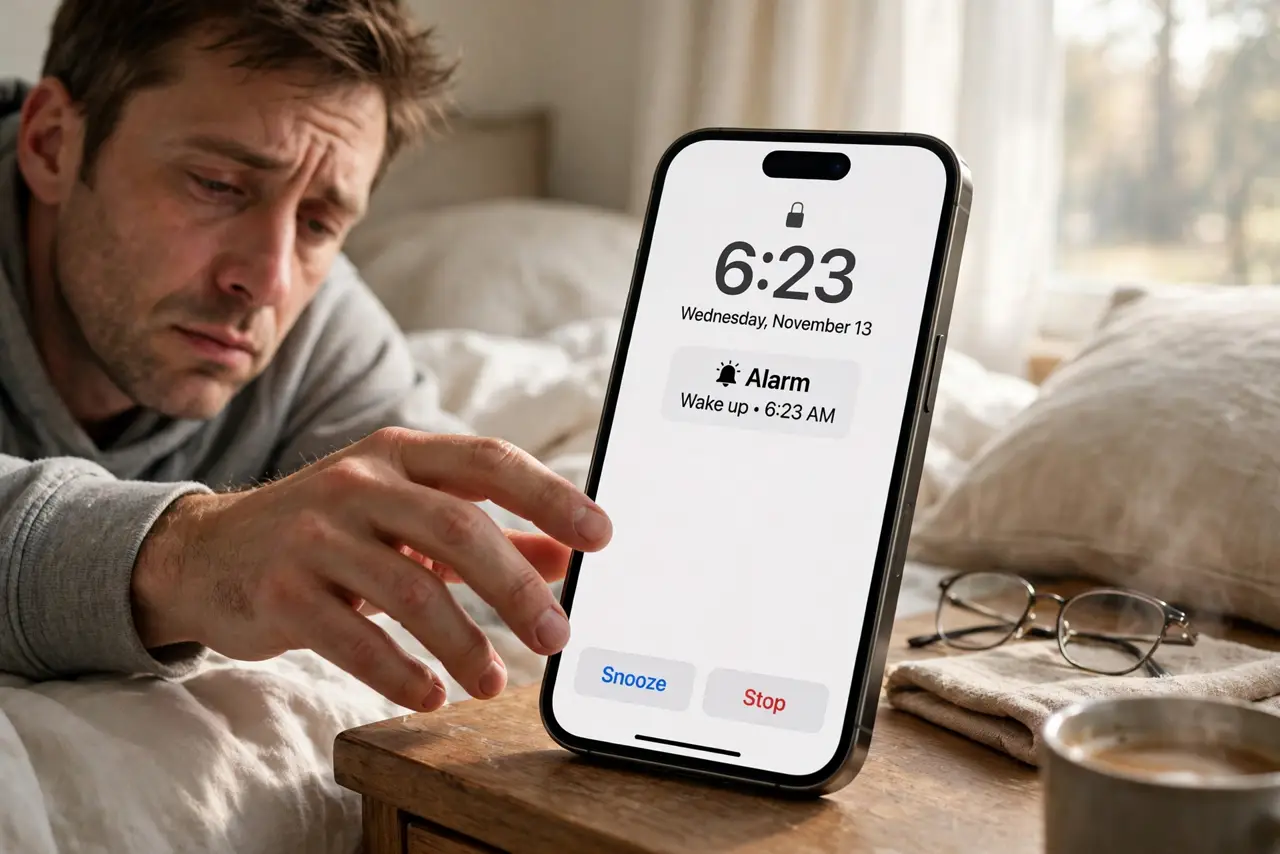
Your iPhone alarm rings but does not vibrate — or vibrates so weakly you sleep through it. The alarm's vibration pattern is a separate setting from the sound, and it can be set to 'None' without you noticing. This guide restores the buzz, so silent alarms actually wake you.
TL;DR / Quick Fix
Quick fix: edit the alarm, tap Sound, then Vibration, and choose a strong pattern instead of None. Make sure vibration isn't disabled system-wide in Accessibility settings. Test the alarm with a short nap before trusting it overnight — if vibration feels weak everywhere, the motor may be failing.
Follow these steps
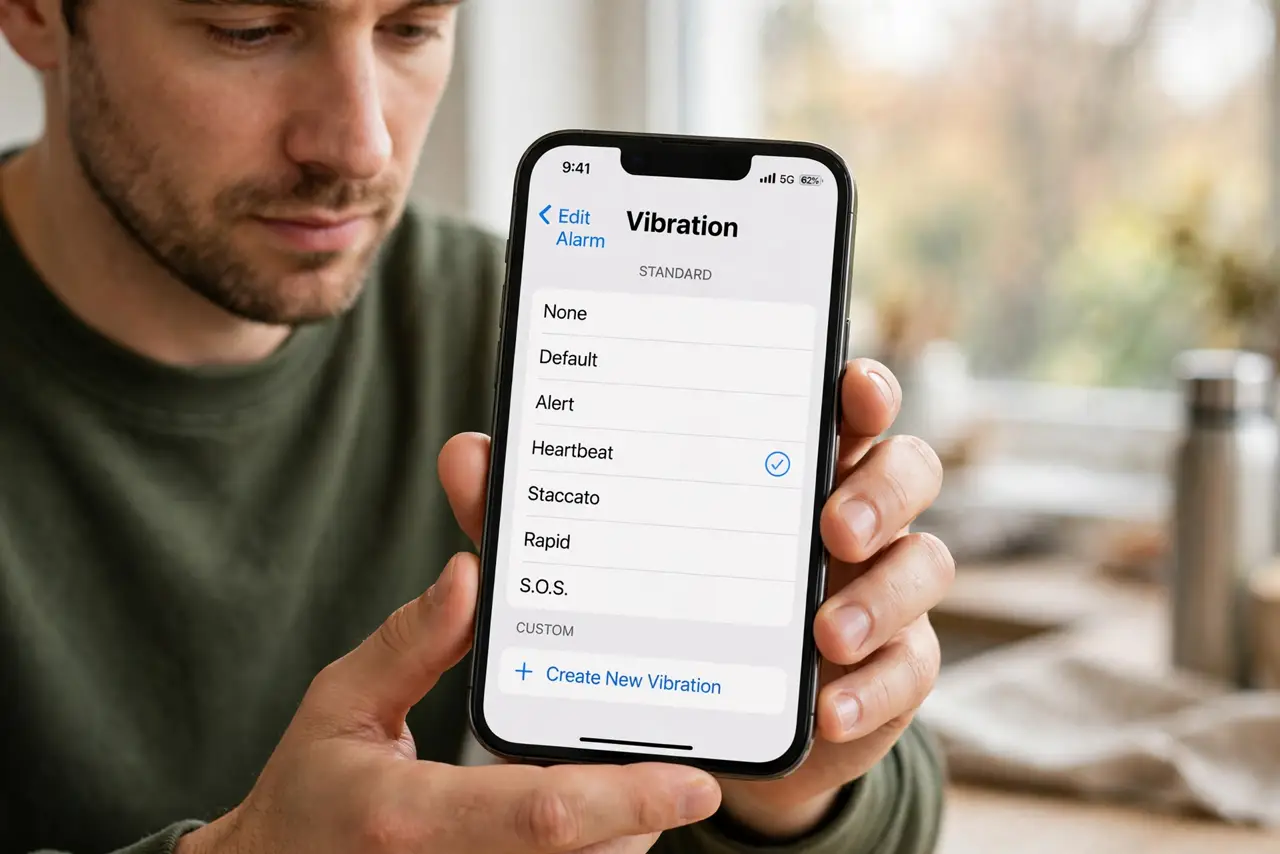
- Edit the alarm's vibration. Open the Clock app, edit the alarm, tap Sound, then Vibration at the top. If it says None, that is the whole problem — pick a pattern.
- Choose a strong pattern. Pick one of the stronger built-in patterns, or create a custom one with firm taps. Gentle patterns are easy to sleep through.
- Check system vibration settings. In Accessibility and Sounds settings, make sure vibration is not disabled system-wide. A global off overrides every alarm.
- Confirm the alarm volume. Alarm volume follows the ringer volume. Turn it up — a quiet alarm with weak vibration is a double failure.
- Test with a short nap alarm. Set an alarm two minutes ahead and lie down with the phone as you sleep. If you feel it, the fix worked.
- Consider a failing motor. If vibration is weak in calls, texts, and alarms alike, the vibration motor itself may be failing — a repair shop can confirm.
What NOT to do
- Do not rely on vibration alone on a soft mattress. A phone buried in bedding muffles even strong vibration.
- Do not set the alarm vibration to None 'by accident' again. Check the Sound screen whenever you create a new alarm.
- Do not put the phone on silent expecting vibration to compensate. Silent plus weak vibration is how mornings get missed.
- Do not ignore a motor that fades over weeks. Gradual weakening across all apps points to hardware, not settings.
Frequently asked questions
Why doesn't my iPhone alarm vibrate?
The alarm's vibration pattern is set to None, or vibration is disabled system-wide. Both are quick settings fixes.
Can I make the alarm vibrate stronger?
Choose a stronger pattern or create a custom one with firm, repeated taps in the Vibration screen.
My alarm vibrates but I still sleep through it — what now?
Put the phone on a hard surface like a nightstand, which amplifies vibration, and use a louder sound alongside it.