iPhone App Crashes on Open Only? Fix It
One app closes the instant you open it, while everything else works fine. That points to the app itself, not the phone: a bad update, corrupted data, or a storage squeeze. The same pattern appears on computers, where phone apps crashing in general has the same first steps.
TL;DR / Quick Fix
Quick fix: force-close the app, restart the phone, update the app, free up storage, check for an iOS update, and reinstall the app only if nothing else works. If it still fails, note exactly when it happens, since that pattern usually reveals the real cause.
Follow these steps
- Force-close the app. Swipe up from the bottom, find the app in the app switcher, and swipe it away. Reopen it fresh, since a stuck app state is the most common cause.
- Restart the phone. Restart the iPhone and try the app again. A restart clears temporary states that force-closing alone sometimes misses.
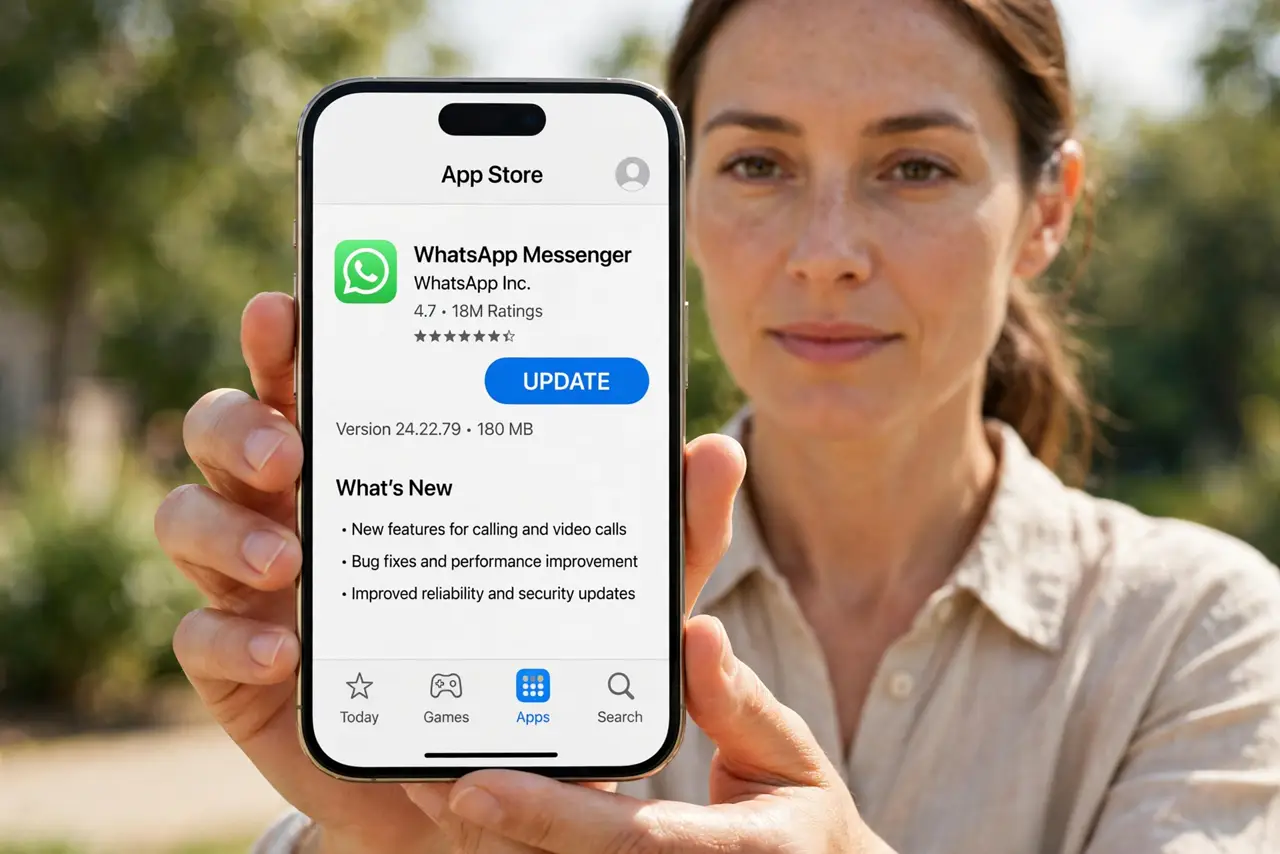
- Update the app. Open the App Store, tap your profile, and update the app if an update is available. Crashes on open often follow a buggy release that the next update fixes.
- Free up storage space. Open Settings, then General, then iPhone Storage, and check free space. Apps can crash on open when the phone is nearly full, since they have nowhere to write data.
- Check for an iOS update. Open Settings, then General, then Software Update, and install any update. An app can crash on a stale iOS version it no longer supports well.
- Delete and reinstall as a last resort. Delete the app, then reinstall it from the App Store. This clears corrupted data, but it may also delete data stored only inside the app, so back up first if you can.
What NOT to do
- Do not delete the app as a first step. Force-closing, restarting, and updating fix most crashes without risking app data.
- Do not install a cleaner or booster app. iOS does not need them, and they cannot fix an app crash.
- Do not ignore a crash that follows an update. If the crash started right after an app update, the update is the likely cause, so watch for the next fix.
- Do not factory reset the phone for one crashing app. A reset erases everything, while reinstalling one app solves the same problem.
Frequently asked questions
Why does only one app crash?
Because the fault is in that app's data or update, not the phone. Other apps working fine proves the phone itself is okay.
Will reinstalling delete my data in the app?
It can, if data lives only inside the app. Check whether the app syncs to an account or cloud first.
What if the app crashes right after updating?
Wait for the next app update, or reinstall. A buggy release is a common cause of crashes on open.