What Is Apple Intelligence?
Apple Intelligence is Apple's name for the AI features built into recent iPhones — writing help, smarter Siri, image generation, and photo cleanup, mostly processed on the device. It only runs on newer hardware, and half the confusion around it is not knowing what is included. Here is the plain version.

TL;DR / Quick Fix
Quick fix: Apple Intelligence is Apple's built-in AI suite — writing tools, notification summaries, image creation, and a smarter Siri — available on iPhone 15 Pro and newer with the latest iOS. Turn it on in Settings under Apple Intelligence and Siri. Older iPhones do not get these features.
Follow these steps
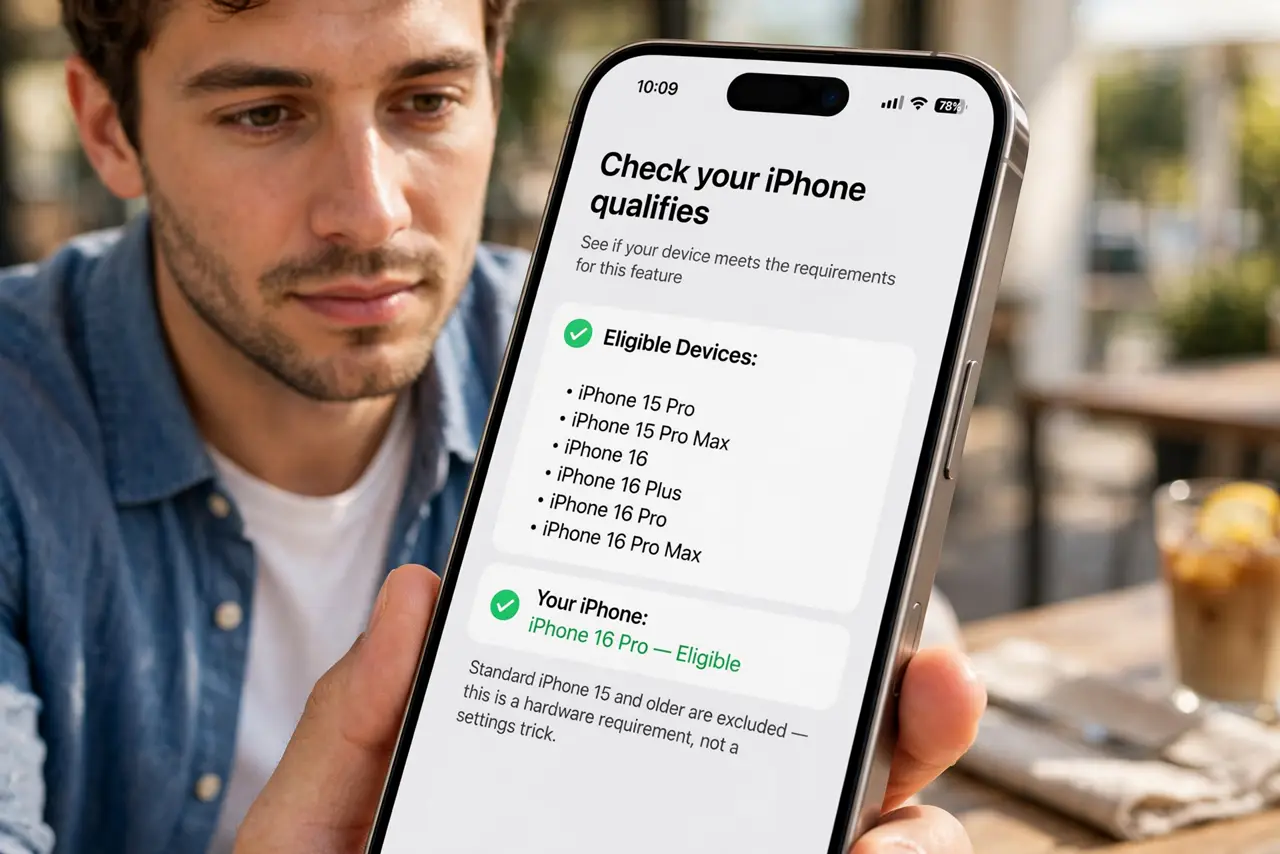
- Check your iPhone qualifies. You need an iPhone 15 Pro, 15 Pro Max, or any iPhone 16 model. Standard iPhone 15 and older are excluded — this is a hardware requirement, not a settings trick.
- Update to the latest iOS. Apple Intelligence arrived with iOS 18.1 and grows with each update. Install the newest version before looking for the features.
- Turn it on in Settings. Go to Settings > Apple Intelligence and Siri and enable it. Some features download in the background after you opt in.
- Try the writing tools first. Select text in Mail or Notes and tap Writing Tools — proofread, rewrite, and summarize work anywhere you type. See the writing tools guide for the full tour.
- Explore summaries and images. Notification summaries condense long threads; Image Playground creates fun visuals. Each lives in its natural app, not one AI dashboard.
- Know its limits. It is genuinely useful for writing and organizing, but it is not a web search engine or a fact machine — verify anything important.
What NOT to do
- Do not expect it on older iPhones. No setting unlocks it on unsupported hardware.
- Do not treat summaries as gospel. AI summaries occasionally miss the point — skim the original for anything critical.
- Do not assume everything is on-device. Some requests go to Apple's servers; the privacy story is good but not absolute.
- Do not confuse it with third-party AI apps. Apple Intelligence is built into iOS; ChatGPT and friends are separate downloads.
Frequently asked questions
Is Apple Intelligence free?
Yes — it is part of iOS on supported phones. No subscription needed for the built-in features.
Does it work in my country?
Availability expanded over time after launch. If the toggle is missing, your region or language may not be supported yet.
Can I turn it off?
Yes, in Settings. The phone works exactly as before — you just lose the AI extras.