iPhone Apple Pay Card Declined Once? Fix It
Apple Pay declined once at the till, even though the card usually works. A single decline is often a bank hold, a terminal hiccup, or a verification step, not a dead card. The wallet twin is a Wallet card that disappeared, which is a different failure with different fixes.
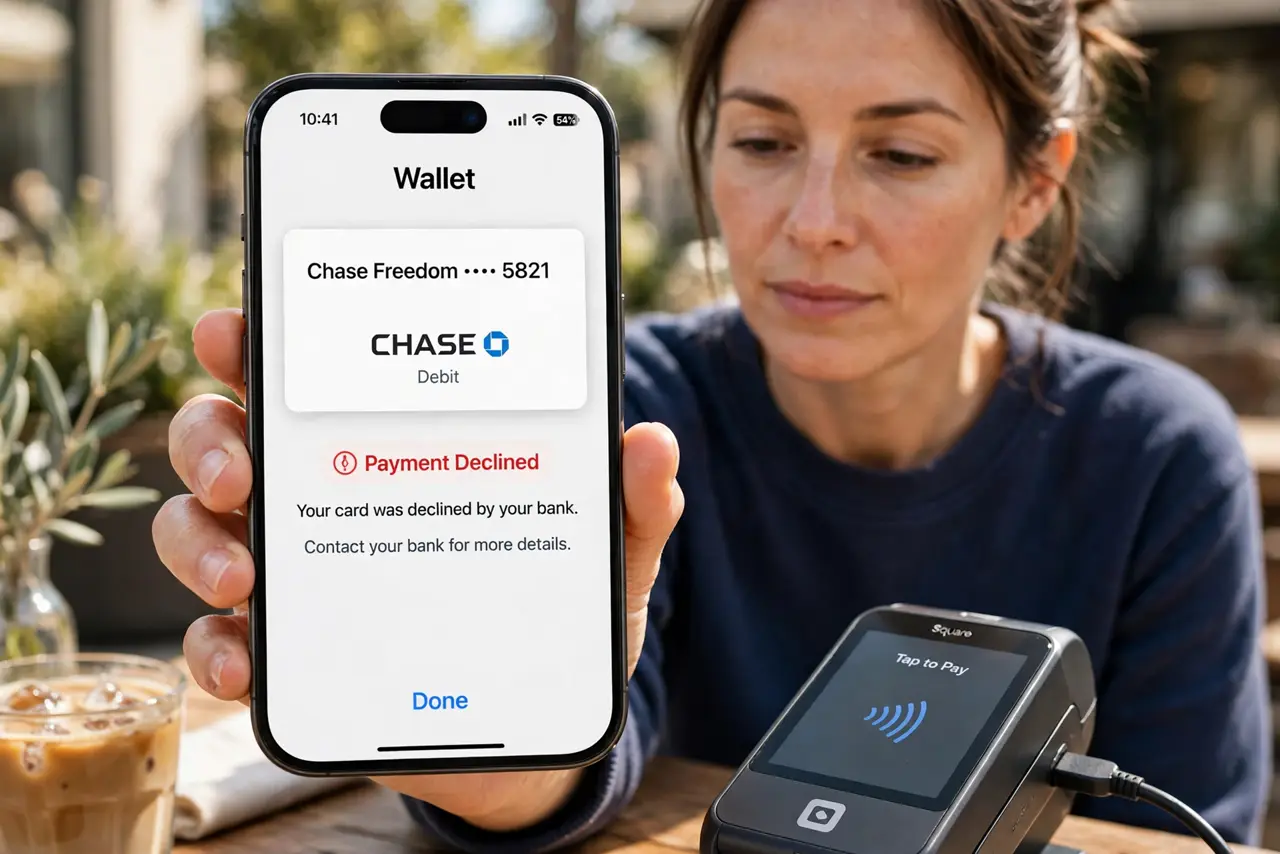
TL;DR / Quick Fix
Quick fix: try again once, check with your bank, try another card or terminal, confirm the card is still valid in Wallet, and update the card if it expired. If it still fails, note exactly when it happens, since that pattern reveals the real cause.
Follow these steps
- Try again once, calmly. Hold the phone steady to the reader and try again once. A single terminal hiccup declines a good card, and a calm retry often succeeds.
- Check with your bank. Open your bank app or call the bank and ask why it declined. Banks place holds for unusual spending, and only they can lift a hold.
- Try another card or another terminal. Try a different card in Wallet, or a different terminal in the same shop. If another card works, the first card is the issue; if none work, the terminal may be at fault.
- Confirm the card is still valid in Wallet. Open Wallet, tap the card, and check it is not expired, suspended, or removed. An expired or replaced card declines until you update it.
- Re-add the card if verification lapsed. If the bank asks, remove and re-add the card in Wallet, then complete verification. A lapsed verification can cause declines that look random.
- Update iOS if declines repeat. Open Settings, then General, then Software Update, and install any update. Wallet and payment bugs are occasionally fixed by iOS updates.
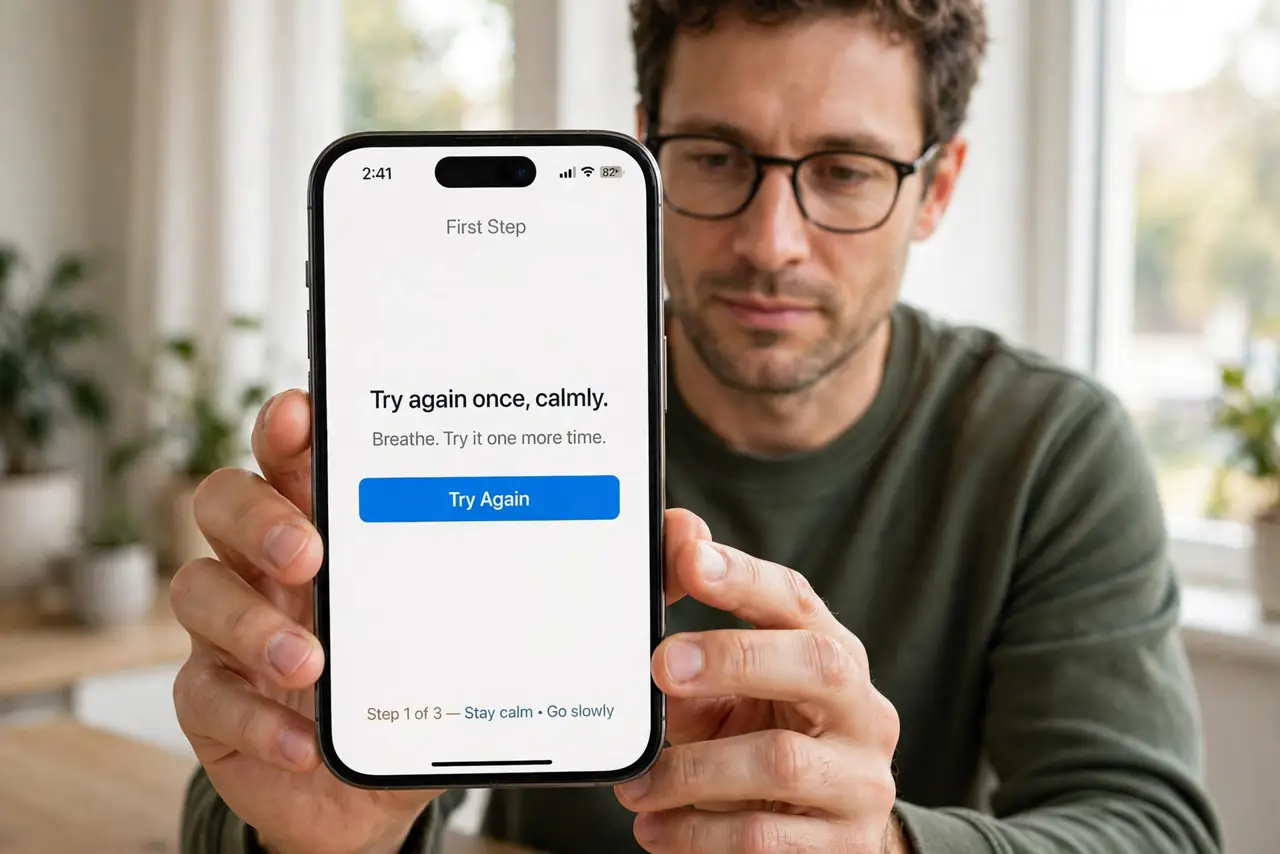
What NOT to do
- Do not keep tapping repeatedly after a decline. Repeated declines can trigger a fraud hold, making the problem worse.
- Do not assume the phone is broken after one decline. Banks and terminals decline good cards for their own reasons.
- Do not share card details with a stranger offering to fix it. Only your bank can explain and lift a decline.
- Do not delete Wallet and start over as a first step. Check the bank and the card validity first, since those are the usual causes.
Frequently asked questions
Why was my card declined once?
Usually a bank hold, a terminal hiccup, or an expired card. Check with the bank before assuming a phone fault.
Will retrying trigger a fraud hold?
Repeated rapid retries can. Try once calmly, then check with the bank.
What if the card works physically but not in Apple Pay?
Then the Wallet copy may need re-verification. Remove and re-add it, then verify with the bank.