iPhone Autocorrect Changes Names? Teach It Names
Autocorrect keeps changing a name to a common word, and messages go out wrong. The keyboard does not know that name yet. Teach it with Text Replacement, check Contacts, and correct it consistently until it learns.
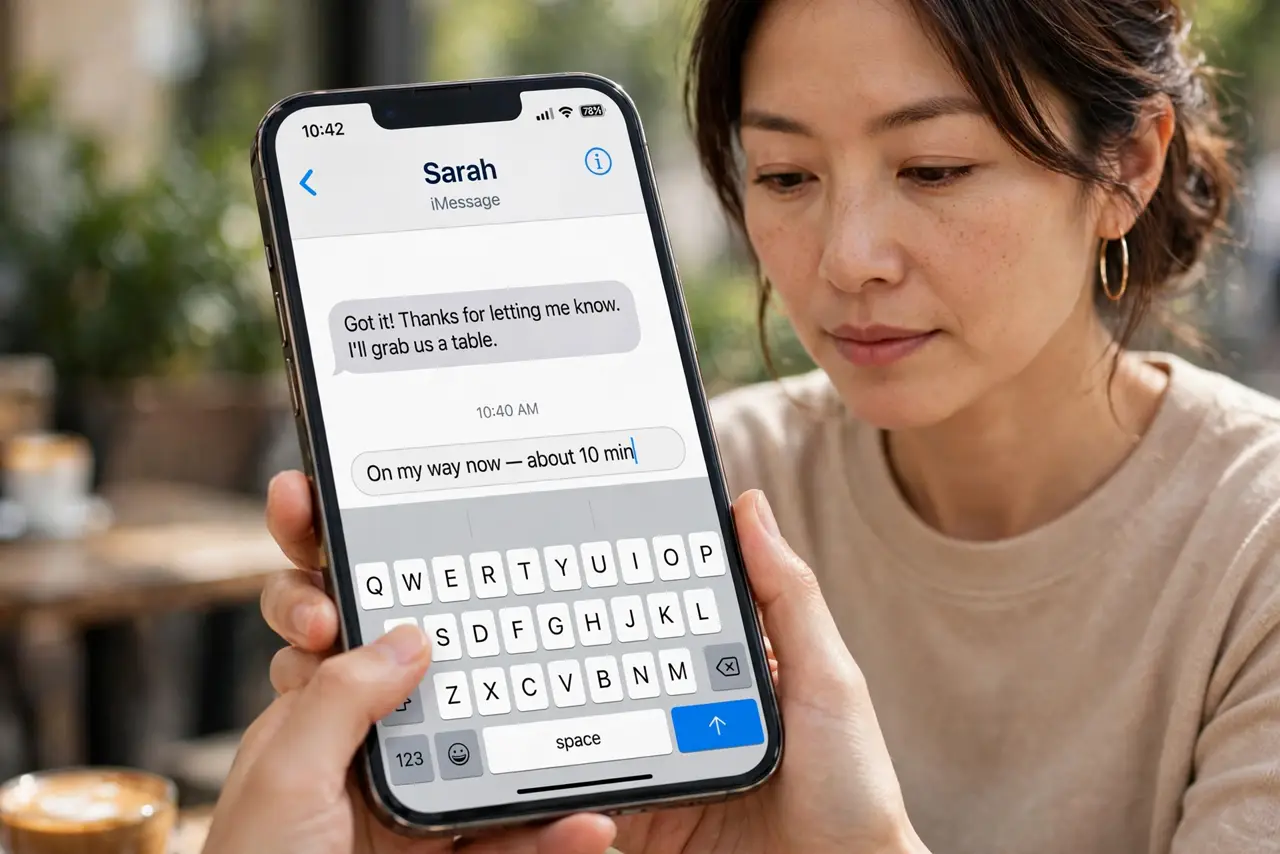
TL;DR / Quick Fix
Quick fix: open Settings, then General, then Keyboard, then Text Replacement, and add the name as both phrase and shortcut. Correct the name manually a few times so the keyboard learns it. Then test the fix for a full day before changing anything else.
Follow these steps
- Add the name in Text Replacement. Open Settings, then General, then Keyboard, then Text Replacement, and add the name as the phrase. Use the same name as the shortcut, so typing it inserts it exactly.
- Check the contact entry. Open Contacts and confirm the name is spelled correctly there. A correct contact helps the keyboard recognize the name as a real name.
- Correct it manually each time. When autocorrect changes the name, tap the suggestion and choose the correct name, or retype it and reject the correction. Consistent corrections teach the keyboard.
- Check for a wrong learned word. If a misspelling keeps winning, the keyboard may have learned it. Reset the keyboard dictionary only if several names keep failing, and note this erases learned words.
- Test in Messages. Type the name in a new message and confirm it stays unchanged. Testing in Messages proves the fix where you actually use the name.
- Keep autocorrect on for other words. Do not turn autocorrect off entirely for one name. Text Replacement fixes the name while keeping autocorrect useful for everything else.
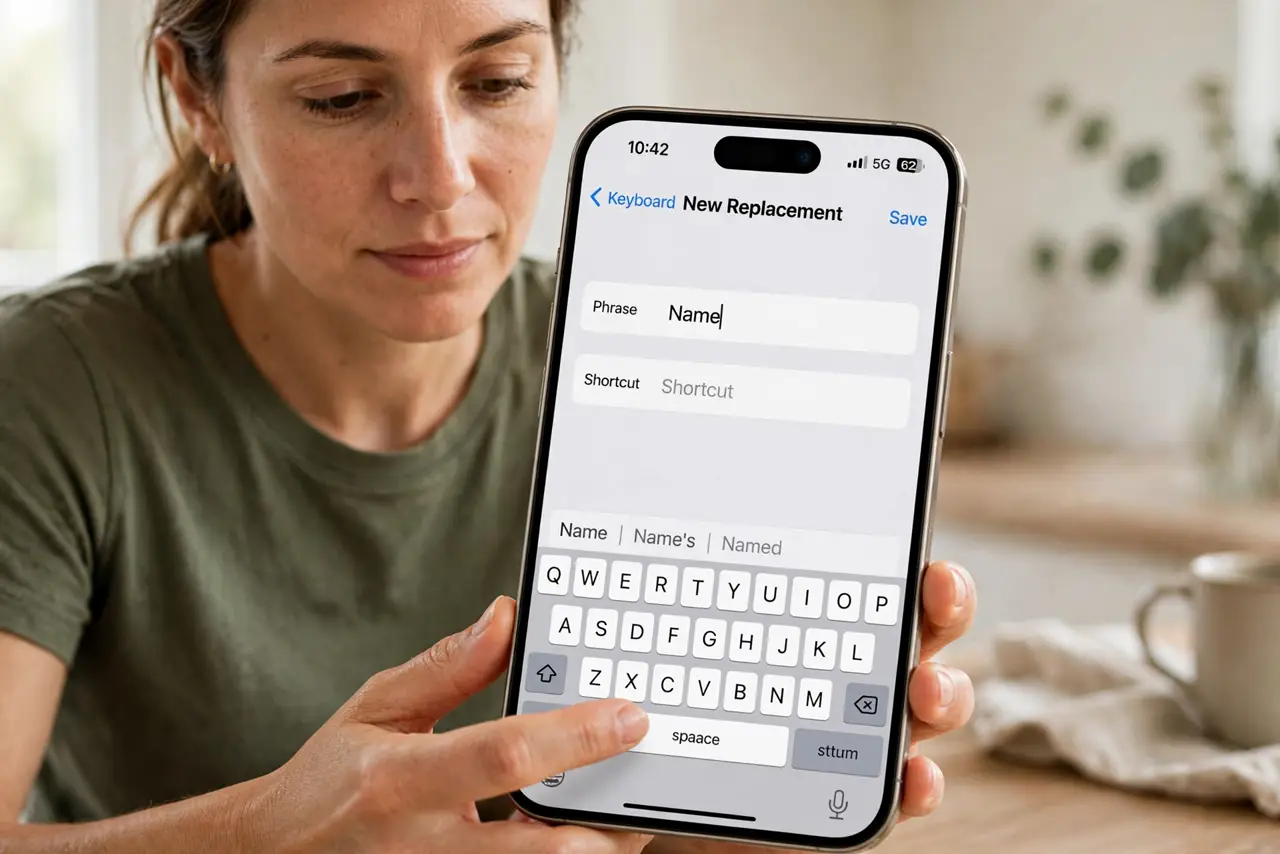
What NOT to do
- Do not turn autocorrect off for one name. That removes helpful corrections everywhere just to fix a single name.
- Do not keep sending messages with the wrong name. Correct the name before sending, or contacts will learn the wrong version too.
- Do not add a misspelled name to Text Replacement. Check spelling first, since Text Replacement will faithfully insert whatever you entered.
- Do not reset the keyboard dictionary as a first step. That erases all learned words, while Text Replacement fixes one name precisely.
Frequently asked questions
Why does autocorrect change names?
The keyboard treats an unknown name as a typo for a common word. Teaching it the name stops the replacement.
What is Text Replacement?
It is a keyboard setting that inserts a phrase when you type a shortcut. Using the name as both fixes its spelling.
Will correcting it a few times teach it?
Yes, usually. Consistent manual corrections plus Text Replacement together are the most reliable combination.