iPhone Dictation Types Wrong Words? Improve Accuracy
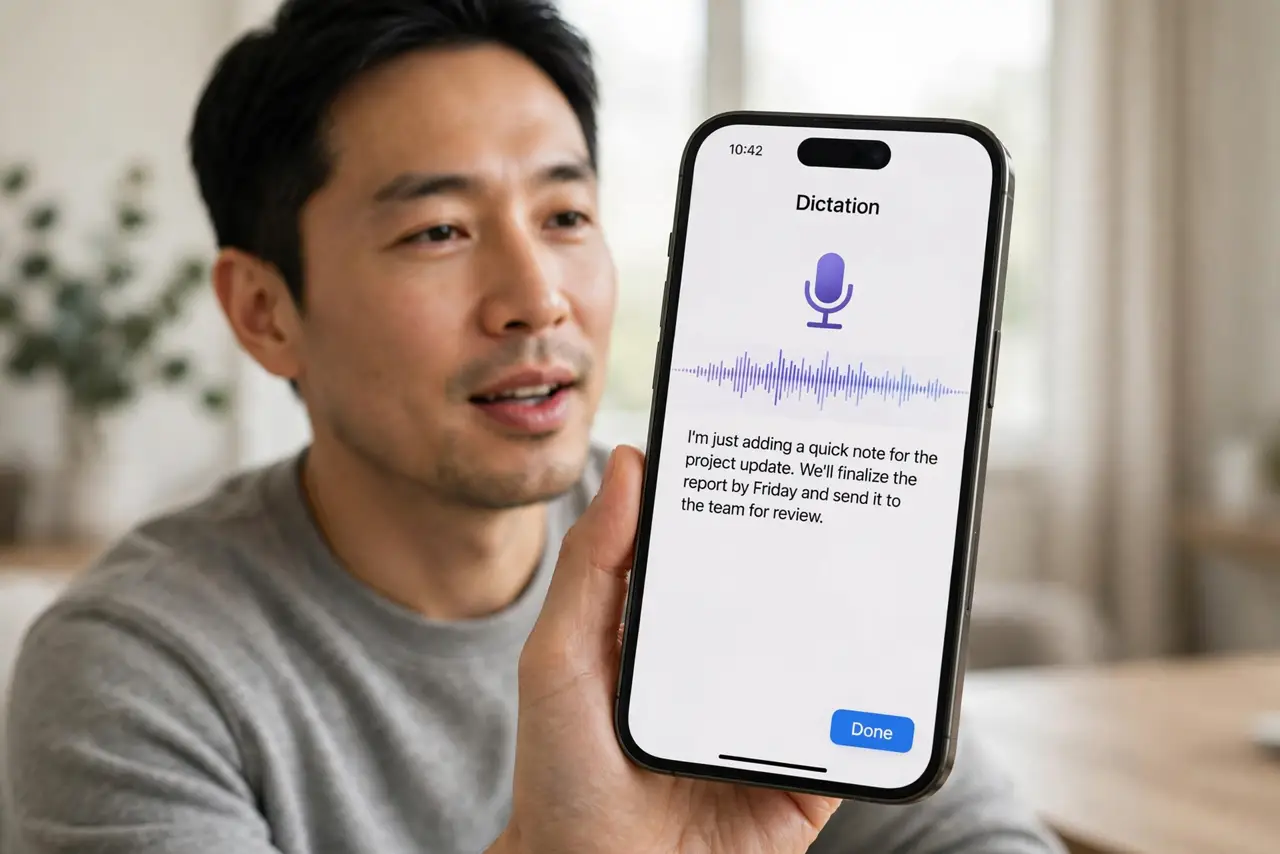
Dictation keeps typing the wrong words, and fixing them takes longer than typing. Noise, mumbling, or a blocked microphone usually causes it. Speak clearly, check the mic, and dictate in shorter phrases for better accuracy.
TL;DR / Quick Fix
Quick fix: move to a quieter place, hold the iPhone near your mouth, and dictate in short phrases with pauses. Check that nothing covers the microphone, then test one sentence at a time. Then test the fix for a full day before changing anything else.
Follow these steps
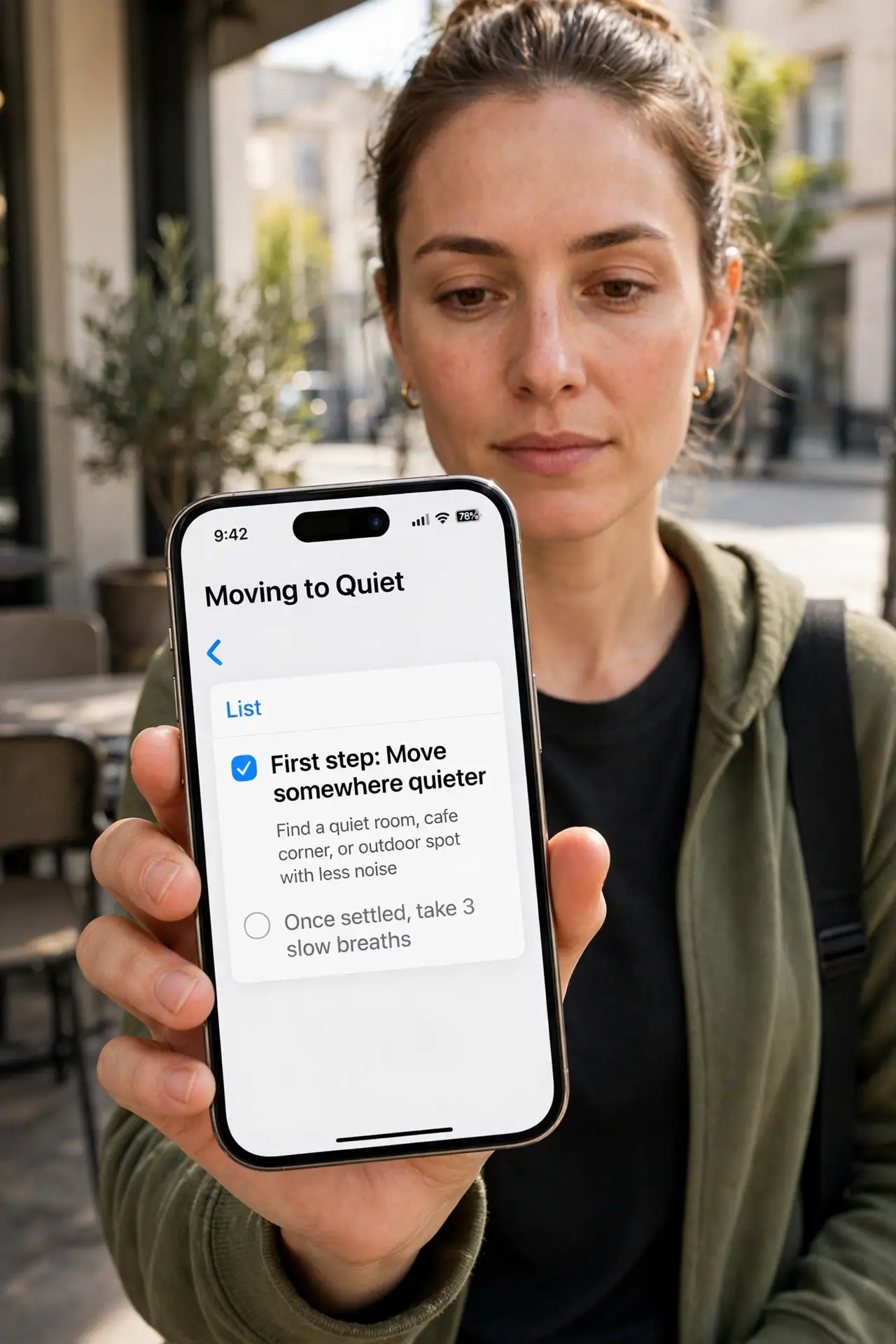
- Move somewhere quieter. Dictate away from TV, traffic, and loud conversations. Background noise is the most common cause of wrong dictation words.
- Hold the iPhone correctly. Hold the iPhone near your mouth, but not touching it, and speak at normal volume. Too far or too quiet makes words harder to recognize.
- Dictate in short phrases. Speak one short phrase, pause, then continue. Long, rushed sentences give dictation more chances to mishear a word.
- Check the microphone. Make sure no case, finger, or debris covers the bottom microphone. Clean the opening gently if it looks blocked, without poking inside.
- Confirm the dictation language. Open Settings, then General, then Keyboard, then Dictation Languages, and confirm your spoken language is selected. The wrong language mishears many words.
- Edit by voice, then by hand. Say the correction or tap the wrong word and retype it. A mix of voice correction and manual fixes is faster than re-dictating everything.
What NOT to do
- Do not shout at the phone to improve dictation. Shouting distorts words and makes recognition worse, not better.
- Do not dictate long paragraphs without pauses. Long runs without breaks increase errors and make corrections harder.
- Do not dictate in a noisy car and expect accuracy. Road noise overwhelms the microphone, whatever app you use.
- Do not turn dictation off after one bad sentence. A quiet room, short phrases, and the right language fix most accuracy problems.
Frequently asked questions
Why does dictation type wrong words?
Usually noise, distance, fast speech, or the wrong dictation language. Fixing those improves accuracy quickly.
Should I speak slowly?
Speak clearly at a natural pace, with pauses between phrases. Overly slow, robotic speech can also confuse recognition.
What if dictation fails in one app only?
Check that app microphone permission in Settings, then Privacy and Security, then Microphone, and confirm the app is allowed.