Double-Tap the Back
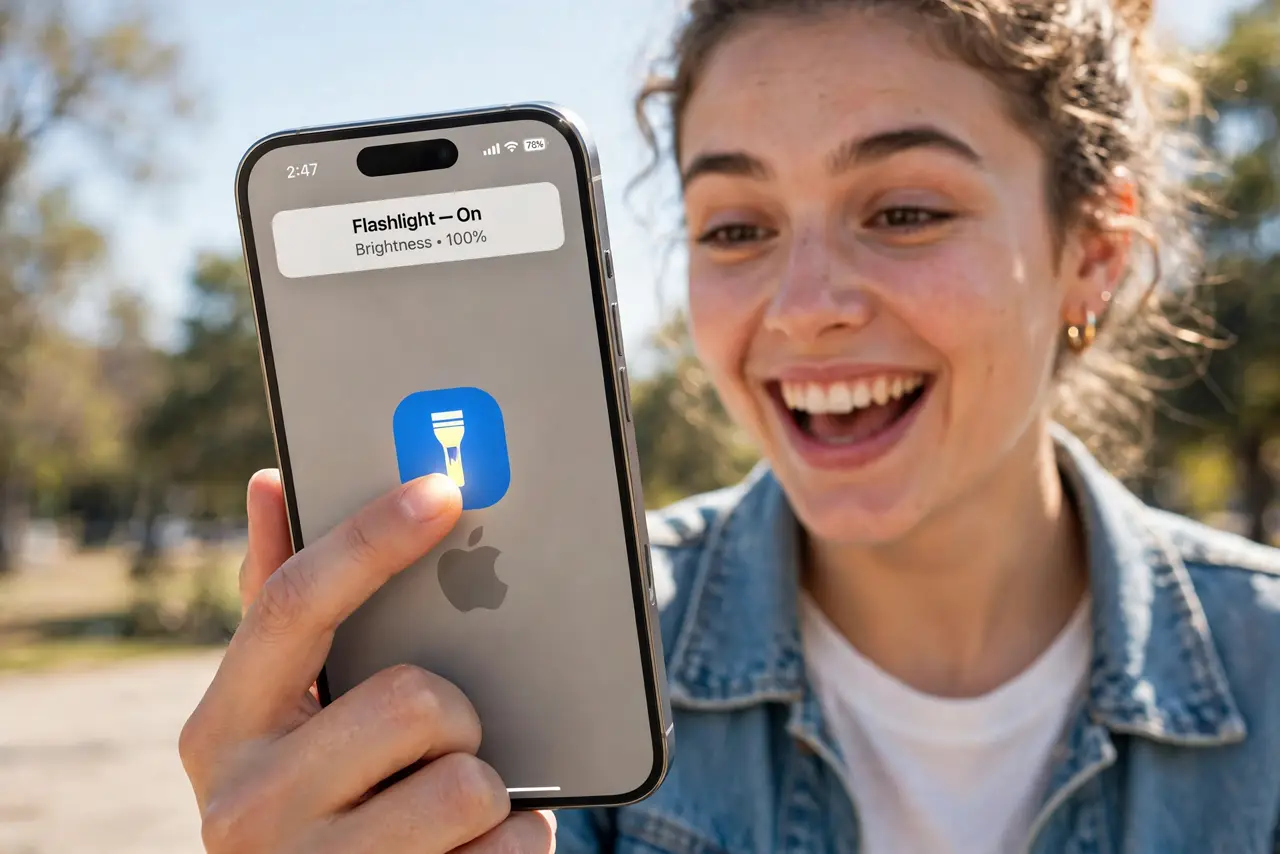
Taking a screenshot means the awkward button pinch; turning on the flashlight means unlocking and swiping. Your iPhone has a secret button: double- or triple-tap the back of the phone to trigger shortcuts — screenshot, flashlight, camera, anything. It is the fastest gesture you are not using.
TL;DR / Quick Fix
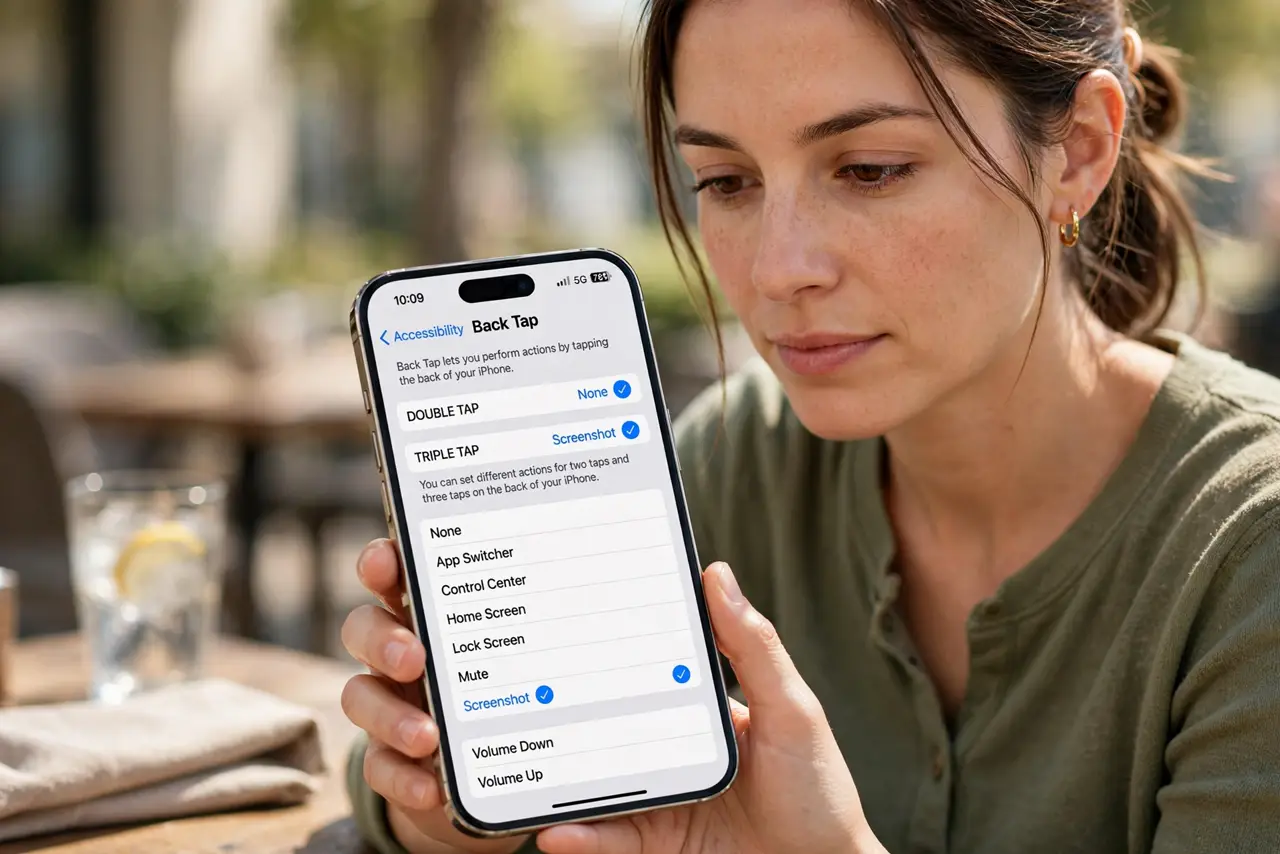
Quick fix: open Settings, then Accessibility, then Touch, then Back Tap. Set Double Tap to Screenshot and Triple Tap to Flashlight — or any shortcut you like. Tap firmly with a fingertip on the upper back of the phone; it works even with most cases on.
Follow these steps
- Open Back Tap settings. Go to Settings, then Accessibility, then Touch, then scroll to Back Tap. This is one of iOS's best-hidden features — most owners never find it without being told.
- Assign Double Tap. Choose Double Tap and pick an action — Screenshot is the classic. The list includes system actions, accessibility features, and any of your shortcuts.
- Assign Triple Tap. Choose Triple Tap for a second action — Flashlight, Camera, or Mute. Two gestures, two instant actions, zero unlocking.
- Learn the tap. Tap firmly with a fingertip on the back, around the upper half. It needs a deliberate tap, not a brush — practice five times and the muscle memory lands.
- Test with your case on. Most cases work fine, but very thick rugged cases can muffle the tap. Test yours — if it misfires, tap slightly harder or nearer the top.
- Wire it to a shortcut. The real power: assign a shortcut. Double-tap to start a voice memo, log water, or text 'on my way' — Back Tap becomes a physical button for your automations.
What NOT to do
- Do not assign destructive actions. Double-tap misfires happen — keep it to launching and toggling, never deleting or sending.
- Do not tap like you are knocking. A firm fingertip tap registers; pounding just annoys your hand.
- Do not expect it with the screen off. Back Tap needs the phone awake — it is a shortcut, not a wake button.
- Do not forget it exists. The number one Back Tap problem is setting it up and never building the habit — use it deliberately for a week.
Frequently asked questions
Why does Back Tap misfire?
Usually a loose grip tapping accidentally, or a very thick case. Tighten the tap zone awareness — or switch the action to triple-tap, which misfires less.
Does it drain battery?
No measurable drain — it uses the existing motion sensors that are always on anyway.
Can Android do this?
Some Android phones have similar tap gestures under Settings, then Gestures — often called Quick Tap. The options vary by maker.