Background Refresh Drains Battery Overnight
The iPhone loses a large chunk of battery overnight while nobody touches it. Background App Refresh lets apps update while idle, and a few hungry apps can drain the battery by morning.
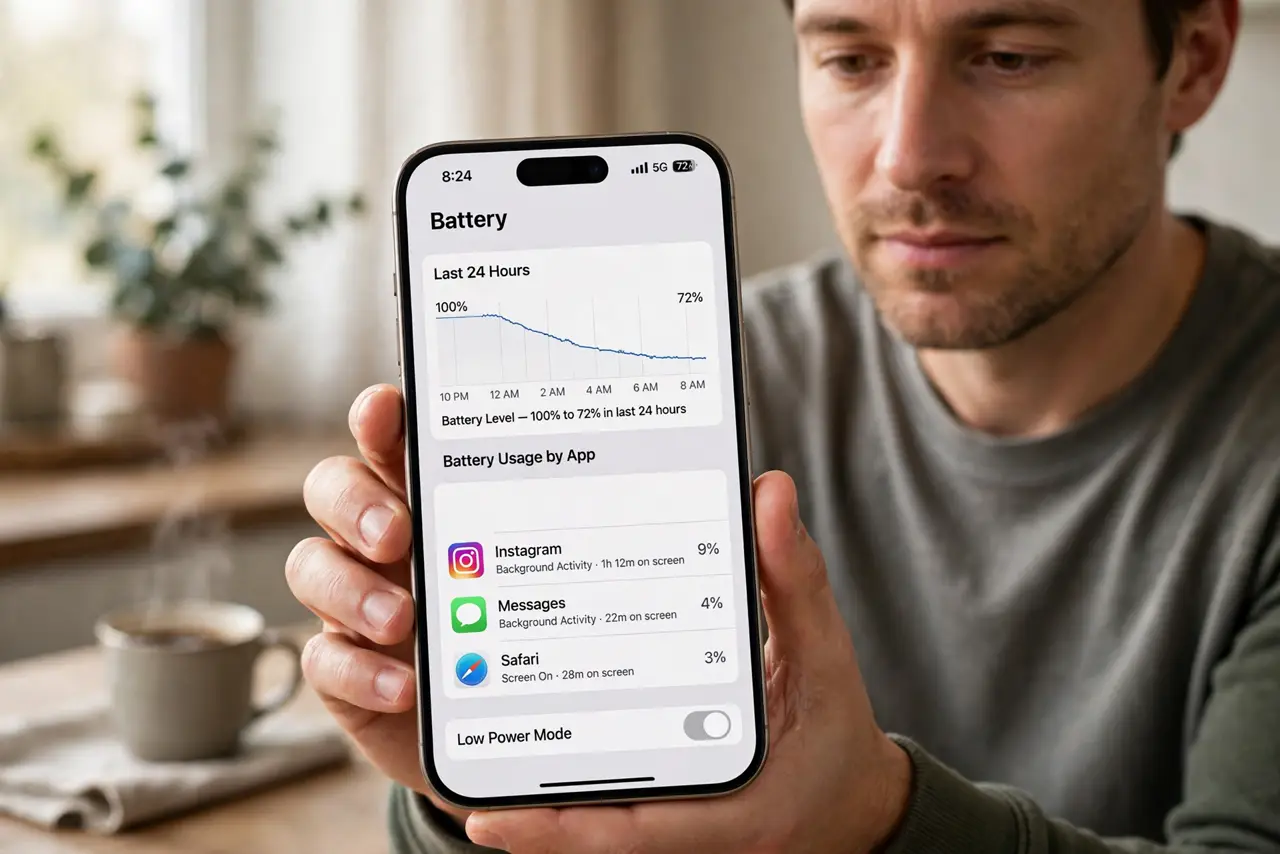
TL;DR / Quick Fix
Quick fix: open Settings, then General, then Background App Refresh, and turn it off for apps you do not need fresh overnight. Then check Battery usage to name the hungriest app, and limit that one first and recheck battery usage the next morning.
Follow these steps
- Find the hungriest app in Battery settings. Open Settings, then Battery, and review usage by app over the last 24 hours. The top apps overnight are the ones to limit first, rather than guessing.
- Turn off Background App Refresh per app. Open Settings, then General, then Background App Refresh, and switch off apps you do not need fresh. News, social, and shopping apps are common overnight drainers.
- Turn off refresh on mobile data only, if offered. If you want refresh on Wi-Fi but not on mobile data, set Background App Refresh to Wi-Fi only. That keeps updates at home while stopping data-driven refresh elsewhere.
- Check for an app stuck updating. If one app dominates overnight usage, force-close it and reopen it. A stuck update loop can refresh endlessly, and a fresh launch often ends the loop.
- Charge with Low Power Mode overnight if needed. Turn on Low Power Mode before bed on nights when the battery is low. Low Power Mode limits background activity, so the phone sips rather than drains overnight.
- Recheck after one night. After limiting the top apps, check Battery usage the next morning. One night of data confirms the fix, since a single night can mislead with a one-off update.
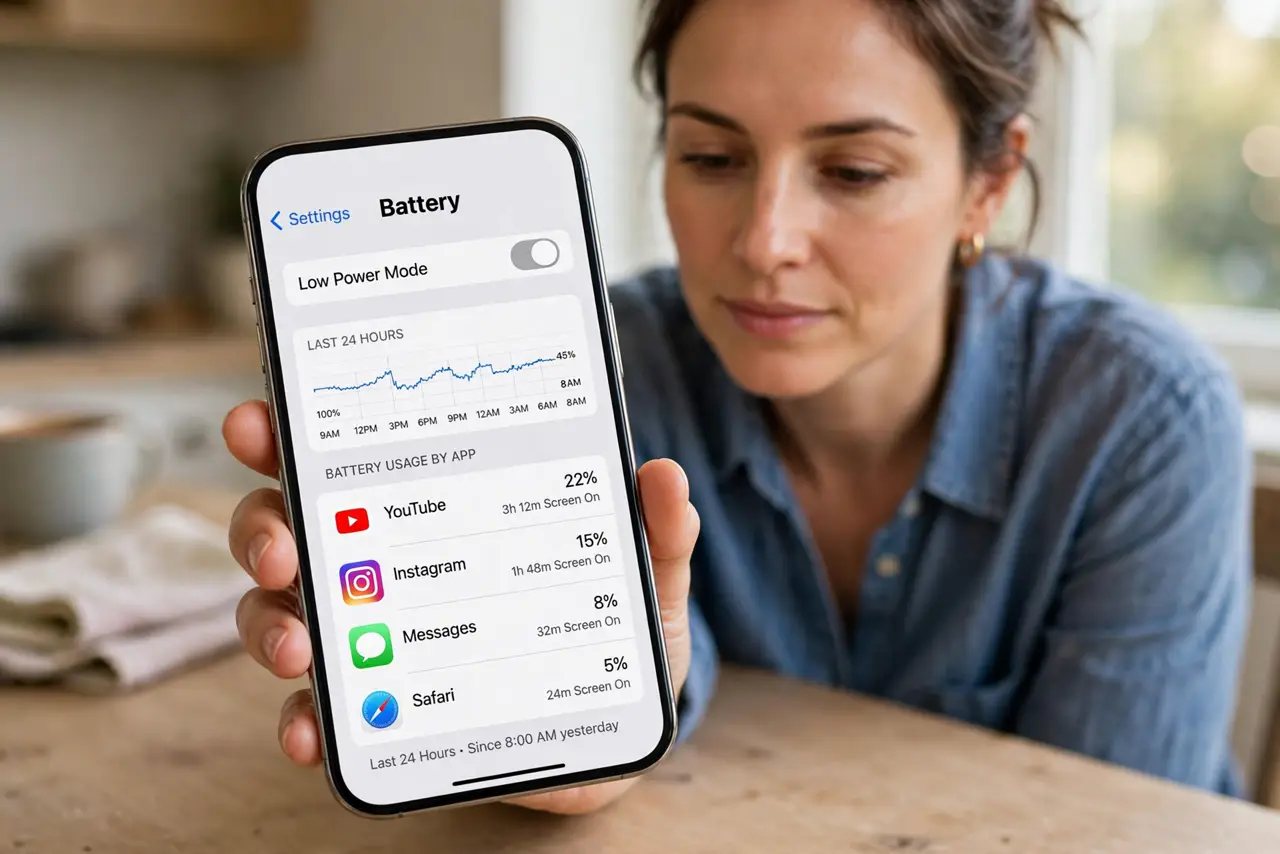
What NOT to do
- Do not turn off Background App Refresh for everything at once. Keep it for messages and mail you need fresh, and limit only the apps that actually drain overnight.
- Do not assume overnight drain means a dying battery. A hungry app refreshing all night drains a healthy battery too, so check usage before blaming the battery.
- Do not leave a stuck app refreshing for days. Force-close it once, since a stuck loop wastes battery every night until it is interrupted.
- Do not charge overnight with a hot case or blanket over the phone. Heat worsens battery wear, so charge on a cool surface while you fix the refresh settings.
Frequently asked questions
Why does battery drain overnight?
Because apps with Background App Refresh update while the phone idles, and a few hungry apps can use a large share by morning.
Should I turn off all background refresh?
No. Limit the hungriest apps first, and keep refresh for messages and mail you need fresh.
How do I find the draining app?
Check Battery usage by app over the last 24 hours, and limit whichever app tops the overnight list.