iPhone Battery Drains Overnight? Stop It
You go to bed with plenty of charge and wake up nearly empty. Something worked all night, and the Battery screen can name it. Overnight drain is rarely a bad battery on its own; it is usually an app, a setting, or a weak signal keeping the phone awake, much like a phone battery draining fast during the day.
TL;DR / Quick Fix
Quick fix: check Battery Usage by App for the overnight hours, turn off background refresh for hungry apps, set mail to fetch manually, turn on Low Power Mode at night, improve signal or use Wi-Fi, and check battery health. Test the fix right away today.
Follow these steps
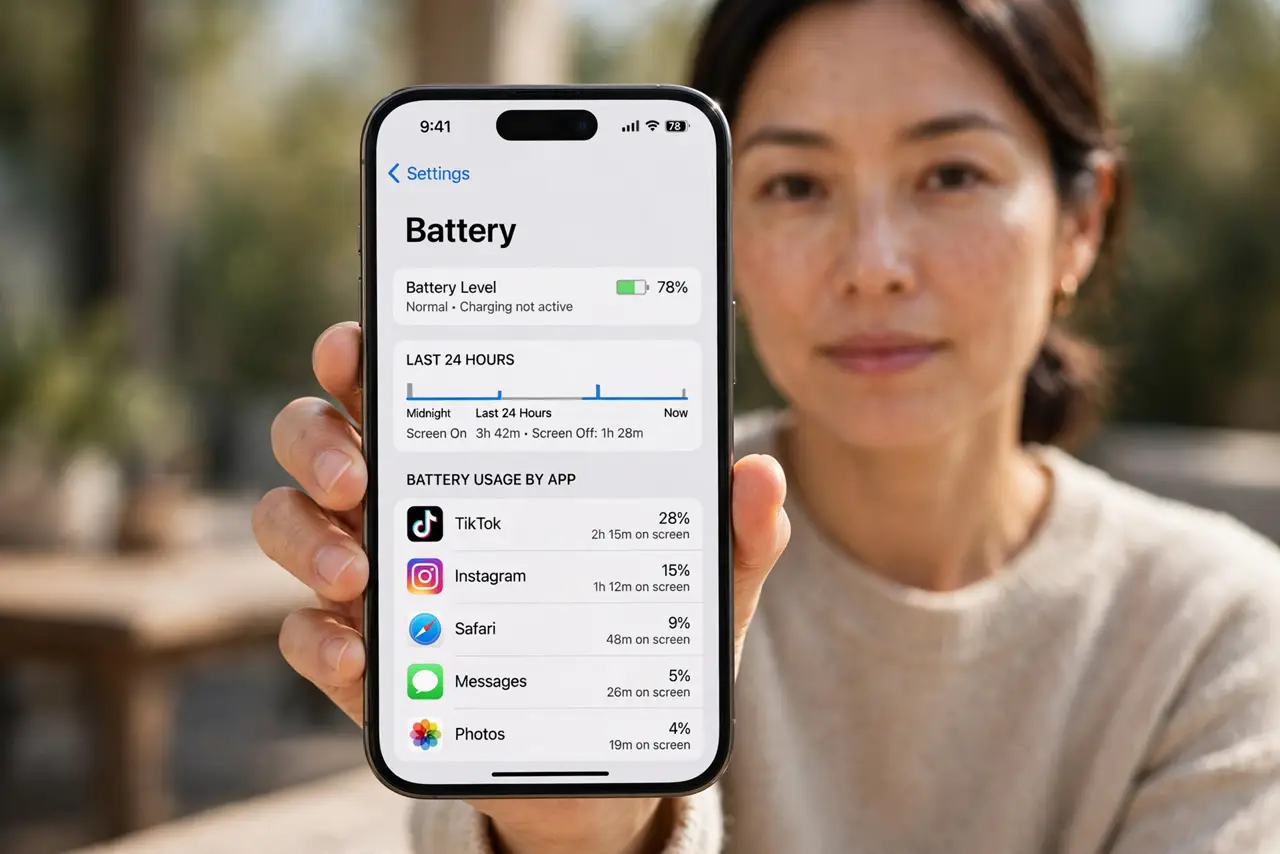
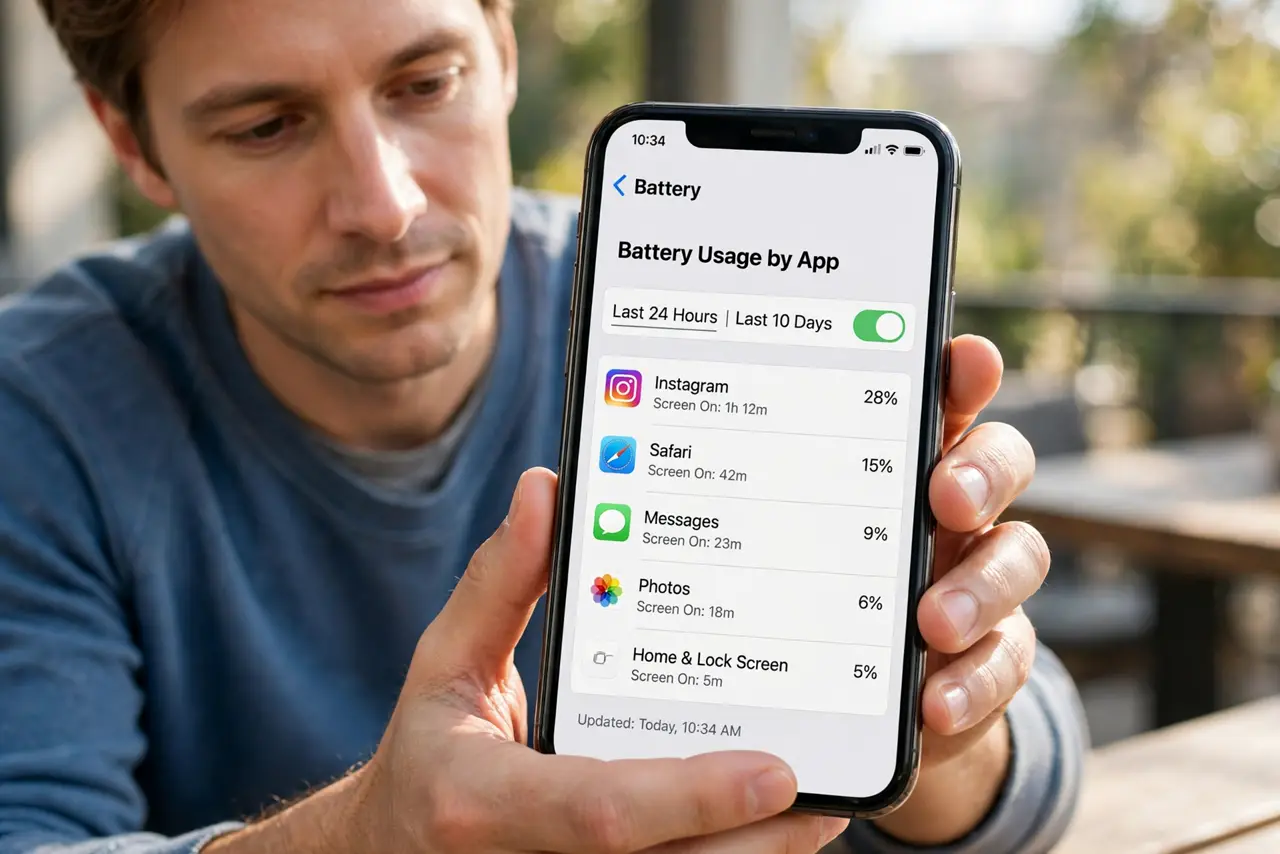
- Check Battery Usage by App. Open Settings, then Battery, and look at Battery Usage by App for the last 24 hours. The app at the top during the night is your prime suspect.
- Turn off background refresh for hungry apps. Open Settings, then General, then Background App Refresh, and turn it off for the apps that used battery overnight. You can also turn it off entirely if you prefer.
- Set mail to fetch, not push, overnight. Open Settings, then Mail, then Accounts, then Fetch New Data, and set problem accounts to Fetch or Manual. Push mail wakes the phone for every message.
- Turn on Low Power Mode before bed. Open Settings, then Battery, and turn on Low Power Mode at night. It cuts background activity and mail fetch, which is exactly what you want while you sleep.
- Fix a weak signal if you can. A phone hunting for signal drains fast. If you sleep in a weak-signal spot, use Wi-Fi calling or put the phone where signal is stronger, or use airplane mode overnight.
- Check battery health and update iOS. Open Settings, then Battery, then Battery Health and Charging, and note Maximum Capacity. Then check Settings, then General, then Software Update, since updates often fix drain bugs.
What NOT to do
- Do not close every app from the app switcher each night. iOS manages background apps, and force-closing them can use more battery when they relaunch.
- Do not turn off all notifications to fix drain. Notifications are rarely the cause; background refresh and signal hunting matter far more.
- Do not replace the battery before checking usage. A healthy battery with a hungry app will still drain overnight with a new battery.
- Do not charge to 100 percent and worry about one bad night. Look at the pattern over several nights before changing settings.
Frequently asked questions
Is overnight drain always a bad battery?
No. Check Battery Usage first. A hungry app or weak signal is more common than a worn battery.
Does airplane mode stop overnight drain?
Yes, almost entirely, but you will miss calls and messages. Try it one night as a test, not as a permanent fix.
When is battery health low enough to matter?
Below 80 percent Maximum Capacity, Apple considers the battery worn, and a replacement is worth considering.