Play Background Sounds
The office hums, the cafe clatters, and your focus frays at every interruption. Your iPhone can play steady background sounds — rain, ocean, white noise — that mask the chaos without music's distraction. It is built in, free, and one Control Center tap away from a calmer head.
TL;DR / Quick Fix
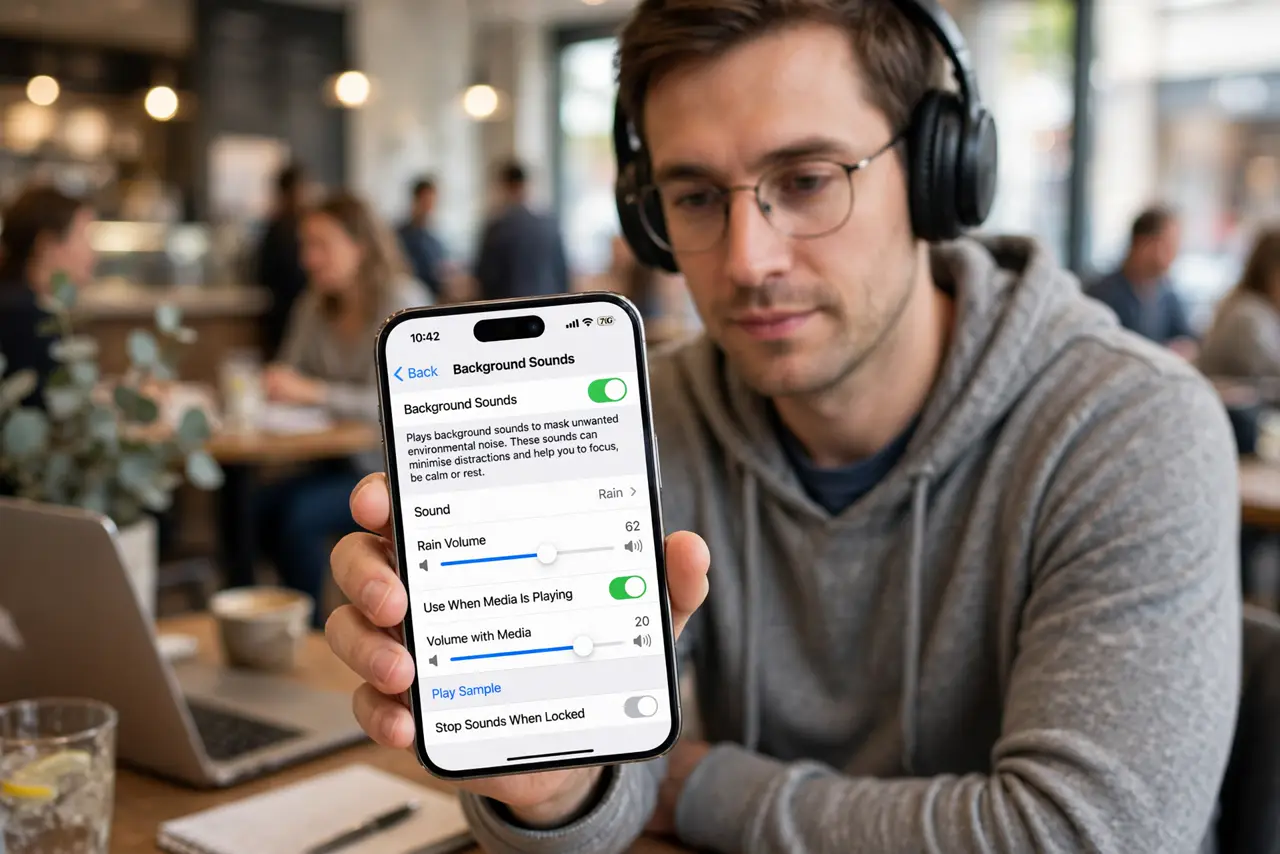
Quick fix: on iPhone, go to Settings, then Accessibility, then Audio and Visual, then Background Sounds, and turn it on — pick rain, ocean, or white noise. Add it to Control Center for one-tap access. It plays over silence, masking distractions without demanding attention.
Follow these steps
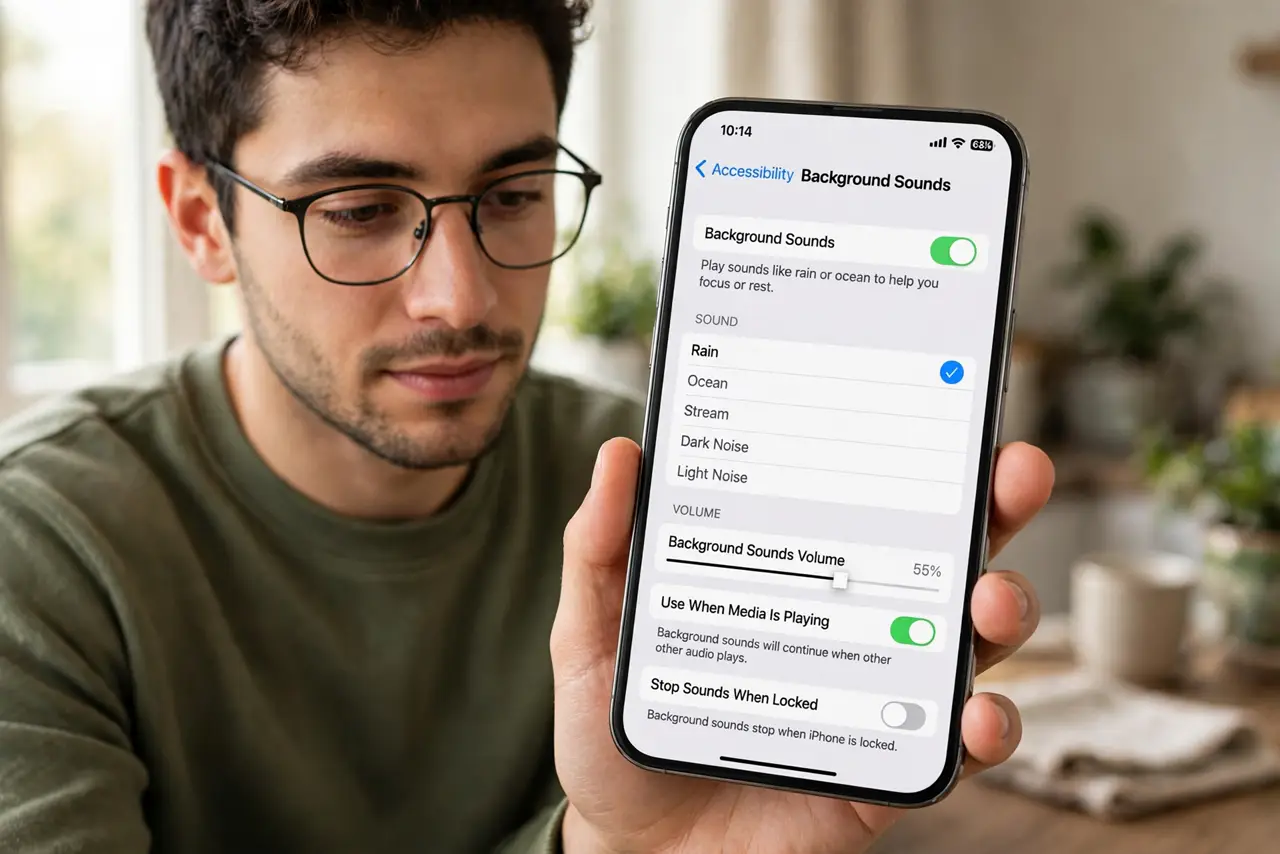
- Open Background Sounds. Go to Settings, then Accessibility, then Audio and Visual, then Background Sounds. This is Apple's built-in noise generator — no app needed.
- Pick your sound. Choose from rain, stream, ocean, balanced noise, bright noise, dark noise. Try rain first — it is the crowd favorite — then sample the rest over a few days.
- Set the volume. Adjust the background volume separately from media volume. It should sit just under your awareness — masking the room, not becoming the room.
- Add to Control Center. In Settings, then Control Center, add Hearing. Now background sounds are one swipe and tap away — the difference between using it and forgetting it.
- Use it with focus modes. Tie background sounds to a Work focus mode so they start automatically. Environment-matched calm, zero taps, every work session.
- Try it for sleep too. The same sounds work at bedtime — set a timer in the Clock app to stop playback. Consistent sound cues genuinely help some sleepers.
What NOT to do
- Do not blast it. Background means background — if you notice the sound more than the work, it is too loud.
- Do not expect silence. It masks variable noise with steady noise; the jackhammer next door still wins — it is masking, not magic.
- Do not forget it is playing. Hours of unnoticed playback drain battery — the sleep timer exists for a reason.
- Do not use it as ear protection. It does not block damaging volumes — for real noise hazards, use actual protection.
Frequently asked questions
Does it work on Android?
Android has no single built-in equivalent, but many phones offer similar features under accessibility or wellness settings — plus free apps abound.
Will it play over my music?
It mixes at its set volume — but the combination is usually distracting. Use one or the other, not both.
Does it use much battery?
A little — audio playback always costs something. The sleep timer and modest volume keep it reasonable.