iPhone Battery Percentage Jumps Around? Fix It
Your battery reads 40 percent, then 25, then 38 again. That jumping number is usually a miscalibrated gauge or a worn battery, not a fault in the charger. The same symptom shows up elsewhere too, including a battery percentage that jumps suddenly on a laptop, and the checks are similar.
TL;DR / Quick Fix
Quick fix: restart the phone, run one full charge from low to 100 percent, check battery health, update iOS, avoid extreme cold or heat, and consider a battery replacement if health is below 80 percent. Test the fix right away, then recheck it tomorrow morning.
Follow these steps
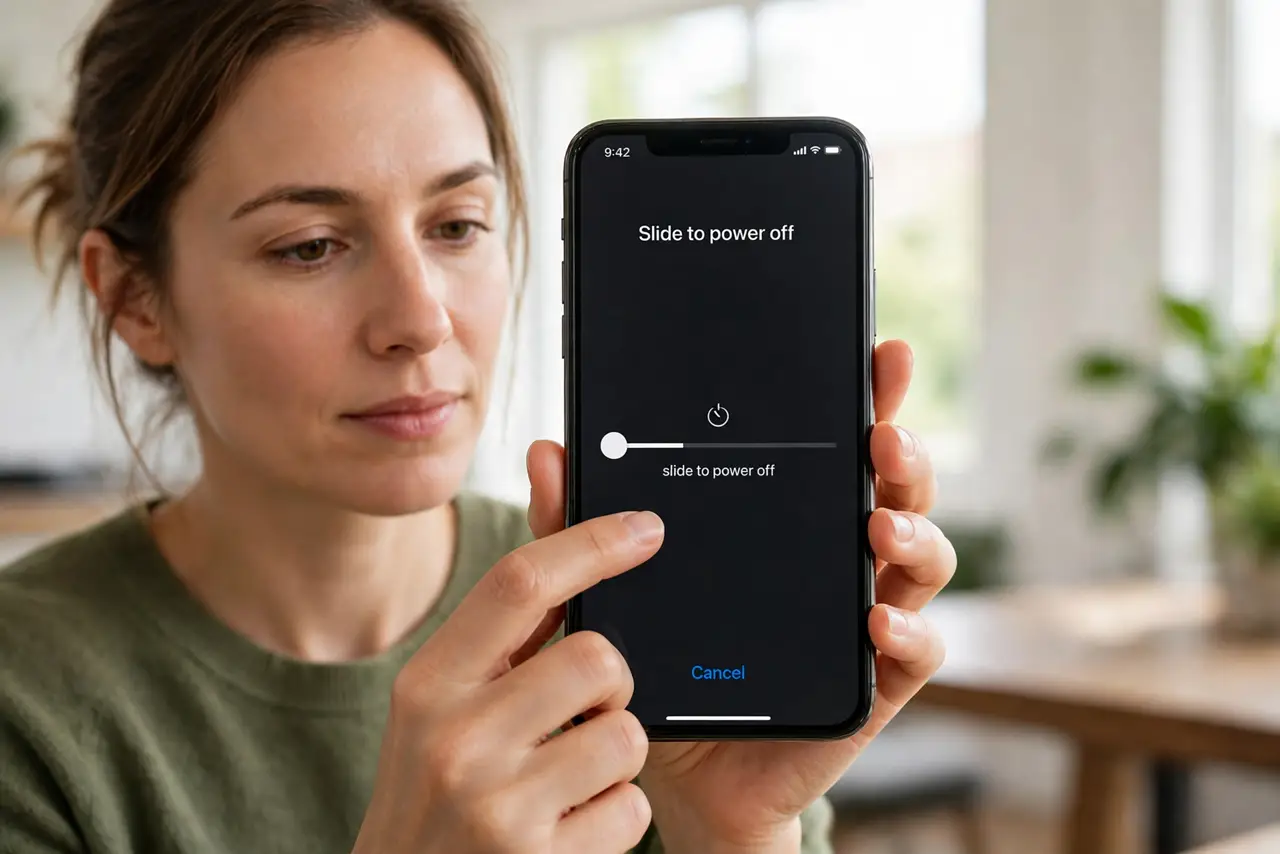
- Restart the phone first. Press and hold the side button and a volume button, slide to power off, wait 30 seconds, and turn it back on. A restart often steadies a jumping gauge at once.
- Run one full charge cycle. Use the phone until it is low, then charge it uninterrupted to 100 percent and leave it plugged in for 30 minutes more. This helps the gauge relearn the true range.
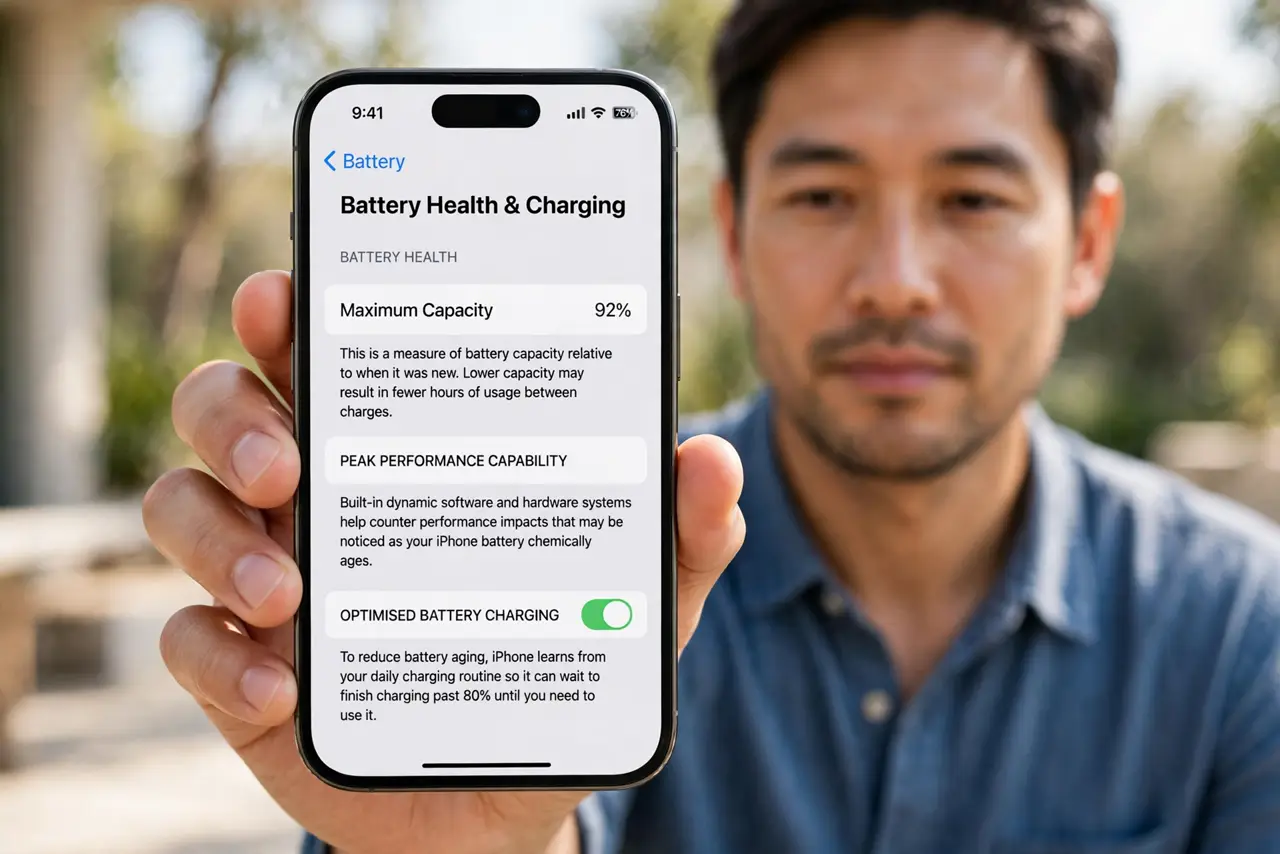
- Check battery health. Open Settings, then Battery, then Battery Health and Charging, and note Maximum Capacity. Below 80 percent, the battery is worn and jumping readings are expected.
- Update iOS. Open Settings, then General, then Software Update, and install any update. Battery gauge and power bugs are common update fixes, and this costs nothing to try.
- Avoid extreme cold and heat. Cold makes the percentage drop fast and recover indoors, while heat ages the battery. Keep the phone near room temperature while you test the gauge.
- Consider a replacement if health is low. If health is below 80 percent and the jumps continue after a charge cycle, book a battery replacement. A new battery fixes gauge jumps that settings cannot.
What NOT to do
- Do not calibrate by draining to zero repeatedly. Deep drains wear the battery faster, so one full cycle is enough for testing.
- Do not trust a third-party battery app over Battery Health. iOS health is the reliable figure; outside apps can only guess.
- Do not replace the charger first. A jumping percentage is a gauge or battery issue, and a new cable will not steady it.
- Do not ignore swelling or heat with jumping readings. If the phone swells or gets very hot, stop using it and get it checked.
Frequently asked questions
Why does the percentage go back up by itself?
Because the gauge estimated low under load or cold, then corrected when load or temperature changed.
Does a full charge cycle harm the battery?
One cycle does not. Repeated deep drains do, so do it once for testing, not daily.
Will a new battery fix all jumping readings?
If health is low, yes, usually. If health is high, a software issue or temperature is more likely.