iPhone Beta Risks
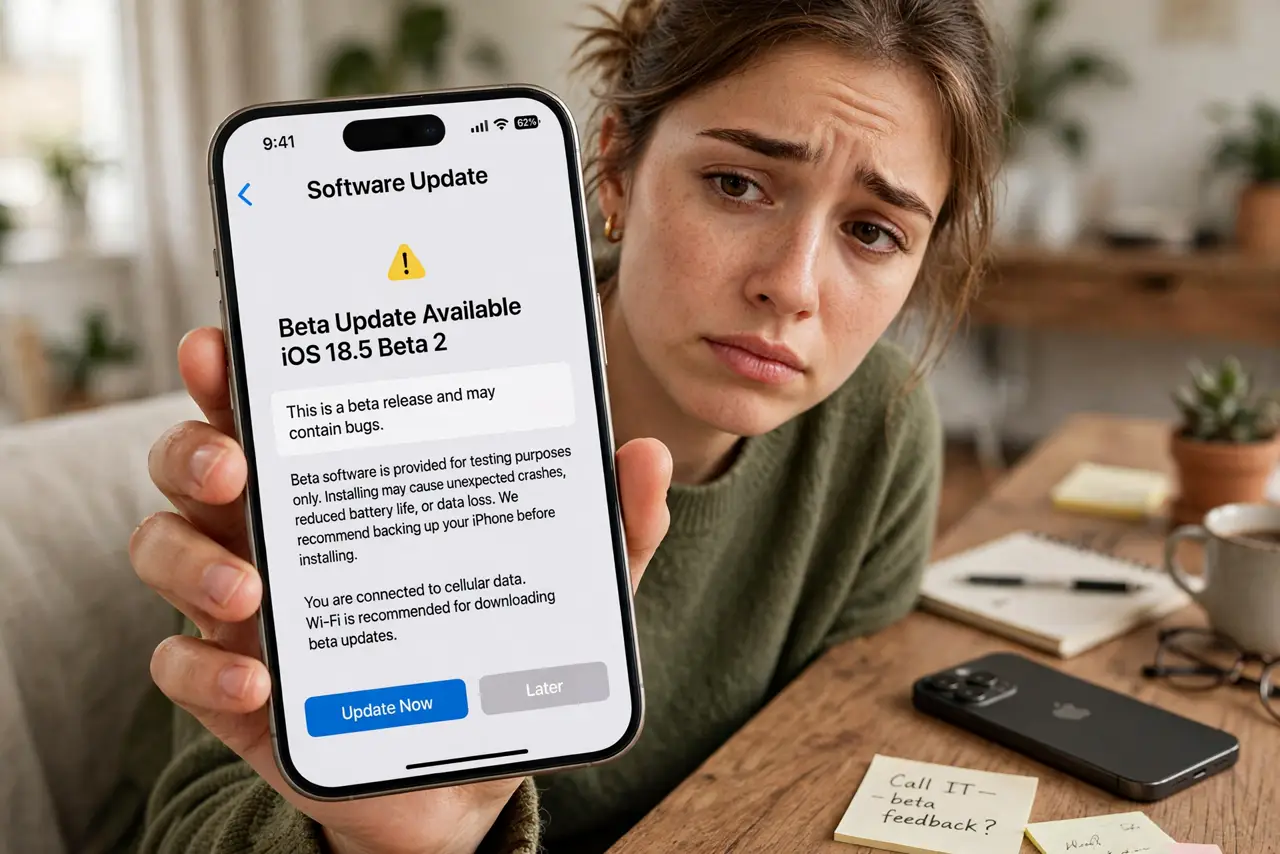
Apple announces the next iOS, the internet fills with screenshots of shiny new features, and the public beta is one tap away. It is tempting — early access feels like a superpower. But beta software on your daily phone is a gamble with your alarm clock, your banking app, and your battery life, and the way back is a full wipe. Here is what beta life is really like before you tap install. The safe update guide is the sane alternative.
TL;DR / Quick Fix
Quick fix: skip iPhone beta software on your main phone. Betas bring crashes, drained batteries, and apps that refuse to open — and going back means wiping the phone. If curiosity wins, install the beta only on a spare device after a full backup.
Follow these steps
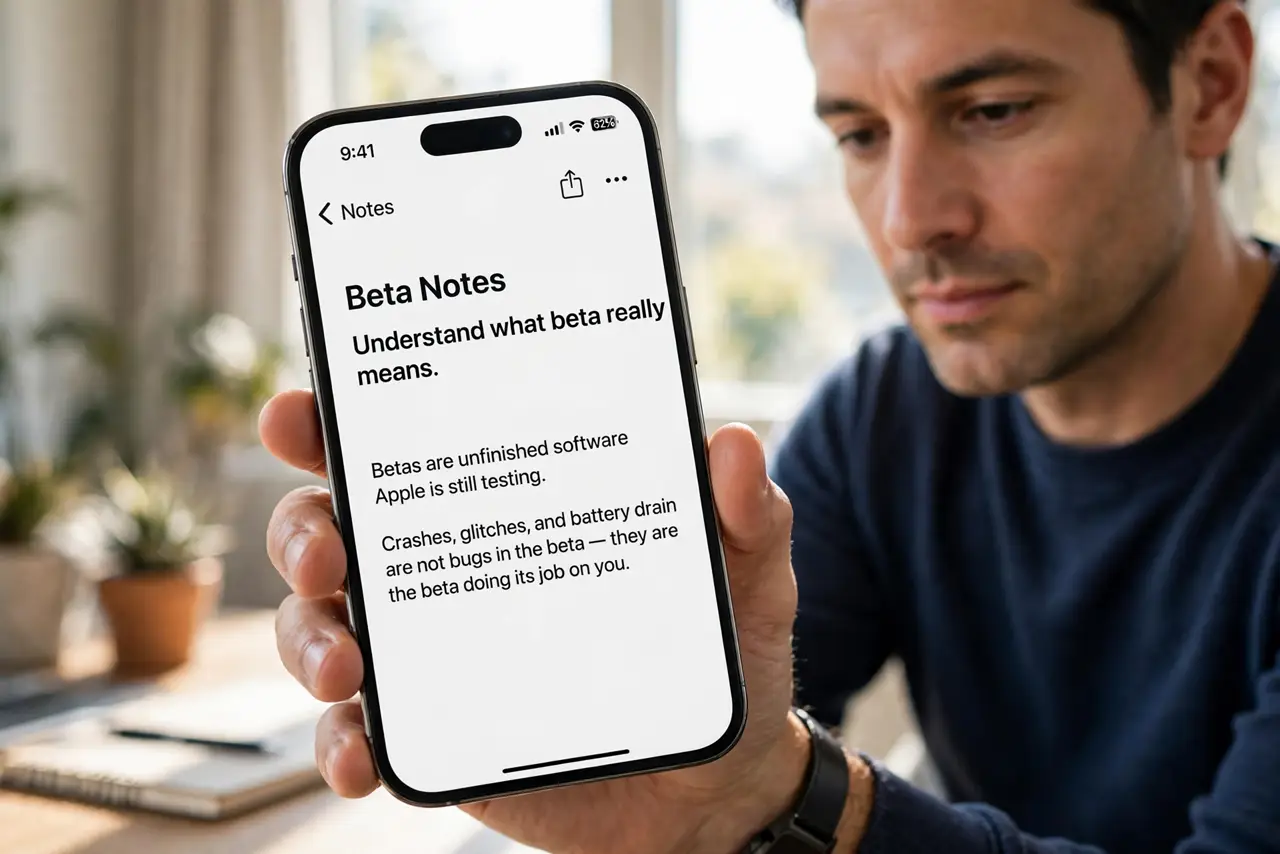
- Understand what beta really means. Betas are unfinished software Apple is still testing. Crashes, glitches, and battery drain are not bugs in the beta — they are the beta doing its job on you.
- List what you cannot afford to break. Banking apps, work authentication, transit passes, alarms. Betas routinely break exactly one app you depend on, and developers fix beta issues last.
- Know the way back is a wipe. Downgrading from beta to stable iOS requires erasing the phone and restoring a pre-beta backup. There is no simple undo button.
- Use a spare device if you must try. An old iPhone is the right beta machine. Your daily driver stays stable while curiosity gets its playground — with a backup first, always.
- Back up before installing the beta. Archive a full backup to a computer before enrolling. iCloud backups made on beta cannot restore to older stable iOS.
- Report bugs instead of just suffering. The Feedback app exists for a reason. Beta testers who report issues help everyone; silent sufferers just have a buggy phone.
What NOT to do
- Do not install a beta the week of travel or big events. A broken maps or boarding-pass app at the airport is a special misery.
- Do not assume your banking app will work. Financial apps are the most common beta casualties.
- Do not install without an archived backup. Without a pre-beta backup, downgrading means starting fresh.
- Do not treat the release candidate as fully safe. It is close to final, but 'close' still broke things historically.
Frequently asked questions
Is the public beta safer than the developer beta?
Somewhat — it arrives later with the worst bugs fixed. It is still unfinished software with real risks, just fewer of them.
Will beta software void my warranty?
No, Apple offers public betas officially. But Apple support may ask you to downgrade before troubleshooting.
When do betas become stable enough?
The final release candidates in late summer are usually solid. Early summer betas are the wild ones.