Call Forwarding Turns On by Itself
Calls start going to another number, and you never set forwarding. A carrier setting, an old conditional rule, or a Focus-related change can switch it on without a clear warning.
TL;DR / Quick Fix
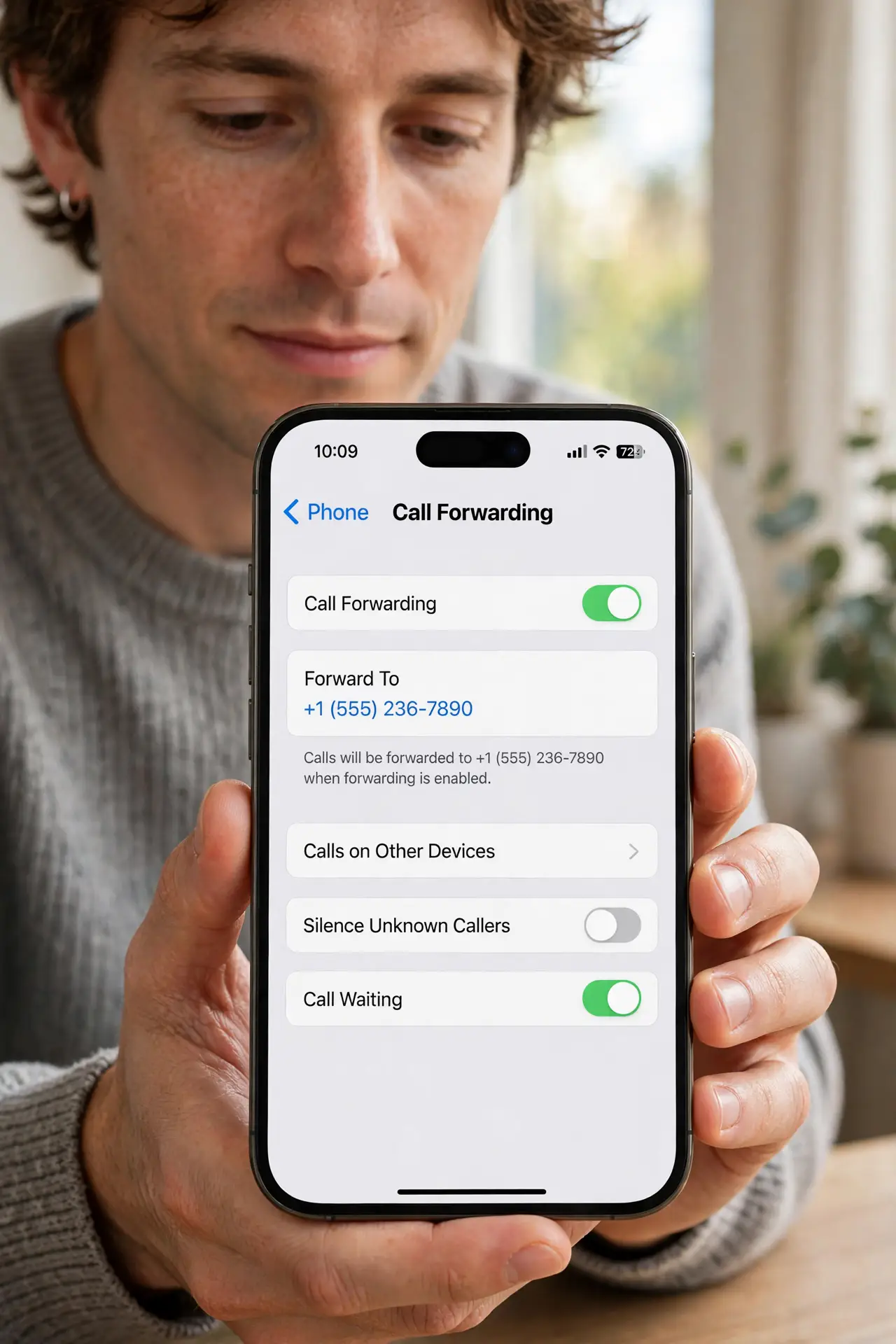
Quick fix: open Settings, then Phone, then Call Forwarding, and turn it off. Then check the number it forwards to, restart once, and ask your carrier to confirm no forwarding rule remains and ask your carrier to confirm no forwarding rule remains on the account.
Follow these steps
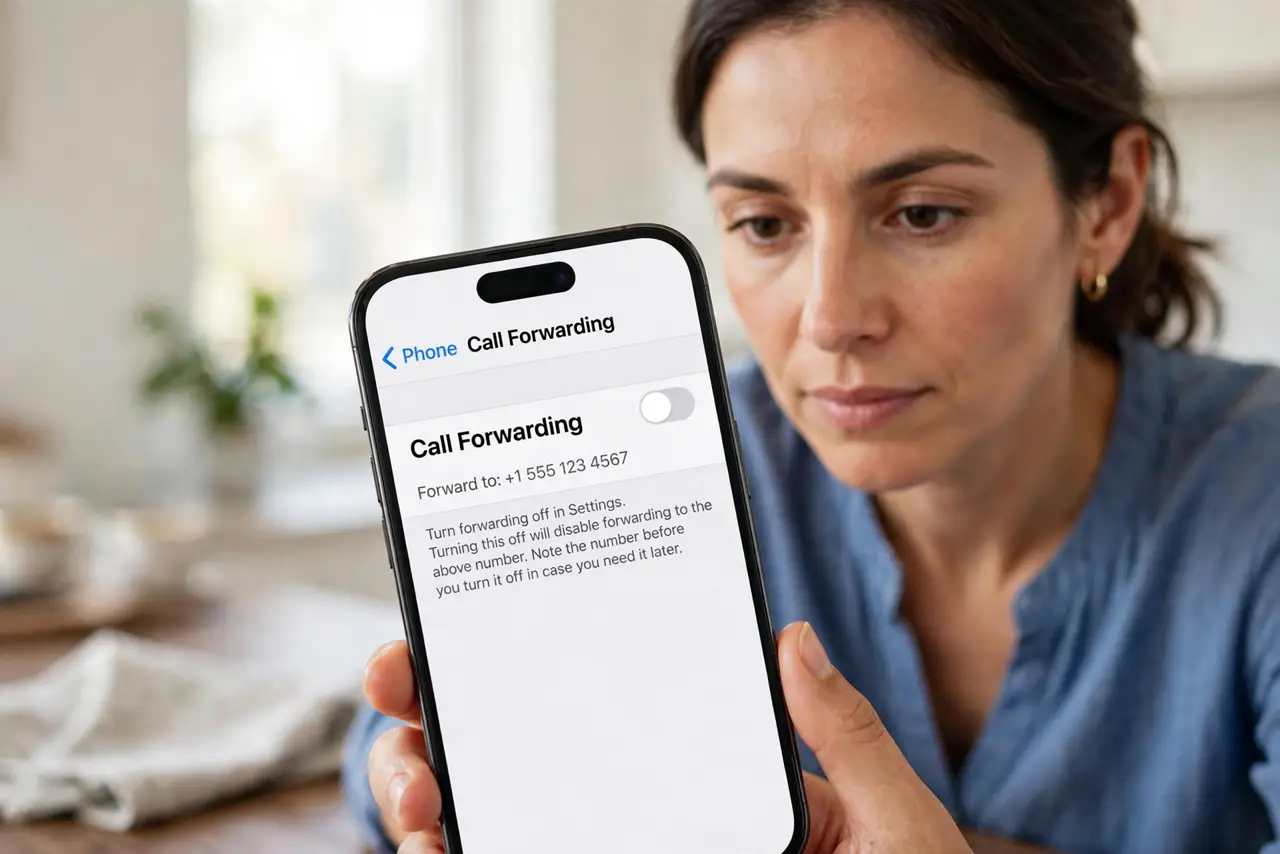
- Turn forwarding off in settings. Open Settings, then Phone, then Call Forwarding, and turn the switch off. Note the number it was forwarding to before you switch it off, in case you need it later.
- Check for conditional forwarding rules. Ask your carrier whether conditional rules exist, such as forwarding when busy or unanswered. Those rules can survive the main switch and forward calls in specific cases.
- Check for a second line's forwarding. If you use two lines, check Call Forwarding for each line separately. A rule on the second line forwards its calls even when the first line looks clean.
- Restart and test with a call. Restart the iPhone once, then ask a friend to call you. A test call confirms forwarding is truly off, rather than trusting the switch position alone.
- Ask the carrier to clear forwarding. Contact your carrier and ask them to confirm no forwarding rule remains on the account. Carrier-side rules can reappear in settings if only the phone side is cleared.
- Check for a Focus or automation link. Review any Focus modes or automations that touch calls. An automation set long ago can re-enable forwarding when a focus turns on, so remove any you do not recognize.
What NOT to do
- Do not ignore forwarding because calls still reach you sometimes. Conditional rules forward only busy or unanswered calls, so partial forwarding is still forwarding.
- Do not forward calls to a number you do not recognize. Note that number first, since an unknown forwarding target deserves a carrier check, not a shrug.
- Do not assume turning the switch off clears carrier rules. Ask the carrier to confirm, since carrier-side rules can outlive the phone setting.
- Do not set up forwarding as a workaround for a missed-call problem. Fix the missed calls directly, so you do not create a forwarding habit that surprises you later.
Frequently asked questions
Why did call forwarding turn on by itself?
Usually a carrier rule, an old conditional rule, or an automation re-enabled it without a clear warning.
Does turning the switch off remove everything?
Not always. Carrier-side and conditional rules can remain, so ask your carrier to confirm.
Why do only some calls forward?
Because conditional rules forward only busy, unanswered, or unreachable calls, while other calls ring normally.