Record Calls on iPhone
Sometimes you genuinely need a record of a call — an agreement with support, details from a contractor, medical instructions. Newer iPhones can record calls right in the Phone app, and Android phones have their own built-in or carrier options. This guide covers the official routes and the legal ground rules you must follow.
TL;DR / Quick Fix
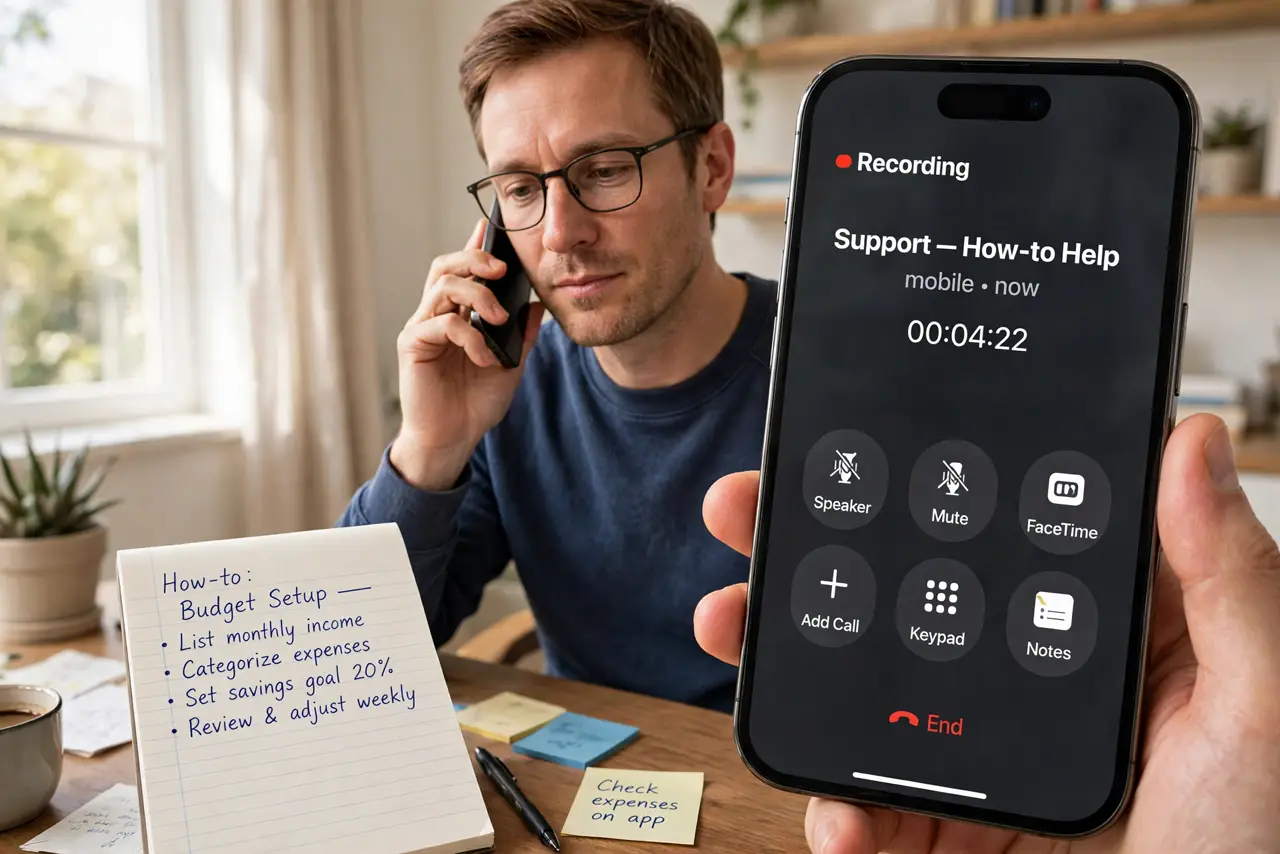
Quick fix: on a recent iPhone, tap the record button during a call — everyone hears an announcement that recording started. On Android, look for a Record button in the phone app. Always tell the other person you are recording, and check your local consent laws first.
Follow these steps
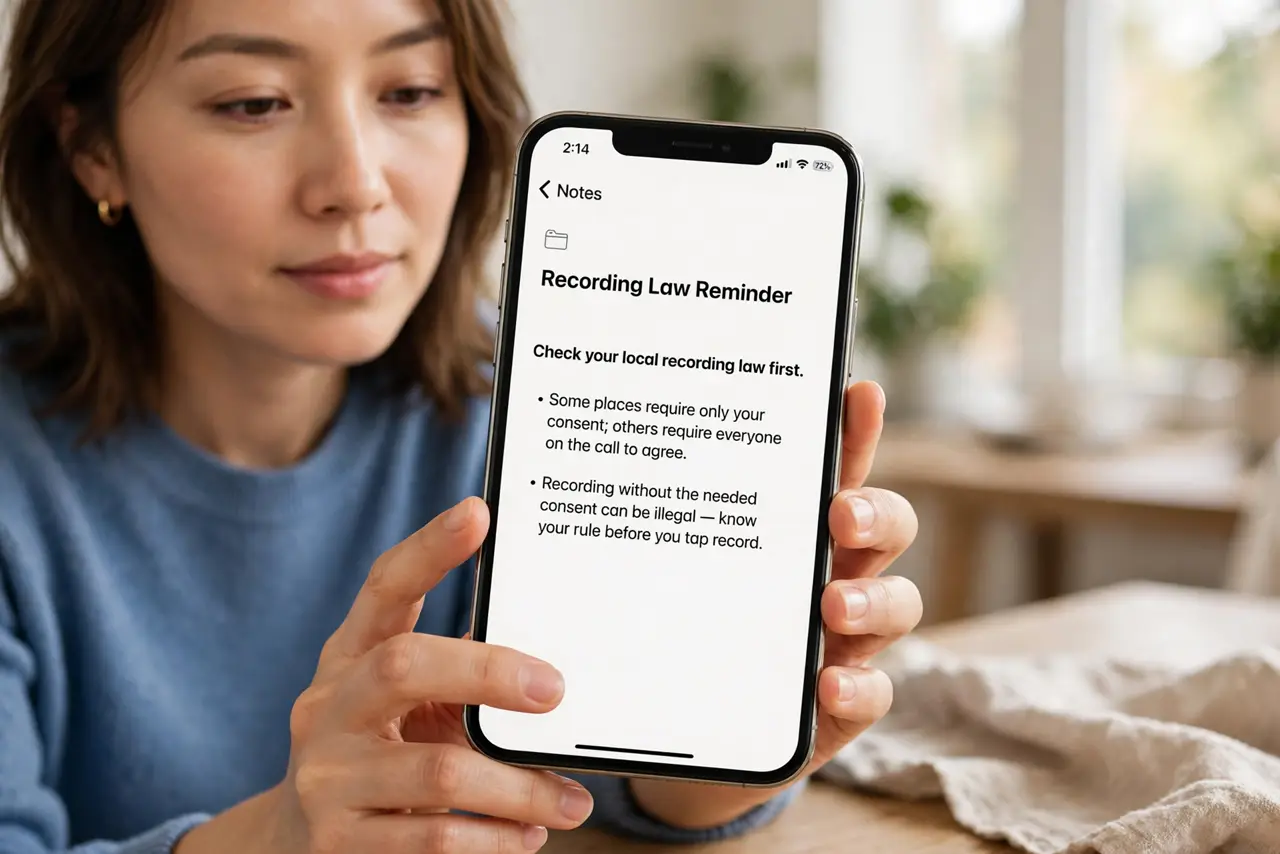
- Check your local recording law first. Some places require only your consent; others require everyone on the call to agree. Recording without the needed consent can be illegal — know your rule before you tap record.
- On iPhone, use the built-in recorder. During a call in the Phone app on a recent iOS version, tap the record button at the top of the call screen. Both sides hear an announcement that the call is being recorded.
- On Android, look in the phone app. During a call, tap the Record button if your phone app shows one — availability varies by phone maker, carrier, and country. Some regions disable it entirely.
- Tell the other person out loud. Even where one-party consent is legal, announcing the recording keeps things honest and avoids disputes later. The iPhone's automatic announcement handles this for you.
- Find the recording after the call. iPhone saves call recordings to the Notes app with a transcript. On Android, check the phone app's Recents tab or a Recordings folder.
- Save important recordings somewhere safe. For anything that matters — agreements, instructions — back the audio file up to cloud storage or email it to yourself so a lost phone does not lose the record.
What NOT to do
- Do not record calls secretly where consent is required. Two-party-consent laws make secret recording illegal in many places.
- Do not use sketchy third-party recording apps that ask for odd permissions. Built-in recording is safer and more reliable.
- Do not assume recording is available everywhere. Some countries and carriers disable call recording entirely — check your phone first.
- Do not rely on a recording you cannot find. Verify where the file saves before the call that actually matters.
Frequently asked questions
Does the other person know I am recording?
On iPhone, yes — an announcement plays for everyone when recording starts. On Android it depends on the app; announce it yourself to be safe.
Why is there no record button on my Android?
Your maker, carrier, or country may have disabled it. Some regions prohibit call recording, so the button simply does not appear.
Are call recording apps in the app store safe?
Many are ad-heavy or request excessive permissions. Prefer the built-in recorder on your phone whenever it exists.