iPhone Call Volume Too Low? Turn Calls Up
Callers sound faint, even with volume up, and you strain to hear every word. In-call volume, earpiece blockage, or audio routing to another device usually causes it. Raise volume during a call, check the earpiece, and confirm where audio goes.
TL;DR / Quick Fix
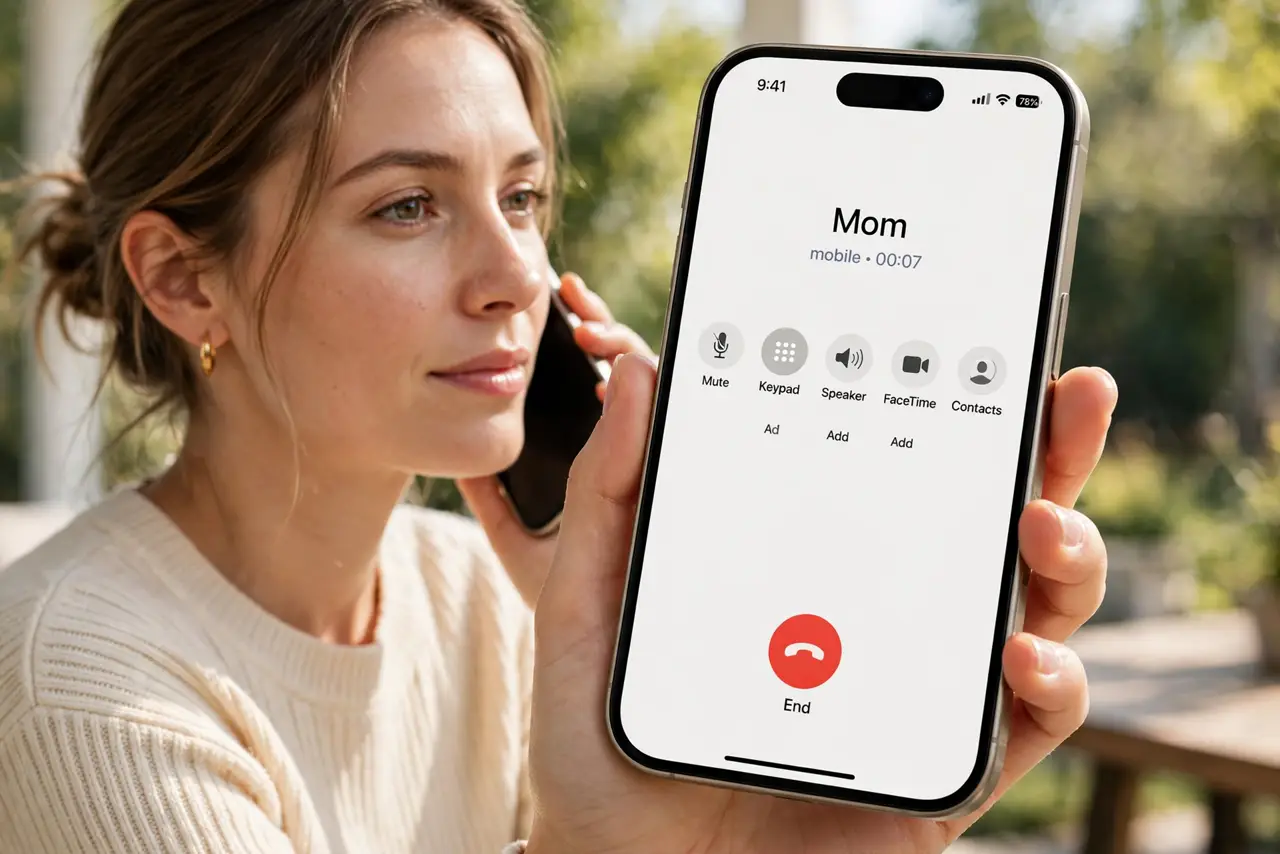
Quick fix: during a call, press the volume up button repeatedly until the caller is clear. Check that audio is routed to the iPhone earpiece, not to speaker or Bluetooth, in the call screen. Then test the fix for a full day before changing anything else.
Follow these steps
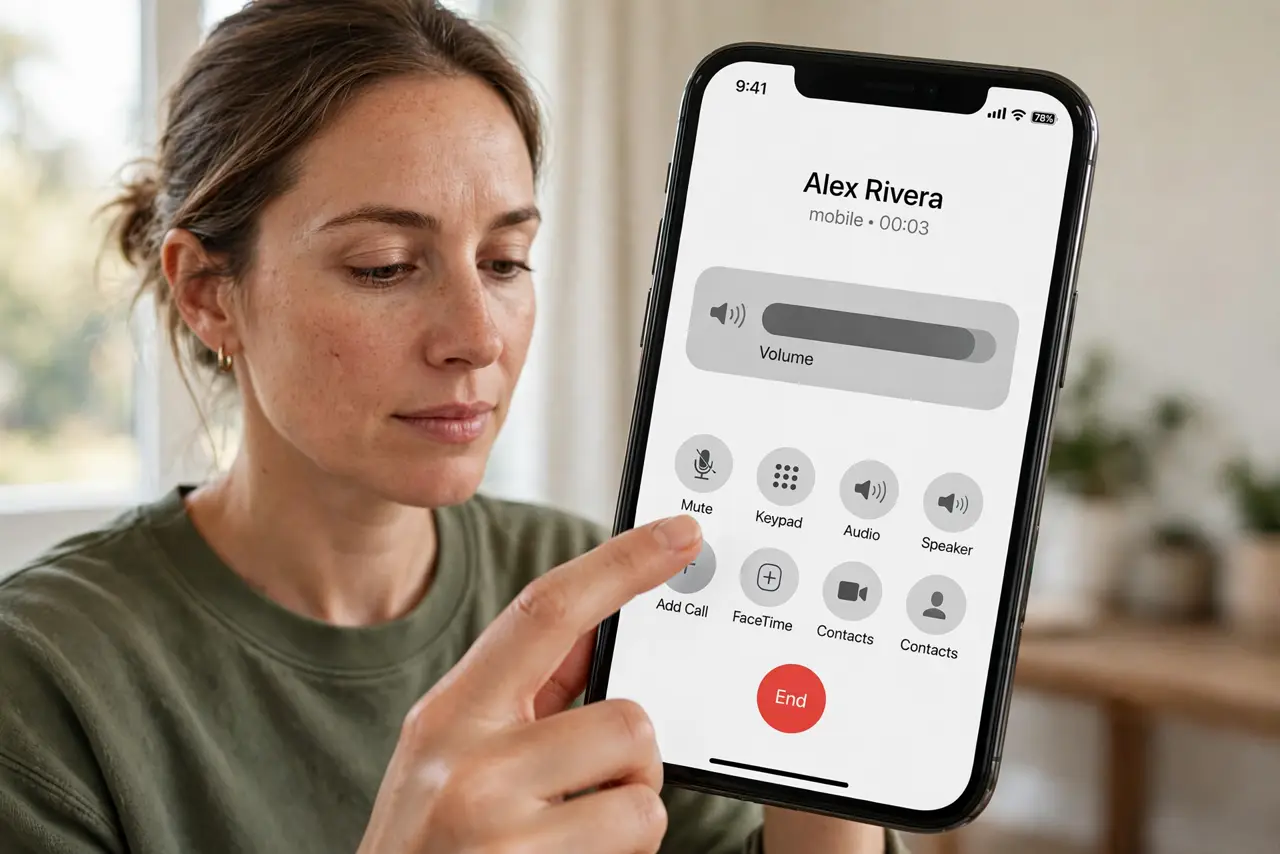
- Raise volume during a call. While on a call, press volume up several times. Call volume is separate from media volume, so raising it outside a call does not always help.
- Check audio routing. On the call screen, tap Audio and confirm iPhone is selected, not Speaker or a Bluetooth device. Audio routed elsewhere sounds faint at the earpiece.
- Clean the earpiece gently. Check the earpiece slot at the top of the iPhone for dust or case blockage. Brush it gently with a soft dry brush, without poking inside.
- Test with another caller. Call a different person and compare volume. If only one caller is faint, their microphone or connection may be the cause, not your iPhone.
- Try speaker and back. Switch to speaker during a call, then back to the earpiece. Switching audio routes can clear a stuck routing choice.
- Restart if volume stays low. Restart the iPhone and make a test call. If volume is still low on every call with a clean earpiece, note that pattern for service.
What NOT to do
- Do not set volume to maximum permanently for every call. Very loud earpiece volume over time can harm hearing.
- Do not poke the earpiece with a pin or needle. Poking can damage the speaker mesh and make sound worse, not better.
- Do not assume every faint caller means a broken iPhone. Test another caller first, since caller audio varies widely.
- Do not stay on speaker in public to compensate. Speaker in public annoys others and does not fix the earpiece problem.
Frequently asked questions
Why is call volume separate?
iPhone keeps call, media, and ring volumes separate, so raising media volume may not raise call volume.
What if only one caller sounds faint?
Their microphone, connection, or speaking volume may be low. Test another caller before blaming your iPhone.
Can a case block the earpiece?
Yes. A case edge over the earpiece slot muffles calls, so check case fit when volume drops suddenly.