Camera Control? Basics
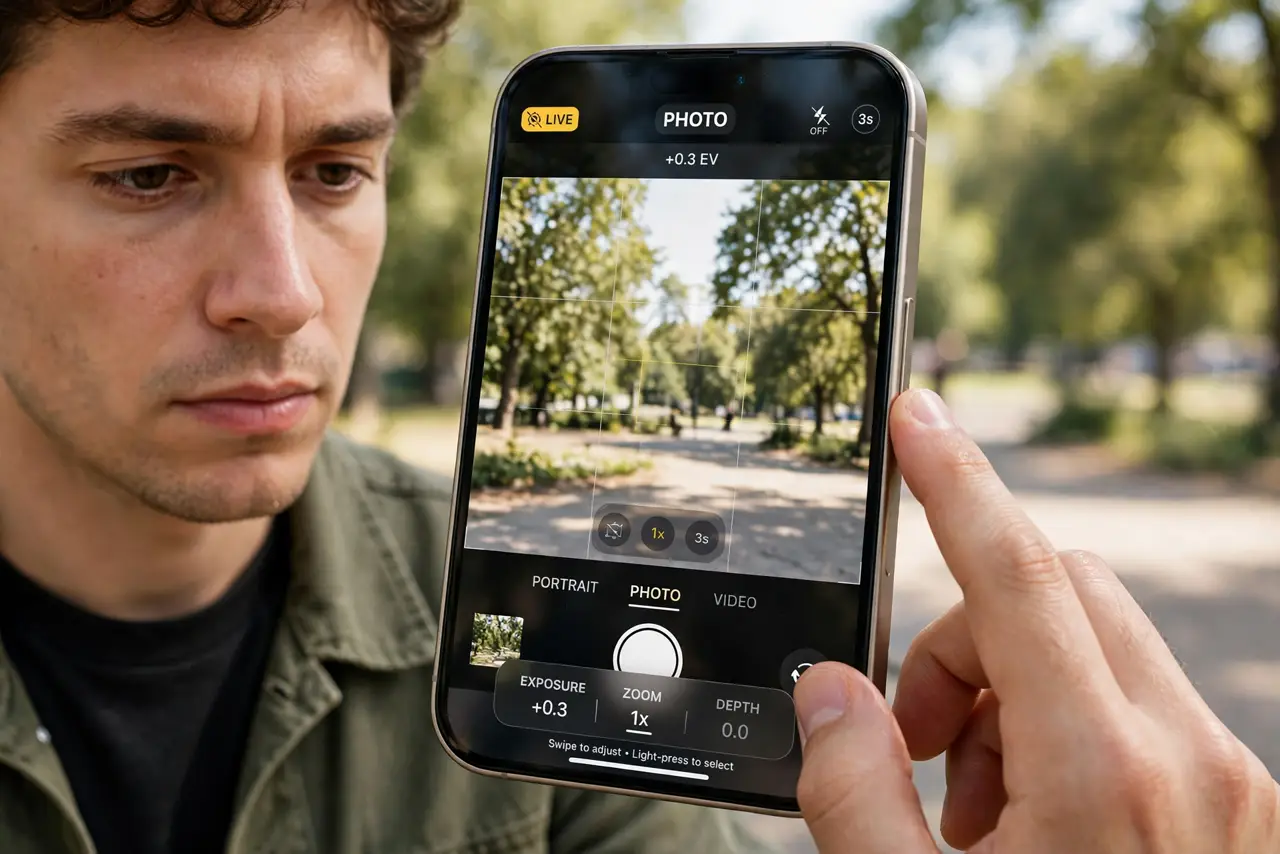
Camera Control is the pressure-sensitive button on recent iPhones that opens the camera and adjusts settings — exposure, zoom, depth — with clicks, slides, and half-presses. It is powerful once learned and baffling before that. This guide covers what each gesture does and how to tame its sensitivity.
TL;DR / Quick Fix
Quick fix: Camera Control is the clickable side button on newer iPhones — click to open the camera, click again to shoot, slide to zoom, half-press for settings like exposure. Adjust its pressure and speed in Settings, Camera, Camera Control. It takes a week of practice to feel natural.
Follow these steps
- Find the button. Camera Control sits on the lower-right edge of supported iPhones — a flush, clickable strip, not a raised button. If your iPhone lacks it, everything here is handled in the Camera app instead.
- Click to open, click to shoot. One firm click launches the camera from anywhere, even the Lock Screen. Another click takes the photo — faster than swiping to the Camera app.
- Light-press for settings. A lighter half-press opens the settings overlay: exposure, depth, zoom, styles. Slide your finger along the button to adjust the selected setting.
- Double light-press to switch settings. Two quick light presses cycle through the adjustable settings — zoom, exposure, tone, and the rest. It is the gesture people miss most.
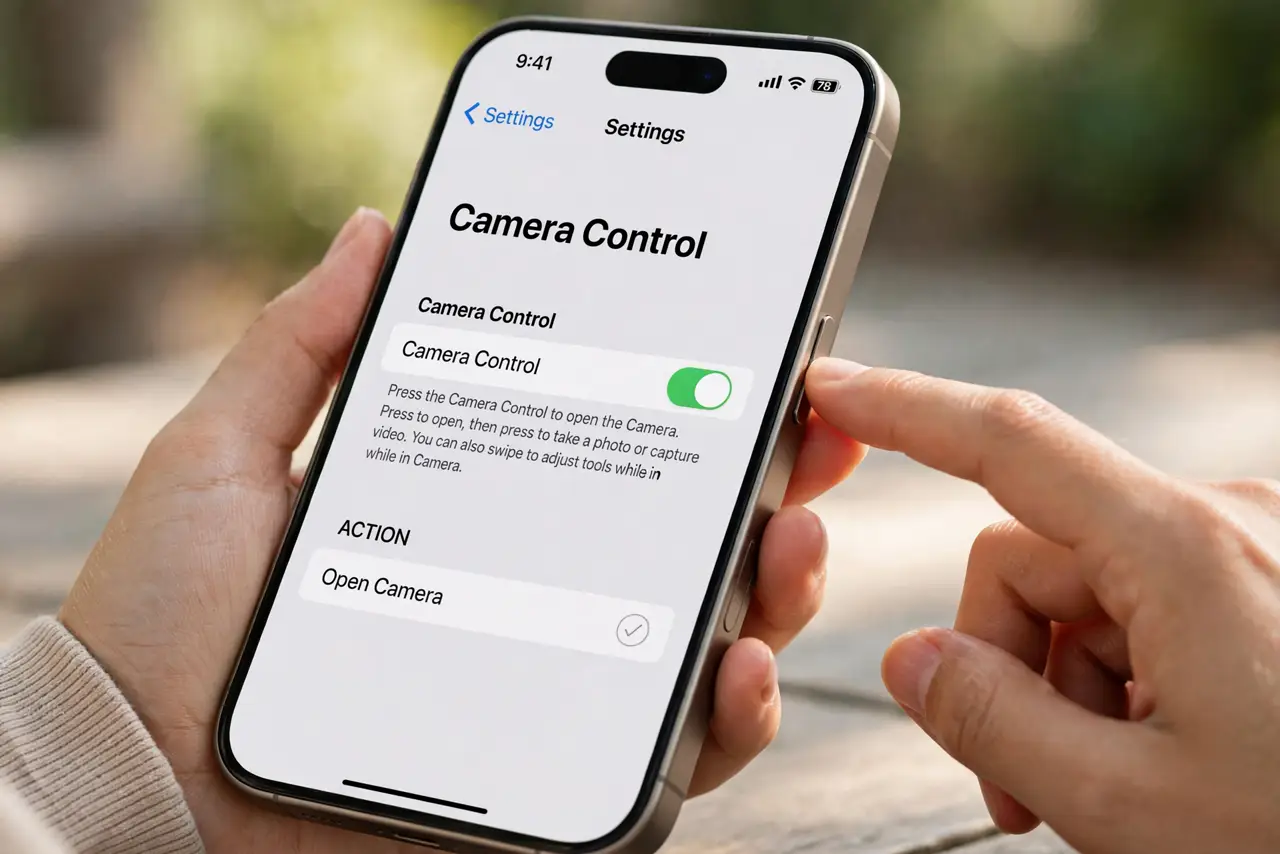
- Tune pressure and speed. In Settings, Camera, Camera Control, adjust the click pressure and double-click speed to your fingers. Too-sensitive defaults cause accidental launches in pockets.
- Practice the macro handoff too. Get close to a subject and the camera switches to macro automatically — see macro control for the manual toggle. Camera Control then adjusts it like any other setting. Tiny subjects reward the practice.
What NOT to do
- Do not death-grip the phone to click it. The button needs a firm but normal press — squeezing harder just shakes the photo.
- Do not disable it on day one. It feels alien for the first days; most people who persist past a week end up preferring it.
- Do not expect it in a thick case blindly. Some rugged cases muffle the slide gesture — check that swipes still register with your case on.
- Do not confuse a light press with a click. Half the frustration stories are people clicking when the gesture wanted a feather touch — practice the difference deliberately.
Frequently asked questions
Which iPhones have Camera Control?
The iPhone 16 lineup introduced it. Older iPhones do not have the button — their camera controls live entirely in the Camera app's on-screen interface.
Can I change what the button does?
Yes, partly. Settings lets you adjust pressure, speed, and some behaviors — but it remains a camera-first button, not a fully remappable shortcut.
Why does it keep opening in my pocket?
The default pressure is light. Raise the required pressure in Settings, Camera, Camera Control, and consider a case with a covered button edge.