Camera Styles Change Skin Tones Too Much
Photographic Styles warm or cool every photo, and skin can come out too orange, too pale, or just wrong. The style — not the camera — is shifting tones, and a gentler style fixes it.
TL;DR / Quick Fix
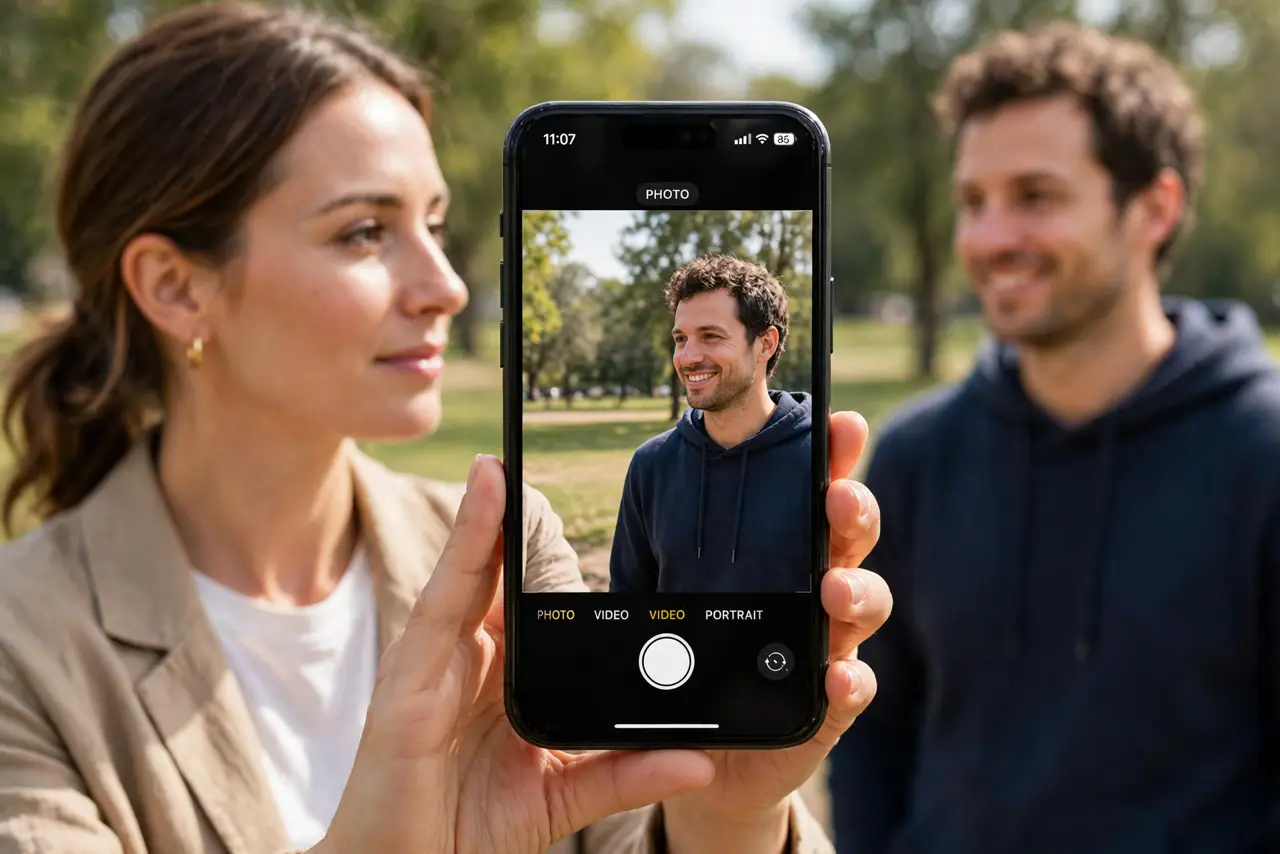
Quick fix: open Settings, then Camera, then Photographic Styles, and pick Standard with a lower tone setting. Then take a test photo of a face in daylight and compare it with the old style and compare the new photo with the old style.
Follow these steps
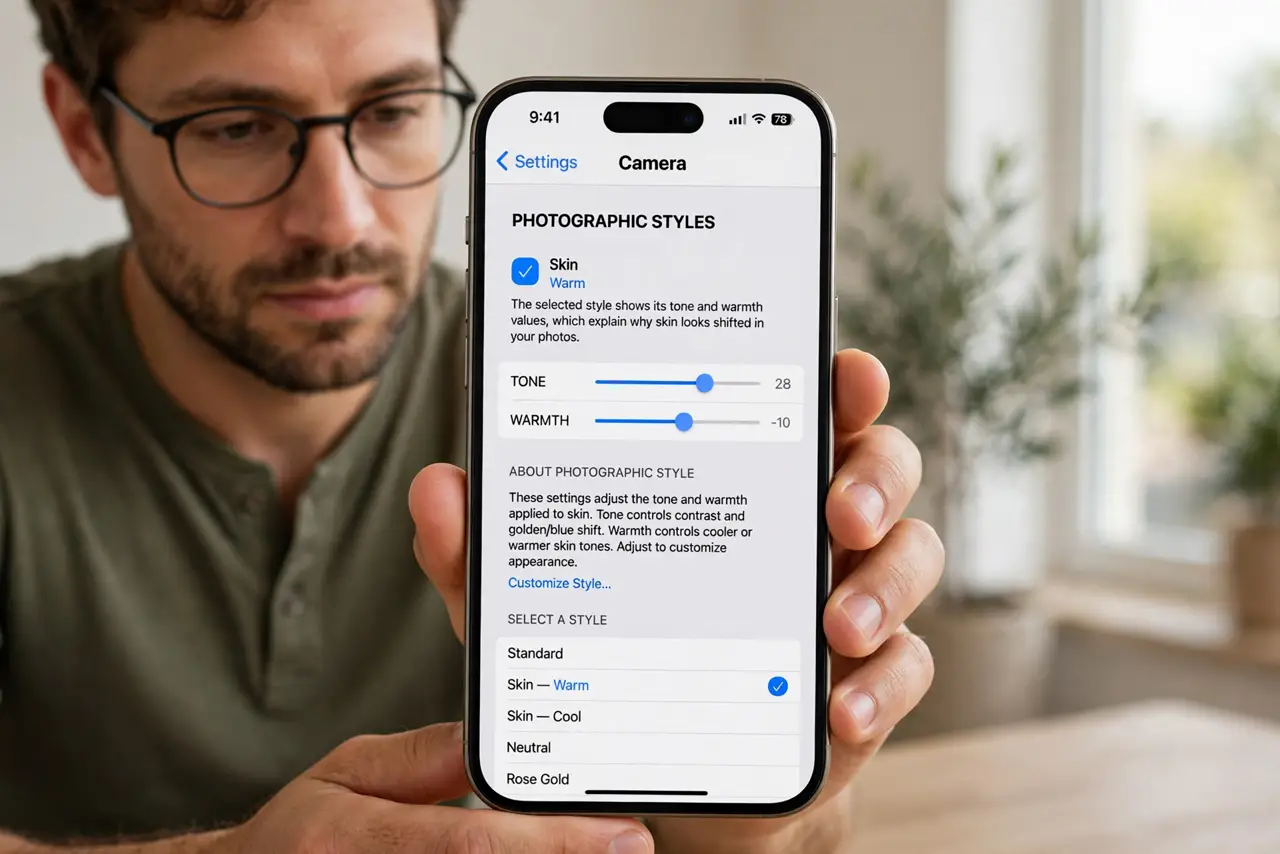
- Find the current Photographic Style. Open Settings, then Camera, then Photographic Styles. The selected style shows its tone and warmth values, which explain why skin looks shifted in your photos.
- Switch to Standard first. Choose the Standard style. Standard applies the least color shift, so it is the cleanest baseline for judging whether skin tones look natural again.
- Lower the tone and warmth. In the style editor, drag Tone and Warmth toward the middle. High warmth pushes skin orange, and high tone can wash skin out, so gentler values look more natural.
- Test on a face in daylight. Take a test photo of a face in natural daylight with the new style. Daylight shows skin most honestly, while indoor lighting can tint skin on its own and confuse the test.
- Change the style per photo if needed. In the Camera app, tap the Styles control before shooting to try a different style for one photo. A per-photo change does not overwrite your default style.
- Reset the style if photos still look wrong. Return to Photographic Styles and reset to Standard with middle values. If skin still looks off after a reset, the lighting or a filter, not the style, is the cause.
What NOT to do
- Do not judge skin tones from one indoor photo. Indoor lights tint skin on their own, so test in daylight before blaming the camera style.
- Do not stack a style with a filter. A strong style plus a strong filter shifts skin twice, and the result looks nothing like the person in front of you.
- Do not keep a style you dislike out of habit. Standard with gentle values is a fine default, and you can change styles per photo when a scene suits one.
- Do not edit every photo to fix a style problem. Fix the style once, and your next photos come out right without editing each one.
Frequently asked questions
Why do skin tones look wrong in my photos?
Because the Photographic Style shifts tone and warmth across the whole photo, and skin shows that shift most clearly.
What style looks most natural for skin?
Standard with tone and warmth near the middle, tested on a face in daylight.
Can I change style for one photo only?
Yes. The Camera app's Styles control changes the style for that photo without changing your default.