CarPlay Siri Calls the Wrong Contact
You say 'Call Mom' and Siri dials your coworker Mo. In a noisy car, Siri guesses from sound-alikes — and your contacts list is full of them.
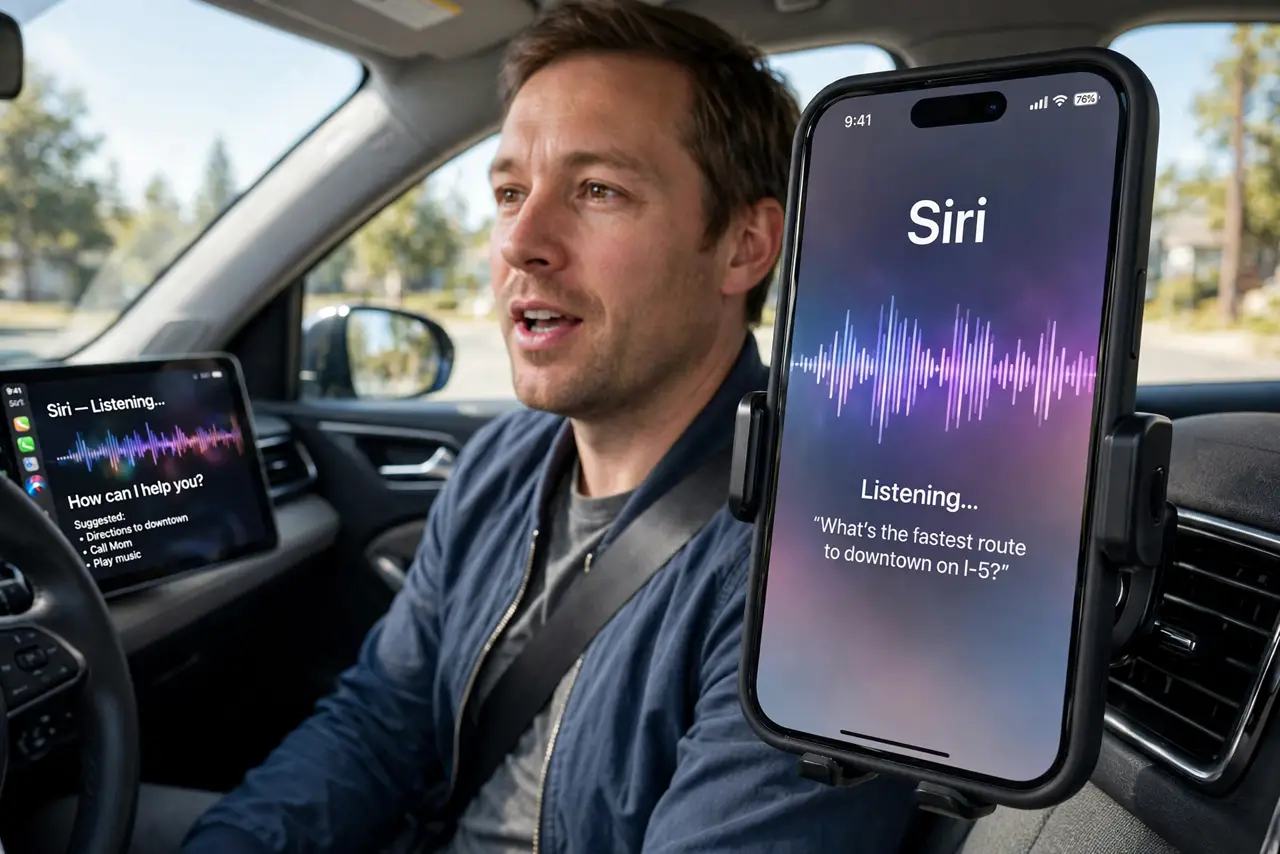
TL;DR / Quick Fix
Quick fix: add nicknames to confusing contacts — open the contact and add a nickname field Siri can tell apart. Speak the full name slowly, and confirm on screen before the call starts. Renaming sound-alike contacts is the lasting fix.
Follow these steps
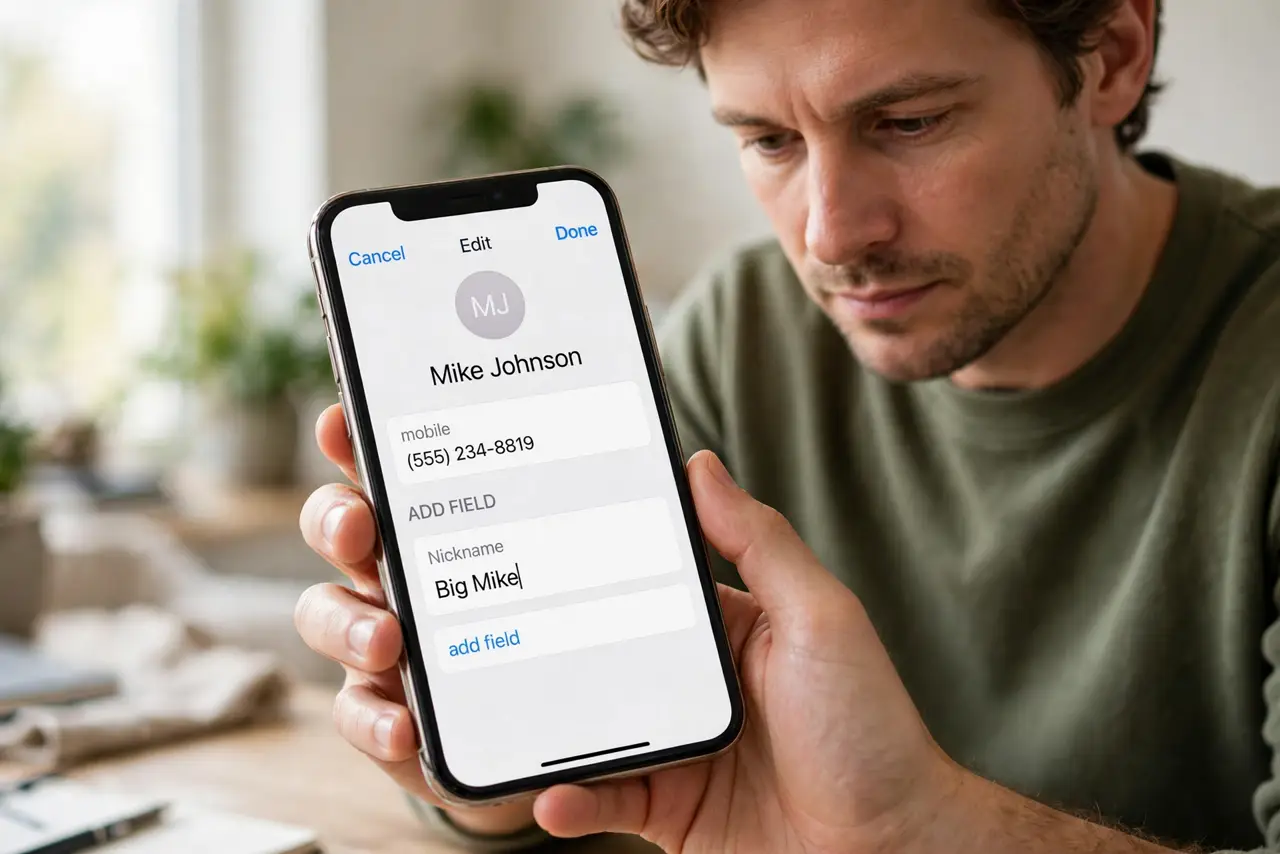
- Add nicknames to sound-alikes. Open Contacts, edit the confused contact, and add a distinct nickname. 'Call Big Mike' beats 'Call Mike' when two Mikes exist.
- Teach Siri pronunciations. In the contact, add a phonetic first or last name spelling how it sounds. Siri matches what it hears against these spellings, not just the written name.
- Speak the full name, slowly. Say 'Call Jennifer Alvarez on mobile' instead of 'Call Jen.' More syllables give Siri more to match, and the line type removes the mobile-versus-work guess.
- Glance at the screen before confirming. CarPlay shows who Siri is about to call. A one-second look catches the wrong contact before the call connects — the cheapest fix of all.
- Reduce cabin noise for the request. Pause the music or close the window for the two seconds you speak. Siri's errors multiply with road noise, and quiet helps more than repeating yourself louder. If audio also drops on car Bluetooth, fix the connection first, since Siri cannot hear through a broken link.
- Clean up duplicate contacts. Merge or delete duplicate and outdated contacts. Every extra similar entry is another wrong guess waiting to happen.
What NOT to do
- Do not shout at Siri when it mishears. Louder distorts the audio further — slower and clearer beats louder every time.
- Do not save contacts under joke names Siri cannot parse. A contact named with emojis or puns is a contact Siri will never find by voice.
- Do not disable Siri in the car over misheard names. Fixing the contacts keeps hands-free calling, which is the safe way to call while driving.
- Do not confirm the call without looking. The screen shows the name precisely so you can cancel a wrong guess before it dials.
Frequently asked questions
Why does Siri confuse two specific names?
They sound alike to the speech engine, especially with road noise. Nicknames and phonetic spellings separate them.
Can I make Siri ask which contact I mean?
It does when it is unsure — but with noise it can be confidently wrong, so the screen check matters more.
Does this happen more in the car?
Yes. Road and wind noise degrade recognition, which is why the same request works fine at home.