iPhone Chrome Tabs Lost After Update? Fix It
Chrome updated and your tabs are gone. An update can reset the tab view, switch tab groups, or sign you out of sync, and each of those hides tabs rather than deleting them. The Safari equivalent is Safari private tabs that disappeared, but Chrome tabs have their own recovery paths.
TL;DR / Quick Fix
Quick fix: check tab groups, confirm Chrome sync is on, look at recently closed tabs and history, restart Chrome, and save important tabs as bookmarks next time. If it still fails after these steps, note exactly when it happens, since that pattern reveals the cause.
Follow these steps
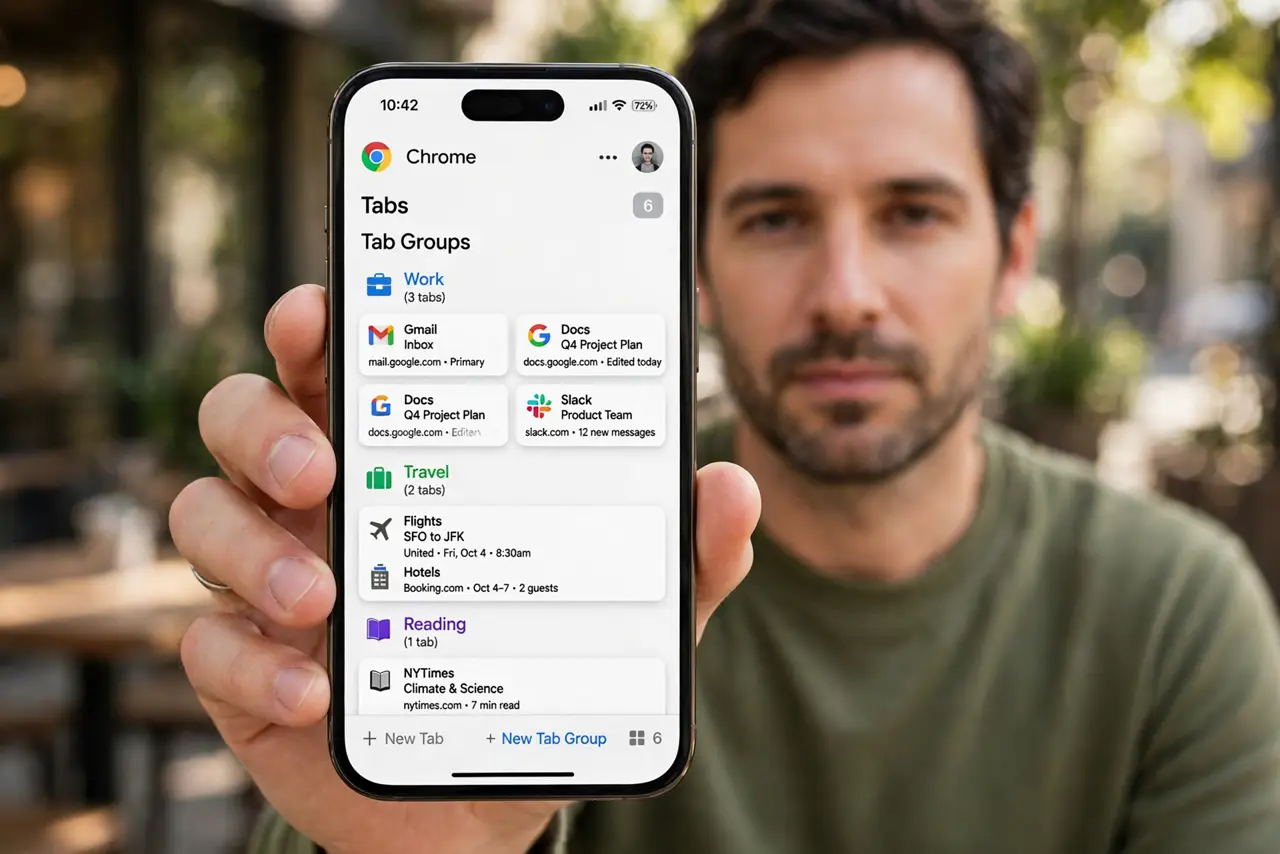
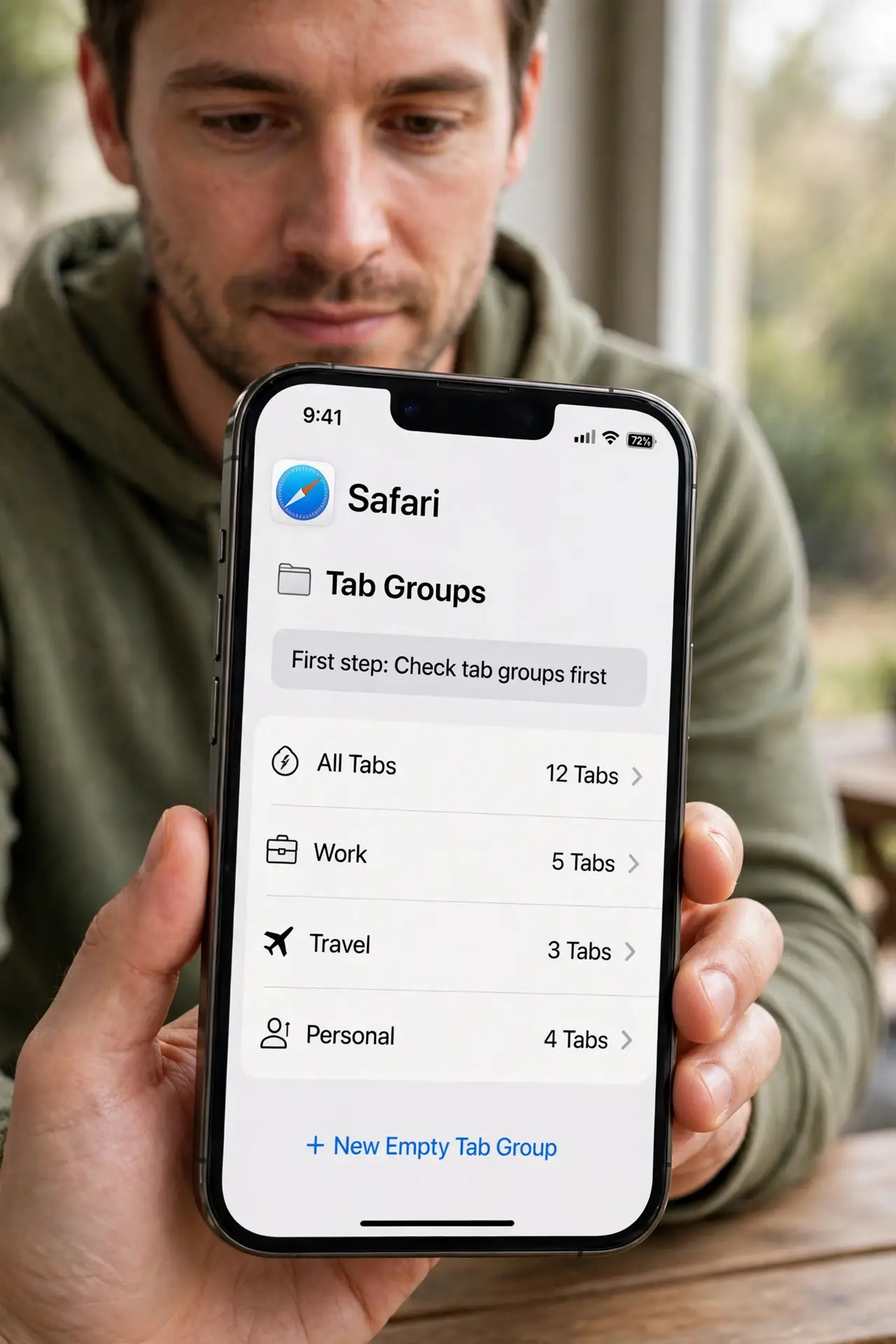
- Check tab groups first. Open Chrome, tap the tab switcher, and check tab groups. An update can move tabs into a group, making them look lost when they are just grouped.
- Confirm Chrome sync is on. Open Chrome settings and check Sync. If you signed out during the update, signing back in can restore synced tabs from your account.
- Check recently closed tabs. In the tab switcher, look for recently closed tabs. A tab closed during the update may be recoverable from there in the same session.
- Recover pages from history. Open Chrome history and reopen the pages you need. History survives most tab losses, even when the tabs themselves are gone.
- Restart Chrome and the phone. Force-close Chrome, restart the phone, and reopen Chrome. A stuck tab state after an update sometimes clears with a clean launch.
- Save important tabs as bookmarks next time. For tabs you cannot afford to lose, bookmark them or save them to Reading List. Open tabs are not a reliable archive, especially across updates.
What NOT to do
- Do not clear Chrome data to find lost tabs. Clearing data wipes history and cookies, which removes your best recovery path.
- Do not reinstall Chrome as a first step. Reinstalling can wipe local tabs, so check groups, sync, and history first.
- Do not assume an update deleted your tabs. Updates usually hide or regroup tabs, and recovery is often possible.
- Do not rely on open tabs for important research. Bookmarks survive updates, tab loss, and restarts, while open tabs do not.
Frequently asked questions
Why did an update lose my tabs?
Usually it regrouped them, signed you out of sync, or reset the tab view. Check groups and sync first.
Can I get tabs back after reinstalling Chrome?
Only if they were synced to your account. Local-only tabs are lost on reinstall.
Does Chrome sync tabs across devices?
Yes, if sync is on. Signed-in Chrome can restore tabs from your account after an update.