iPhone Safari Tabs Reload Constantly? Fix It
You switch back to a Safari tab and it reloads, losing your place. Safari reloads tabs when it runs out of memory, which happens fast with many tabs open or a nearly full phone. The Mac version of the same annoyance is Mac Safari tabs that keep reloading, and the causes rhyme.
TL;DR / Quick Fix
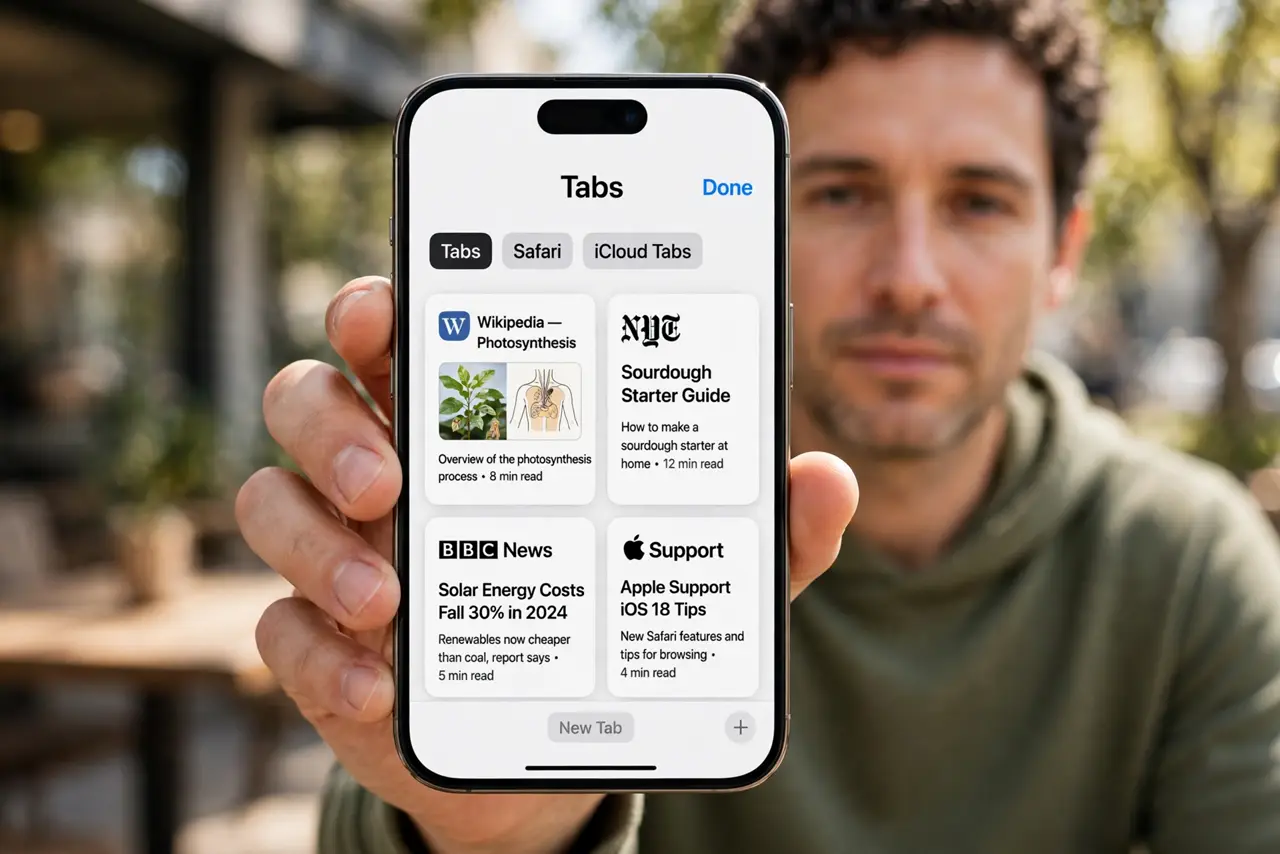
Quick fix: close tabs you do not need, free up storage, restart the phone, clear website data for problem sites, turn off background refresh for heavy apps, and update iOS. If it still fails, note when it happens, since that pattern reveals the real cause.
Follow these steps
- Close tabs you do not need. Open the tab overview in Safari and close tabs you are not using. Each open tab uses memory, and too many force Safari to reload the ones you return to.
- Free up storage space. Open Settings, then General, then iPhone Storage, and free space if the phone is nearly full. Low storage leaves Safari little room to keep tabs alive.
- Restart the phone. Restart the iPhone and reopen only the tabs you need. A restart frees memory that a long session gradually eats up.
- Clear website data for problem sites. Open Settings, then Safari, then Clear History and Website Data, or remove data for a single problem site. Corrupt site data can force repeated reloads.
- Turn off background refresh for heavy apps. Open Settings, then General, then Background App Refresh, and turn it off for apps you rarely use. Background apps compete with Safari for memory.
- Update iOS. Open Settings, then General, then Software Update, and install any update. Safari memory and tab bugs are common update fixes.
What NOT to do
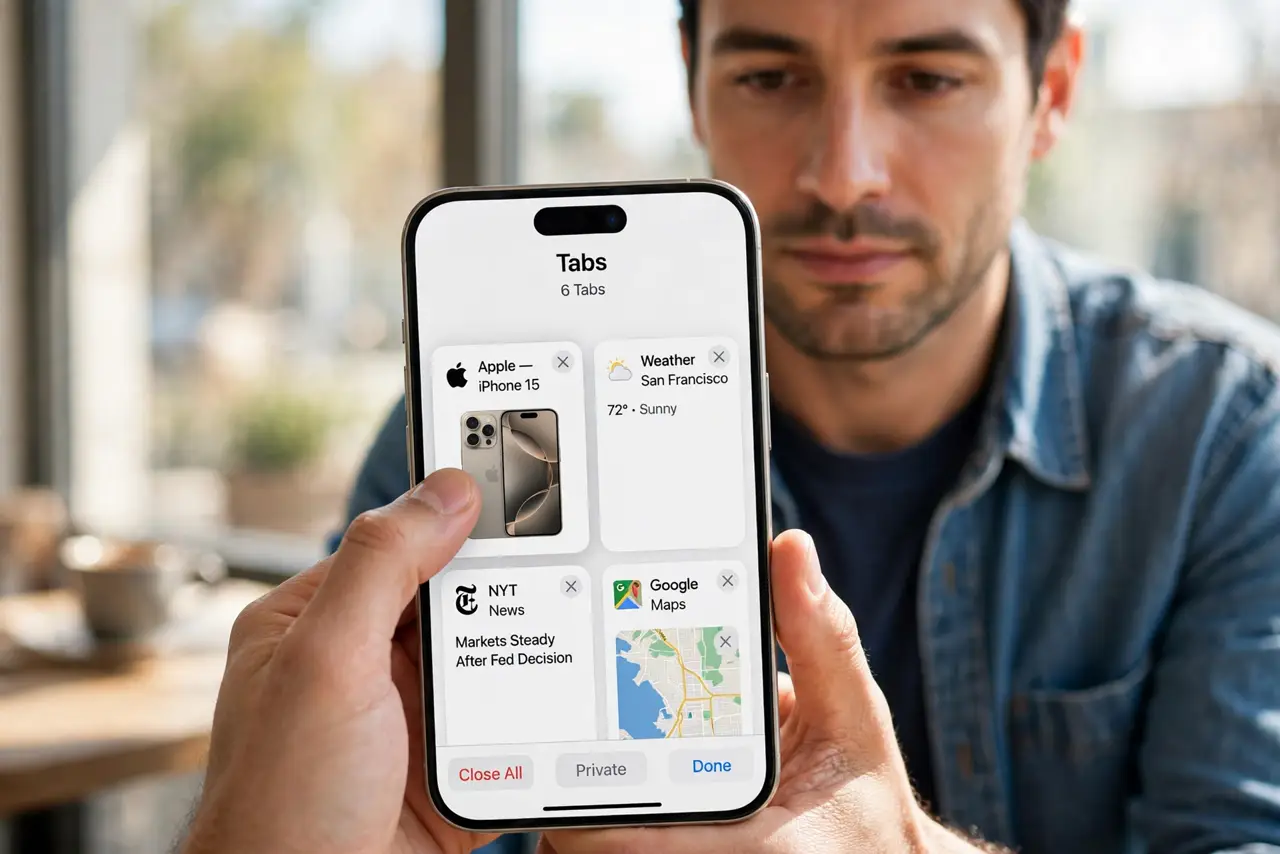
- Do not keep dozens of tabs open as bookmarks. Use Reading List or bookmarks instead, so Safari does not have to hold them all in memory.
- Do not clear all website data as a first step. That signs you out of sites, so try closing tabs and restarting first.
- Do not blame one website before testing others. If only one site reloads, the site itself may be the cause, not Safari.
- Do not install a tab manager app to fix reloads. Extra apps use memory too, and they cannot stop Safari from reloading.
Frequently asked questions
Why does Safari reload tabs I just left?
Because it ran out of memory and dropped the tab. Closing tabs and freeing storage keeps more tabs alive.
Is tab reloading a sign my phone is broken?
No. It is almost always memory pressure from many tabs or low storage.
Will clearing website data delete my bookmarks?
No. It removes history, cookies, and cached data, but bookmarks and Reading List stay.