Cinematic Mode Focus Jumps Between Faces
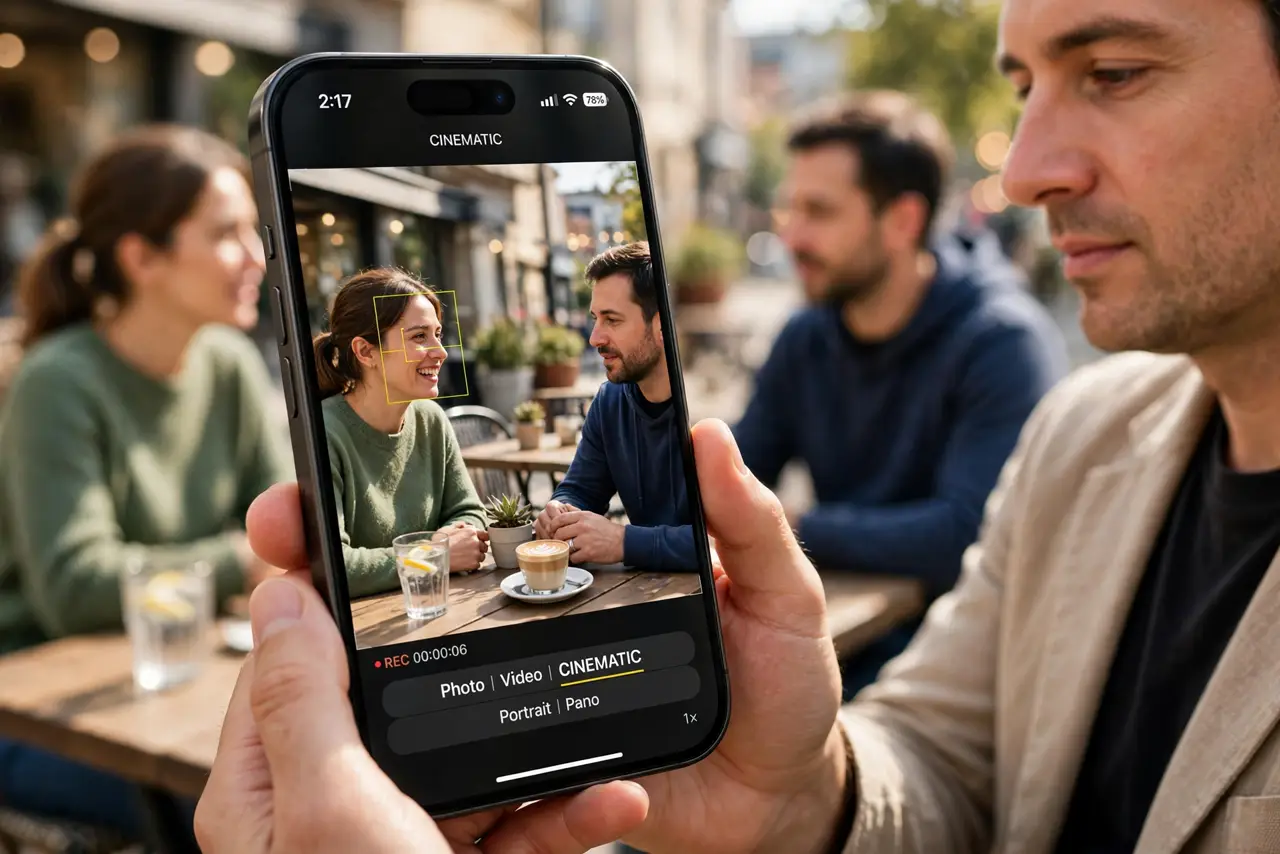
Cinematic Mode keeps switching focus from one face to another mid-clip. Automatic focus tracking follows whoever moves or turns — and locking focus on one person stops the jumping.
TL;DR / Quick Fix
Quick fix: while filming or editing, tap the face you want and lock focus on it. Then keep that person centered, avoid quick pans, and check the focus lock before you start recording and lock focus on your subject before recording starts.
Follow these steps
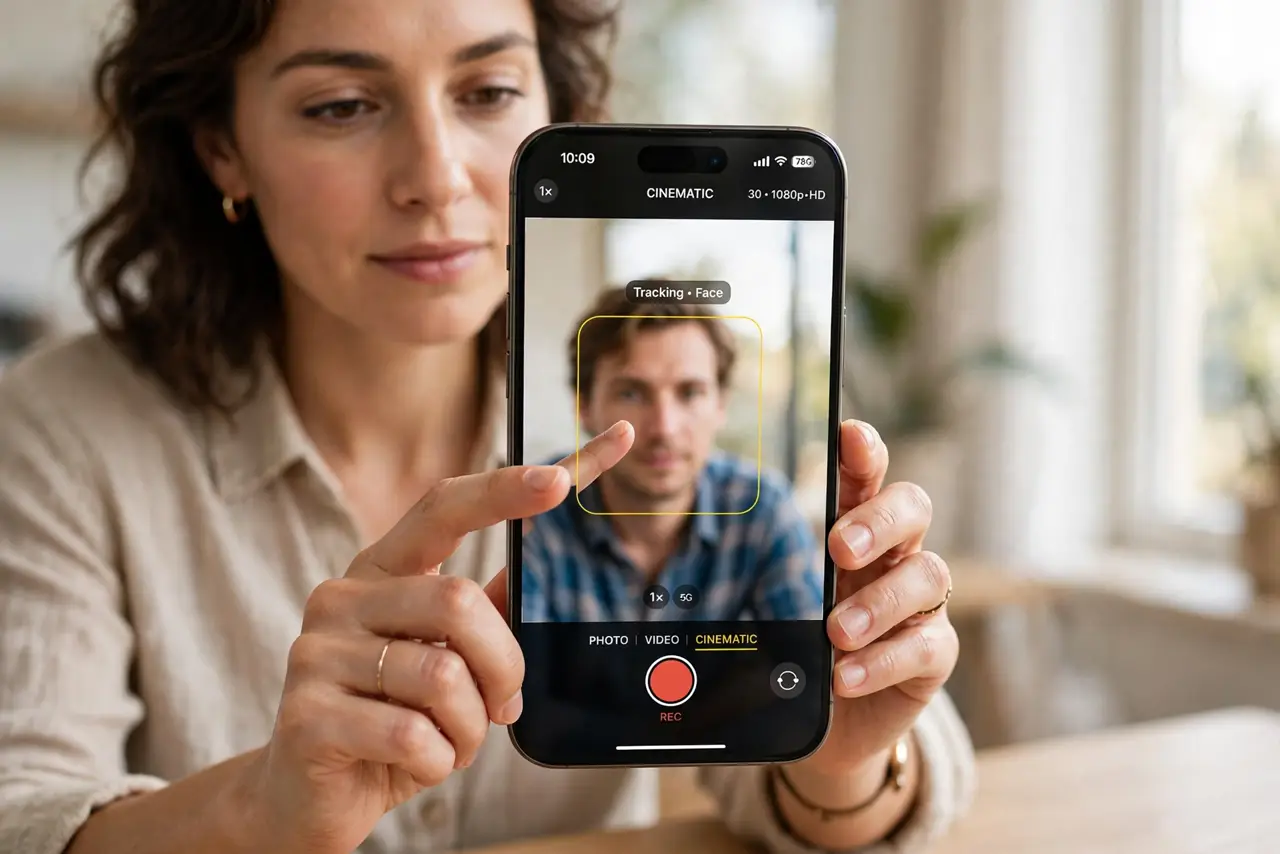
- Tap to focus on one face. In Cinematic Mode, tap the face you want in focus before or during recording. Tapping tells the iPhone which person to track, instead of letting it guess.
- Lock the focus after tapping. After tapping a face, lock the focus so it stays on that person. A locked focus resists jumps when another face moves, turns, or enters the frame.
- Fix focus in editing if it jumped. Open the clip in Photos, then Edit, and adjust the focus points after recording. Cinematic Mode lets you change focus decisions later, so a jump is not permanent.
- Keep the subject centered and steady. Hold the iPhone steady and keep your subject near the center. Fast pans and a subject at the edge make tracking guess more, which invites jumps.
- Reduce the number of faces in frame. If two faces compete for focus, move closer to your subject or reframe so one face dominates. Fewer competing faces mean fewer focus jumps.
- Film a test clip before the real one. Record a short test with the same people and movement, then watch it back. A test shows whether focus holds, before you commit to a long clip that jumps.
What NOT to do
- Do not wave the iPhone around while filming people. Fast movement forces focus tracking to guess, and guessing is what makes focus jump between faces.
- Do not rely on automatic focus for an important interview. Lock focus on the speaker, so a passerby cannot steal focus mid-answer.
- Do not delete a clip because focus jumped once. Edit the focus points in Photos first, since Cinematic Mode focus can be corrected after recording.
- Do not film in very low light and expect steady focus. Low light makes tracking harder, so add light or accept that focus may hunt more.
Frequently asked questions
Why does focus jump between faces?
Because automatic tracking follows movement and turns, so a second face that moves can steal focus from your subject.
Can I fix focus after recording?
Yes. Cinematic Mode clips let you change focus points in Photos editing after the fact.
How do I stop jumps while filming?
Tap your subject and lock focus, then keep them centered and avoid fast pans.