Calibrate the Compass
Your map says north is that way, but the arrow spins, sticks, or points confidently in the wrong direction. Phone compasses use a magnetometer — a tiny magnetic sensor — and magnets, cases, and nearby metal throw it off. Calibration takes ten seconds and fixes most bad readings.
TL;DR / Quick Fix
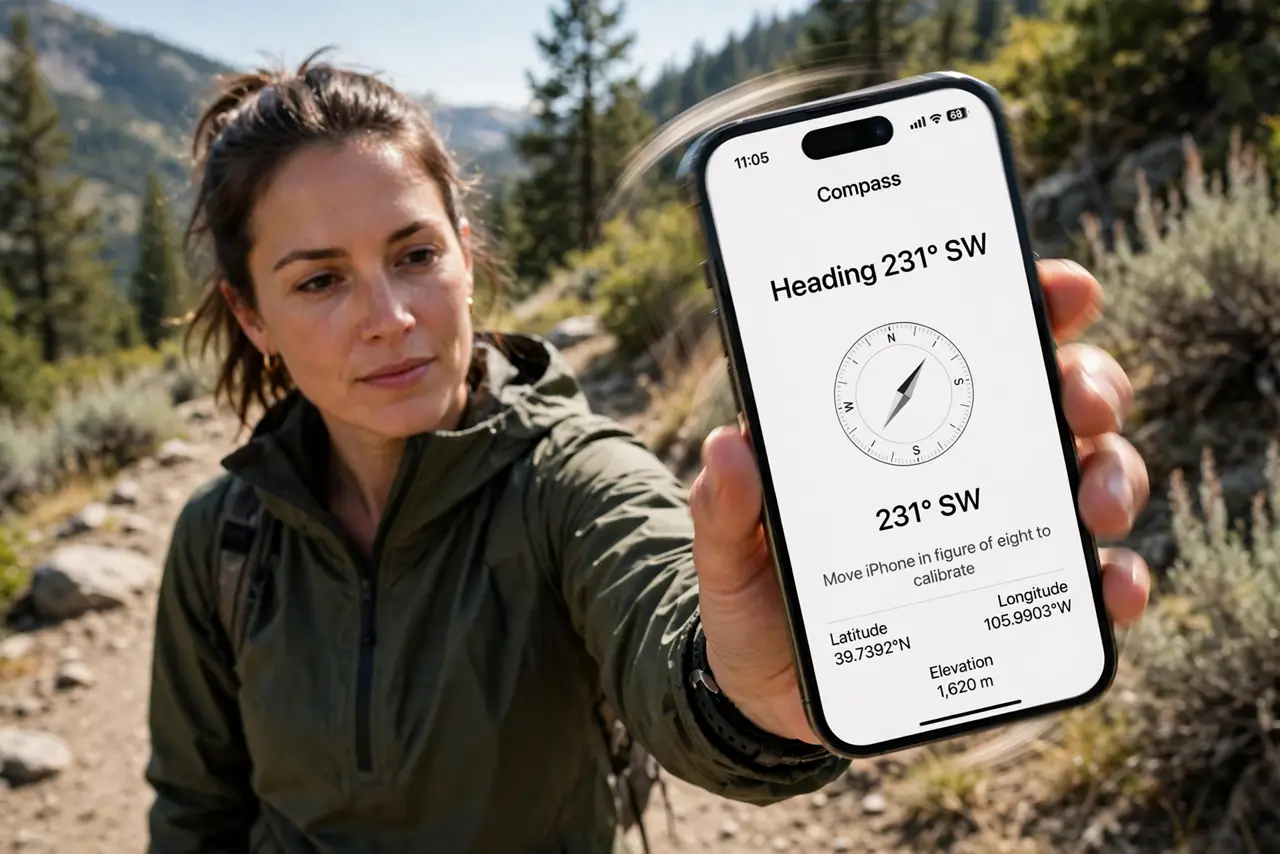
Quick fix: open the Compass app and wave your iPhone in a figure-eight motion until the calibration prompt clears. Remove magnetic cases first — magnets are the top cause of wrong readings. If it still points wrong, toggle Location Services off and on.
Follow these steps
- Open the Compass app. Find Compass (preinstalled on iPhone) and open it. If it shows a calibration prompt — the red ball or figure-eight animation — follow it immediately.
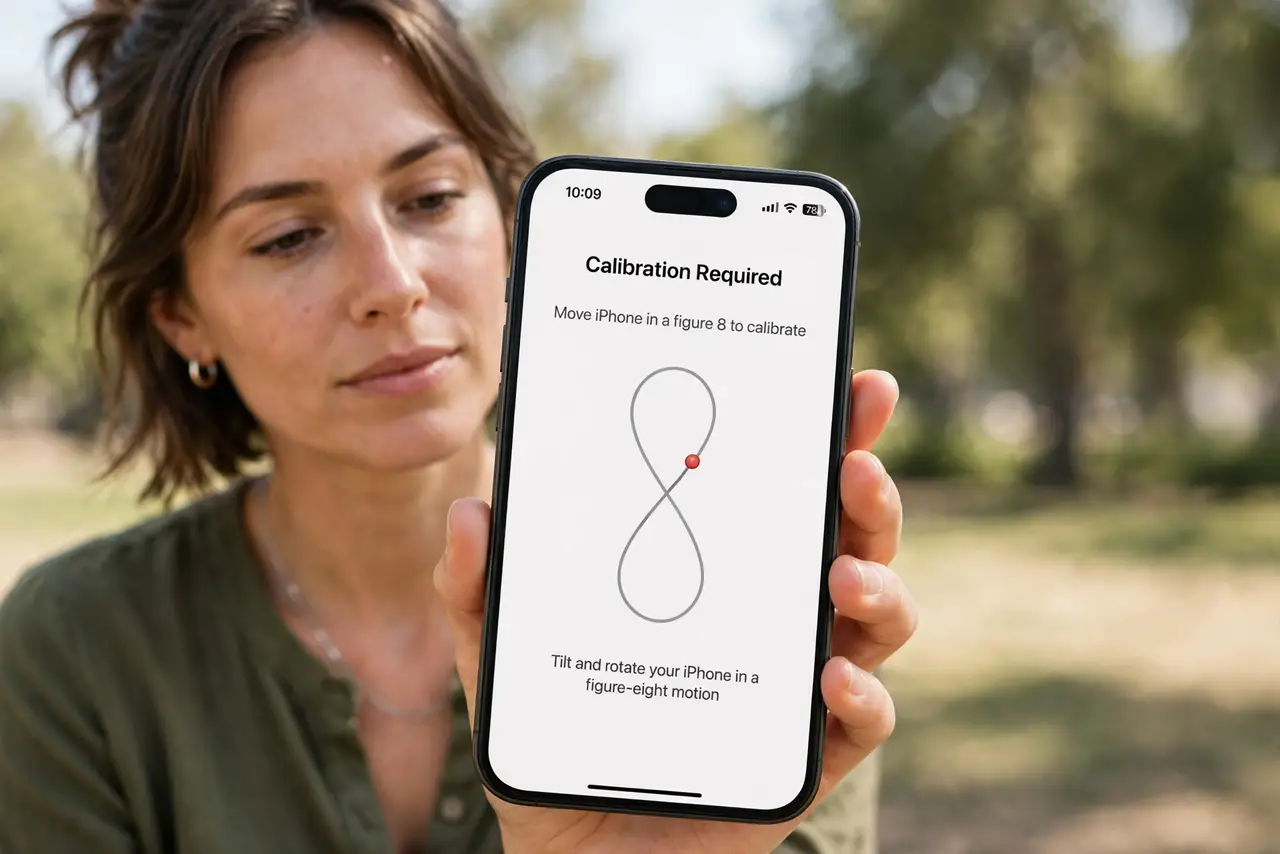
- Do the figure-eight wave. Tilt and wave the phone in a figure-eight pattern a few times. This lets the magnetometer sample the magnetic field from all angles and correct itself.
- Remove magnetic interference. Take off magnetic cases, mounts, and folios with magnetic clasps — they're the #1 cause of wrong readings. Step away from cars, speakers, and metal railings too.
- Toggle Location Services. Go to Settings > Privacy & Security > Location Services, toggle it off and on. True-north correction needs location — see when it points wrong for the deeper dive.
- Choose true vs magnetic north. In Compass settings, pick True North (uses location to correct) or Magnetic North. Hikers with paper maps usually want the matching setting — mismatch looks like miscalibration.
- Test against reality. Compare with the sun's position or a known landmark. If the compass is stable but offset by a fixed amount, it's likely the true/magnetic setting, not calibration.
What NOT to do
- Do not calibrate next to the interference. Waving the phone beside a magnetic car mount bakes the error in — move to open space first.
- Do not trust the compass inside a car. The vehicle's metal shell distorts readings badly; step out for anything that matters.
- Do not ignore the case. Magnetic cases are the most common culprit by far — test without the case before anything else.
- Do not expect perfection indoors. Steel building frames skew magnetometers; the compass is an outdoor tool first.
Frequently asked questions
Why does my compass spin wildly?
Heavy magnetic interference or a failed calibration. Move to open space, remove magnetic accessories, and redo the figure-eight.
Does the compass need the internet?
For the basic heading, no. True-north correction uses your location, which works better with a data connection but isn't strictly required.
My Android compass is wrong too — same fix?
Yes — Android compasses use the same magnetometer tech and the same figure-eight calibration. See Android compass issues for platform specifics.