iPhone Compass Points Wrong Way? Fix It
Your compass points south when you face north, and Maps turns the wrong way with it. A compass goes wrong when it loses calibration or sits near a magnet, and both are quick to fix. The navigation twin is a Maps location jumping around, which often appears at the same time.
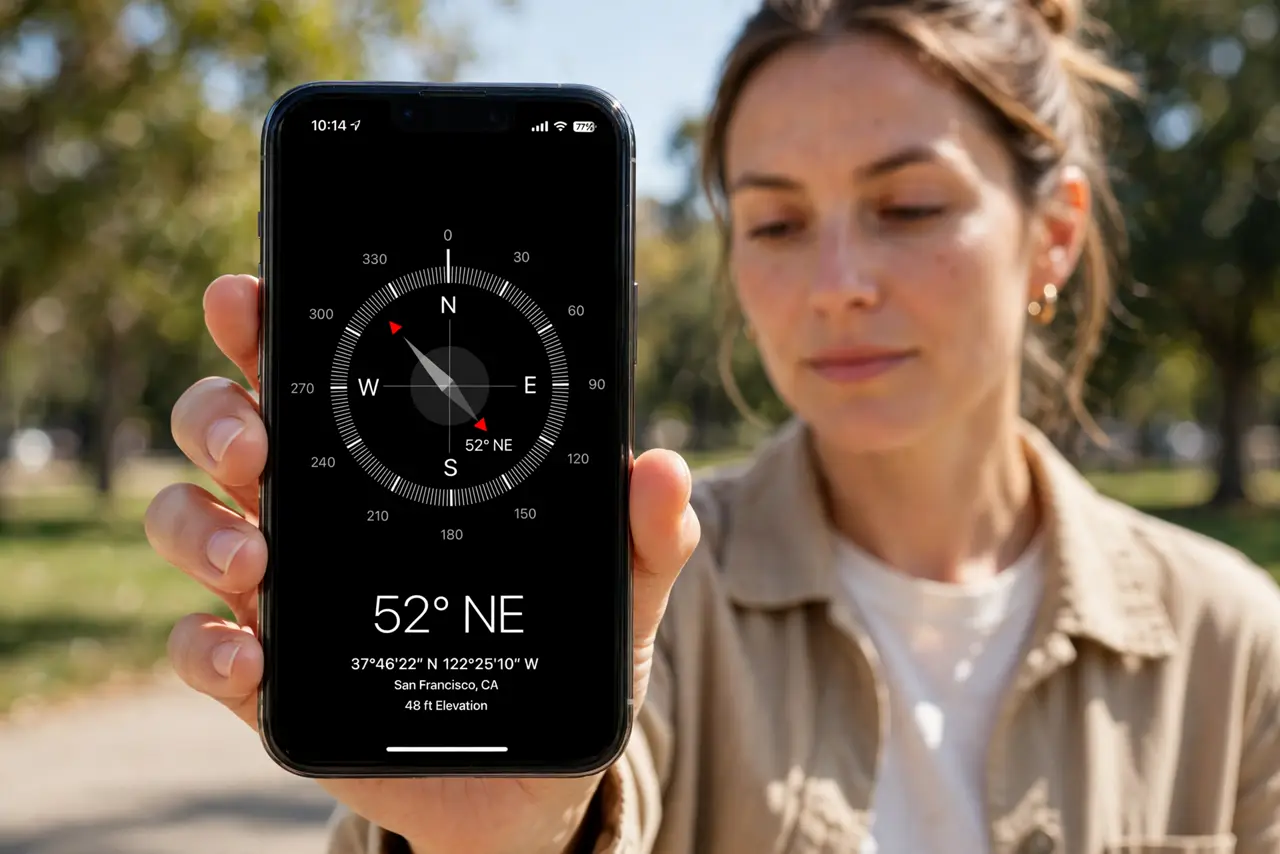
TL;DR / Quick Fix
Quick fix: calibrate with a figure-eight motion, move away from magnets and metal, turn on Compass Calibration, remove magnetic cases or mounts, and restart the phone. If it still fails after these steps, note exactly when it happens, since that pattern usually reveals the cause.
Follow these steps
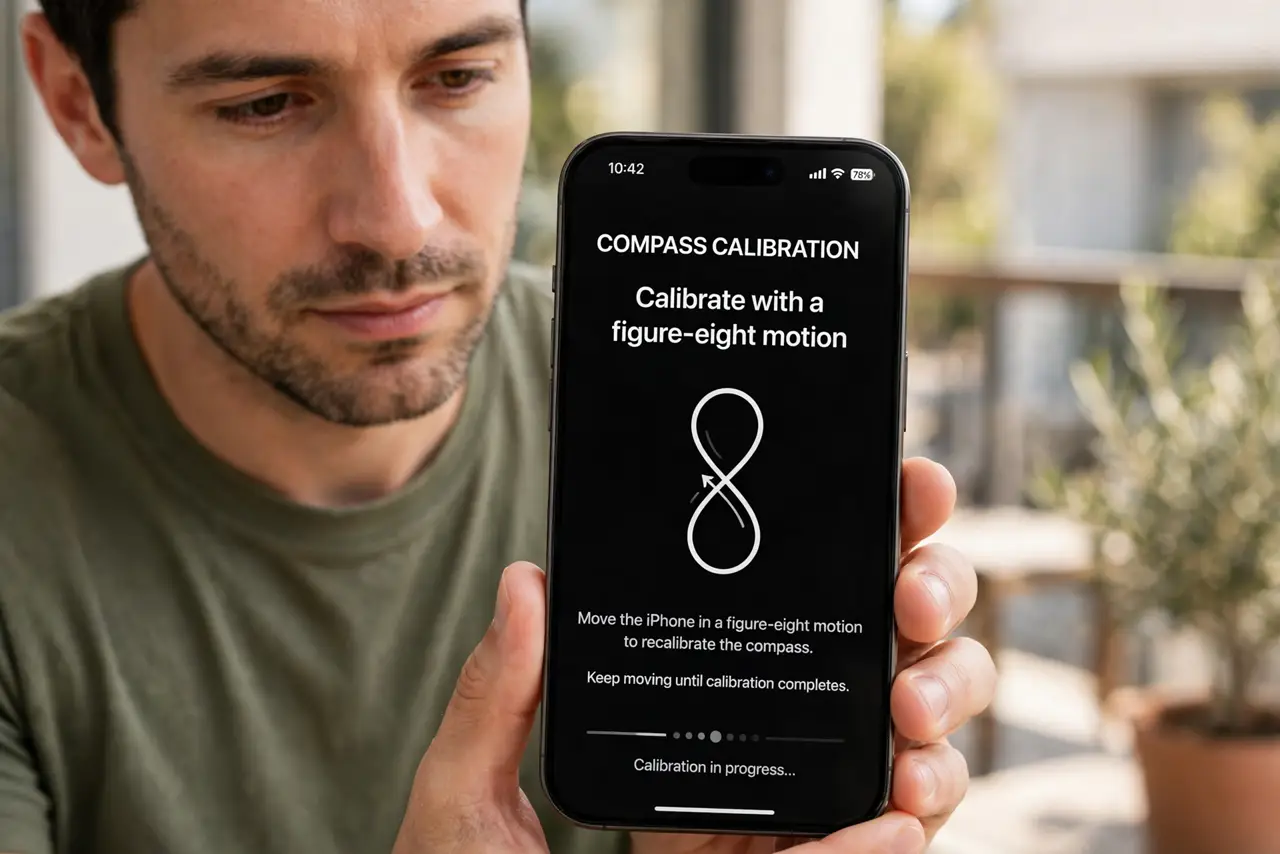
- Calibrate with a figure-eight motion. Open the Compass app and wave the phone in a figure-eight motion when prompted. This recalibrates the sensor and is the first fix for a wrong heading.
- Move away from magnets and metal. Step away from magnetic mounts, speakers, and large metal objects, then check the compass again. Nearby magnets pull the sensor off course.
- Turn on Compass Calibration. Open Settings, then Privacy and Security, then Location Services, then System Services, and turn on Compass Calibration. Without it, the compass drifts more easily.
- Remove magnetic cases and mounts. Take the phone off any magnetic car mount and out of a magnetic case, then recalibrate. A magnet stuck to the phone biases every reading.
- Check location services for Compass. Open Settings, then Privacy and Security, then Location Services, and make sure Compass can use location. The compass works better with location assistance on.
- Restart the phone and recalibrate. Restart the iPhone, open Compass outdoors, and calibrate again. A stuck sensor state after an update sometimes needs a restart plus recalibration.
What NOT to do
- Do not trust a compass near a car mount. Magnetic mounts bias the sensor, so test away from the mount before trusting the heading.
- Do not calibrate once and forget it. Recalibrate after travel, a drop, or time near magnets, since calibration drifts.
- Do not use the compass for critical navigation without a second check. Compare with a map or landmark when the heading matters.
- Do not ignore a compass that never calibrates. A sensor that will not calibrate after these steps may be damaged and need repair.
Frequently asked questions
Why does my compass point backwards?
Usually it lost calibration or sits near a magnet. Calibrate away from magnets and check again.
Do magnetic phone cases affect the compass?
Yes. A magnet in the case or mount biases the sensor, so remove it and recalibrate.
Does the compass need internet?
No, but location assistance improves it. The sensor itself works offline once calibrated.