iPhone Contacts Duplicated After Sync? Fix It
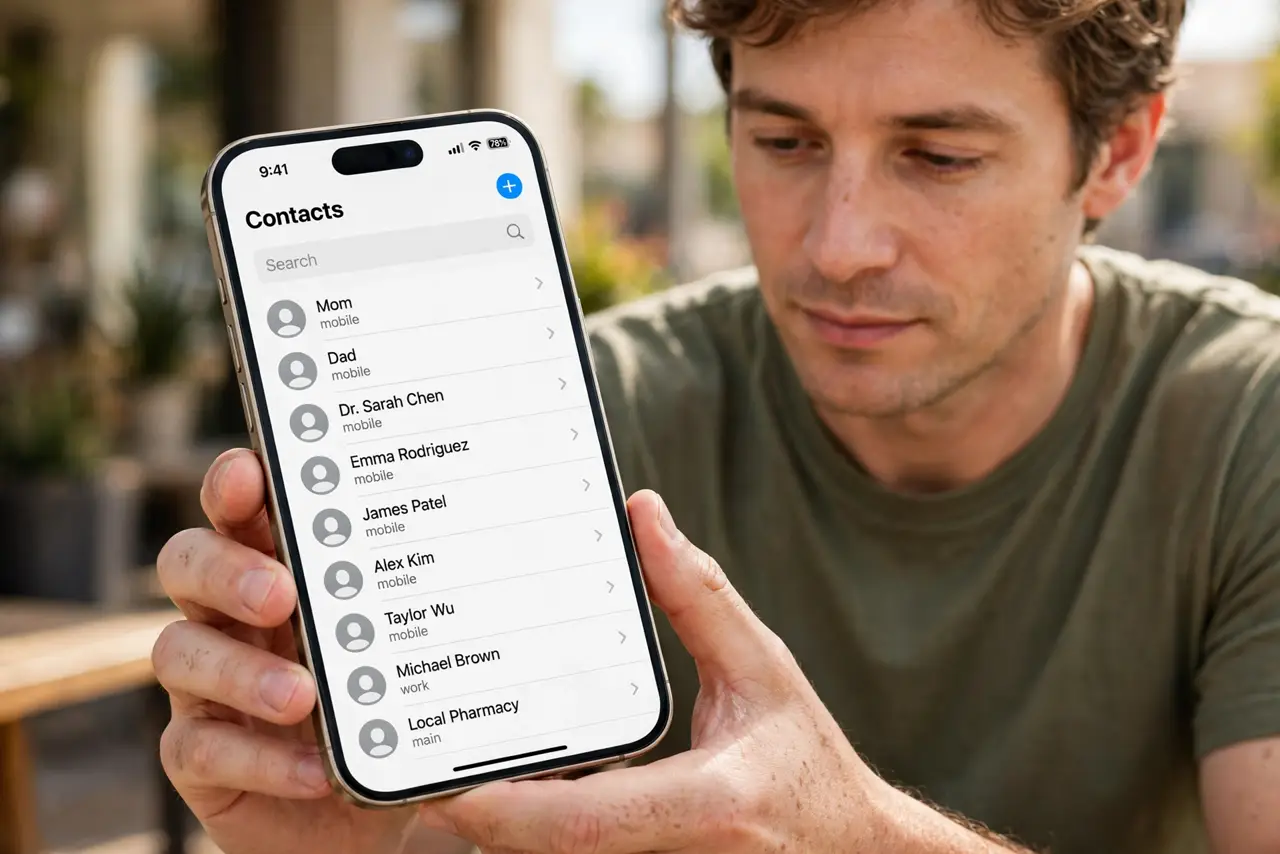
After syncing, every contact appears twice or three times, and calls and messages show the wrong entry. The phone is usually syncing contacts from two accounts at once, such as iCloud and another mail account, not copying them by itself.
TL;DR / Quick Fix
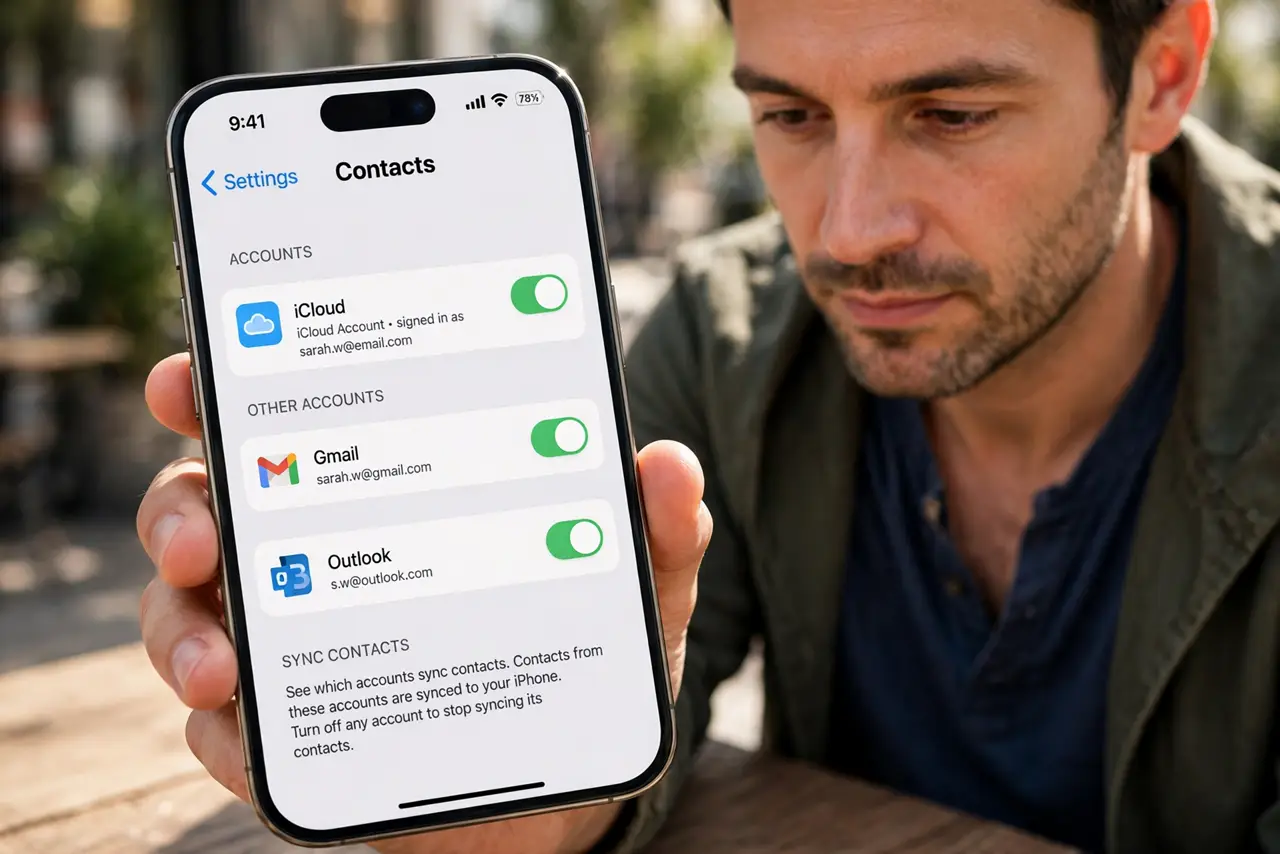
Quick fix: open Settings, then Apps, then Contacts, then Accounts, and see which accounts sync contacts. Turn off contact sync for the duplicate account, then check Contacts before deleting anything by hand. Test once more after a restart. Write down what worked for next time.
Follow these steps
- See which accounts sync contacts. Open Settings, then Apps, then Contacts, then Accounts, and note every account with Contacts turned on. Two accounts syncing the same people is the most common cause of duplicates.
- Turn off the duplicate account sync. Turn off Contacts for the account that duplicates your main list, and keep the account you trust as the main source. Check Contacts again before deleting anything.
- Check for SIM and app contacts. Contacts can also come from a SIM import or another app that syncs contacts. If duplicates remain, check whether an app you installed also syncs contacts.
- Merge or delete duplicates slowly. Delete or merge duplicates in small groups, starting with people you contact rarely. Working slowly avoids deleting the one good entry and keeping a broken one.
- Back up contacts before a big cleanup. Export or back up your contacts before deleting many entries, so a mistake can be undone. A backup turns a risky cleanup into a safe one.
- Check the result on another device. After cleanup, check Contacts on another device or on the web to confirm the duplicates are gone everywhere, not just on the phone.
What NOT to do
- Do not delete both copies of a contact at once. Keep one good entry, confirm its number is right, and only then remove the extra.
- Do not turn off every account sync in a panic. Turning off the main account hides contacts instead of fixing duplicates.
- Do not use a random duplicate-cleaner app without a backup. Some cleaners merge the wrong entries and cannot undo the change.
- Do not import contacts from the SIM again after cleanup. Re-importing brings the duplicates straight back.
Frequently asked questions
Why did syncing create duplicates?
Two accounts held the same people, so the phone shows both sets. Turning off the duplicate account sync stops new duplicates.
Will turning off sync delete my contacts?
Turning off sync for one account hides that account's copies. Your main account contacts stay, but check before you delete anything.
Should I merge or delete duplicates?
Merge when both entries hold different details worth keeping. Delete only the entry that adds nothing.