Boost Conversations
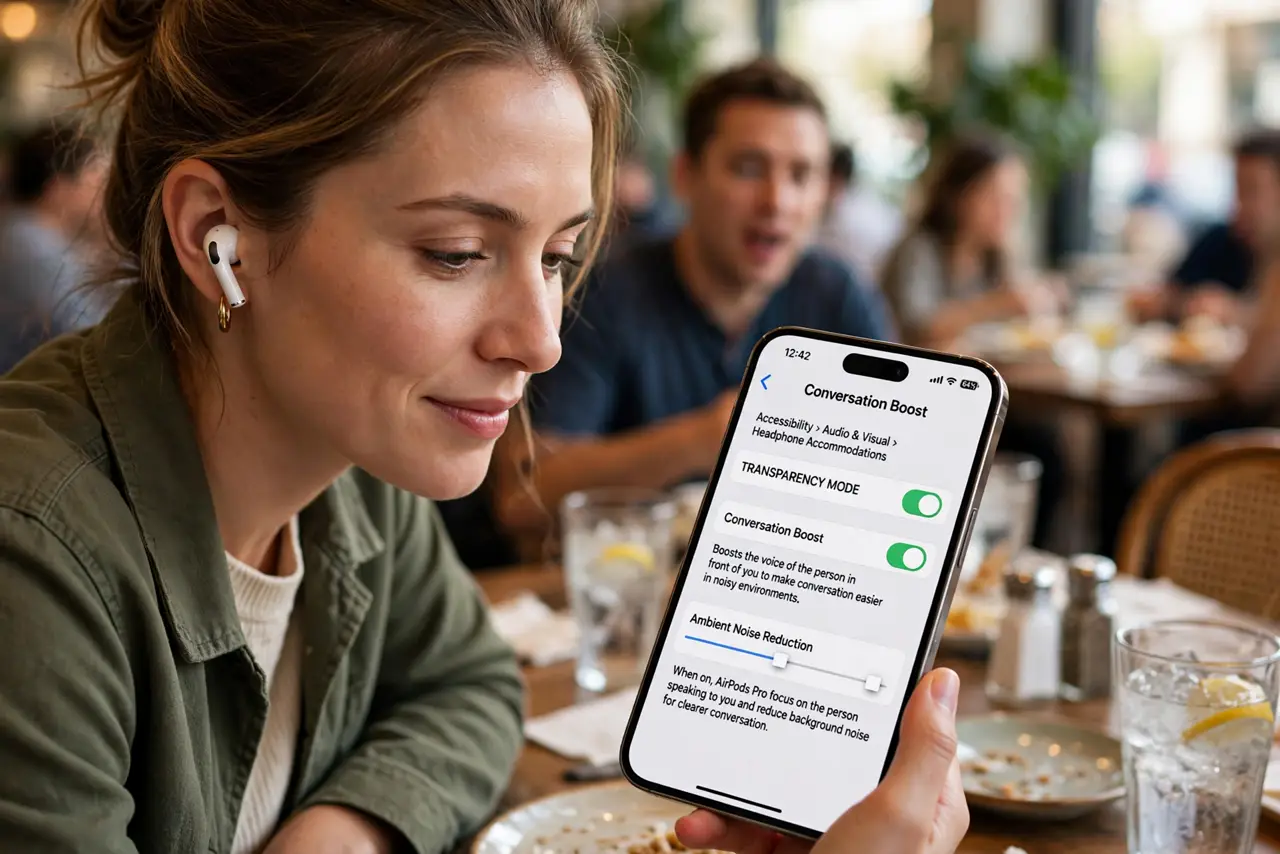
You hear the restaurant but not the person across from you. Conversation Boost uses your AirPods Pro's microphones to focus on whoever is in front of you, turning down the room and turning up their voice. It is a hearing accessibility feature that helps anyone in noise.
TL;DR / Quick Fix
Quick fix: with AirPods Pro connected, go to Settings, Accessibility, Audio and Visual, Headphone Accommodations, and turn on Conversation Boost. It focuses the microphones on the person facing you. Adjust the amplification to taste — too high brings the room back. Pair it with Live Listen for the hardest environments.
Follow these steps
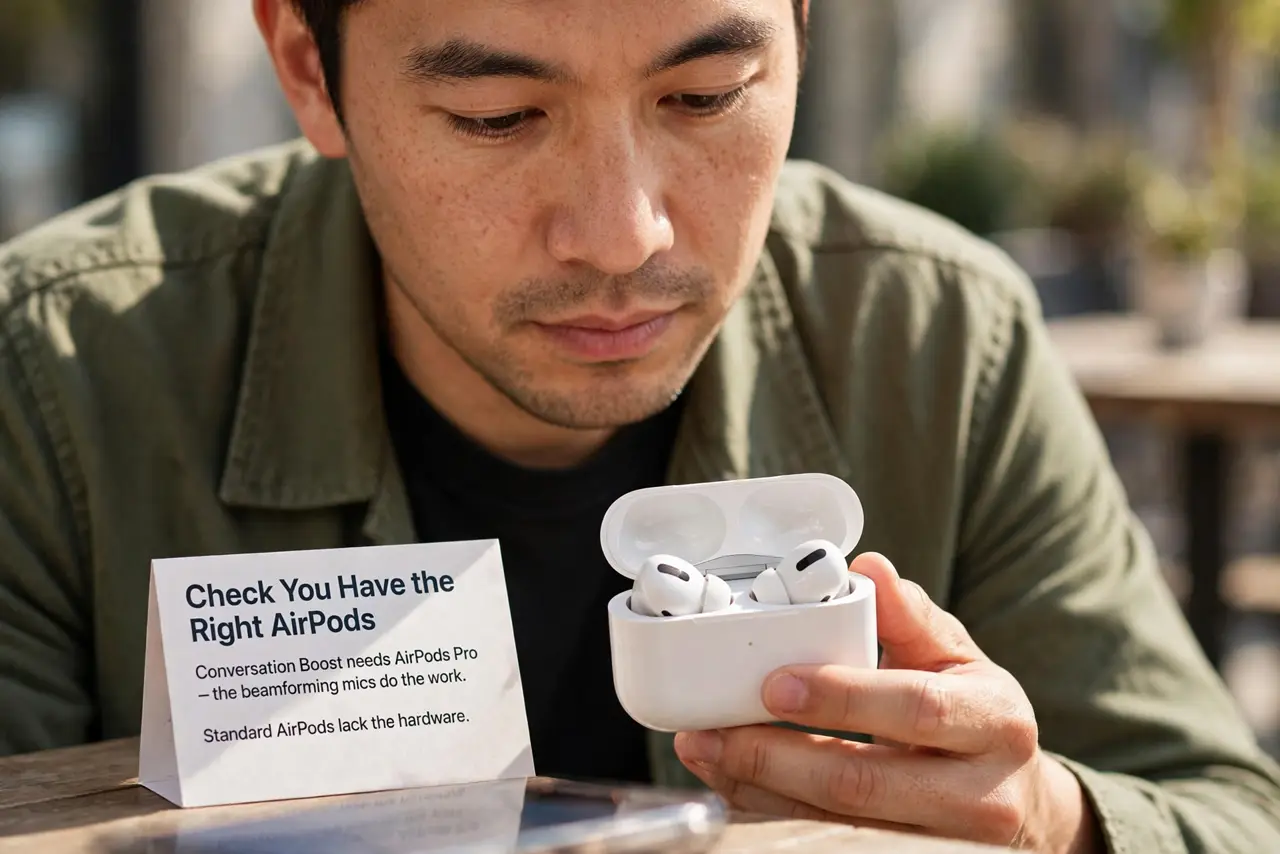
- Check you have the right AirPods. Conversation Boost needs AirPods Pro — the beamforming mics do the work. Standard AirPods lack the hardware.
- Enable Headphone Accommodations. Go to Settings, Accessibility, Audio and Visual, Headphone Accommodations, and turn it on. This unlocks the tuning options.
- Turn on Conversation Boost. Inside the same screen, enable Conversation Boost. The mics now prioritize sound from directly in front of you.
- Tune the amplification. Adjust the boost level while in a real noisy place. More is not always better — find where voices clarify before room noise returns.
- Face the speaker. The feature focuses forward. Look at the person talking; it cannot boost someone behind you.
- Combine with Live Listen. For very hard rooms, add Live Listen — phone near the speaker, Boost on your buds. The pair covers most situations.
What NOT to do
- Do not max the amplification. Full boost amplifies everything forward including the clatter — moderate settings win.
- Do not expect it to fix hearing loss. It assists in noise; it does not replace hearing aids or an audiologist.
- Do not use it while driving. Focused-forward audio plus traffic is a dangerous combination — stay aware.
- Do not forget it drains battery faster. Extra mic processing costs power — charge before long outings.
Frequently asked questions
Is Conversation Boost only for hearing impaired?
No — anyone struggling in noise benefits. Apple built it as accessibility, but noisy restaurants humble everyone.
Does it work with phone calls?
It is designed for in-person conversation, not calls. For call clarity, check live captions options instead.
Why does everything sound tinny?
Over-boosting thins the sound. Dial the amplification back until voices sound natural.