How Crash Detection Works
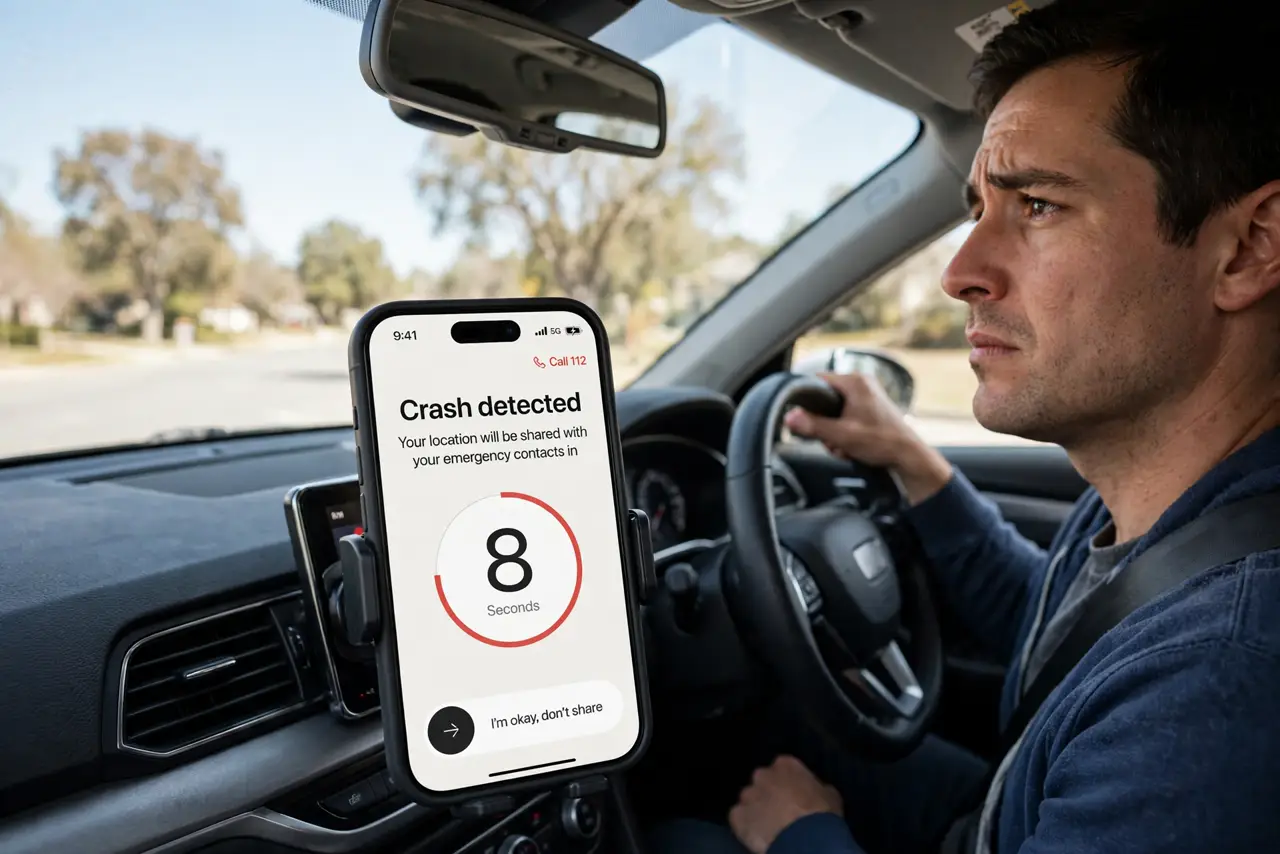
If you are in a severe car crash and cannot reach your phone, will it call for help on its own? On iPhone 14 and newer (and recent Apple Watches), the answer is yes: Crash Detection watches motion sensors, microphones, and barometric data for the signature of a serious crash, then starts a countdown — and if you do not respond, it calls emergency services and texts your emergency contacts with your location.
TL;DR / Quick Fix
Quick fix: Crash Detection senses severe car crashes and calls emergency services, texting your emergency contacts if you do not respond. It is on by default on iPhone 14 and newer. Keep it on, keep Medical ID current, and know how to cancel a false alarm.
Follow these steps
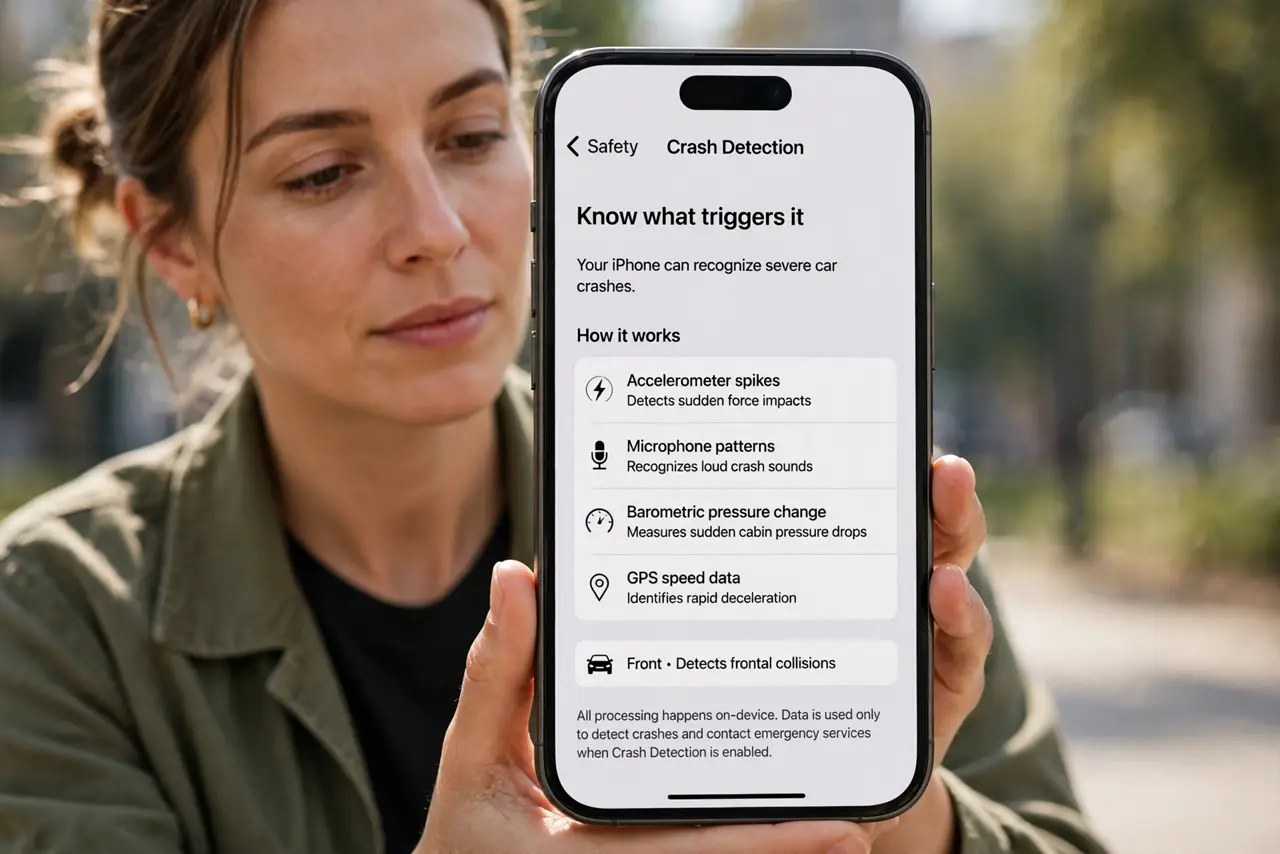
- Know what triggers it. The phone fuses accelerometer spikes, microphone patterns, barometric pressure change, and GPS speed data to recognize severe crashes — front, side, rear, and rollovers. It is tuned to ignore hard braking and potholes.
- Understand the countdown. After a detected crash, the phone sounds an alarm and shows a countdown with an Emergency Call slider. If you are fine, you cancel it — if you do not respond, it calls emergency services automatically and plays a recorded message.
- Know who gets notified. Your emergency contacts receive a text that you have been in a severe crash, with your location. This is why Medical ID and emergency contacts must be current — set them in the Health app today, not after an accident.
- Keep it enabled. It is on by default — leave it that way. Disabling it removes a safety net that costs nothing: it only activates on a genuine crash signature, not on roller coasters (those false alarms were fixed in software updates).
- Know how to cancel a false alarm. If it triggers by mistake, tap Cancel on the countdown immediately. If the call already went out, stay on the line and tell the dispatcher it was accidental — never just hang up on emergency services.
- Pair it with satellite SOS. If the crash happens with no cell signal, the call can go out over Emergency SOS via satellite on supported iPhones — the two features are designed to work together in remote areas.
What NOT to do
- Do not disable it because of old false-alarm stories. Early roller-coaster triggers were fixed in updates; the current tuning is far more conservative.
- Do not hang up on an accidental emergency call. Stay on, explain it was a false alarm, and let the dispatcher close it — hang-ups trigger callbacks and sometimes dispatches.
- Do not rely on it as your only protection. It is a backup for when you cannot call — safe driving, seatbelts, and telling someone your route remain the real safety plan.
- Do not leave Medical ID empty. An empty Medical ID means responders and contacts get a location with no context — two minutes in the Health app fixes it.
Frequently asked questions
Which iPhones have Crash Detection?
iPhone 14 and newer, plus recent Apple Watch models (SE 2nd gen, Series 8 and newer, Ultra). Older devices lack the sensor fusion it needs.
Will it call if I am just a passenger?
It detects the crash, not who was driving — if you are conscious, cancel the countdown; if nobody can, the call going out is exactly the point.
Does it work without cell service?
It needs a connection to reach anyone — cellular, Wi-Fi calling, or satellite SOS where supported. With truly no signal of any kind, it cannot transmit.