Custom Ringtones? Basics
You are tired of the same default ringtone everyone else has, and you want your favorite song — or your own recording — to play when someone calls. Custom ringtones on iPhone take a few more steps than on Android, but no shady apps or purchases are required. Here is the clean, free way to do it.
TL;DR / Quick Fix
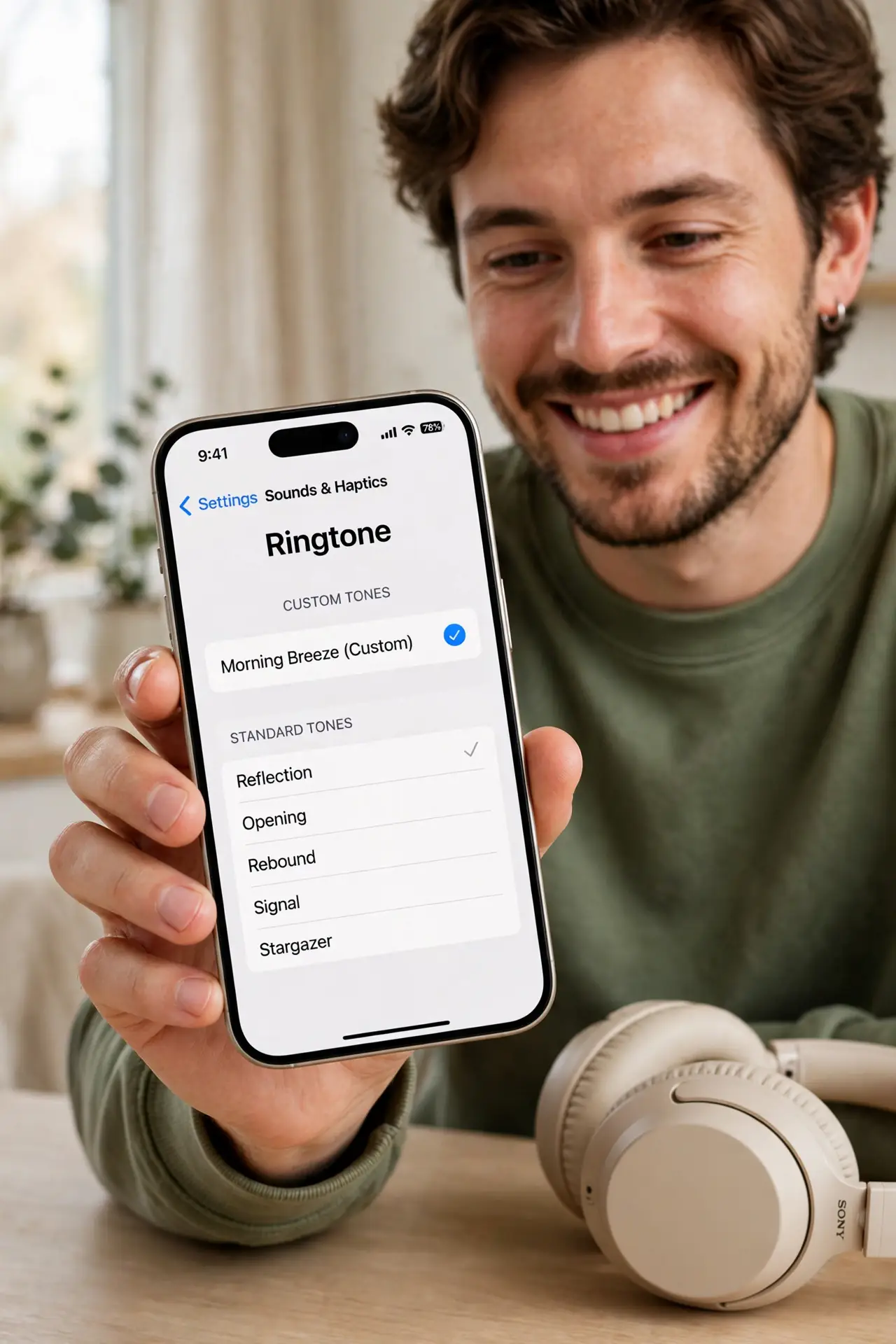
Quick fix: the free route is GarageBand on your iPhone — trim any song or recording to 30 seconds, share it as a Ringtone, and it appears in Settings, Sounds & Haptics, Ringtone. On Android, just drop an MP3 in the Ringtones folder. Keep it under 30 seconds for reliability.
Follow these steps
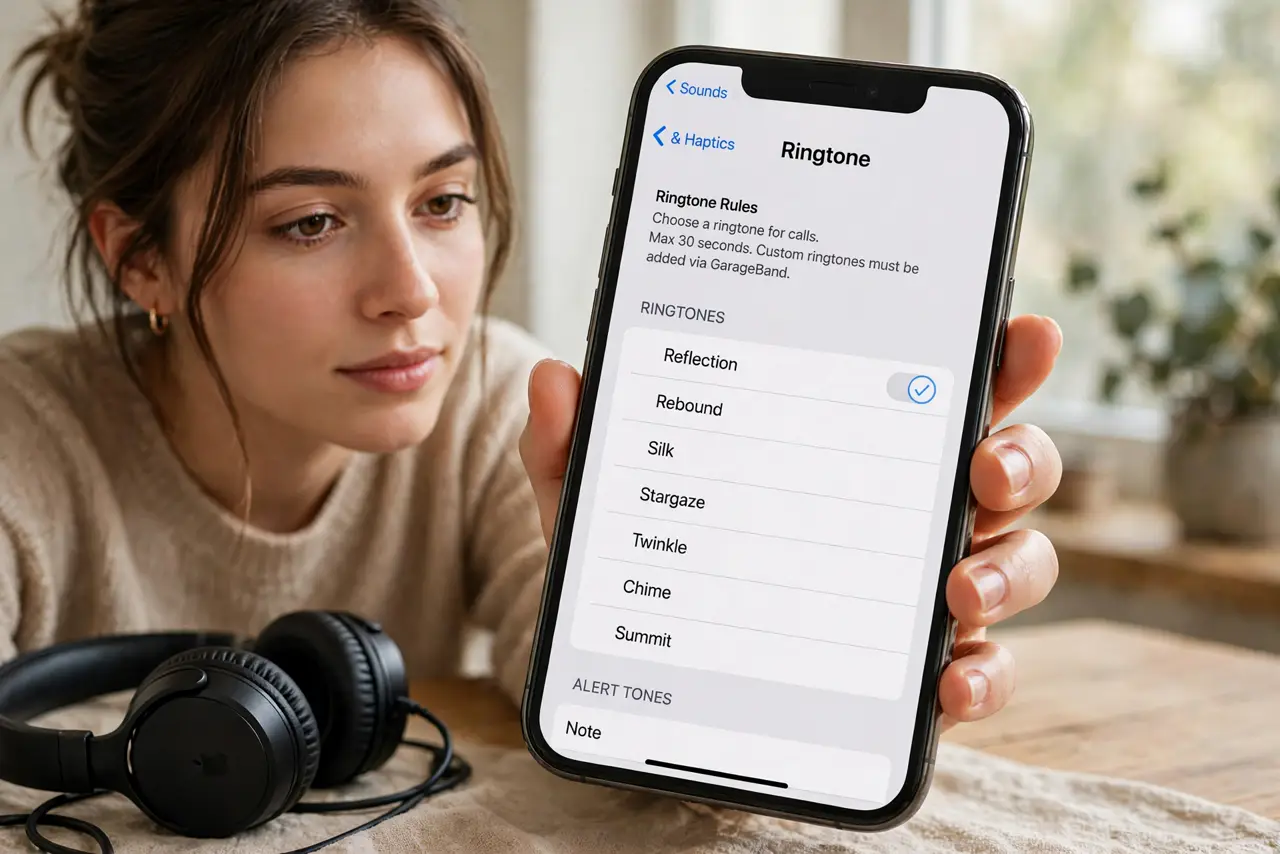
- Understand the 30-second rule. iPhone ringtones must be 30 seconds or shorter in the .m4r format. Longer audio gets rejected — trim first, assign second. Android is more forgiving but still happiest under a minute.
- Make the ringtone in GarageBand (free). Open GarageBand, create a project, import your song or record audio, trim to the best 30 seconds, then Share > Ringtone. Name it clearly — it installs straight to your ringtone list.
- Assign it in Settings. Go to Settings > Sounds & Haptics > Ringtone and pick your new tone at the top of the list. Assign different tones per contact for the full effect — pair with custom vibrations for silent-mode identification too.
- Use iTunes/Finder for computer-made tones. Made the .m4r on your computer? Drag it into the iPhone's Tones section in Finder (Mac) or iTunes (PC) while connected. It syncs over like any media.
- Try the Android shortcut. On Android, copy any MP3 into the Ringtones folder (via Files), then pick it in Settings > Sound. No conversion, no length police — refreshingly simple.
- Delete tones you outgrow. In Settings > Sounds & Haptics > Ringtone, swipe left on a custom tone to delete. Spring-clean yearly — a ringtone list with forty entries is a chore to scroll.
What NOT to do
- Do not buy ringtone apps. They charge subscriptions for what GarageBand does free — and many are hard to cancel.
- Do not use copyrighted music commercially. A personal ringtone is fine; using someone's song as your business's hold music is not.
- Do not set a 3-minute song as a ringtone. iPhone trims or rejects it; callers hear voicemail before your epic intro finishes anyway.
- Do not forget silent mode still rules. A custom ringtone means nothing with the silent switch on — that is what vibrations are for.
Frequently asked questions
Why isn't my custom ringtone showing up?
It is probably over 30 seconds or not in .m4r format. Re-export from GarageBand via Share > Ringtone, which handles both automatically.
Can I use a voice memo as a ringtone?
Yes — share the voice memo to GarageBand, trim it, and export as a ringtone. Great for kids' voices or inside jokes.
Do custom ringtones sync to a new iPhone?
If made via GarageBand on the phone, they back up with the device. Computer-synced tones need re-syncing to the new phone.