iPhone Dark Mode Changes by Itself? Fix It
Dark Mode keeps flipping between light and dark, and the screen never looks the way you left it. The usual cause is the Automatic setting, which follows the time of day, plus apps that copy the system appearance.
TL;DR / Quick Fix
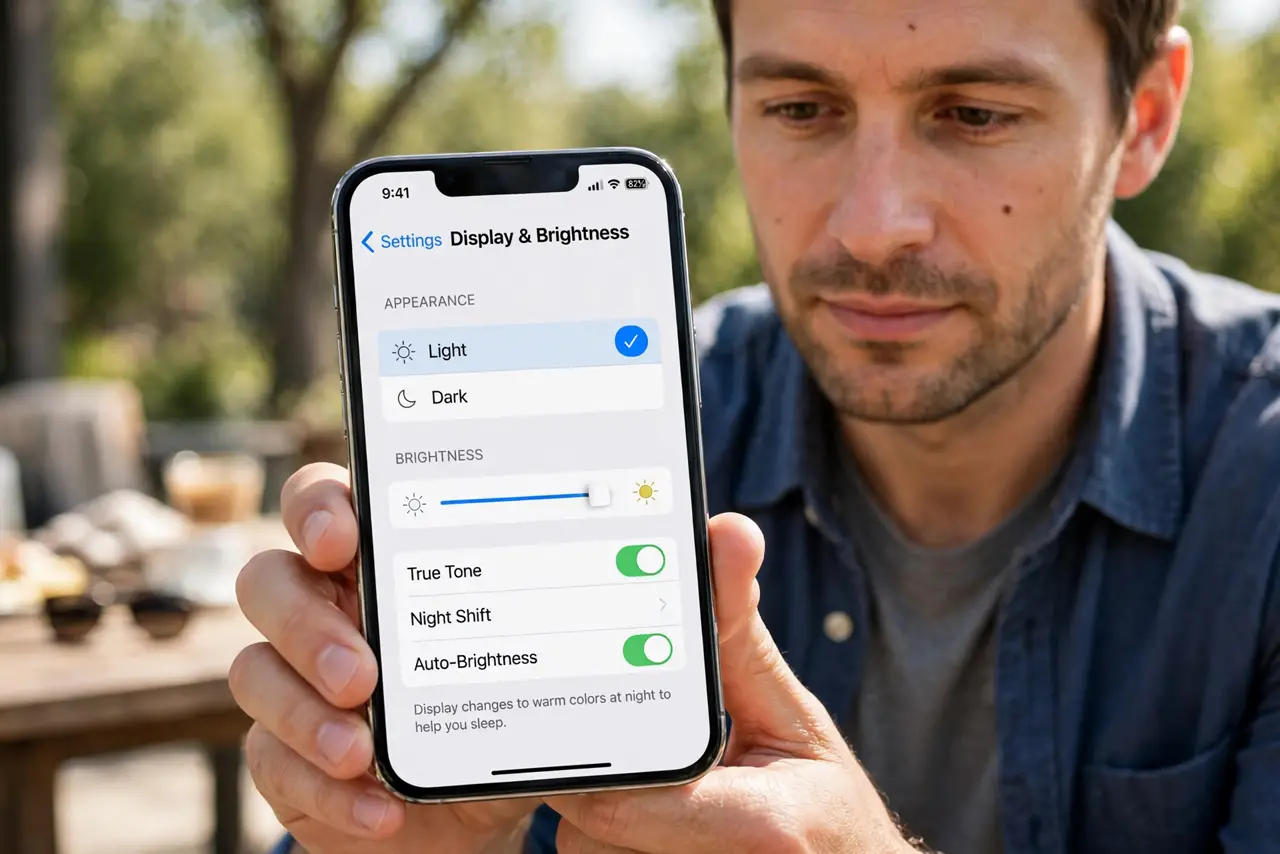
Quick fix: open Settings, then Display and Brightness, and set Appearance to Light or Dark by hand instead of Automatic. Check any schedule tied to sunset, then test the screen for a full day before changing anything else. Write down what worked for next time.
Follow these steps
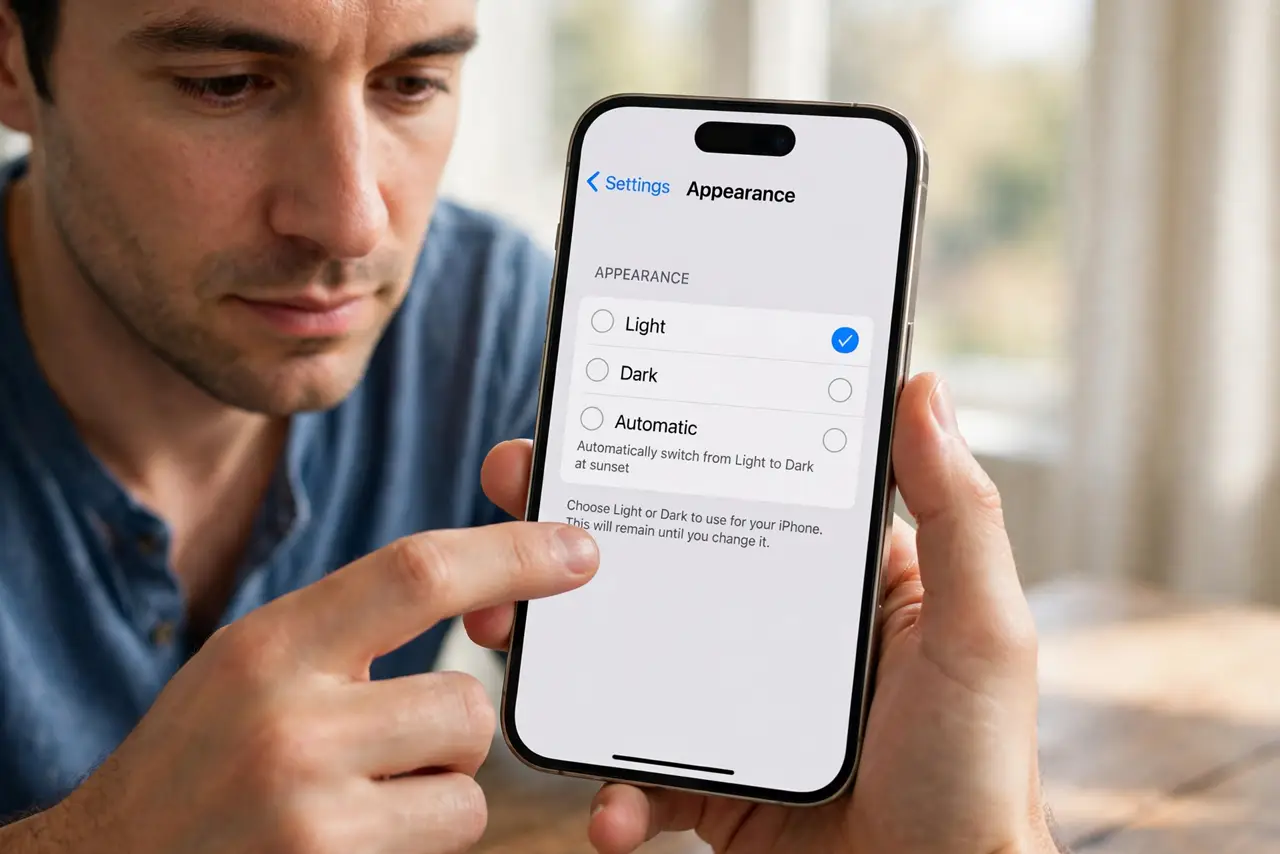
- Set Appearance by hand. Open Settings, then Display and Brightness, and tap Light or Dark under Appearance. Choosing one by hand stops the phone from switching on its own.
- Turn off Automatic. If Automatic is on, tap it off or check its schedule, because Automatic follows sunset and sunrise. A phone that changes at dusk is usually following that schedule, not broken.
- Check Night Shift separately. Night Shift warms the screen color at night and is not the same as Dark Mode. If the screen only looks warmer, check Night Shift in the same Display and Brightness screen.
- Check apps that follow the system. Many apps copy the system appearance, so one app changing does not mean the whole phone changed. Open the app and check whether it has its own appearance setting.
- Restart the iPhone once. Save nothing special first, then restart the phone and check Appearance again. A restart clears a stuck display state that a single tap cannot fix.
- Reset display settings only as a last step. If the setting still flips, use Reset All Settings in Settings, then General, then Transfer or Reset iPhone. This keeps your photos and messages but returns settings to their defaults, so check Appearance again after.
What NOT to do
- Do not turn on Smart Invert or Classic Invert to fake Dark Mode. Those invert colors everywhere and make photos and videos look wrong.
- Do not keep toggling Appearance every hour hoping it sticks. Fix the Automatic schedule once, then leave the setting alone for a day to confirm it holds.
- Do not blame one app for a system change. If every app changes together, the system Appearance setting is the cause, not the app.
- Do not reset the whole phone as a first step. Reset All Settings is enough for a display problem, and a full erase deletes far more than needed.
Frequently asked questions
Why does Dark Mode turn on at night?
Because Automatic follows sunset and sunrise. Setting Appearance to Light or Dark by hand stops the daily switch.
Is Night Shift the same as Dark Mode?
No. Night Shift only warms the screen color, while Dark Mode changes app backgrounds to dark.
Will resetting settings delete my photos?
No. Reset All Settings keeps photos, messages, and apps, and only returns settings like Appearance to their defaults.