Data Roaming? Basics
Data roaming is what lets your iPhone use mobile data outside your carrier's home network — and what produces thousand-dollar phone bills for the unwary. One toggle controls it, but the smart move is understanding travel passes, eSIMs, and Wi-Fi alternatives before you fly. This guide covers the safe setup for travel.
TL;DR / Quick Fix
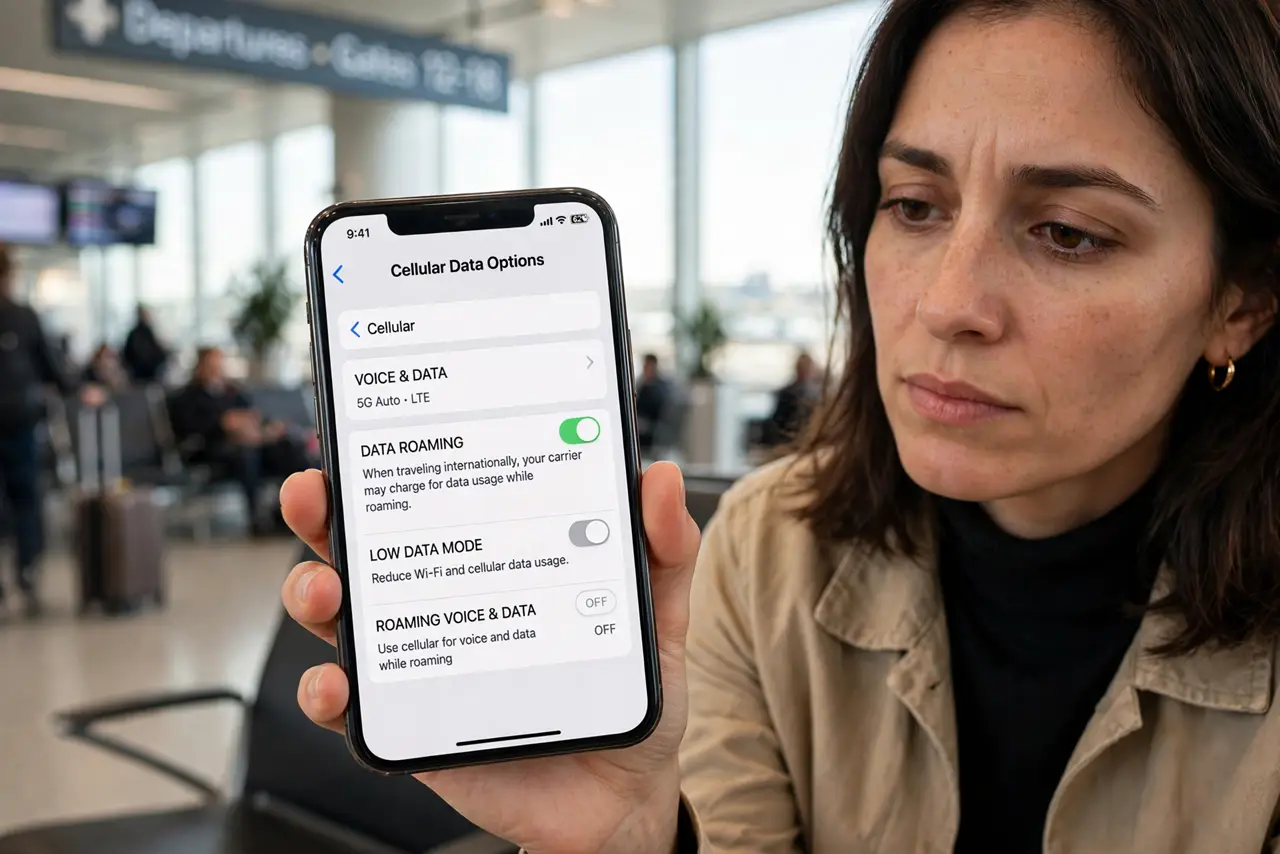
Quick fix: data roaming lets your iPhone use mobile data abroad — and the charges can be brutal. Turn it off under Settings, Cellular, Data Options unless you have a travel plan. Use Wi-Fi and offline maps instead. Check your carrier's travel pass before flying; it beats a surprise bill.
Follow these steps
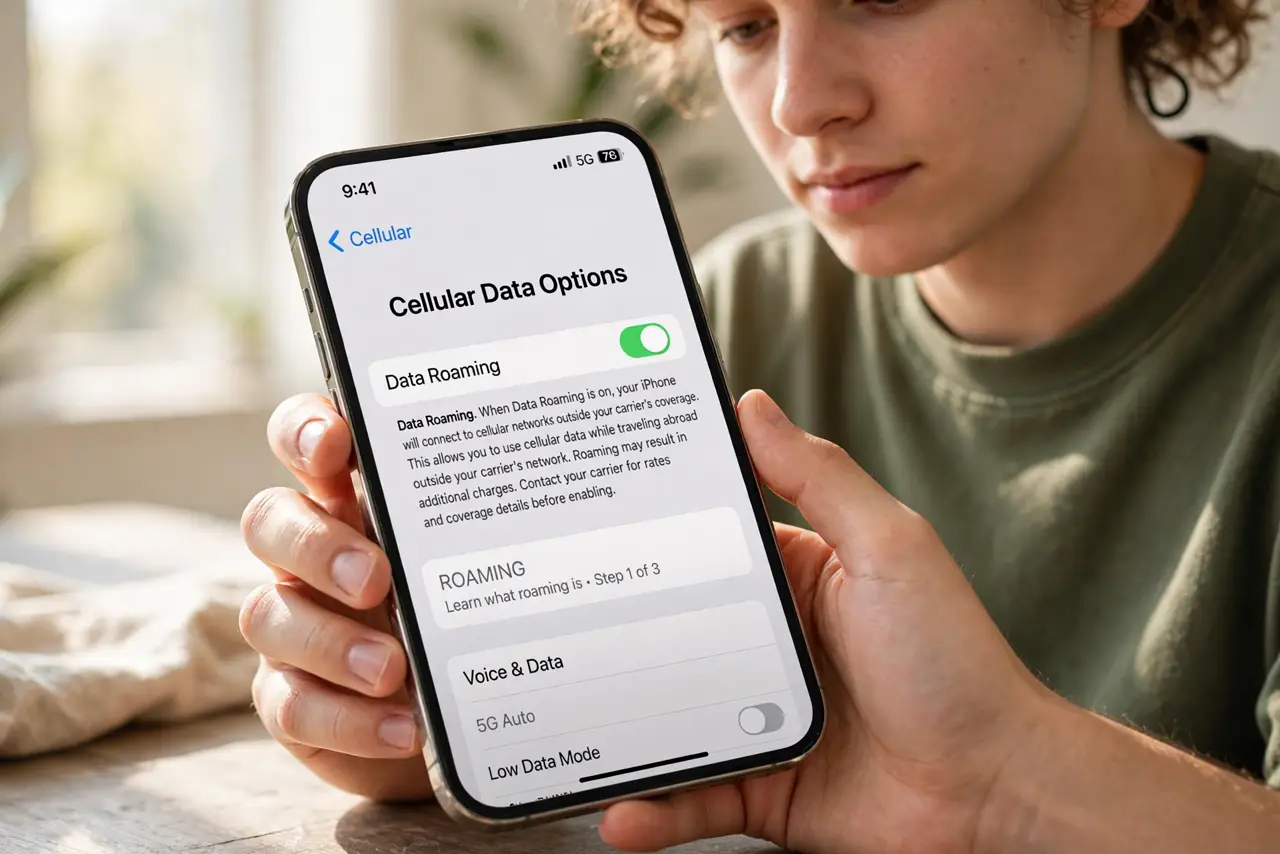
- Learn what roaming is. Outside your carrier's network, your phone borrows another carrier's towers — and your carrier bills you premium rates for it. That is roaming: convenient, and historically expensive.
- Find the toggle. Go to Settings, Cellular (or Mobile Data), Cellular Data Options, and see Data Roaming. Off means no mobile data abroad — Wi-Fi still works normally.
- Check your carrier's travel options. Many carriers now include travel passes — a flat daily fee for your normal data abroad. It is almost always cheaper than pay-per-use roaming; buy it before you fly.
- Consider a travel eSIM. For longer trips, a local or travel eSIM gives you cheap local data without touching your main plan. Modern iPhones handle dual SIM easily — see the general data roaming guide for the full comparison.
- Lean on Wi-Fi and offline maps. Download offline maps, playlists, and translation packs before leaving. Hotel and cafe Wi-Fi plus offline content covers most travel needs with zero roaming.
- Check the bill after you return. Roaming charges can lag by a billing cycle. Review the first bill after travel — the roaming charges guide explains what to dispute and how.
What NOT to do
- Do not leave data roaming on 'just in case.' Background app refresh, photo uploads, and updates will happily spend your money all trip — off means off.
- Do not assume your plan includes roaming. Domestic unlimited rarely means international unlimited — verify before the plane takes off, not after it lands.
- Do not forget apps update themselves. Disable automatic app updates and photo backup over cellular before traveling — they are silent data hogs.
- Do not ignore the welcome text. Carriers text you the roaming rates on arrival — actually read it; it is the cheapest travel advice you will get.
Frequently asked questions
How much does data roaming cost?
It varies wildly by carrier and country — from a few dollars a day on a travel pass to dollars per megabyte on pay-per-use. Check your carrier's travel page before flying; never guess.
Is Wi-Fi calling free abroad?
Usually yes over Wi-Fi, but check your carrier — some treat Wi-Fi calls abroad as international calls. When in doubt, use a messaging app over Wi-Fi.
Should I just buy a local SIM?
For trips over a week, often yes — local data is dramatically cheaper. For short trips, a travel pass or eSIM is less hassle.