Roaming Charges Appear After You Are Home
You are home, but roaming charges keep appearing. A delayed carrier bill, a second line still roaming, or data roaming left on can all keep charges trickling in after the trip.
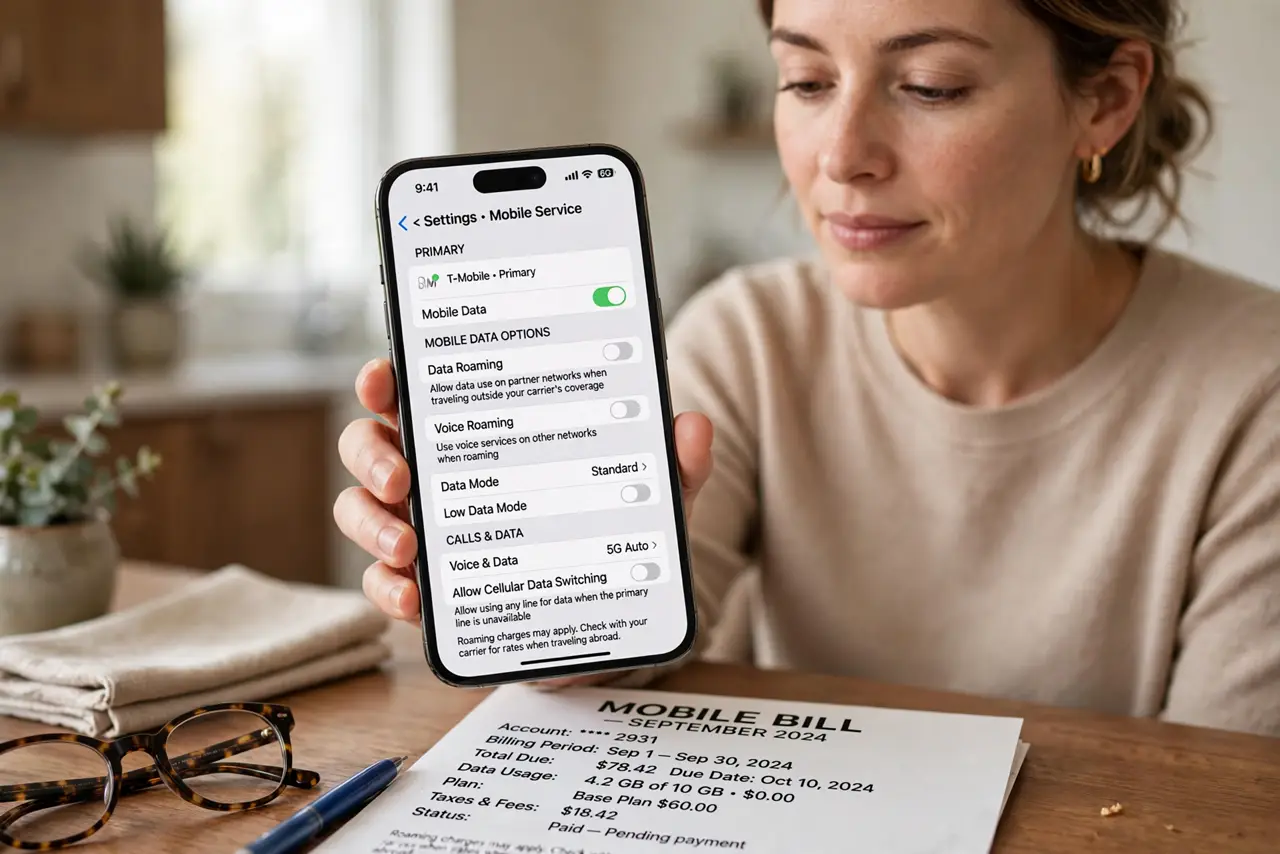
TL;DR / Quick Fix
Quick fix: open Settings, then Mobile Service, and turn off Data Roaming on every line. Then check your carrier account for delayed charges, and confirm the home network is selected again and check carrier dates before disputing any delayed charge.
Follow these steps
- Turn off Data Roaming on every line. Open Settings, then Mobile Service, and turn off Data Roaming for each line. A second line left roaming can charge even when your main line is safely home.
- Confirm the phone is on the home network. Check the carrier name in the status bar and in Mobile Service settings. If the phone still shows a foreign network, toggle airplane mode on and off to rejoin home.
- Check the carrier account for delayed charges. Open your carrier account and review recent charges with dates. Roaming charges often post days after the trip, so a charge dated after homecoming may still belong to the trip.
- Check per-app data use abroad. Review data usage by app for the travel period. One app updating abroad can explain a charge that looks like it happened at home.
- Ask the carrier about the charge dates. Contact the carrier and ask which dates each charge covers. Delayed posting explains most after-home charges, and the carrier can confirm the travel dates behind them.
- Set a roaming reminder for the next trip. Before the next trip, note to turn Data Roaming off on landing home. A landing-day check stops the slow trickle of charges after future trips.
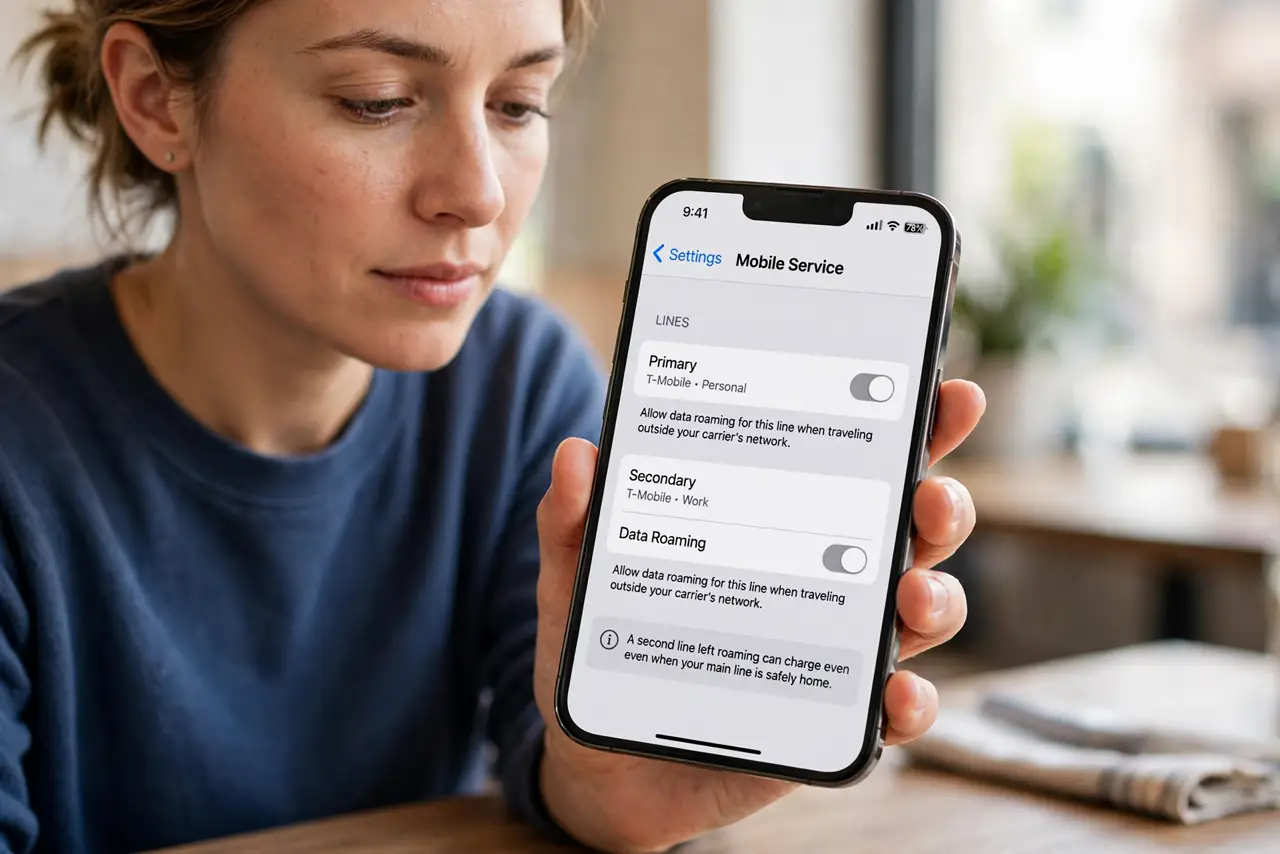
What NOT to do
- Do not assume a post-trip charge is a billing error. Roaming charges often post late, so check the dates the charge covers before disputing it.
- Do not leave Data Roaming on after a trip just in case. Off is the safe home setting, and you can switch it on again for the next trip.
- Do not ignore a second line's roaming setting. A family or work line roaming quietly can charge while your main line sits safely home.
- Do not dispute every delayed charge at once. Confirm the travel dates with the carrier first, so genuine trip charges and real errors stay separate.
Frequently asked questions
Why do roaming charges appear after I am home?
Because carriers often post roaming charges days late, so trip usage can bill after you return.
Can a second line cause roaming charges?
Yes. If its Data Roaming stays on, it can roam and charge even when your main line is home.
How do I stop future after-trip charges?
Turn Data Roaming off on every line on landing home, and confirm the phone rejoins the home network.