Change the Default Browser
Every link opens in Safari, but you live in Chrome — or Firefox, or Edge. Since iOS 14 the iPhone lets you pick the default browser, so links from Mail, Messages, and apps open where you want. The switch hides inside the browser app's own settings page.
TL;DR / Quick Fix
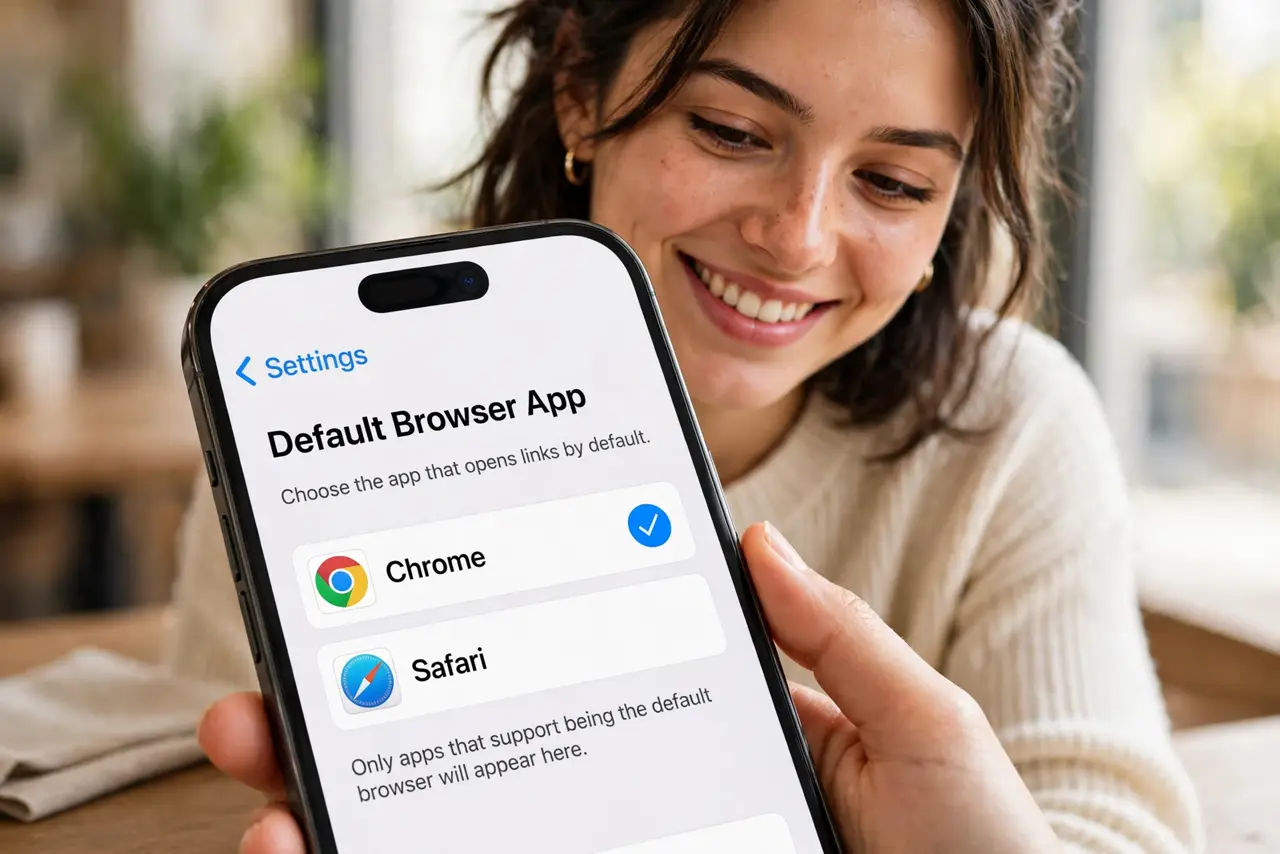
Quick fix: install your preferred browser, then open Settings, scroll down to that browser's app entry, tap Default Browser App, and select it. From then on, links everywhere open in your choice. Safari stays installed — nothing is deleted for good.
Follow these steps
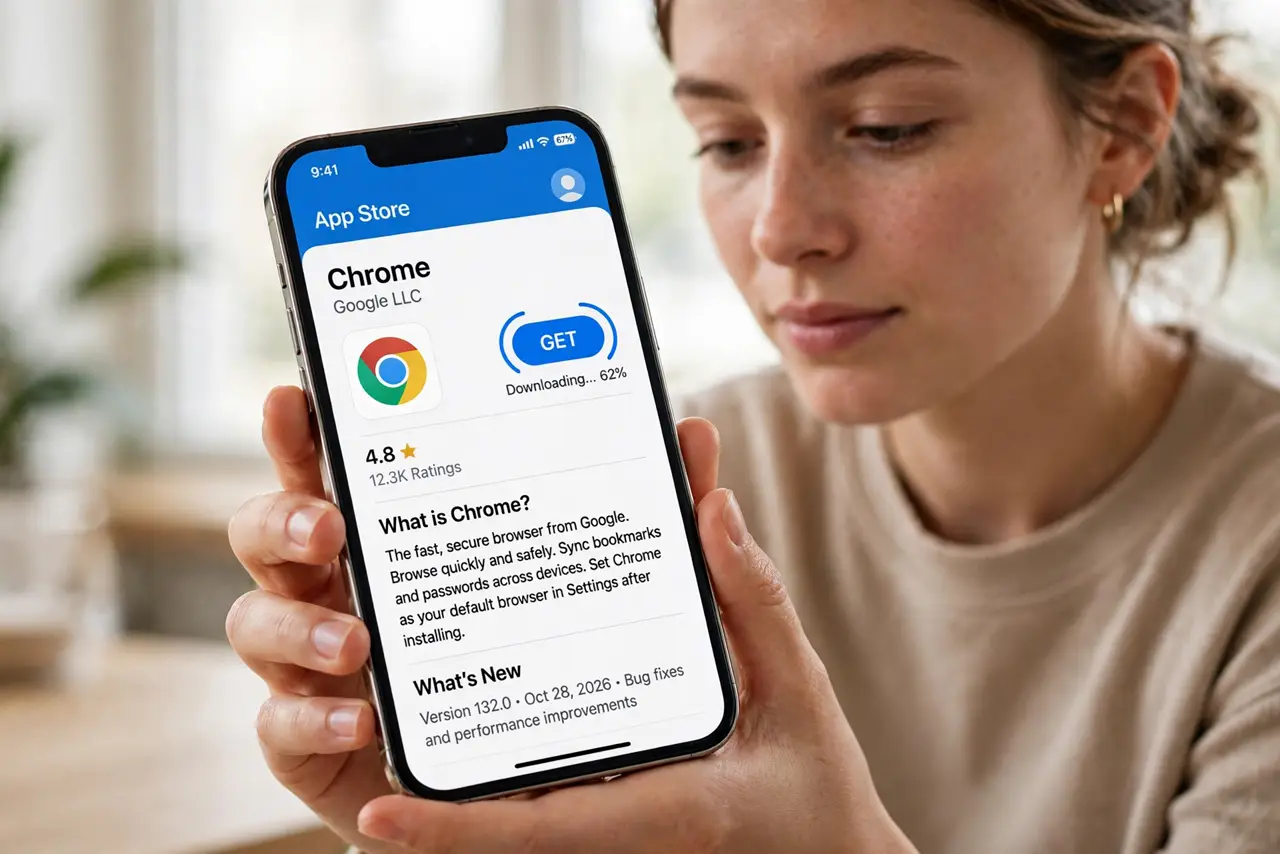
- Install your preferred browser. Download Chrome, Firefox, Edge, or your pick from the App Store. The option only appears for installed browsers.
- Find the browser in Settings. Open Settings and scroll down to the app list — tap your browser's entry (Chrome, Firefox, whatever you installed).
- Tap Default Browser App. Inside the app's settings page, tap Default Browser App and select it. A checkmark confirms the change.
- Test with a real link. Open Mail and tap a link — it should now open in your chosen browser, not Safari.
- Know what stays in Safari. Some system views still use Safari's engine under the hood — in-app browsers vary by app, and Apple requires all iOS browsers to use WebKit.
- Switch back any time. Return to the same screen and pick Safari. The change is instant and reversible — experiment freely.
What NOT to do
- Do not delete Safari. iOS needs it — some system features and in-app views depend on it regardless of your default.
- Do not expect every link to obey. A few apps hard-code their own in-app browser — the default setting covers system-level link opening.
- Do not confuse default browser with default search. The browser default picks the app; the search engine inside it is a separate setting.
- Do not skip the test tap. Occasionally the setting needs an app restart to take effect — verify with a real link.
Frequently asked questions
Why is Default Browser App missing?
The browser app is not installed, or iOS is older than 14. Install the browser first, then look again.
Does changing it affect passwords?
Your saved logins live per app — Chrome uses Google's passwords, Safari uses iCloud Keychain. Export or re-save as needed.
Can I set a different default on iPad?
Yes — the setting is per device. Your iPad can default to Safari while the iPhone uses Chrome.