Group Tabs in Chrome on Android
Chrome on Android used to be a vertical stack of forgotten tabs — now it has proper tab groups, just like desktop. Bundle the trip research, collapse the group, and your tab switcher goes from chaos to a tidy set of labeled folders. Two gestures to learn, seconds to use.
TL;DR / Quick Fix
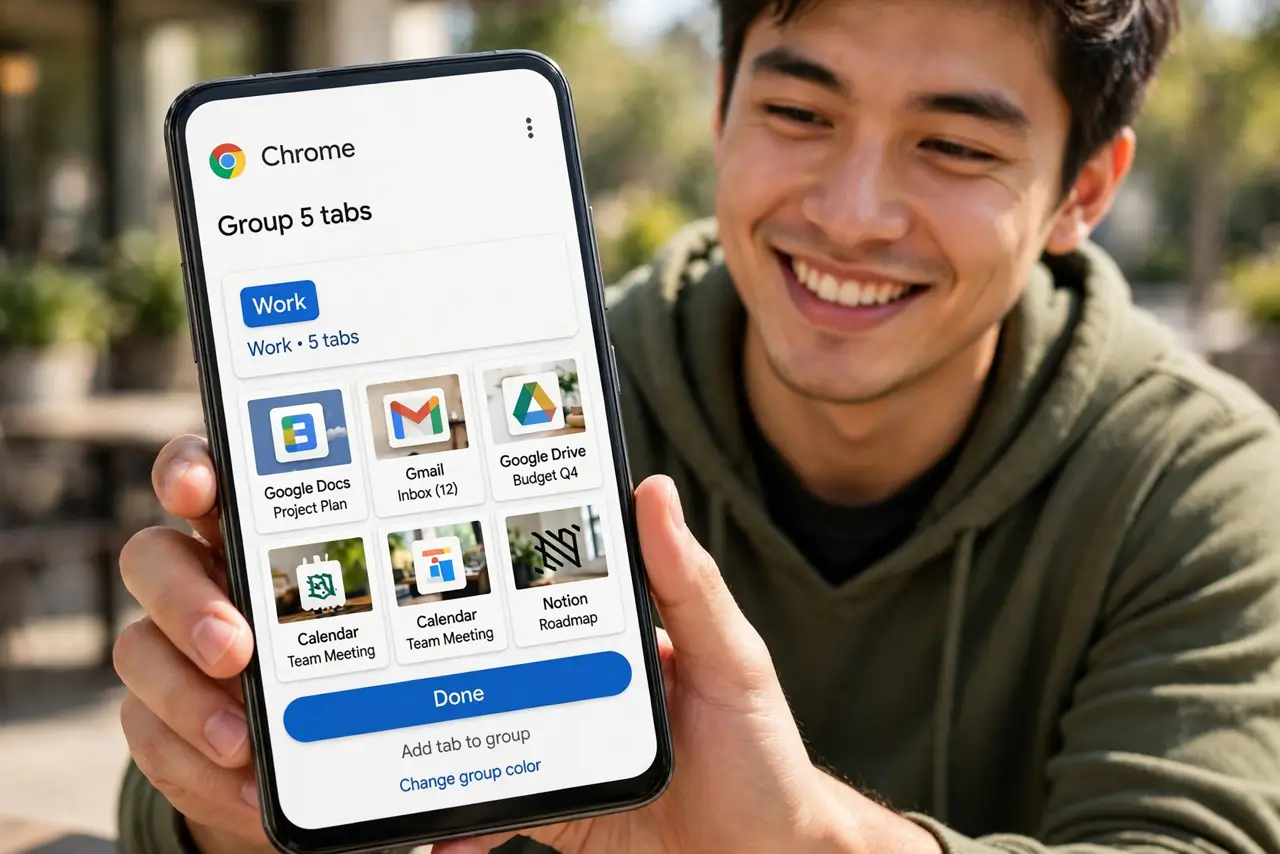
Quick fix: in Chrome, tap the tab switcher to open the grid view, then drag one tab onto another — they form a group. Or tap the three-dot menu and choose Group tabs. Tap the group to expand or collapse it; long-press to rename it or add a color.
Follow these steps
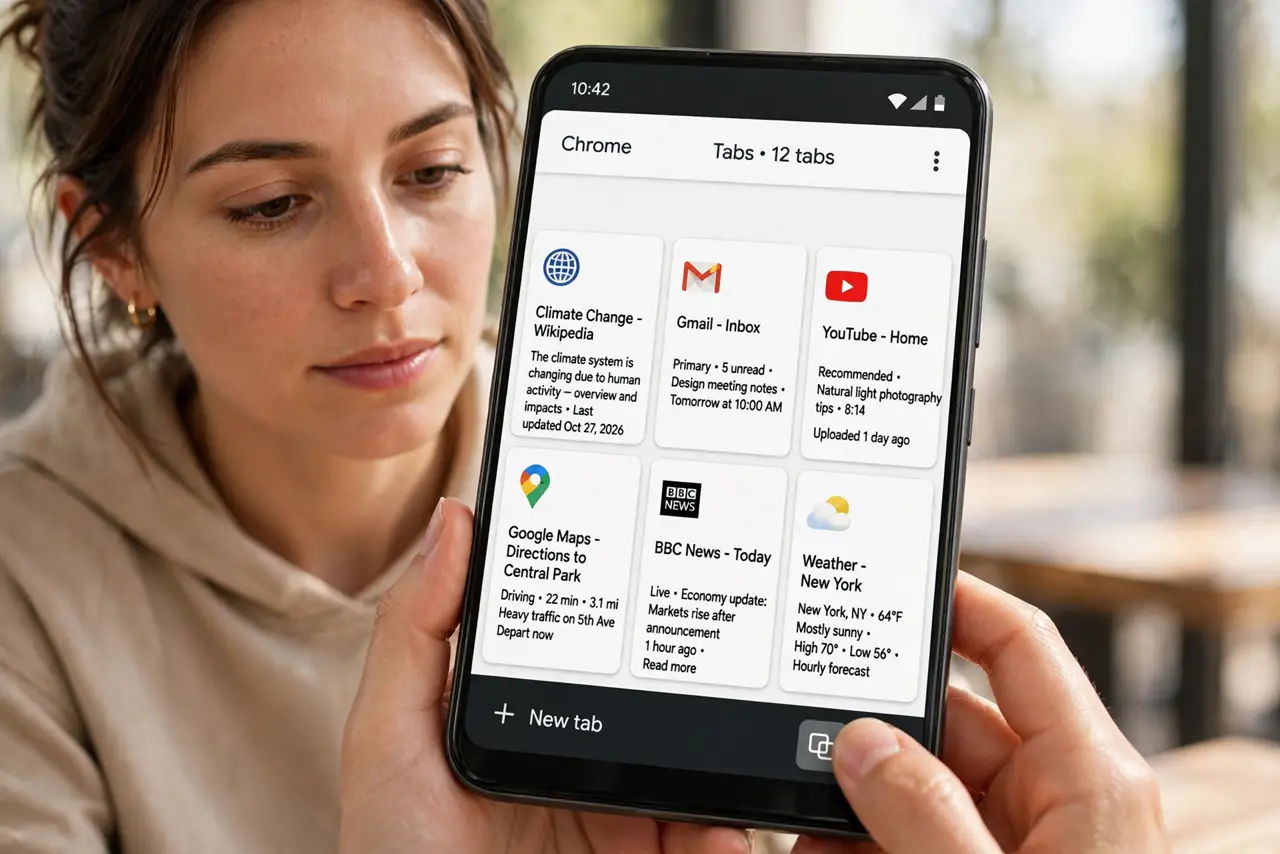
- Open the tab grid. Tap the tab switcher icon (the number in a square). The grid view shows every open tab as a card.
- Drag one tab onto another. Long-press a tab card and drop it on another — they merge into a group. This is the fastest way to start.
- Or use the menu method. Tap the three-dot menu > Group tabs, tick the tabs to bundle, and confirm. Better for grouping several at once.
- Name and color the group. Open the group, tap its title bar, and give it a name and color. 'Trip' in blue beats an anonymous grey blob.
- Collapse groups you are not using. Tap a group to collapse it to a single card. The switcher stays readable no matter how many tabs hide inside.
- Ungroup when done. Open the group, tap the menu, and choose Ungroup — or drag tabs out individually. The tabs survive; only the bundle dissolves.
What NOT to do
- Do not group everything into one mega-group. A single group of sixty tabs is the same chaos with a label — group by task.
- Do not forget groups use memory. Dozens of background tabs still cost RAM — close what you will not revisit, group what you will.
- Do not expect groups to sync to desktop. Chrome tab groups are per device — your phone's groups stay on your phone.
- Do not confuse with Safari tab groups on iPhone. Same idea, different platform — the gestures differ.
Frequently asked questions
How is this different from just having tabs open?
Groups bundle related tabs under one labeled, collapsible card — the switcher shows five groups instead of fifty tabs.
Can I share a whole tab group?
Not as a unit — share tabs individually from inside the group. Groups are organizational, not shareable.
Why can't I drag tabs on my phone?
Update Chrome — tab grouping needs a recent version. Very old Android builds lack the grid view entirely.