Digital Car Keys? Basics
Newer cars let your iPhone act as the key — unlock by walking up, start by pressing the button, share access with family, all from the Wallet app. It feels like magic until setup confuses you. Here is which cars and phones support it, how to add the key, and how sharing works.
TL;DR / Quick Fix
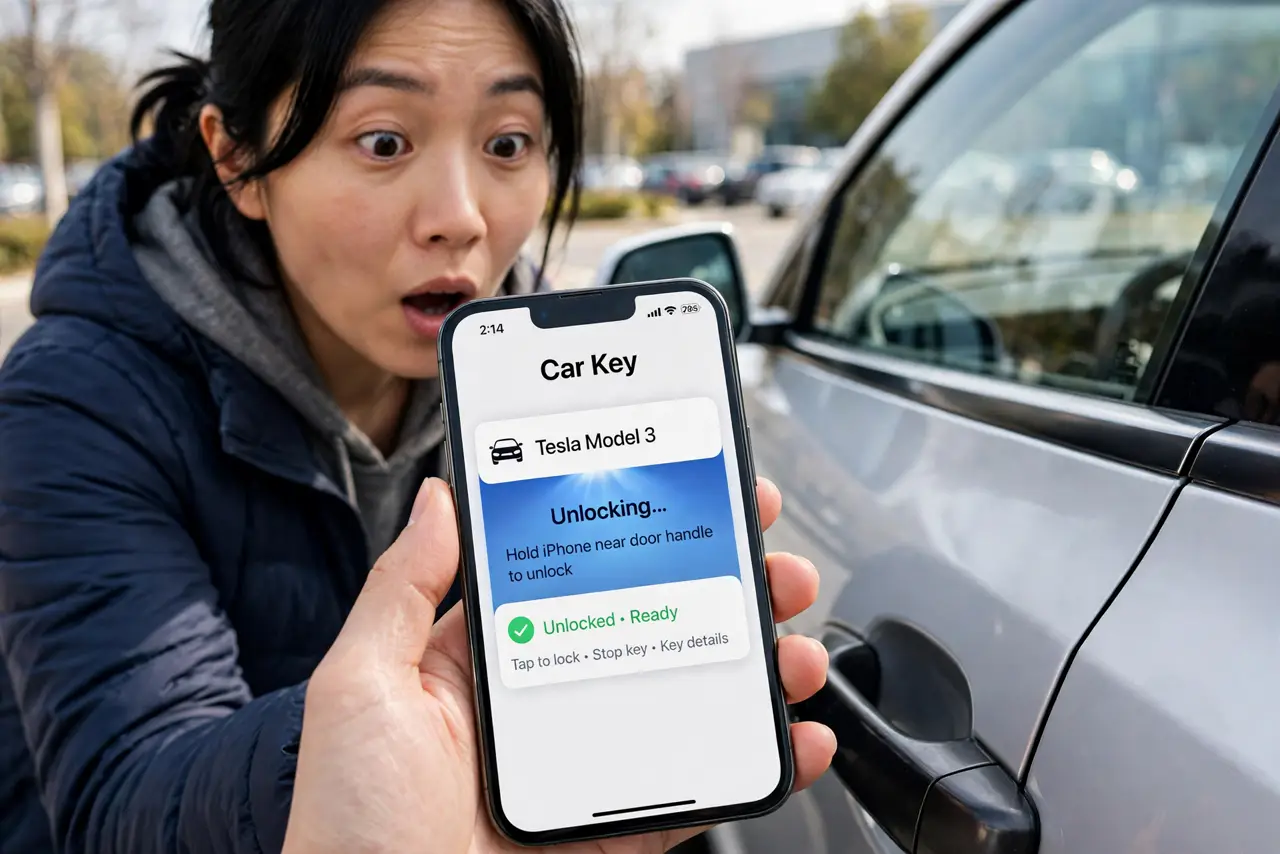
Quick fix: if your car supports it, the maker's app adds a digital key to your iPhone's Wallet — hold the phone near the door to unlock, place it on the charger to start. Share keys with family from Wallet with restricted permissions. Keep the physical key as backup.
Follow these steps
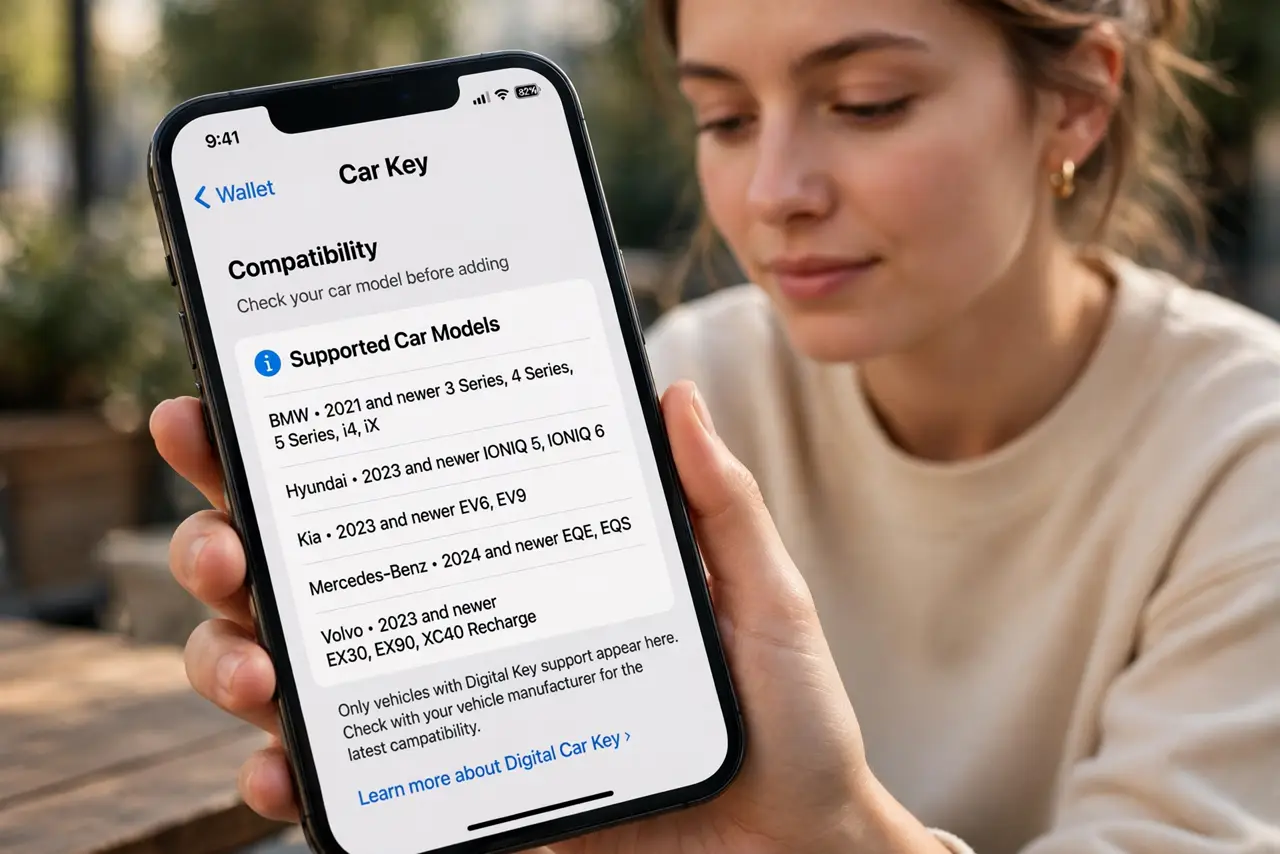
- Check compatibility first. Digital car keys need a recent iPhone (XS or newer) and a supporting car brand — BMW, Hyundai/Kia, and select others. Both lists grow yearly; verify yours before expecting magic.
- Add the key via the maker's app. Pair through the car manufacturer's app or accept the email/text invite — the key lands in Wallet like a transit card. The car and phone handshake over NFC or ultra-wideband.
- Understand the unlock behavior. NFC keys: hold the phone to the door handle. Ultra-wideband keys: just walk up with the phone in your pocket — passive entry, like a fob. Know which kind you have.
- Share keys with limits. Wallet lets you share a key by message with restrictions — speed limits, curfews, no trunk access for teen drivers. Revoke sharing anytime from Wallet. See the Wallet basics for the general setup.
- Know the dead-battery backup. Like transit cards, car keys work for hours on the iPhone's power reserve after shutdown. It is a safety net, not a strategy — keep the physical fob for critical trips.
- Remove keys when selling. Selling the car or the phone? Remove the digital key from Wallet and from the car's system. A forgotten key is a forgotten copy of your house key.
What NOT to do
- Do not ditch the physical key entirely. Phone dead, software glitch, valet without iPhones — the fob is your backup.
- Do not share keys without restrictions for new drivers. Wallet's limits (speed, hours) exist for exactly this — use them.
- Do not forget to revoke shared keys. Ex-partners and former valets should not keep access — audit the list.
- Do not assume every car works the same. NFC vs ultra-wideband, app vs invite — follow your maker's specific steps.
Frequently asked questions
What if my phone dies — am I locked out?
The power-reserve mode keeps the key working for hours after shutdown. Beyond that, the physical key or keypad code is your backup.
Can I share my car key with an Android user?
Sharing works best iPhone-to-iPhone; some makers support cross-platform sharing now. Check your car brand's current support.
Is a digital car key secure?
Yes — keys use the iPhone's secure element with encryption, and Express-like behavior is limited to the car. Revocation is instant from Wallet.