Master the Dynamic Island
That pill-shaped cutout at the top of your iPhone is not just a camera hole — it is the Dynamic Island, a live zone that shows timers, music, calls, and navigation without opening an app. Most people never touch it beyond watching it pulse. This guide shows you how to tap, hold, and expand it — and which apps feed it live updates.
TL;DR / Quick Fix
Quick fix: the Dynamic Island shows live info from apps — tap it to jump to the app, or press and hold to expand its controls. It handles timers, music, calls, maps, and Live Activities. If it seems idle, start a timer or play music and watch it light up.
Follow these steps
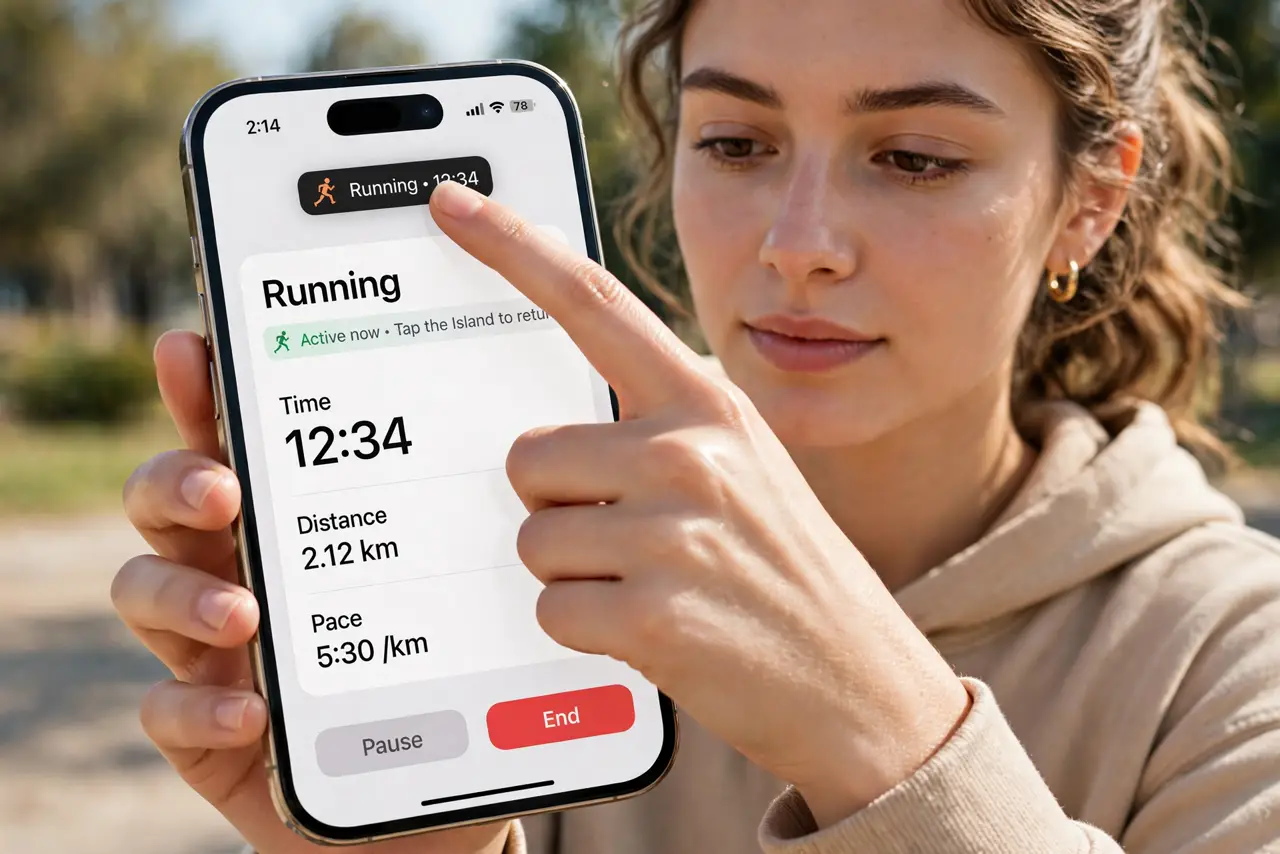
- Tap the Island to jump to the running app. A quick tap opens whatever is live — your call, your timer, your navigation. It is the fastest way back to the thing making noise.
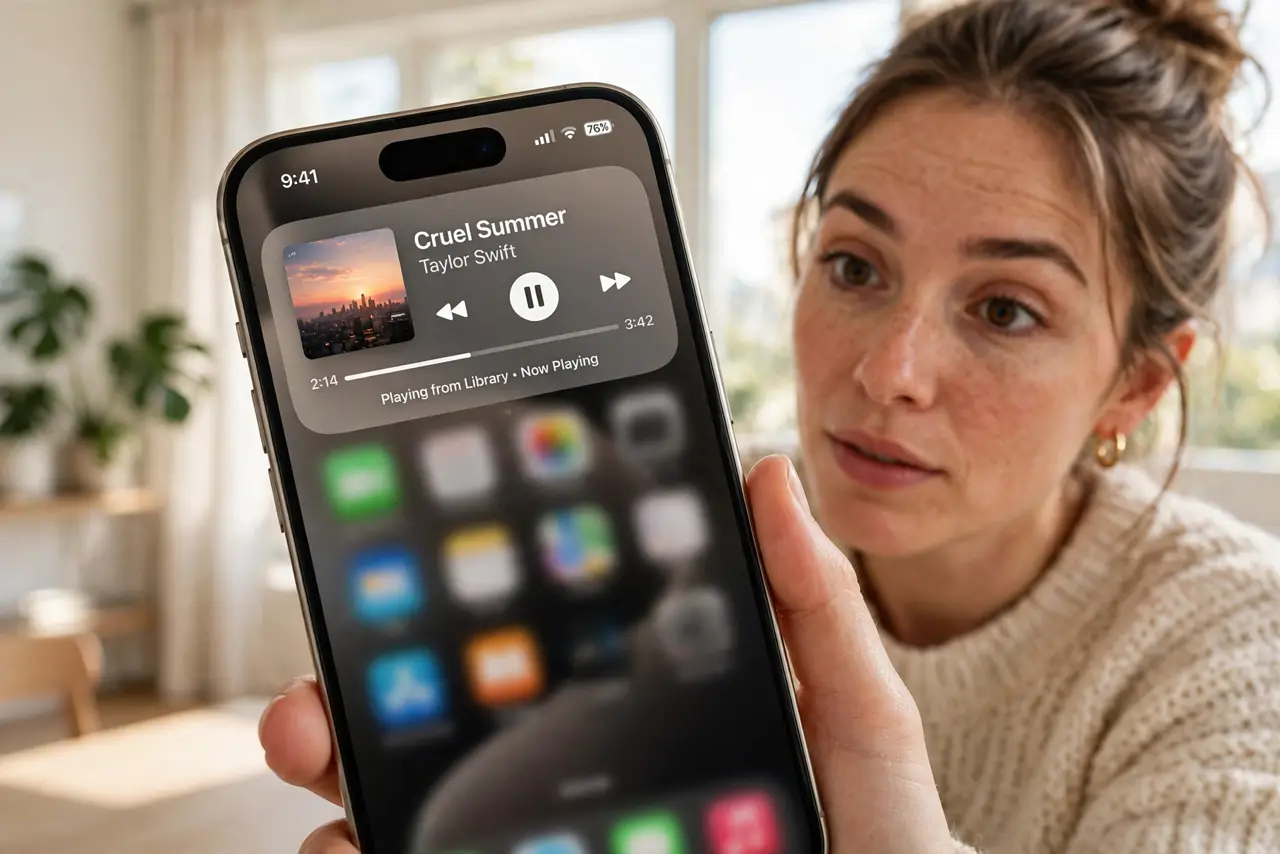
- Press and hold to expand its controls. A long press blows the Island up into a mini control panel: pause music, end a call, or check the timer, all without leaving your current screen.
- Watch two activities at once. When two things run — say a timer and music — the Island splits into a large and a small bubble. Tap each side to switch between them.
- Swipe to dismiss what you do not need. Swipe sideways on the Island to tuck an activity away. The app keeps running; the Island just stops showing it.
- Enable Live Activities for your apps. Go to Settings, Face ID and Passcode, and make sure Live Activities is on. Then allow it per app — sports, delivery, and ride apps are the big winners.
- Know which iPhones have it. Dynamic Island needs an iPhone 14 Pro or newer. Older iPhones with a notch show the same info as lock-screen Live Activities instead — the feature is the same, only the pill is missing.
What NOT to do
- Do not expect every app to use it. Only apps updated with Live Activities support appear — many still do nothing with the Island.
- Do not tap wildly during a call. A long press expands; a tap jumps to the Phone app — learn the difference before you are on an important call.
- Do not disable Live Activities to 'save battery'. The drain is tiny; the convenience is the whole point of the feature.
- Do not confuse it with notifications. Banners come and go; the Island only shows things actively running right now.
Frequently asked questions
Why is my Dynamic Island not showing anything?
Nothing is running that uses it. Start a timer, play music, or begin navigation — then check that Live Activities is enabled in Settings.
Can I turn off the Dynamic Island?
Not entirely — it is hardware. You can stop individual apps from using it by disabling their Live Activities permission.
Does it work with third-party music apps?
Yes, if the app supports Live Activities. Spotify and most major apps do; some smaller ones still do not.