Spot Fake iPhone Cables
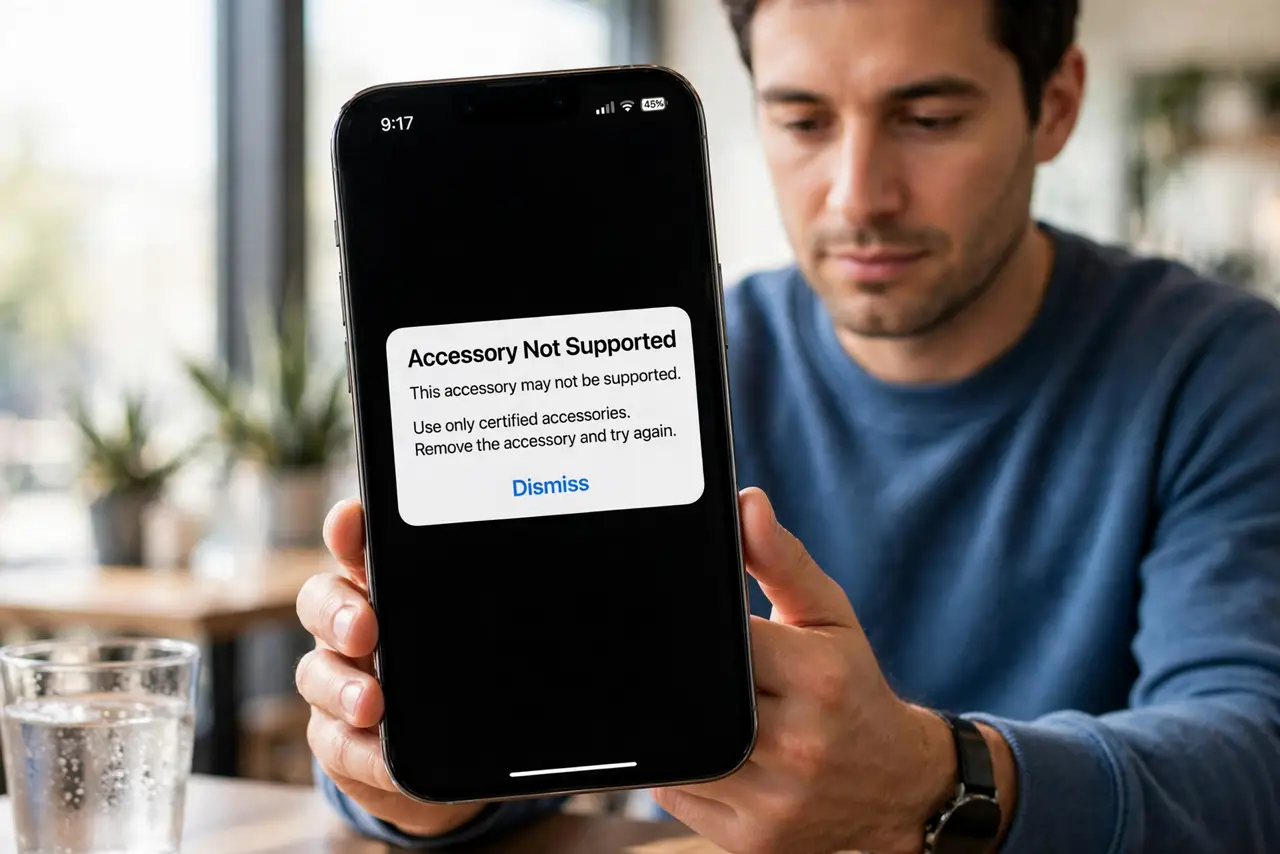
'This accessory may not be supported.' The iPhone rejects your charging cable — or worse, accepts it while quietly stressing the charging port. Counterfeit Lightning and USB-C cables are everywhere, and the bad ones can damage your phone. Here is how to spot fakes before they cost you.
TL;DR / Quick Fix
Quick fix: fake iPhone cables trigger 'unsupported accessory' warnings and can damage your phone. Buy cables labeled MFi certified, check the connector for clean finish and proper markings, and avoid suspiciously cheap multipacks. Genuine cables cost a few dollars more; a damaged charging port costs far more.
Follow these steps
- Read the warning seriously. The 'unsupported accessory' message means the cable failed Apple's authentication chip check. Occasionally it is lint or a loose connection — clean both ends first — but a persistent warning means the cable is suspect.
- Look for MFi certification. Genuine third-party cables carry Apple's MFi (Made for iPhone) certification — check the packaging and the maker's listing. MFi means the cable passed Apple's testing; no badge means no guarantee.
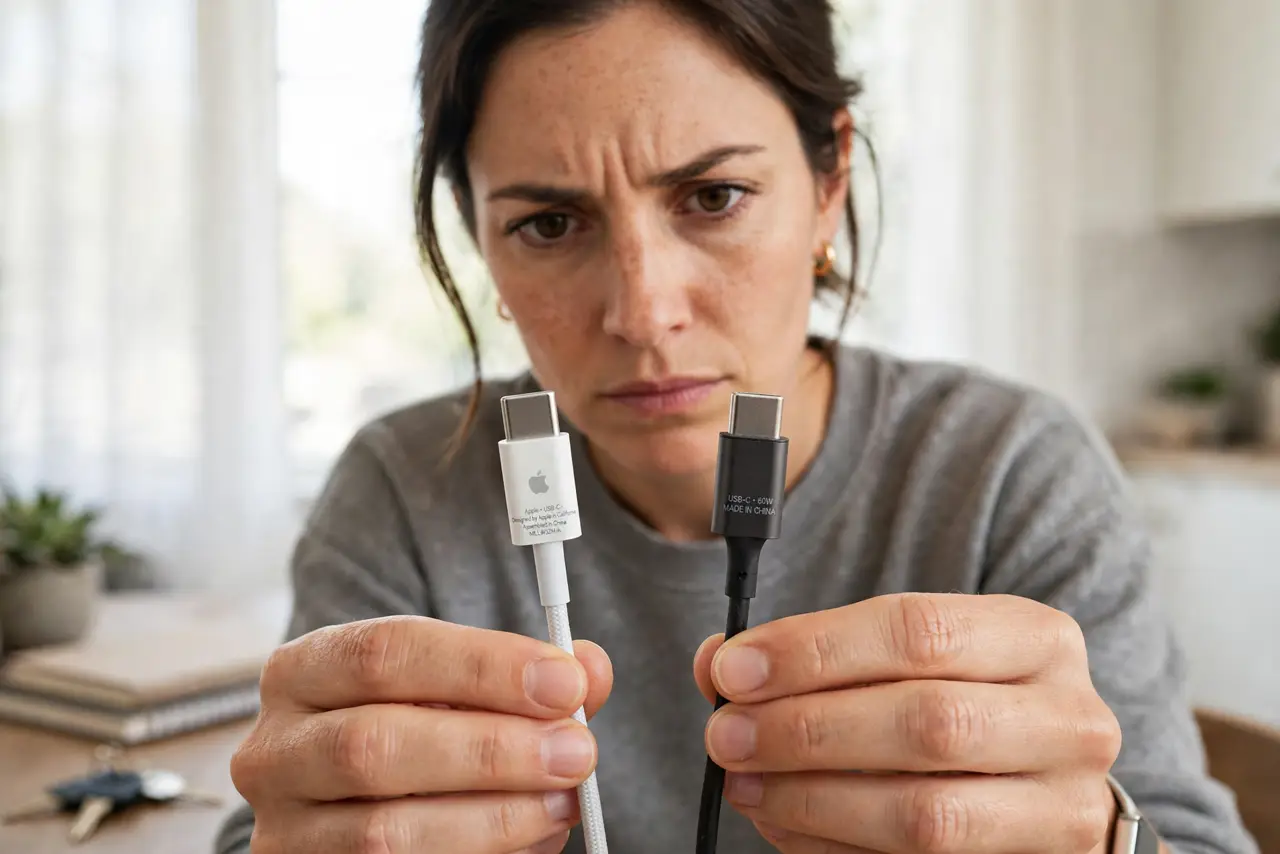
- Inspect the connector closely. Real Apple connectors have a smooth, single-piece finish with clean laser-etched markings. Fakes show rough edges, crooked pins, uneven gaps, and blurry printing. Compare against the cable that came in the iPhone box — your reference standard.
- Weigh the price against the risk. A five-pack of cables for the price of one genuine cable is not a deal — it is a warning label. One damaged charging port costs more than a lifetime of genuine cables.
- Test charging behavior. A good cable charges steadily without the phone heating unusually. Intermittent charging, slow speeds, or a hot phone on a suspect cable — stop using it immediately, and see the slow wireless charging checklist if the issue persists on trusted cables.
- Buy from reputable sources. Apple's store, the phone maker's store, or established accessory brands — not marketplace sellers with stock photos. Counterfeits thrive on anonymous listings; boring official channels are the defense.
What NOT to do
- Do not keep using a cable that triggers warnings. The phone is telling you something — repeated use of a bad cable risks the charging port and battery.
- Do not trust packaging alone. Counterfeiters copy boxes beautifully; the connector finish and the MFi database check are harder to fake.
- Do not assume USB-C means universal safety. The connector shape is standard, but the wiring quality inside cheap cables varies wildly.
- Do not 'fix' a fraying cable with tape and hope. Exposed wiring near a phone is a short-circuit risk — replace it.
Frequently asked questions
Can a fake cable really damage my iPhone?
Yes — bad voltage regulation and short circuits from cheap cables have killed charging ports and, rarely, caused overheating. It is the highest-stakes cheap accessory there is.
What does MFi actually guarantee?
That Apple tested the design for compatibility and safety. It does not mean premium — it means it will not fight your phone.
My genuine cable shows the warning — why?
Lint in the port, a worn connector, or iOS being cautious after an update. Clean both ends with a wooden toothpick and try again before replacing it.